Last updated: July 30, 2026
Here's the answer up front: you can't publish an Expo Go app to the App Store or Google Play — Expo Go is a development tool, not a publishing path. Expo's own documentation says exactly that. To ship a real app you either take the developer road (development builds, EAS Build, store accounts, EAS Submit — all covered below), or, if what you actually wanted was your app idea live in the stores without learning a build toolchain, a no-code platform that publishes real native apps. This guide walks both roads honestly.
Why your app runs in Expo Go but can't ship
Expo Go is a sandbox: one pre-built app that loads your JavaScript inside it. That's what makes it brilliant for learning and prototyping — nothing to install, changes appear on your phone instantly. But the app stores accept signed native binaries, and your project inside Expo Go isn't one; it's a script running inside someone else's app. That's also why certain features — custom native modules, some configuration fields — stop working in Expo Go the moment your app gets serious. The sandbox has walls, and publishing is on the other side of them.
The real path with Expo: the developer road
If you're a React Native developer, this is the right road, and it's well built. The honest version, end to end:
- Leave Expo Go for a development build — install expo-dev-client, which gives you your own development container instead of the shared sandbox.
- Set up EAS Build — Expo's cloud build service produces the signed iOS and Android binaries. There's a free tier with monthly build limits; see Expo's pricing for current numbers.
- Create the store accounts — the Apple Developer Program ($99/year) and a Google Play Console account ($25 one-time). Every road pays these; they're Apple's and Google's fees.
- Handle signing and credentials — EAS manages most certificates and provisioning for you, which is genuinely one of its best features.
- Submit with EAS Submit — push your builds to App Store Connect and the Play Console from any operating system.
- Finish the listings and pass review — screenshots, descriptions, privacy details, then Apple's and Google's review processes.
Verdict, stated plainly: for developers this is the right choice. Budget a weekend the first time through, and you'll own every line of a real native project.
The fork: do you actually want that toolchain?
Be honest with yourself here, because the two roads serve different people.
If you're building a custom product in React Native — you want native modules, full code ownership, control of every dependency — stay on the developer road. It's your craft, and Expo serves it well.
But if you followed a tutorial, or vibe-coded something that works, and what you actually want is your app in the stores, on real phones, this month — then the toolchain is the obstacle, not the goal. Development builds, EAS configuration, credentials, store consoles: none of that is why you started. The next section is for you.
The no-toolchain road
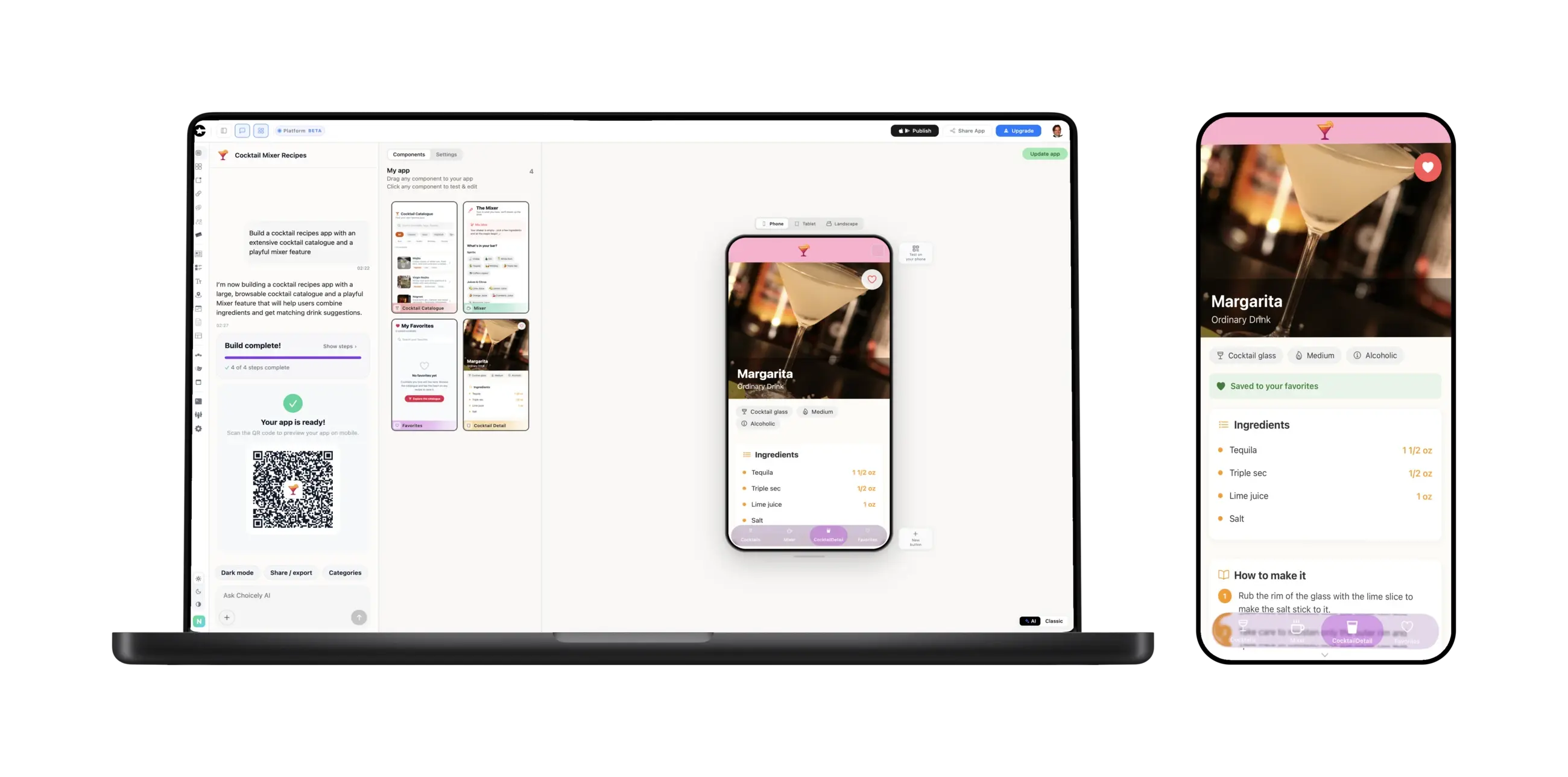
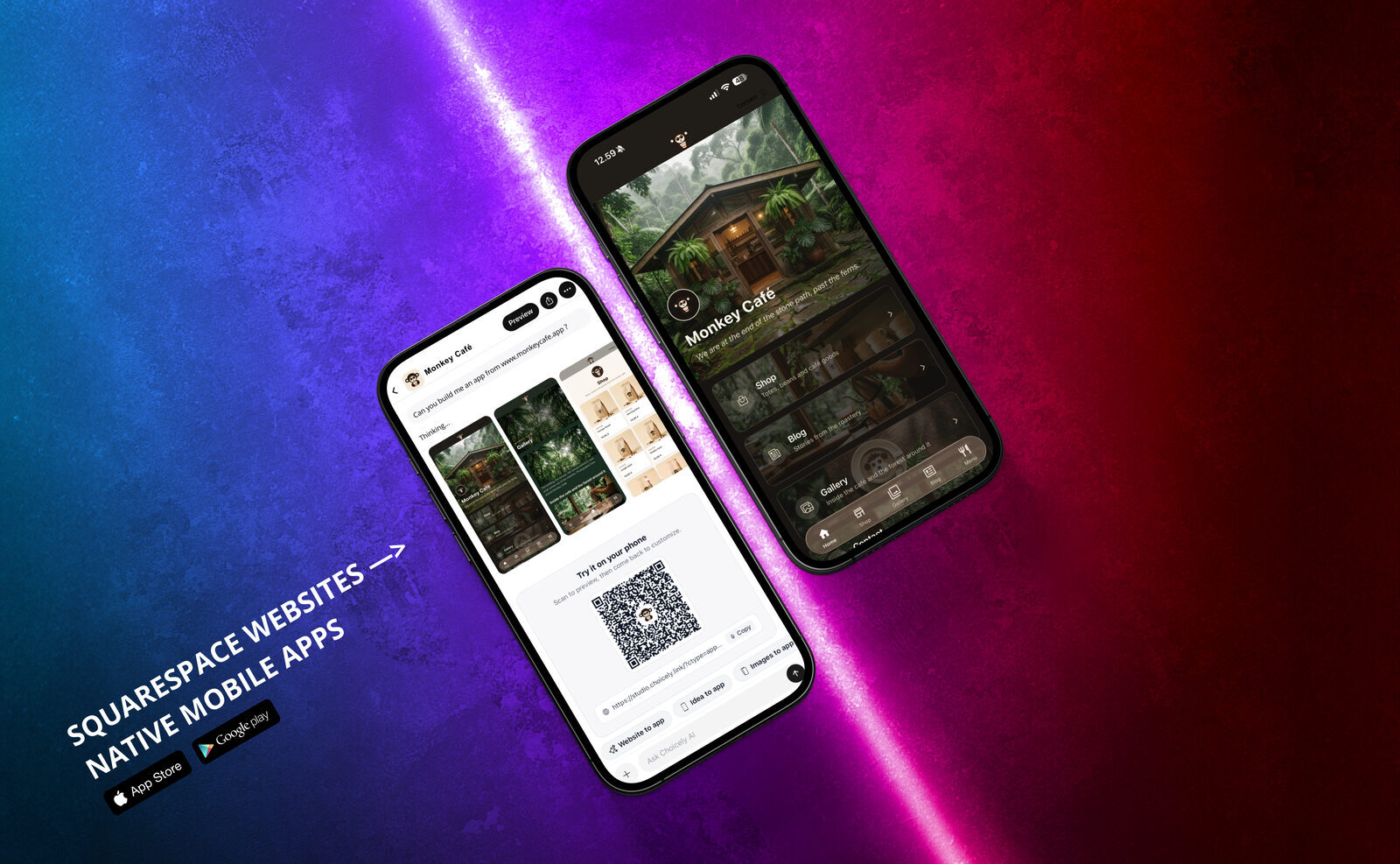
Choicely builds real native iOS and Android apps — actual Swift and Java output, not a website in a wrapper — from a description, a website, or a GitHub repository, and its Publish Assistant generates the store listings and walks the submission into both stores. No Mac, no Xcode, no signing setup.
- Preview in minutes: scan a QR code and your app runs on your own phone — free, 150 credits every month, no credit card.
- Already in a repo? Connect your GitHub repository and the AI rebuilds your app's content and structure natively — with one-click re-sync when the repo changes.
- Publishing: from $25/month, plus the same store fees everyone pays.
What this is and isn't: if you need custom native modules, deep platform APIs, or full code ownership, Expo and EAS are the right choice — this post told you so two sections ago. Choicely rebuilds your app's content and structure natively on its platform; that's why it can publish without the toolchain, and it's a different trade than owning a React Native codebase. Pick the road that matches what you're actually building.
Expo Go publishing FAQ
Can I publish my Expo Go app to the App Store?
No — Expo Go is a development sandbox. You need signed native builds: either the EAS road (development build → EAS Build → EAS Submit) or a platform that produces and publishes native apps for you.
Why does my app work in Expo Go but not as a real app?
Expo Go runs your JavaScript inside a pre-built container. The stores accept signed native binaries, and features that need custom native code don't survive the sandbox.
Is EAS free?
There's a free tier with monthly build limits, and paid plans lift them — check Expo's pricing page for current numbers. Store fees are separate and universal.
How much does publishing cost in total?
Apple charges $99/year and Google $25 one-time, whatever road you take. On the Expo road, add your EAS plan if you outgrow the free tier; on Choicely, publishing starts at $25/month with native builds and guided store submission.
Do I need a Mac to publish an iOS app?
On the Expo road, no — EAS builds in the cloud. On Choicely, also no. Building locally with Xcode is the only road that requires a Mac.
What if my app is already in a GitHub repo?
Connect it to Choicely and the AI rebuilds it as a native app, with one-click re-sync when the repo updates — or stay on the EAS road if you want to own the native project yourself.
Sources & disclosure: Expo's documentation on Expo Go, development builds, EAS Build, EAS Submit, and pricing, plus Apple's and Google's developer-program pages, as of July 30, 2026. Choicely publishes this guide and offers one of the two roads described — where Expo is the better fit, we say so.