1. Paste your website URL
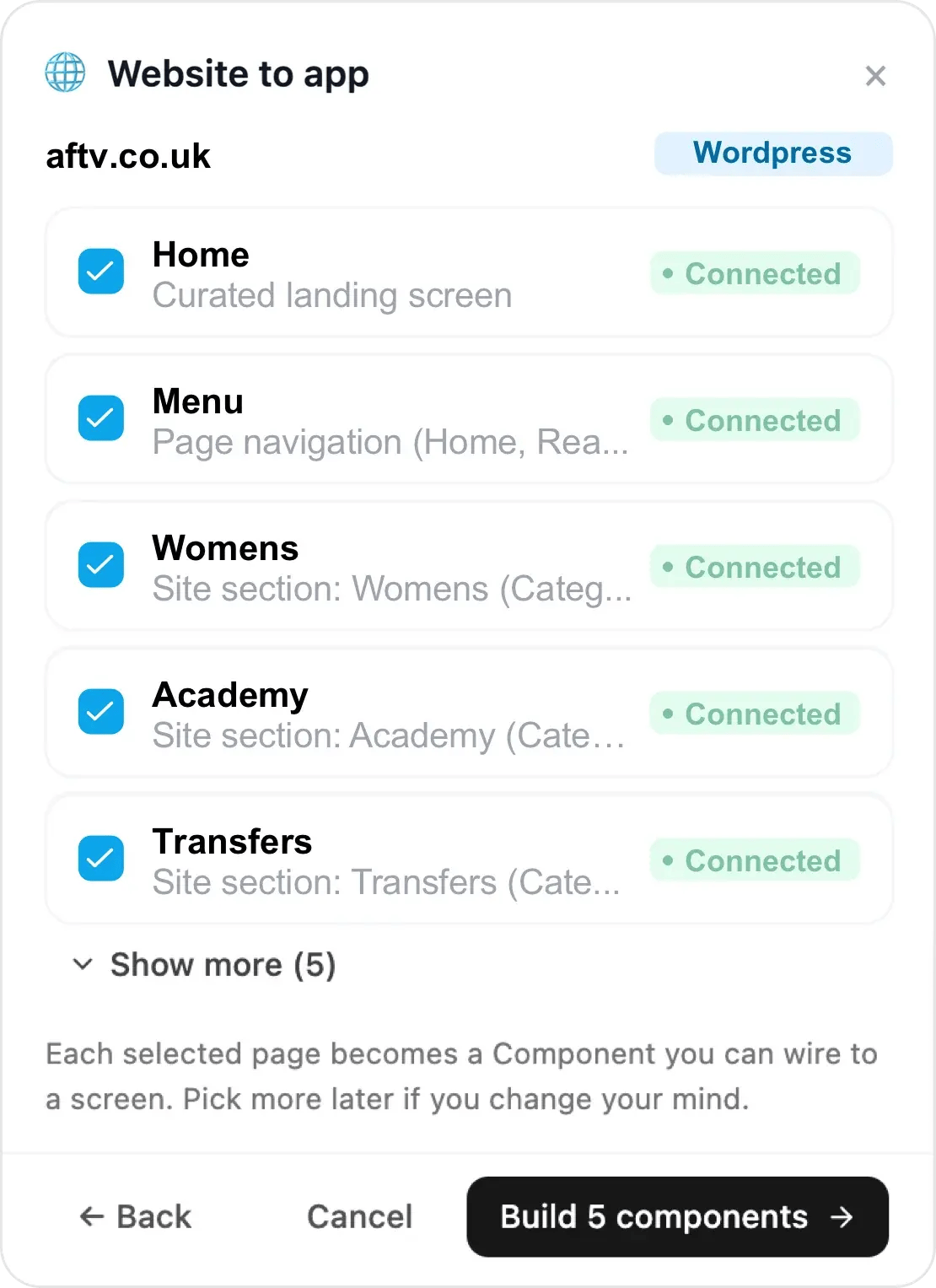
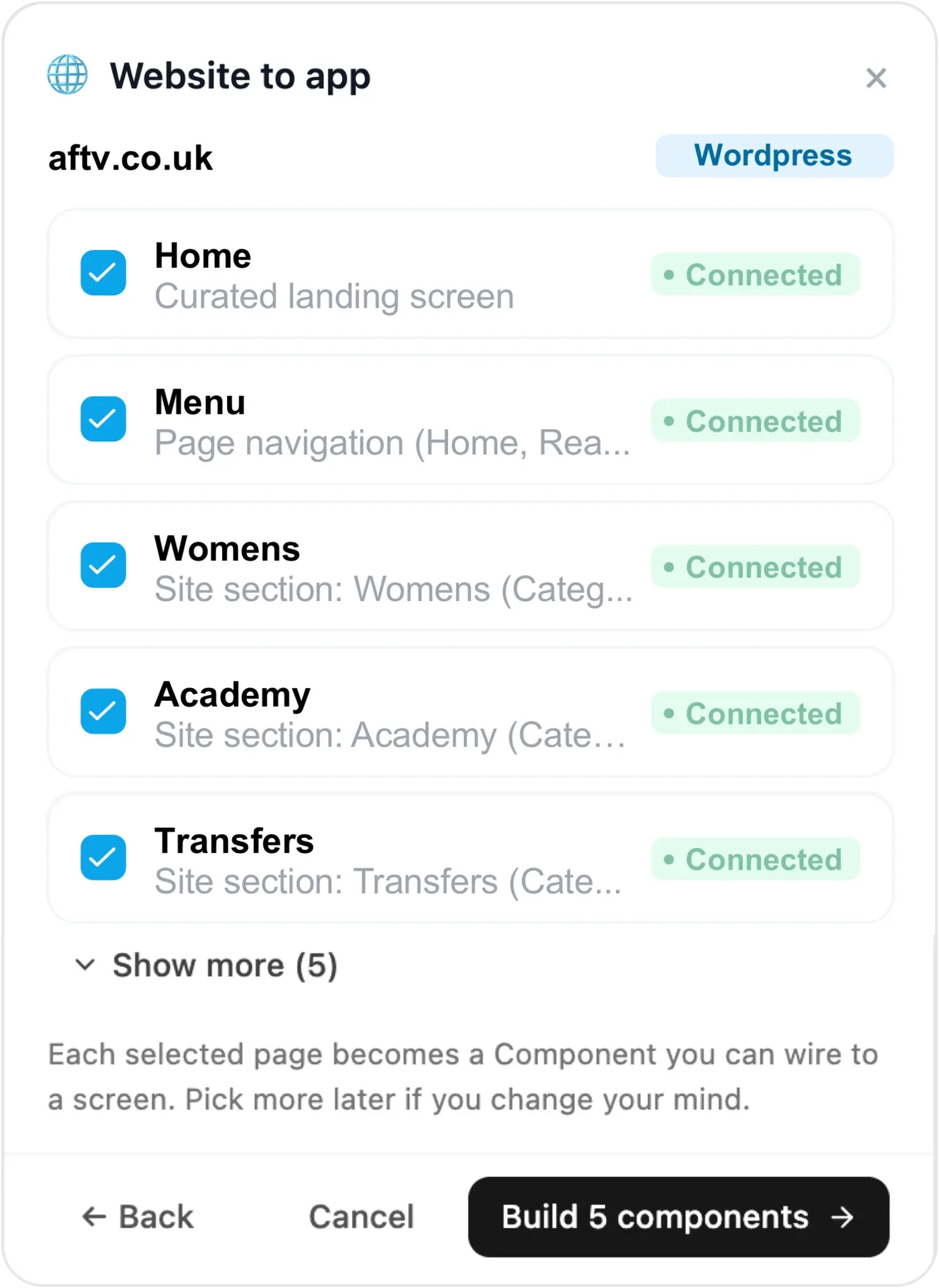
Add one or more websites — Choicely AI examines your site’s structure and suggests its pages as native components. Each selected page becomes a component in your app. Real example: aftv.co.uk.

Convert your website into a native iOS & Android app in minutes — no coding.














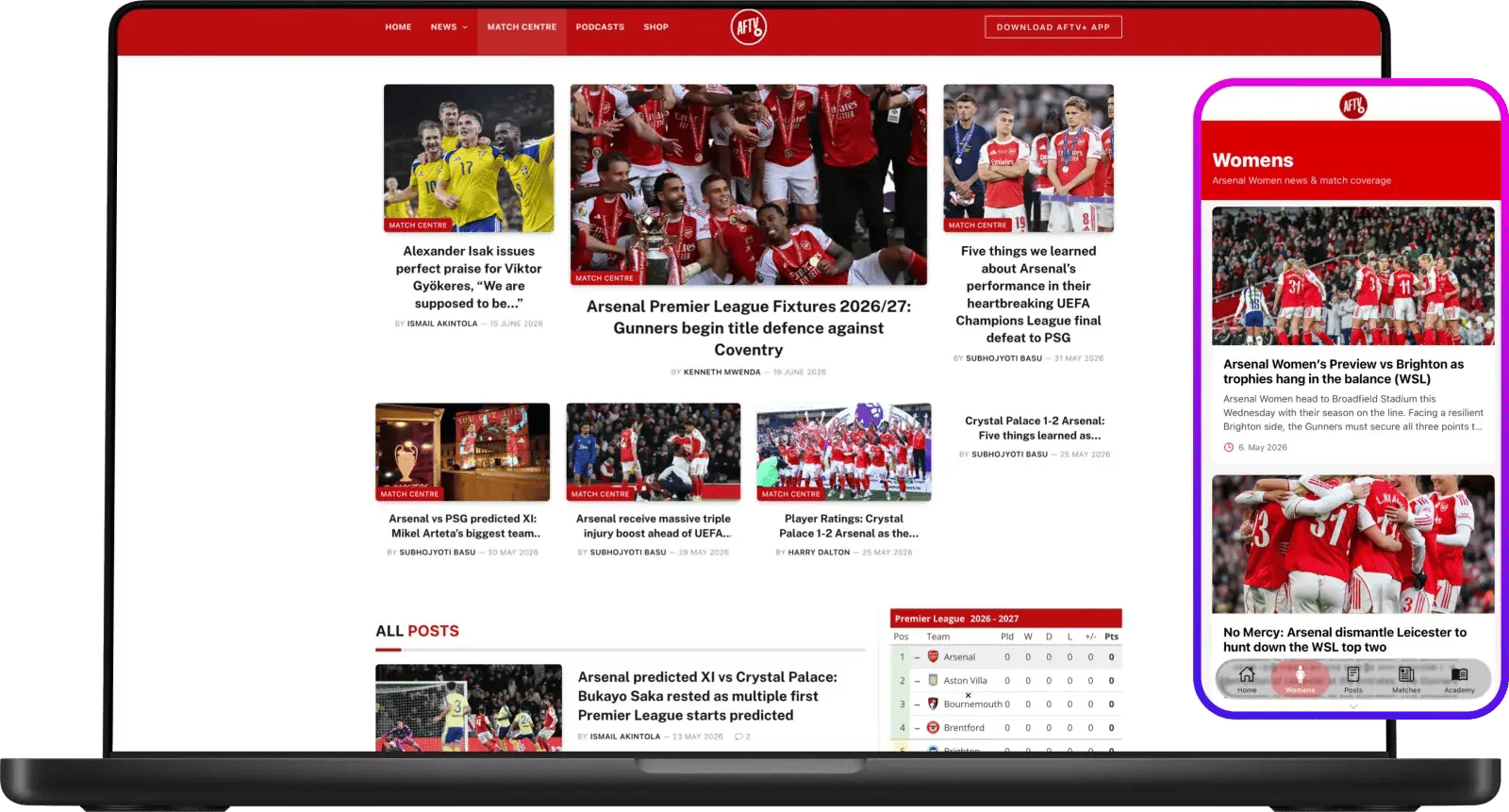
Most website to app converters wrap your site in a hidden browser window. Choicely is different: its AI reads your website and rebuilds each page as a native component — real feeds, listings and detail screens that feel like an app because they are one. Native apps load faster, work with push notifications, and pass app-store review far more smoothly than webview wrappers.
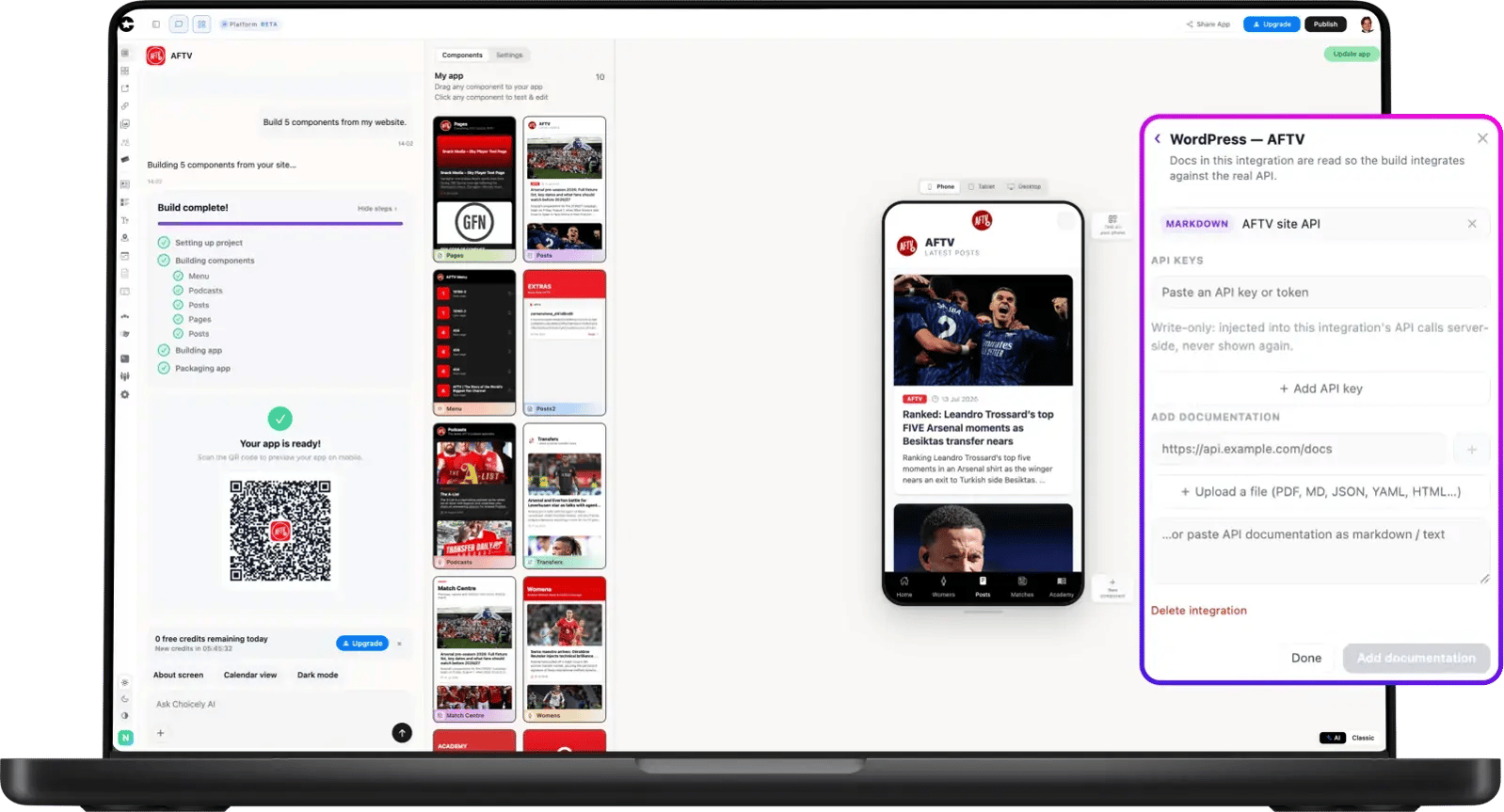
Beyond your public pages, Choicely can connect to the services behind your site. Point it at an API and the AI discovers the endpoints and scaffolds new native screens from your live data — a capability no other website to app converter offers. Your app stays in sync with your website and your systems.
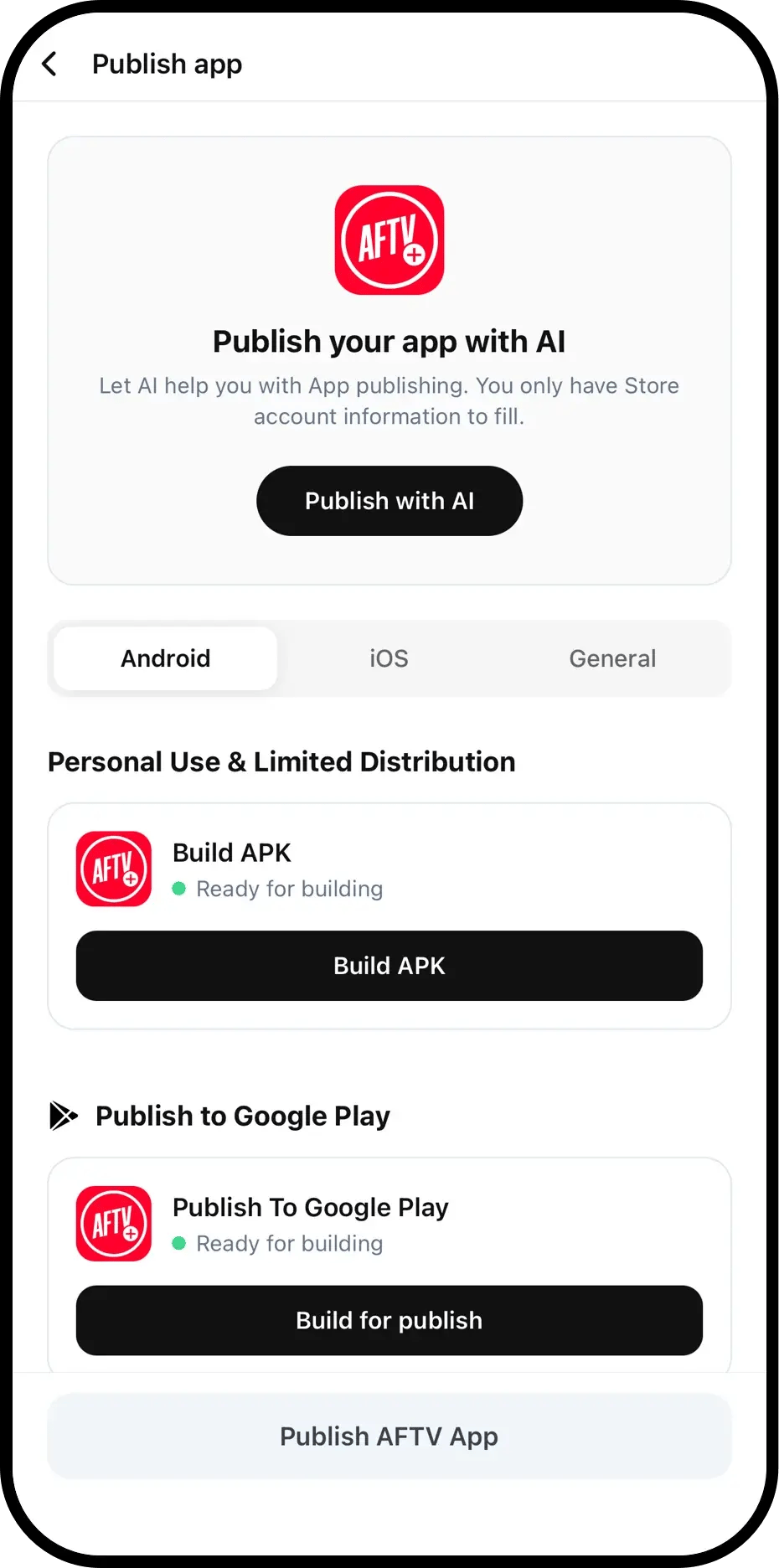
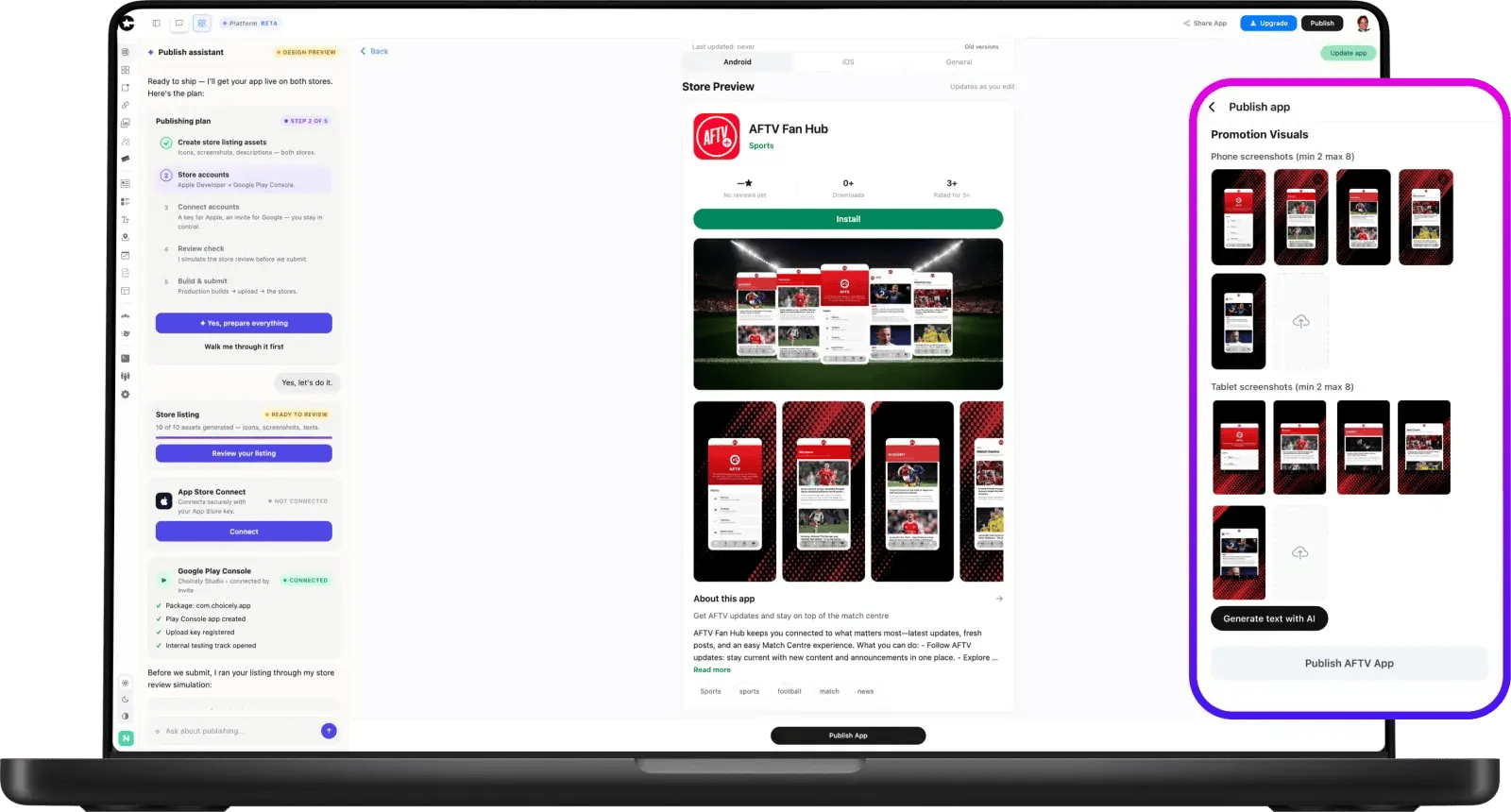
Publishing is where most app projects stall. Choicely’s Publish Assistant generates your store listing — icon, screenshots, descriptions — simulates Apple’s and Google’s review before you submit with one-button fixes, and tracks your submission live. From prompt to store: shipping a native app to the App Store and Google Play can take as little as one day.
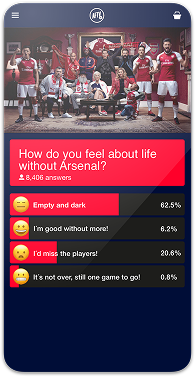
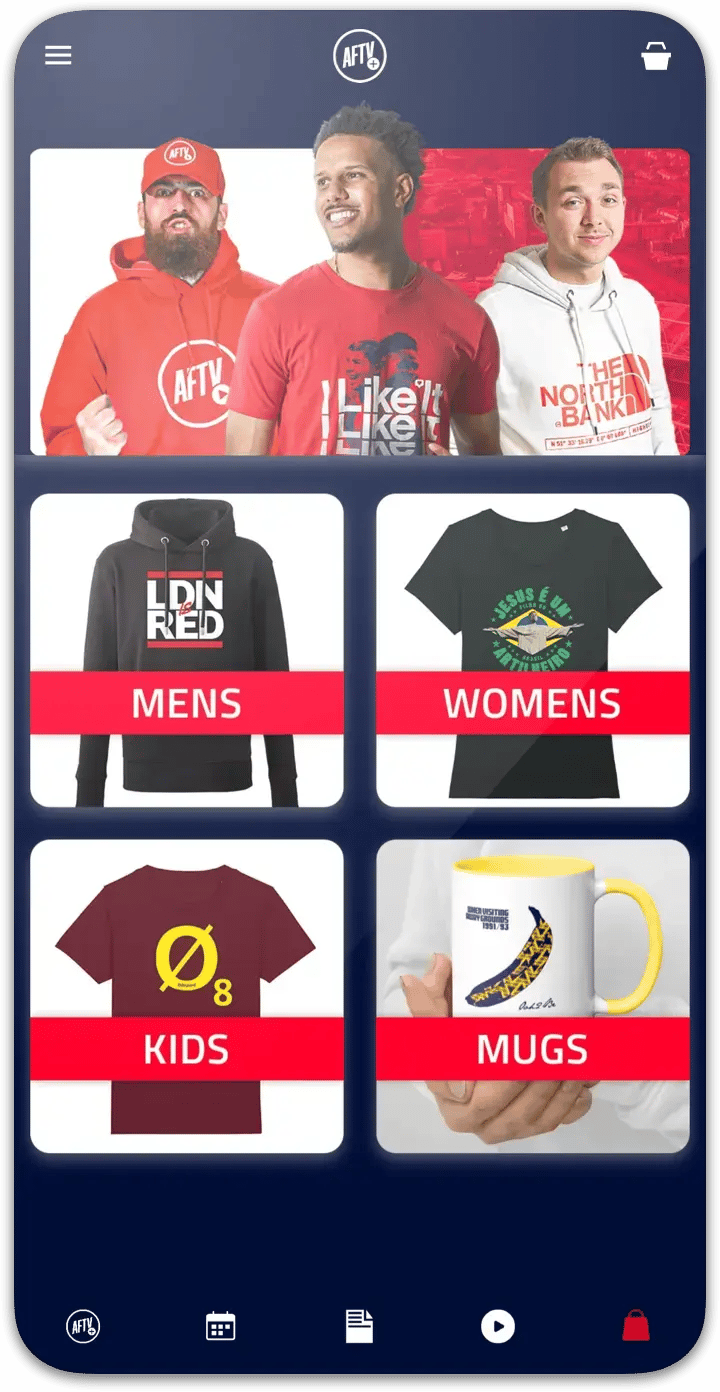
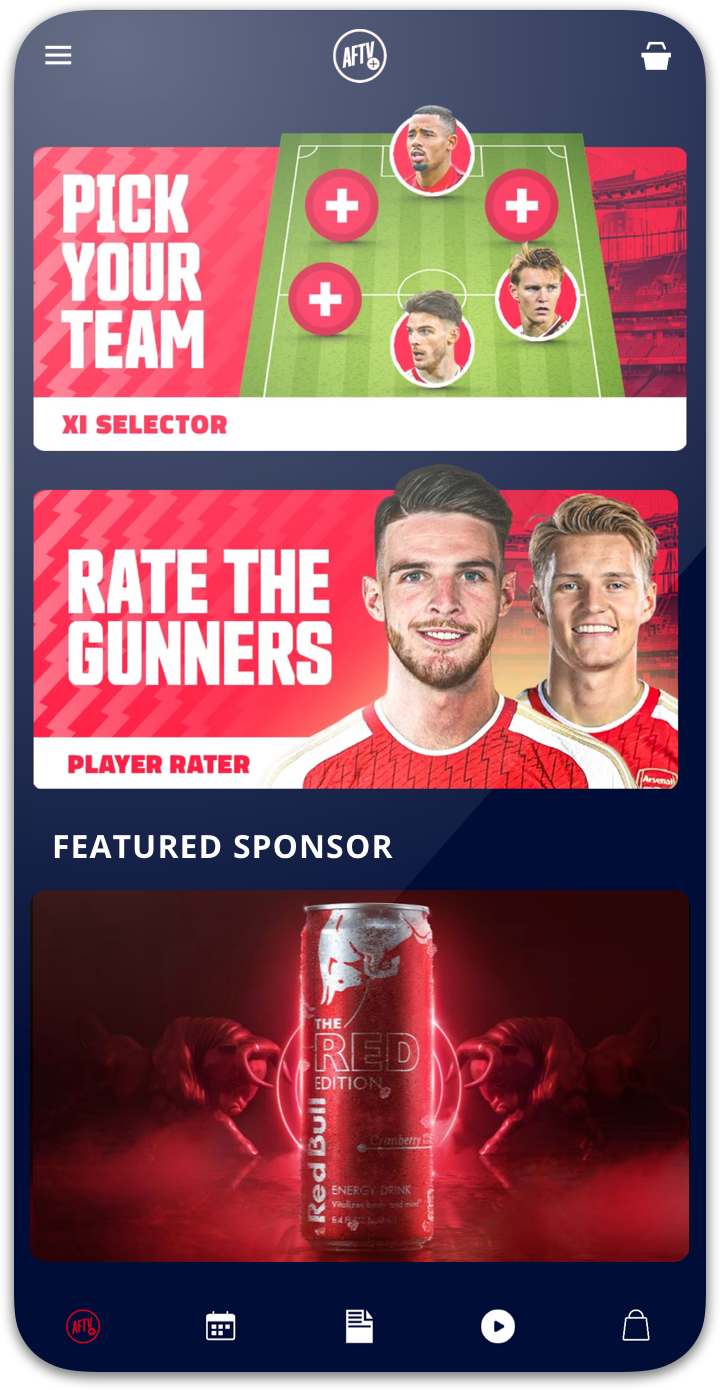
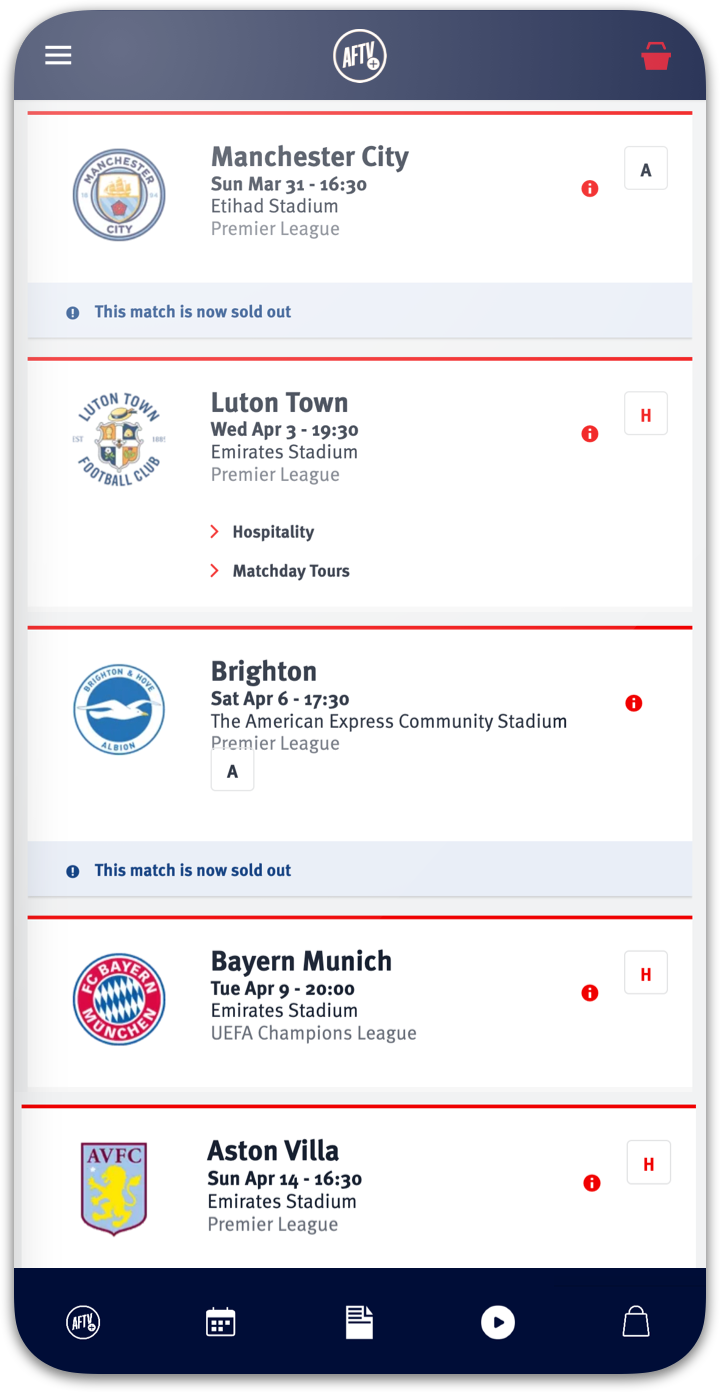
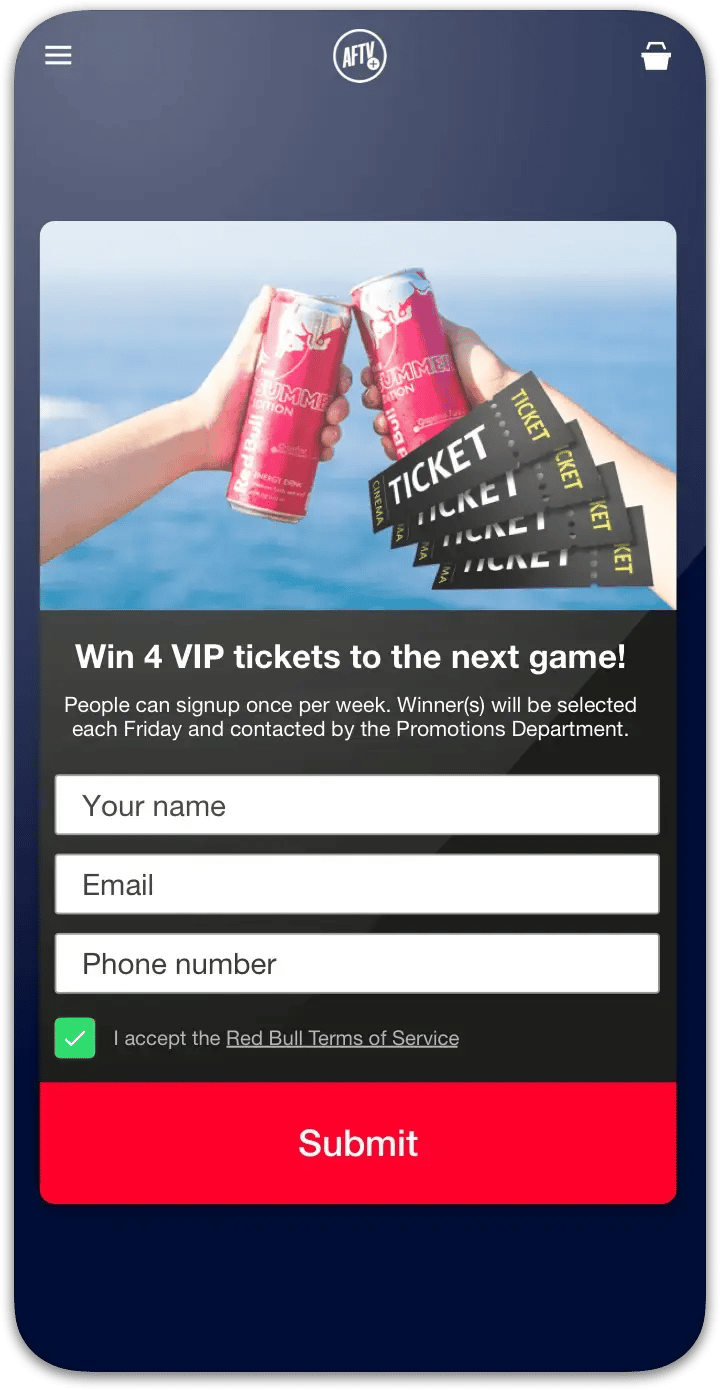
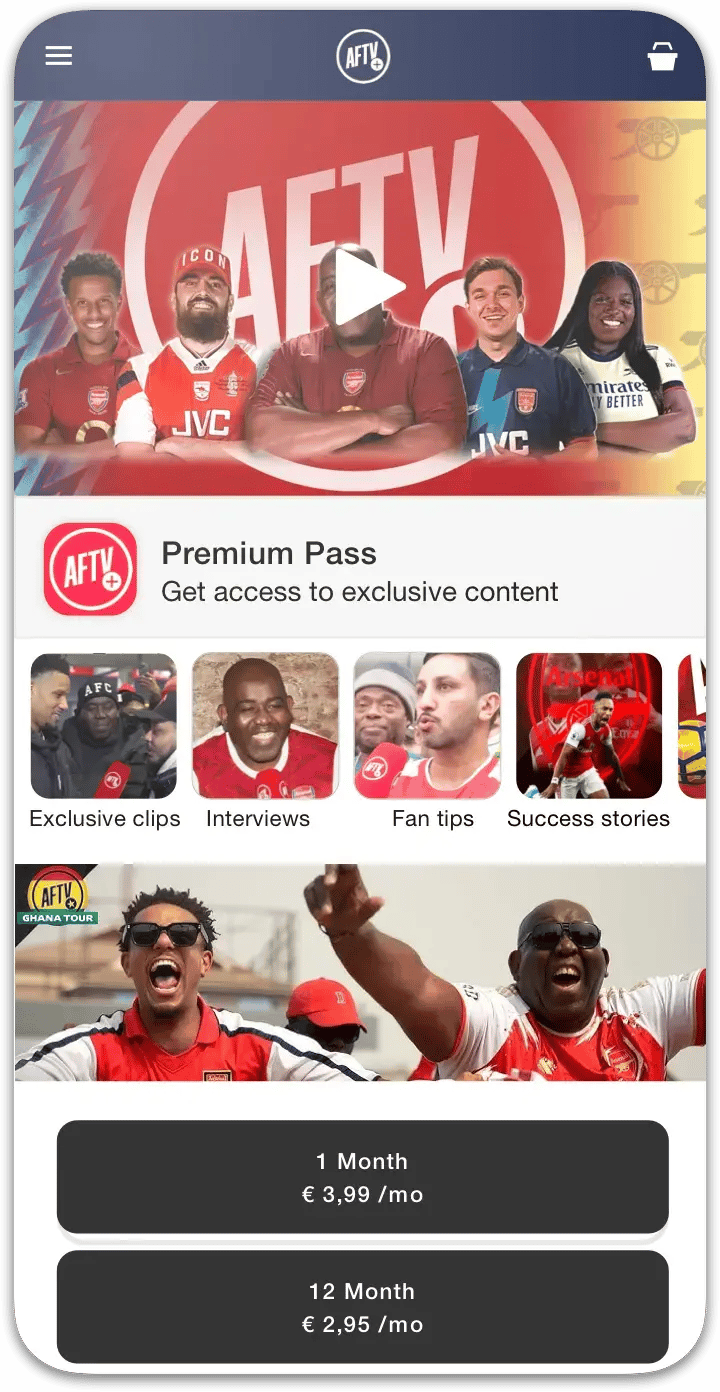
Here’s the converter in action on a real site (AFTV — Arsenal Fan TV, one of our customers): Choicely reads the website, detects the platform, and lists its pages and sections. Tick the ones you want, press build, and each becomes a native component wired to a screen. Pick more later if you change your mind — your website keeps running untouched.
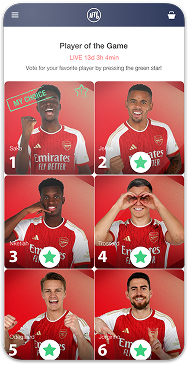
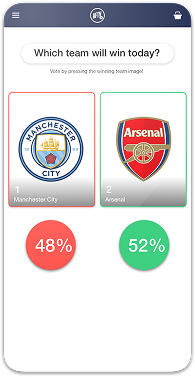
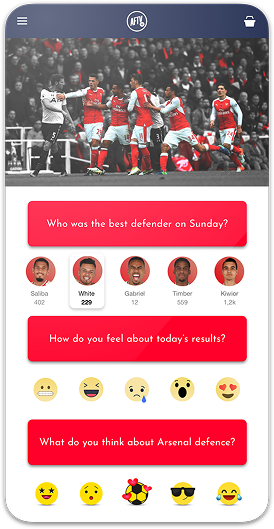
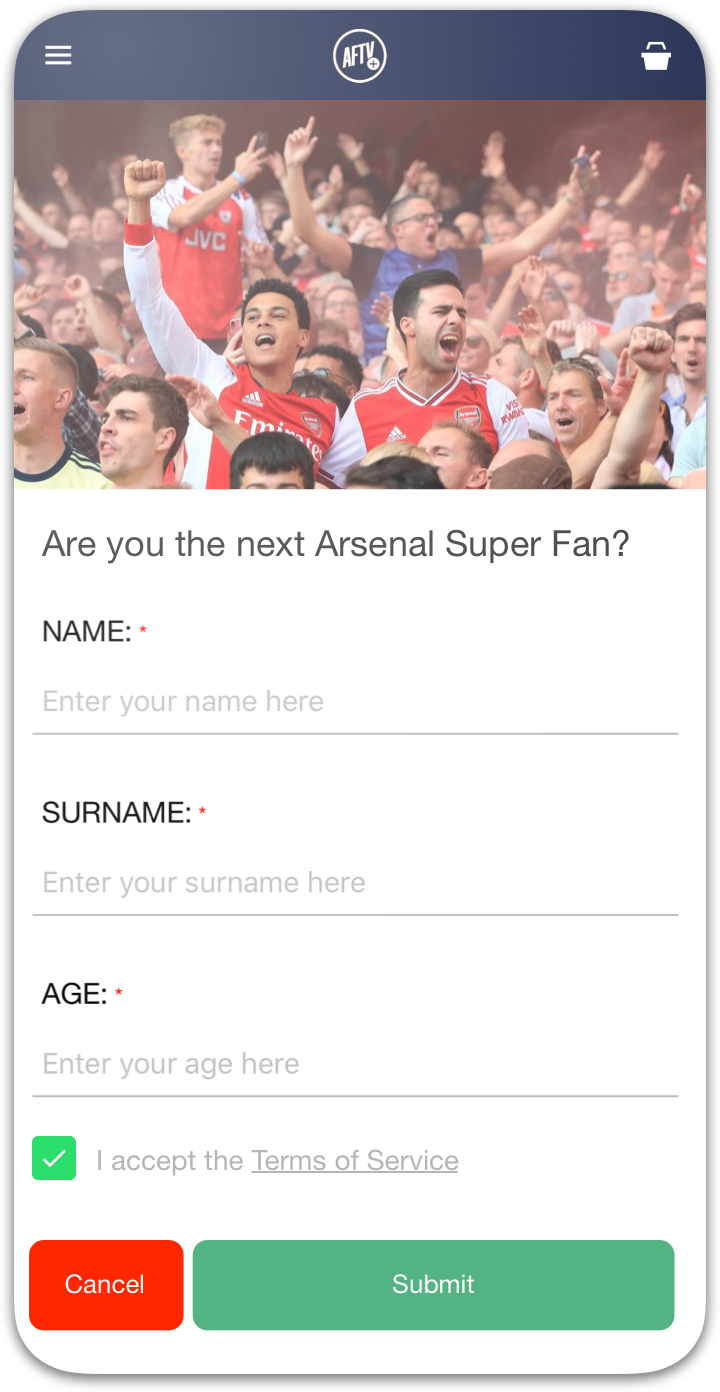

"Despite Choicely being a no code platform, we got a fully tailormade app that matches our needs and our brand. Making improvements is quick and easy. We can focus on engaging our fans!"

"This product is clever and intuitive and can fulfil our needs for a responsive app built on native platforms. For the price, it is remarkable technology."

"With the help of Choicely, the app allows the Dancing With The Stars universe to expand and lets the audience really dive into an exclusive world of content and engaging features."

"The Choicely app is like a Swiss army knife for us, a multipurpose instrument.
Not only will it dramatically change the way voting is concluded on our entertainment programmes, and make sports broadcasts more fun and engaging, but will also become one of our most important channels for listening to what our users have to say."

Most website to app converters produce webview wrappers. Choicely produces native apps people actually use — the Miss Universe app built on Choicely has passed 3 million downloads across 200+ countries.
A website to app converter turns your existing website into an installable mobile app — Choicely’s AI does it by rebuilding your pages as native components and keeping them in sync with your site.
Convert your website yourself with AI, or have our expert team do it for you. It’s your choice.


Satisfaction among the Choicely customers
Countries with users using a Choicely App
Reviewed on G2.com
Countries with customers using the Choicely App Builder