1. Describe your app
Start in Choicely Studio and say what you want: "a shop app for my skincare brand." You do not need your store connected yet — you will do that next, and the AI will rebuild around your real products once it can see them.

Your Shopify catalog, cart and checkout — in a real native iOS and Android app for your customers. No code, no webview wrapper.













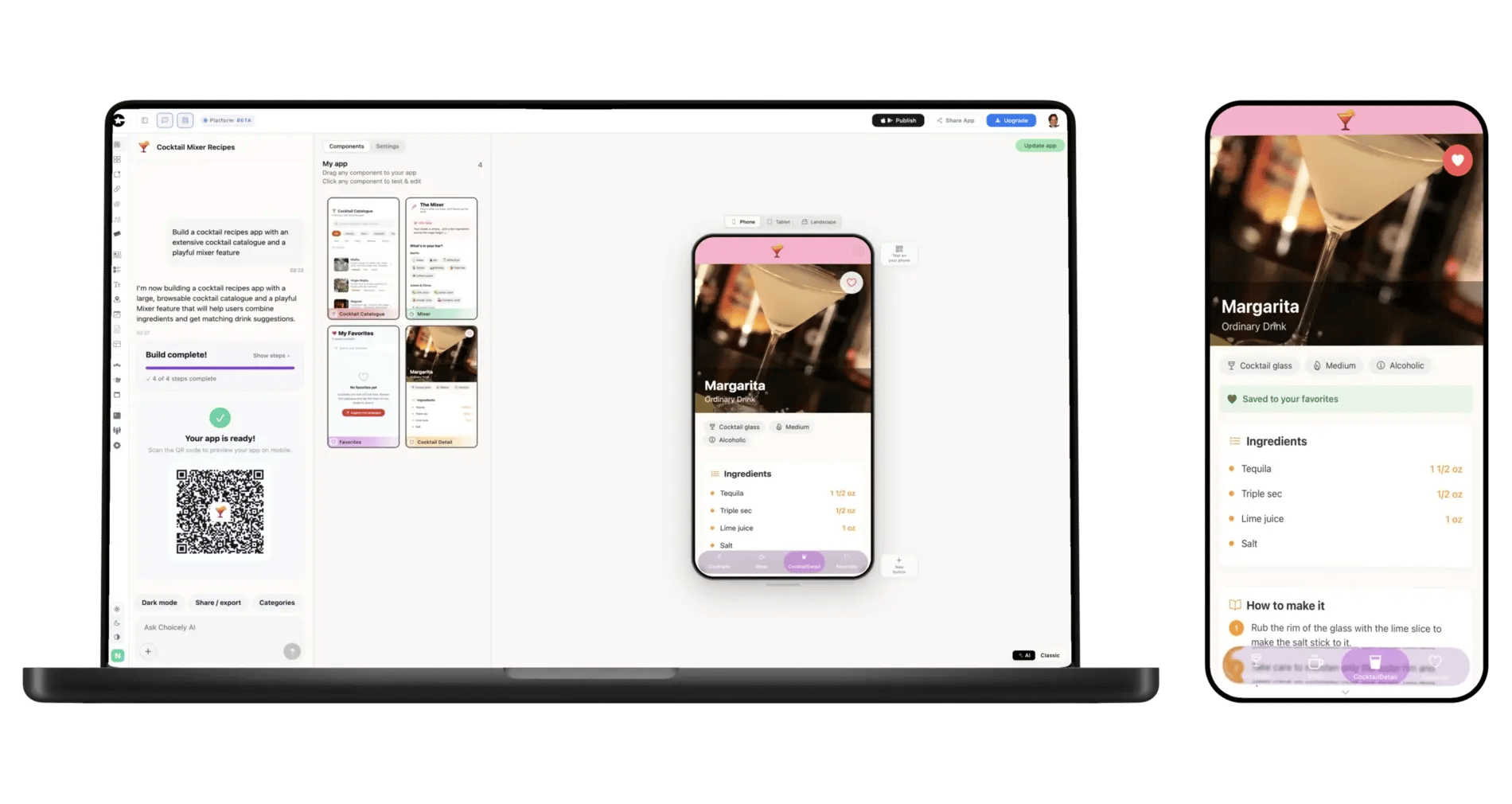
Start in Choicely Studio and say what you want: "a shop app for my skincare brand." You do not need your store connected yet — you will do that next, and the AI will rebuild around your real products once it can see them.
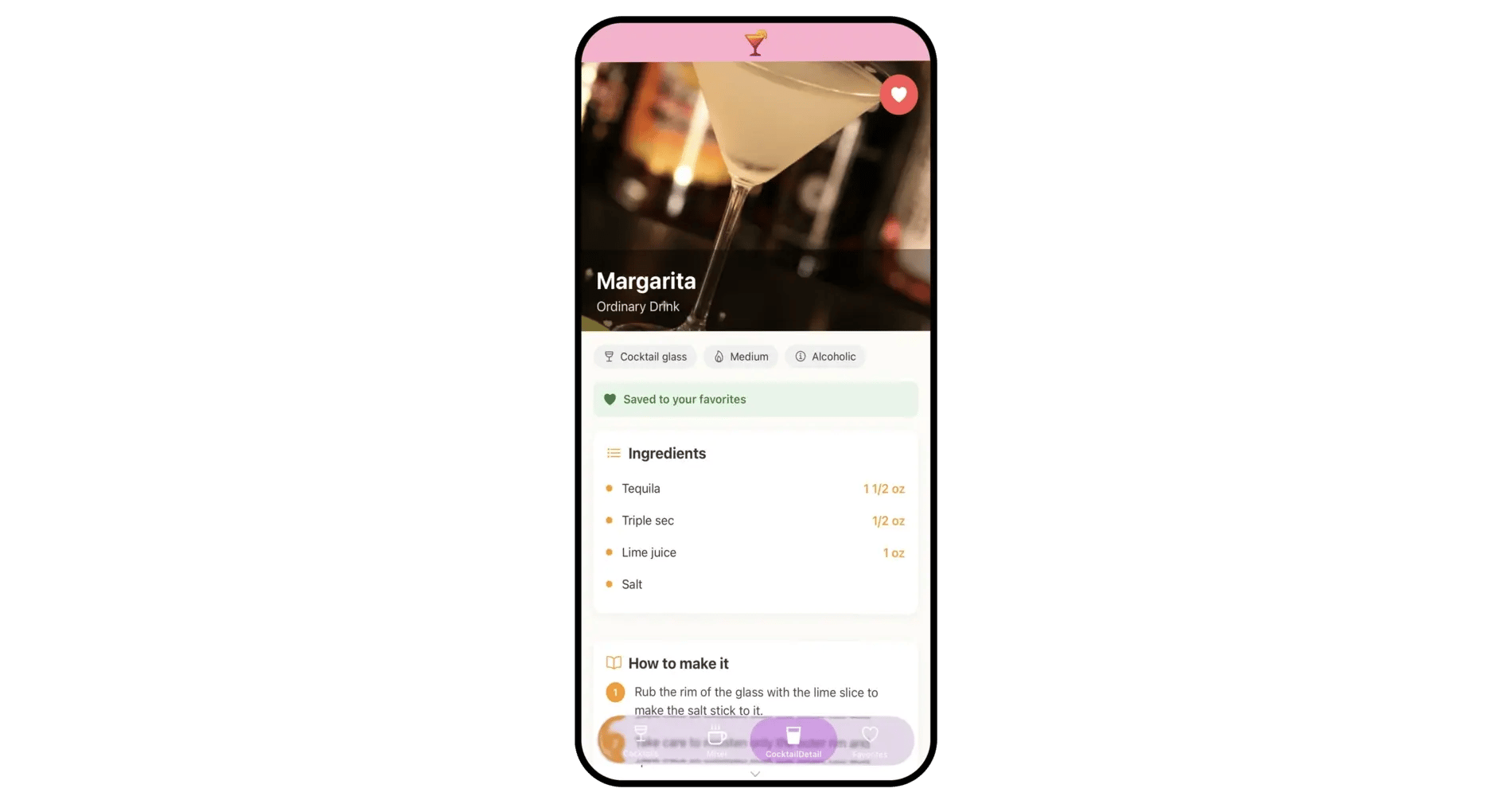
In your app’s integrations, choose Connect Shopify. Enter your store domain and paste your public Storefront API access token — you create it in your Shopify admin in about a minute. It works with your-store.myshopify.com and with custom storefront domains.
It must be the public storefront token. Choicely deliberately refuses Shopify Admin API keys and app secrets (shpat_…, shpca_…, shpss_…): anything you paste here is readable inside the published app, and an Admin key would hand every reader your whole store.
One-click store sign-in is on the way. For now the token takes about a minute and works with every store, including custom domains.
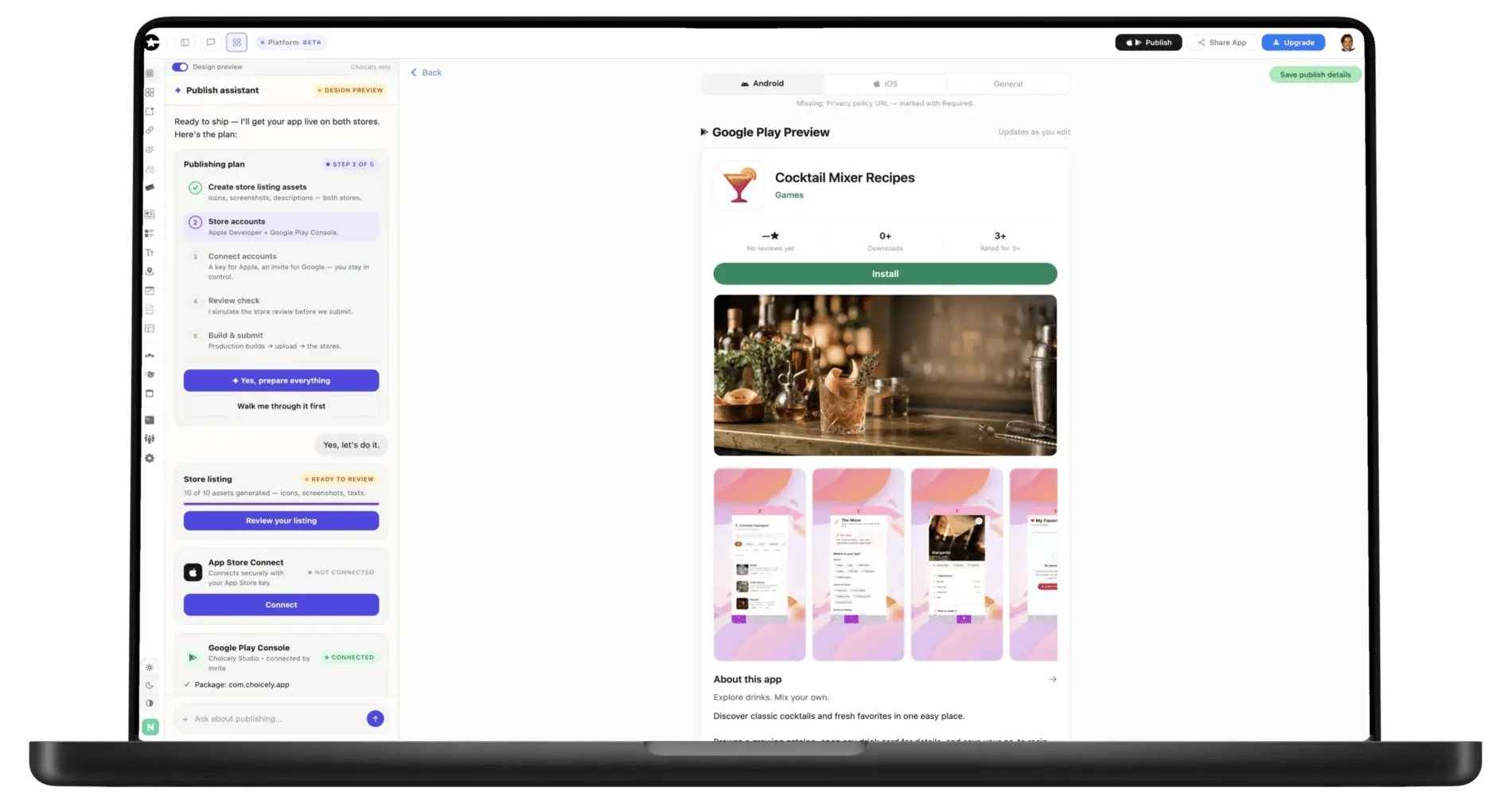
Choicely reads your live catalog — collections, product types, variants — and the AI builds your storefront around what is actually in your store. When it looks right, Publish Assistant takes it to the App Store and Google Play.
To turn a Shopify store into a mobile app, connect the store to Choicely: enter your store domain and a public Storefront API access token, and Choicely’s AI builds a native iOS and Android app your customers install — browse, search, product pages, cart, and checkout through Shopify’s own checkout. No code, no webview wrapper. Your Shopify store keeps running exactly as it does now; the app is a second storefront, not a migration.
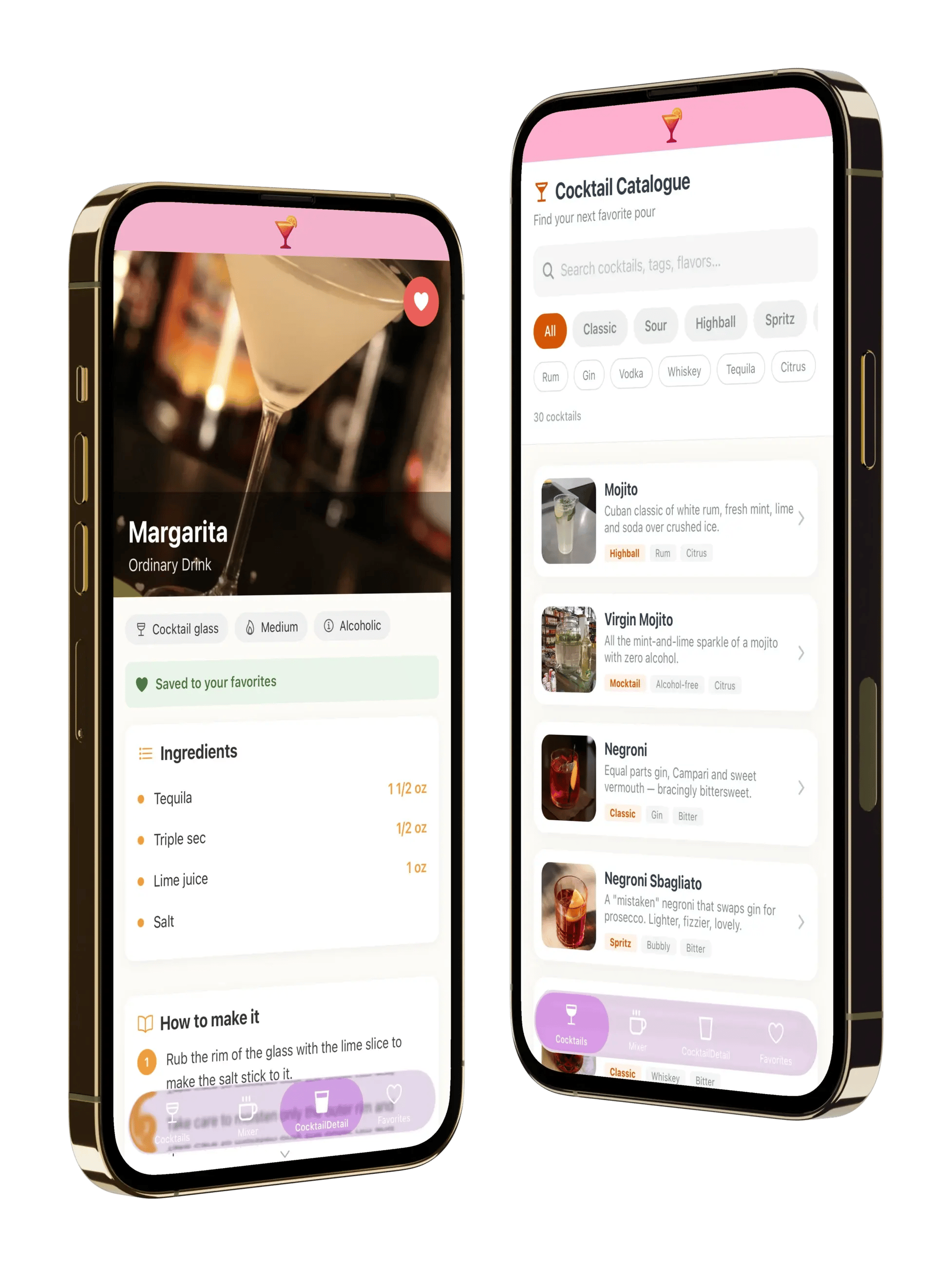
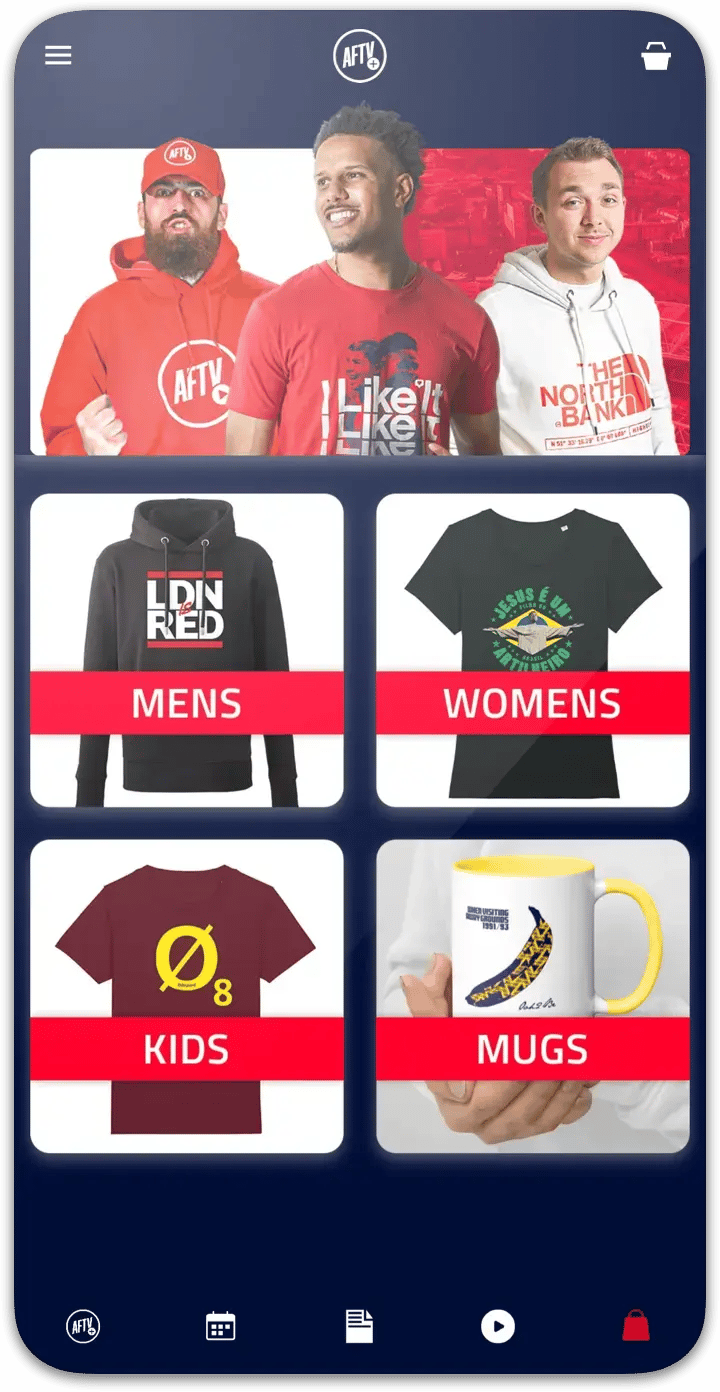
Version one is a shopping storefront. It shows your full product catalog with search, uses your real collections, product types, variants, inventory and tags, renders native product detail screens rather than web pages in a frame, adds to cart, and checks out through Shopify’s own checkout.
Not in version one:
Orders, payments, taxes, discounts and inventory all stay in Shopify, under the setup you already have. Choicely is the storefront, not a second admin. We would rather tell you that here than have you find it out after you have built the app.
Most Shopify mobile app builders are apps inside the Shopify App Store. That has consequences merchants usually discover late: the app is billed through your Shopify plan, it is bound to your Shopify subscription, and if you uninstall it your mobile app goes with it.
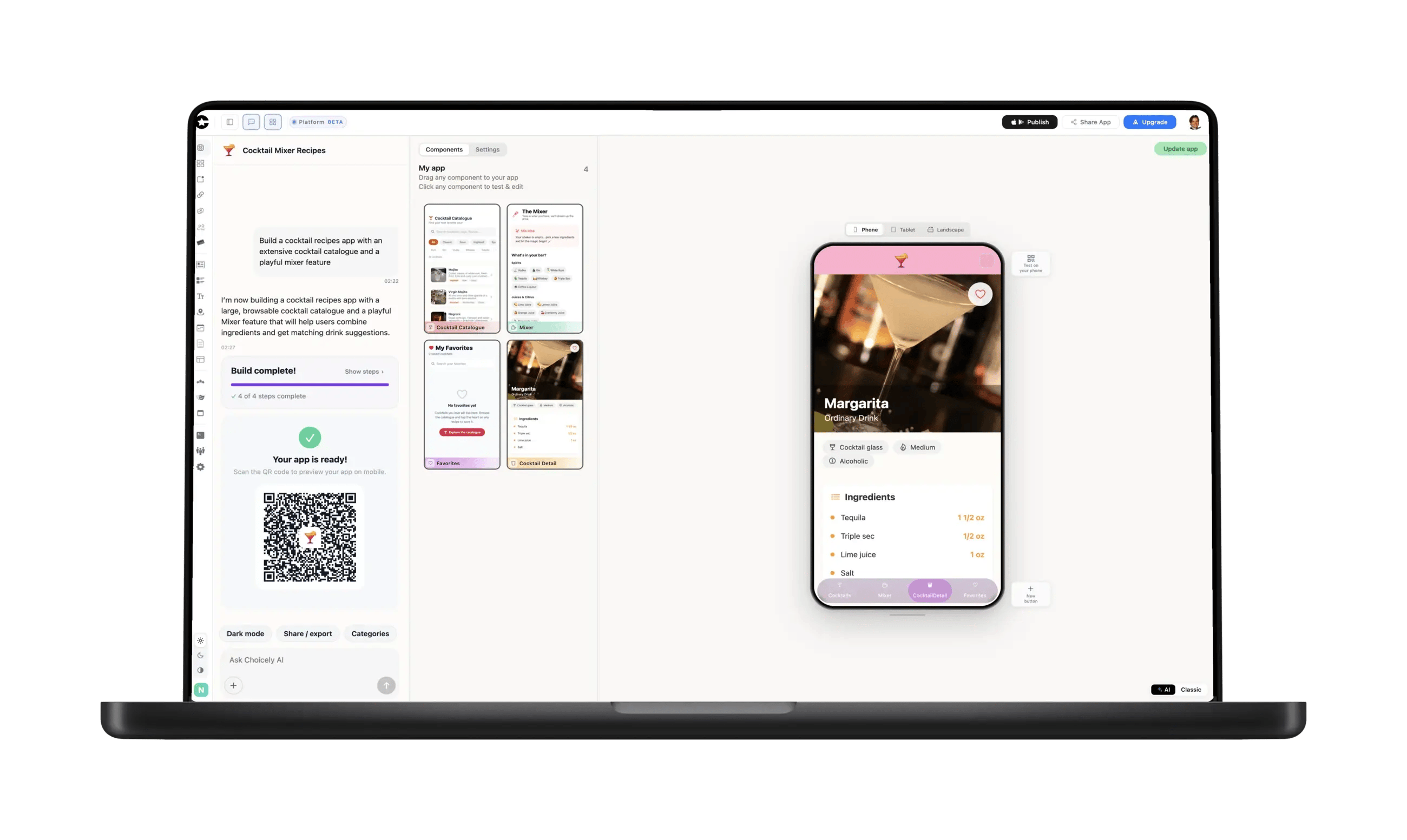
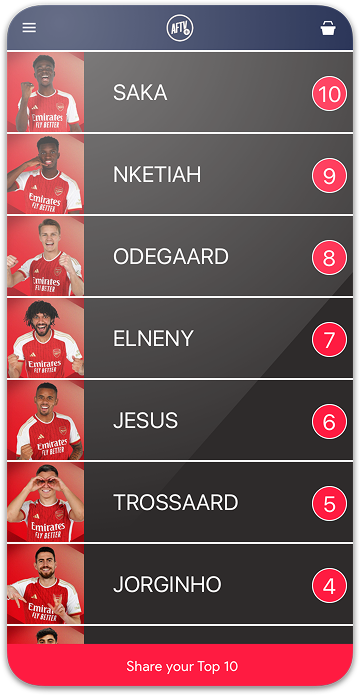
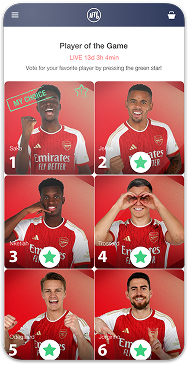
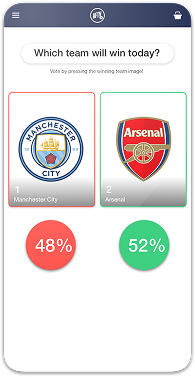
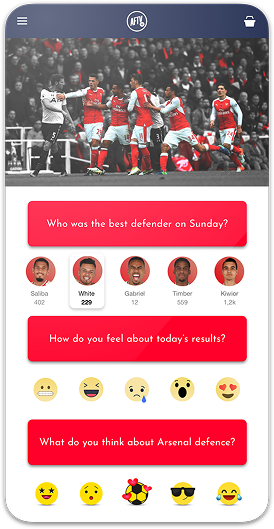
Choicely works differently on purpose. It is not installed from the Shopify App Store and is not billed through Shopify. The app is yours. And because Choicely is a general app platform rather than a commerce-only add-on, your app can carry things a storefront builder cannot — announcements, video, voting, fan engagement — alongside the shop.
Say "build an app for my Shopify store" and Choicely does exactly that. When you connect your store, Studio imports your collection handles and product types, so the AI knows whether it is building for a two-collection skincare brand or a 40-category outdoor retailer. You get a storefront shaped like your catalog, then you refine it in chat — feature a collection, change the home screen, add a video section.
That is the difference between an app builder and a template picker: you are not choosing a layout and pouring products into it.
When the app is ready, the Publish Assistant pre-checks it against Apple’s and Google’s review rules, generates your store listings, and walks the submission into both stores. No Mac, no Xcode, no signing headaches.
Apple charges $99 a year and Google a one-time $25 developer fee — Choicely does not mark those up.

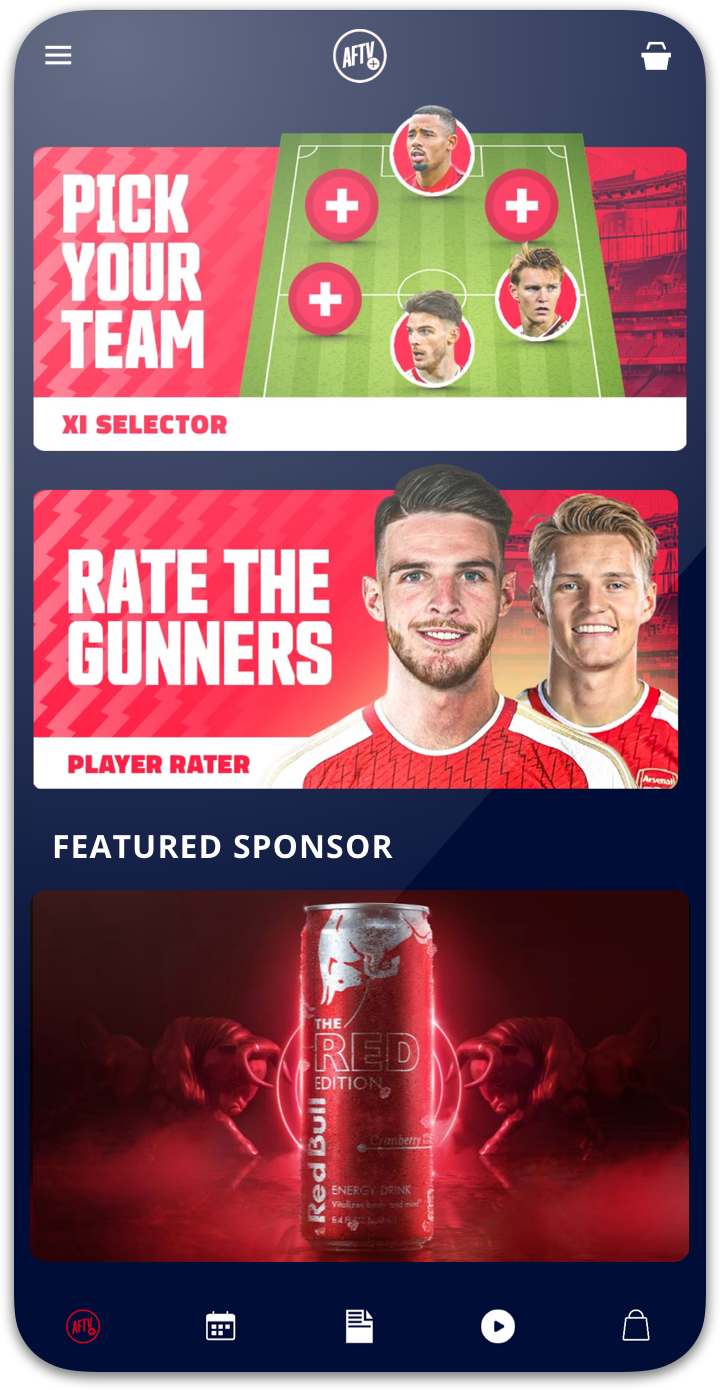
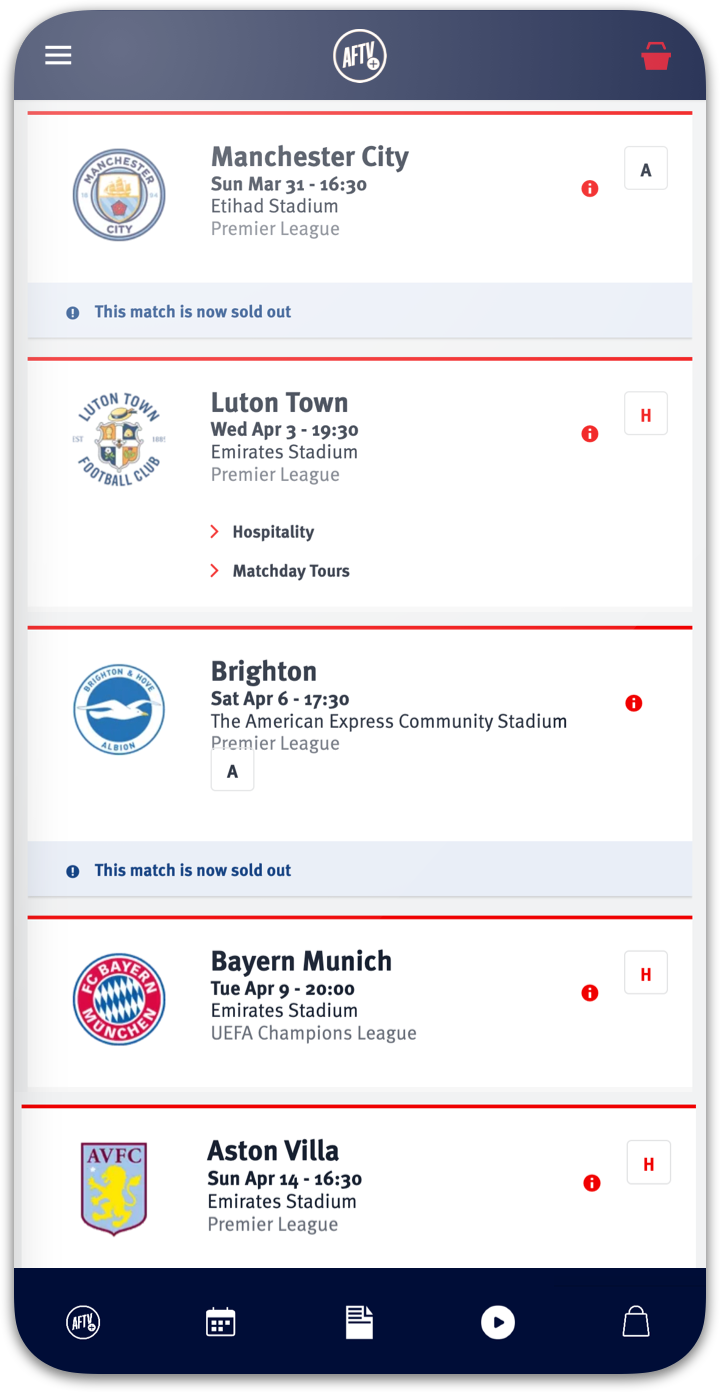
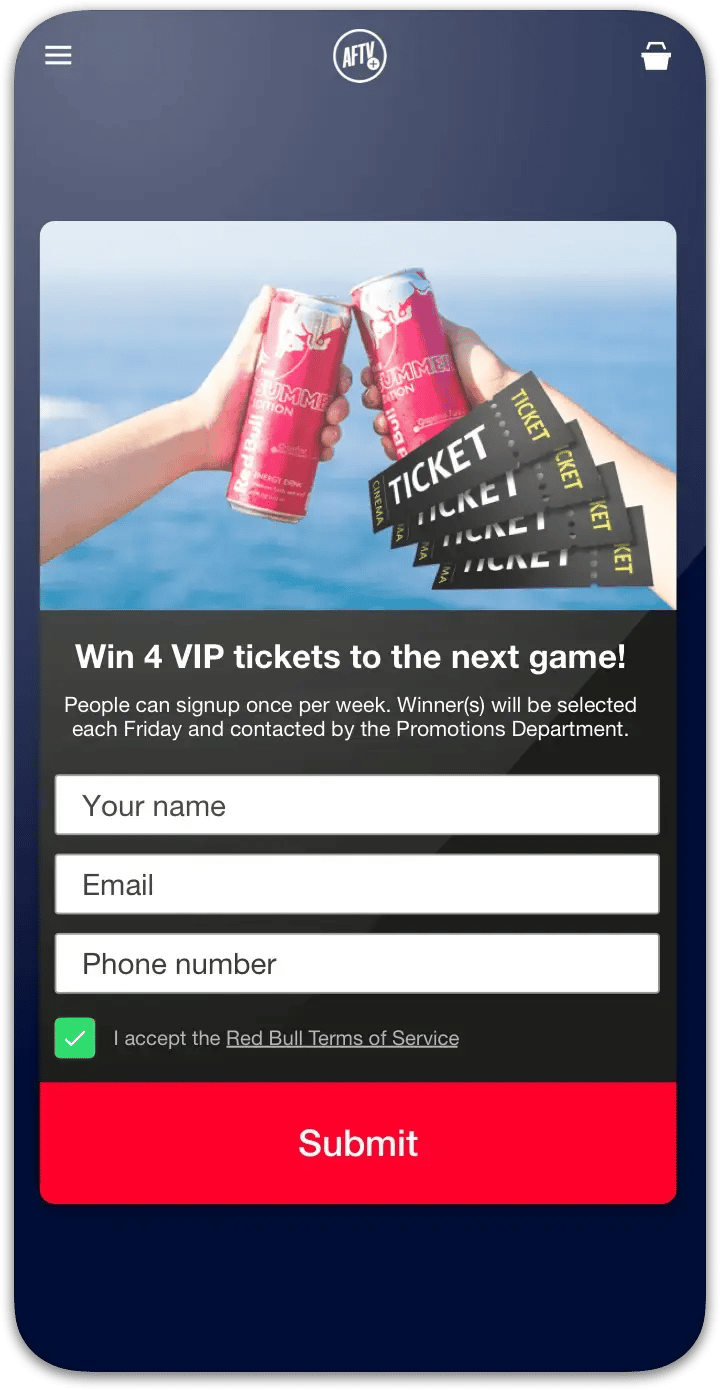



"Despite Choicely being a no code platform, we got a fully tailormade app that matches our needs and our brand. Making improvements is quick and easy. We can focus on engaging our fans!"

"This product is clever and intuitive and can fulfil our needs for a responsive app built on native platforms. For the price, it is remarkable technology."

"With the help of Choicely, the app allows the Dancing With The Stars universe to expand and lets the audience really dive into an exclusive world of content and engaging features."

"The Choicely app is like a Swiss army knife for us, a multipurpose instrument.
Not only will it dramatically change the way voting is concluded on our entertainment programmes, and make sports broadcasts more fun and engaging, but will also become one of our most important channels for listening to what our users have to say."

Choicely turns your Shopify store into a working native phone app without code — and the one thing that separates it from a Shopify App Store add-on is whose app it is. Choicely generates a real native iOS app (Swift) and Android app (Java) from a single project, it is not billed through your Shopify plan, and it can carry content well beyond the storefront.
You build and preview for free (150 credits every month, no card); publishing to both stores is the paid step, starting at Premium $25/month. The Publish Assistant handles the parts that usually need a developer — native builds and store submission.


Satisfaction among the Choicely customers
Countries with users using a Choicely App
Reviewed on G2.com
Countries with customers using the Choicely App Builder