1. Describe your app
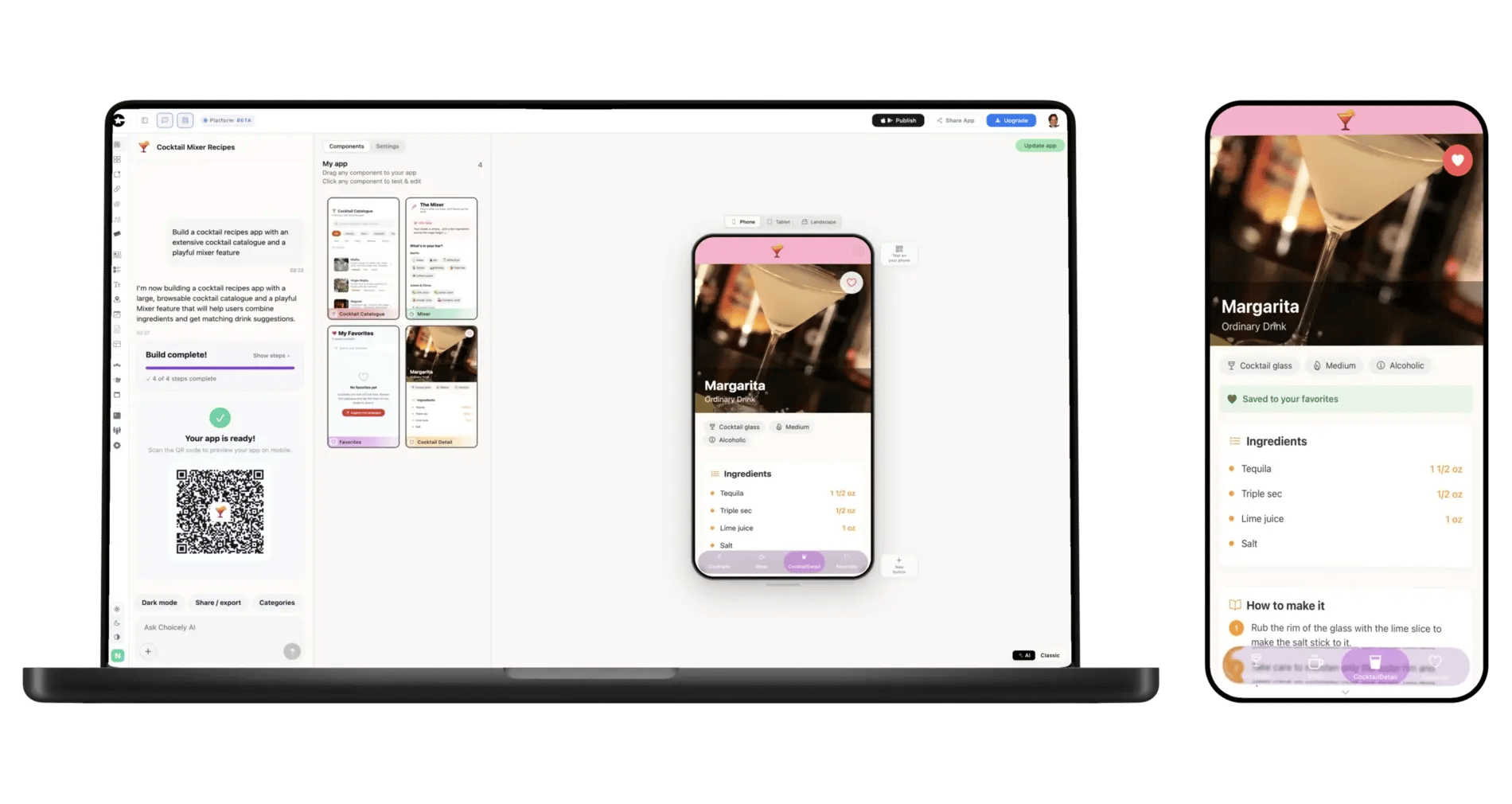
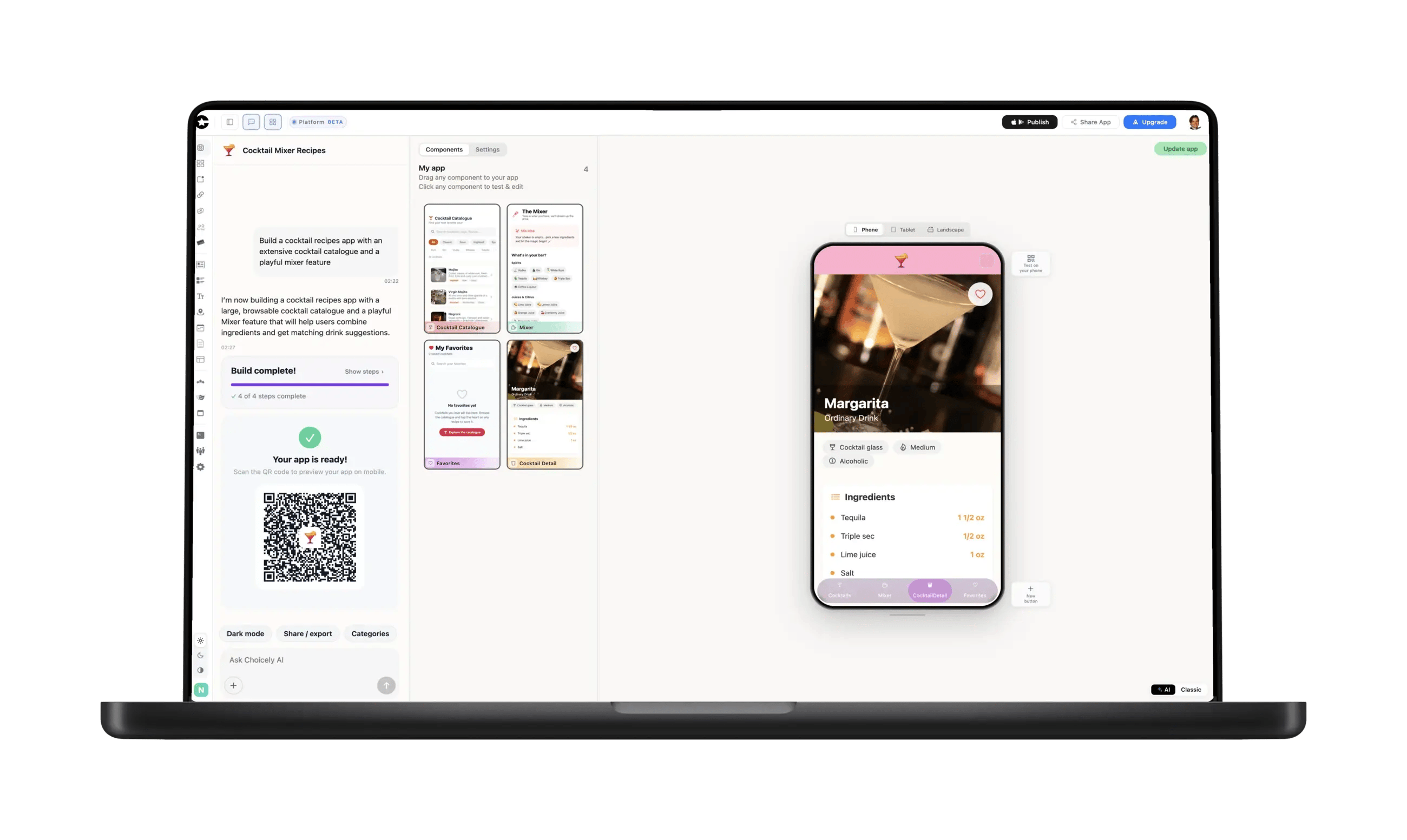
Start in Choicely Studio and say what you want: "a members app for my running club." You do not need Supabase connected yet — you will do that next, and the AI rebuilds around your real tables once it can see them.
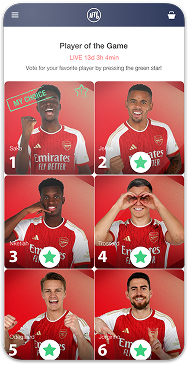
Get an app prototype in minutes
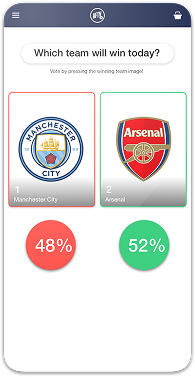
Boost your voting contest with an app
Create a flashy app for your pageant
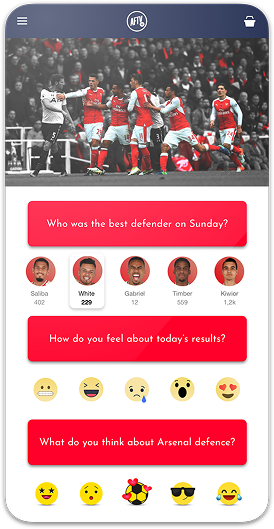
Grow your fan engagement with an app
Grow engagement with your readers
Engage your attendees
Grow interactions with your viewers
Keep your employees connected
Connect your Supabase project, describe the app you want, and Choicely builds a real native iOS and Android app around your own tables — then publishes it to the App Store and Google Play.
Choicely generates real native code for iOS and Android — not a web app wrapped in an app shell.
One project maps to both the App Store and Google Play; the Publish Assistant submits to both.
Your project keeps running in your own Supabase account, on your own billing. Choicely reads it — it never copies or replaces it.
On connect, Choicely imports your tables, columns, types and keys, so the AI builds around your real data model instead of a generic template.
Only your project’s anon / publishable key ever reaches the app. An sb_secret_ or service_role key is rejected in Studio and again by the backend.
The same native platform behind this builder powers fan apps for some of the world’s biggest live-audience events.
Start in Choicely Studio and say what you want: "a members app for my running club." You do not need Supabase connected yet — you will do that next, and the AI rebuilds around your real tables once it can see them.
In your app’s integrations, choose Connect Supabase and authorize Choicely. Pick the project you want from the list, and Choicely reads your public schema — tables, columns, types, primary and foreign keys — into an editable document the AI builds from.
Choicely stores your project URL and its anon / publishable key, which is the key designed to ship inside a client. Disconnecting is one click, and it revokes the token at Supabase rather than just forgetting it here. Exactly what Choicely asks for, stores and never touches is documented on the Choicely × Supabase integration page.
Refine the app in chat — change a screen, add a section, restyle it. When it looks right, Publish Assistant pre-checks it against Apple’s and Google’s review rules and takes it to the App Store and Google Play.

To build a mobile app on Supabase without code, connect your Supabase project to Choicely: authorize once, pick the project, and the AI builds a native iOS and Android app your users install from the App Store and Google Play. Sign-in, your Postgres data and realtime updates are wired in from the start.

Your project keeps running exactly as it does now. Choicely reads it; it does not migrate it, mirror it, or move your data anywhere.
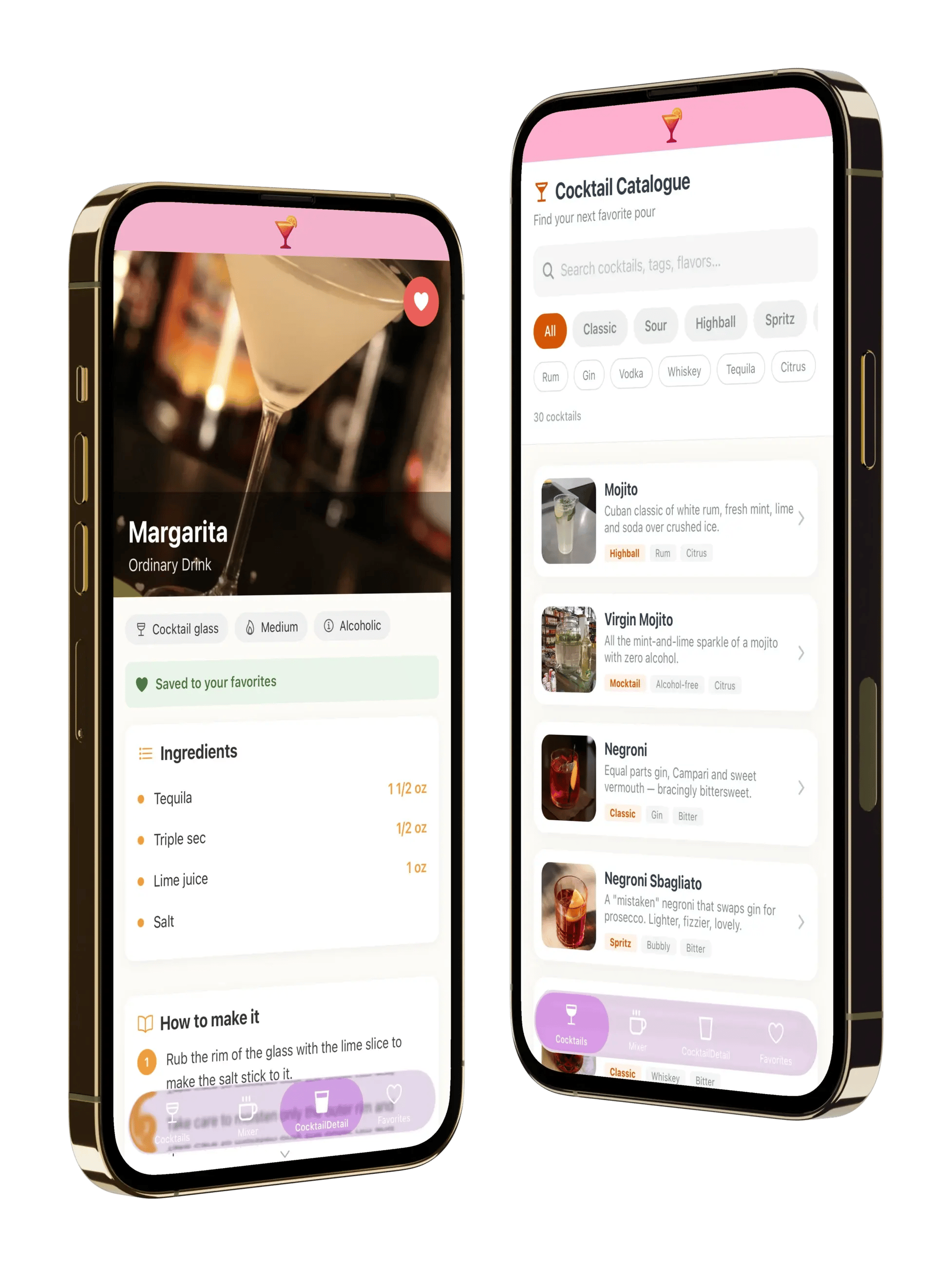
What your app can do today:
Not in version one:
Apple and Google sign-in, and photo uploads, are on the way. We would rather list that here than have you find it out after you have built the app.
Your project’s anon key ships inside the published app. That is true of every mobile app on every backend, including hand-built ones: anyone who downloads an app can read the keys inside it. What actually keeps your data safe is Row Level Security — your policies, on your tables, enforced by Postgres on every request the app makes.
Which is why Choicely never accepts a secret key. Paste an sb_secret_ key or a service_role token into Studio and it is rejected on the spot, with the reason — and rejected again by the backend if anything gets past the form. A secret key inside an app hands full admin access to every person who installs it.
If you have not written policies yet, write them before you publish. Supabase’s own Row Level Security guide is the right place to start.
When you connect, Choicely runs a single read-only query against your database’s catalog and renders your public schema — every table, column, type, nullable flag, primary key and foreign key — as an editable document the AI reads before it builds anything.
So the app knows whether it is building for a two-table habit tracker or a fourteen-table marketplace, and the screens it generates match your relationships. Then you refine it in chat. That is the difference between an app builder and a template picker: you are not choosing a layout and pouring rows into it.
Supabase gives you an excellent Postgres database, auth and realtime — and every tutorial about using it in a mobile app stops at the same place: the app running on your simulator. Nothing in that stack takes you through developer accounts, signing, store listings, review rules and two submissions.
That is the step Choicely does. And because Choicely is a general app platform rather than a database front-end, your app can carry things a CRUD builder cannot — video, announcements, voting, fan engagement — alongside your Supabase data.
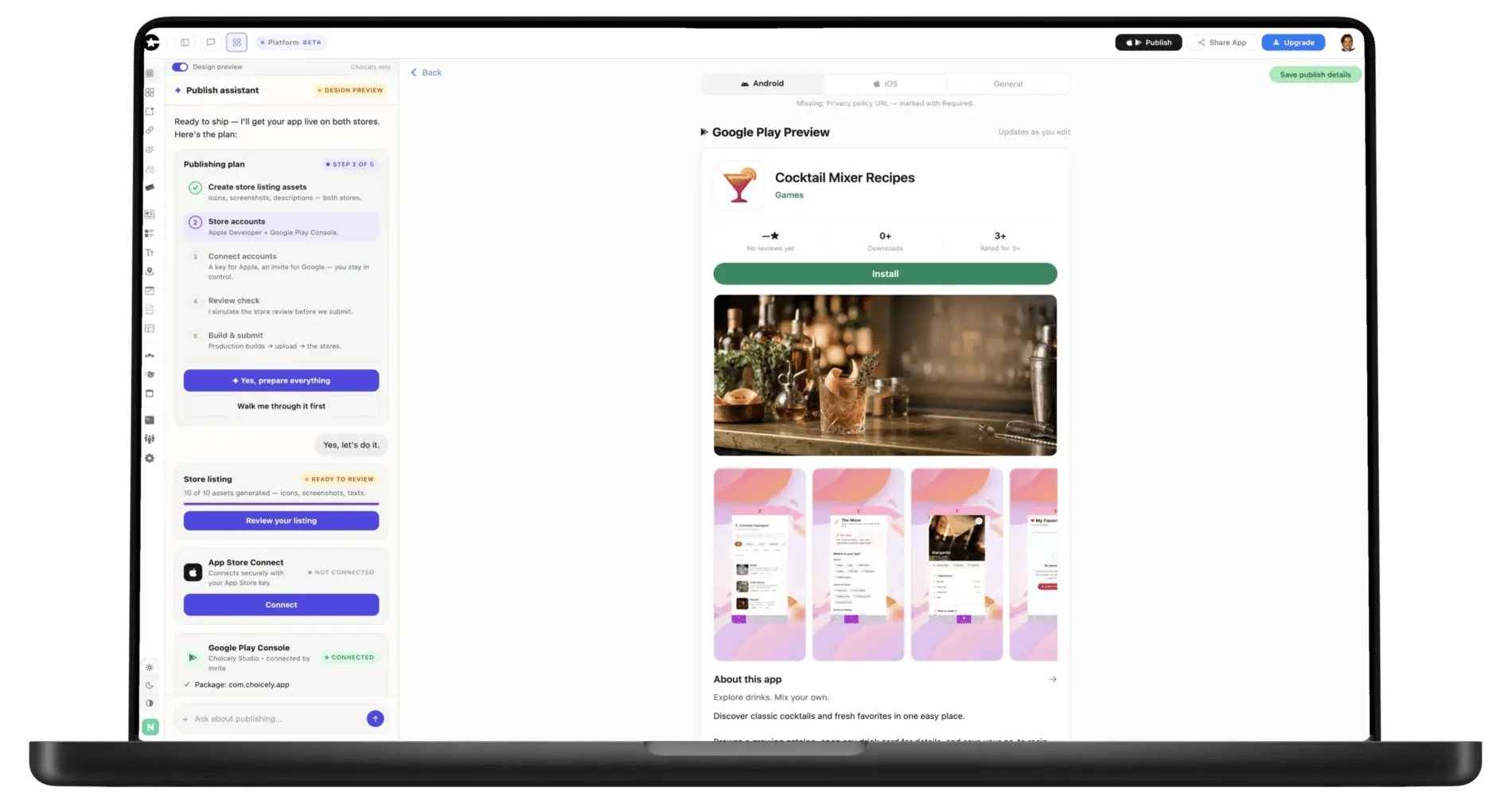
When the app is ready, the Publish Assistant pre-checks it against Apple’s and Google’s review rules, generates your store listings, and walks the submission into both stores. No Mac, no Xcode, no signing headaches.
Apple charges $99 a year and Google a one-time $25 developer fee — Choicely does not mark those up.
Everything above is backed by what the Choicely app template implements today — nothing here is aspirational.
Not on Supabase? The website to app converter covers the general path, GitHub to app covers importing straight from a repo, and Shopify to mobile app covers store catalogs. Weighing backends first? Our walkthrough of setting up a Firebase account for an app covers the other side of that decision. Or compare plans on pricing.
Updated August 2026
"Despite Choicely being a no code platform, we got a fully tailormade app that matches our needs and our brand. Making improvements is quick and easy. We can focus on engaging our fans!"

"This product is clever and intuitive and can fulfil our needs for a responsive app built on native platforms. For the price, it is remarkable technology."

"With the help of Choicely, the app allows the Dancing With The Stars universe to expand and lets the audience really dive into an exclusive world of content and engaging features."

"The Choicely app is like a Swiss army knife for us, a multipurpose instrument.
Not only will it dramatically change the way voting is concluded on our entertainment programmes, and make sports broadcasts more fun and engaging, but will also become one of our most important channels for listening to what our users have to say."

Choicely turns a Supabase project into a working native phone app without code. You connect your project, the AI builds the app around your real schema, and the Publish Assistant takes it to the App Store and Google Play — a real native iOS app (Swift) and Android app (Java) from a single project.
You build and preview for free (300 credits every month, no card); publishing to both stores is the paid step, starting at Premium $25/month. Supabase stays where it is, on your own account and your own billing.

Satisfaction among the Choicely customers
Countries with users using a Choicely App
Reviewed on G2.com
Countries with customers using the Choicely App Builder
Here is what each route actually takes — honestly, including where the others make sense.
| Build it yourself (Expo + Supabase) | Web app builders | Visual mobile builders | Choicely | |
|---|---|---|---|---|
| How the app is built | You write React Native code | Drag and drop a web UI | Drag and drop on a visual canvas | Describe it in chat; AI builds it |
| What you end up with | Native iOS + Android | A responsive web app | Native iOS + Android | Native iOS + Android |
| Who designs the screens | You do | You do | You do | The AI, from your imported schema — then you refine it |
| Mac and Xcode needed for iOS | Yes | Not applicable | Varies by vendor | No |
| Store submission | Entirely yours | Not applicable — it is a website | Vendor-assisted deployment | Publish Assistant pre-checks, generates listings and submits |
| Content beyond your database | Whatever you build | Whatever you build | Whatever you build | Video, voting, announcements and fan engagement, built in |
| Starting price | Free tools, your time | See vendor | $12–$39/month for store publishing | $25/month, credit-based; free to build and preview |
What this is and isn’t: Choicely does not run a web app inside a native frame — it generates native iOS and Android code that talks to your Supabase project directly, which is why the result behaves like a real app rather than a page in a shell. Your Supabase project keeps running untouched, on your account. If you want full control of every line and you are comfortable shipping to the stores yourself, building it directly on Expo is a genuinely good option — we would rather say so than sell you the wrong thing.
Competitor pricing and capability claims were read on each vendor’s own site on 16 August 2026, the day this page went live.
FlutterFlow — Free $0, Basic $39/mo, Growth $80/mo (first seat), Business $150/mo (first seat). Basic is the cheapest plan listing code download and one-click store deployment (flutterflow.io/pricing, checked 16 Aug 2026)
Draftbit — Free $0, Standard $12/mo, Pro $24/mo, Team $120/mo. Standard is the cheapest plan listing one-click publishing for iOS, Android and web; code export starts at Pro (draftbit.com/pricing, checked 16 Aug 2026)
WeWeb — its pricing page describes building responsive web apps deployed to WeWeb cloud, with no App Store or Google Play publishing offered (pricing.weweb.io, checked 16 Aug 2026)
Choicely — Free (300 credits/month, no card), Premium $25/month, Business $50/month, credit-based (choicely.com/pricing)
Apple Developer Program — 99 USD per membership year (developer.apple.com, checked 16 Aug 2026)
Google Play — US$25 one-time registration fee (Google Play Console Help, checked 16 Aug 2026)
Row Level Security — Supabase’s own guide (supabase.com/docs, checked 16 Aug 2026)
Choicely is a mobile app platform and is not affiliated with Supabase. "Supabase" is used here only to describe the service this page integrates with. This page compares us with products we compete against; prices were checked on each vendor’s own site on the date shown and change without notice.
Yes. Connect your Supabase project to Choicely, describe the app you want, and the AI builds a real native iOS and Android app around your own tables — sign-in, reads and writes under your RLS policies, and realtime updates. No coding, and your Supabase project keeps running exactly as it does now.
In Choicely Studio you choose Connect Supabase and authorize Choicely, then pick which of your projects to use. Choicely reads your public schema into an editable document the AI builds from, and stores your project URL plus its anon / publishable key — the key designed to ship inside a client. Disconnecting is one click and revokes the token at Supabase, not just here. The integration documentation lists every permission we request and what each one is used for.
The anon key is meant to be public, and it ships inside the app — as it does in every mobile app on every backend, because anyone can read the keys inside an app they have downloaded. What protects your data is Row Level Security: your policies on your tables, enforced by Postgres for every request. Write your policies before you publish. Choicely never accepts a secret key: an sb_secret_ or service_role token is rejected in Studio and again by the backend, because that one really would hand every reader full admin access.
Today: sign-up and sign-in with an email and password, sign-in with a one-time code emailed to the user, reads and writes to your Postgres tables under your own RLS policies, realtime subscriptions, and sessions that survive an app restart. Not yet: Apple and Google sign-in, one-tap email links, photo and file uploads, and a helper for Edge Functions. Those are on the way, and we would rather say so up front.
Yes, once the table is published for realtime. In your Supabase dashboard go to Database → Replication and add the table to the publication; without that step the subscription connects but never fires, which is the single most common reason "realtime doesn’t work" in any Supabase app. Everything else — the channel, the cleanup, the reconnect — the app handles for you.
No copy. Your data stays in your Supabase project, on your account and your billing, and the app queries it directly. The only thing stored for the app is your project URL and the anon / publishable key. The token used to read your schema is encrypted server-side, is never returned by any API, and never reaches an app bundle.
Those are visual builders: you assemble screens on a canvas and bind your data to them yourself. With Choicely you describe the app in chat and the AI builds it from your imported schema, then you refine it. On price, checked on each vendor’s own pricing page on 16 August 2026: FlutterFlow’s cheapest plan with code download and store deployment is $39/month, and Draftbit’s cheapest plan with one-click publishing is $12/month. Choicely is $25/month, credit-based, and free to build and preview. If you want pixel-level control of a canvas, they are good tools — Choicely is for getting a working app from a description and a database.
No Mac and no Xcode — the native builds run on Choicely’s infrastructure. You do need your own Apple and Google developer accounts, because the app is published under your name: Apple charges $99 a year and Google a one-time $25 fee, neither marked up by us. The Publish Assistant walks you through creating them and handles the submission itself.
Building and previewing is free — 300 credits a month, no card. Paid plans are $25/month Premium and $50/month Business, credit-based. The output is a real native iOS and Android app published to the App Store and Google Play — not a website in a wrapper — and your Supabase bill stays between you and Supabase.