★★★★★

Rated 5.0 / 5 on G2 · 21 verified customer reviews

What's in every generated kit

compatibility

iOS 6.9″ set

fast-start

Google Play set

sdk

Tablet sets

open-portable

Six designed templates

update-app

Captions written for you

trending_up

True store chrome

How the Image Studio works

From raw screenshots to store-ready kits in four steps.

1 · Upload your screenshots. Raw screens from any iOS or Android app — no design work needed.

2 · Pick a template. Six designed families, from bold statement type to calm editorial.

3 · AI writes the captions. A headline per screen that sells the feature it shows — edit anything.

4 · Export every size. iOS 1320×2868, Google Play 1080×1920 + the 1024×500 feature graphic, iPad and Android tablet sets — one pass, store-ready.

And this is just the start — turning screenshots into a working app is on our roadmap.

Six template families

Editorial · quiet type, content-first — shown on a news app
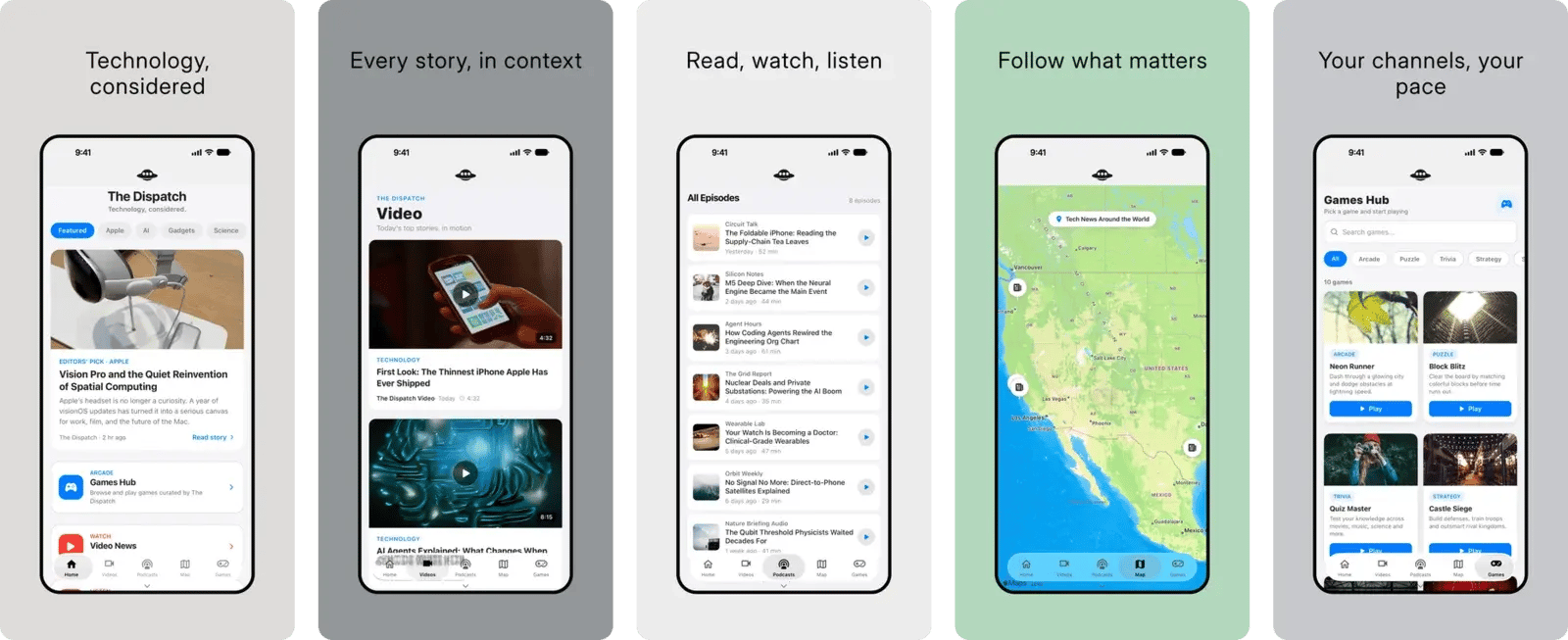
Editorial template — five generated App Store screenshots for a news app

Statement · bold boxed headlines — shown on a cocktail recipe app
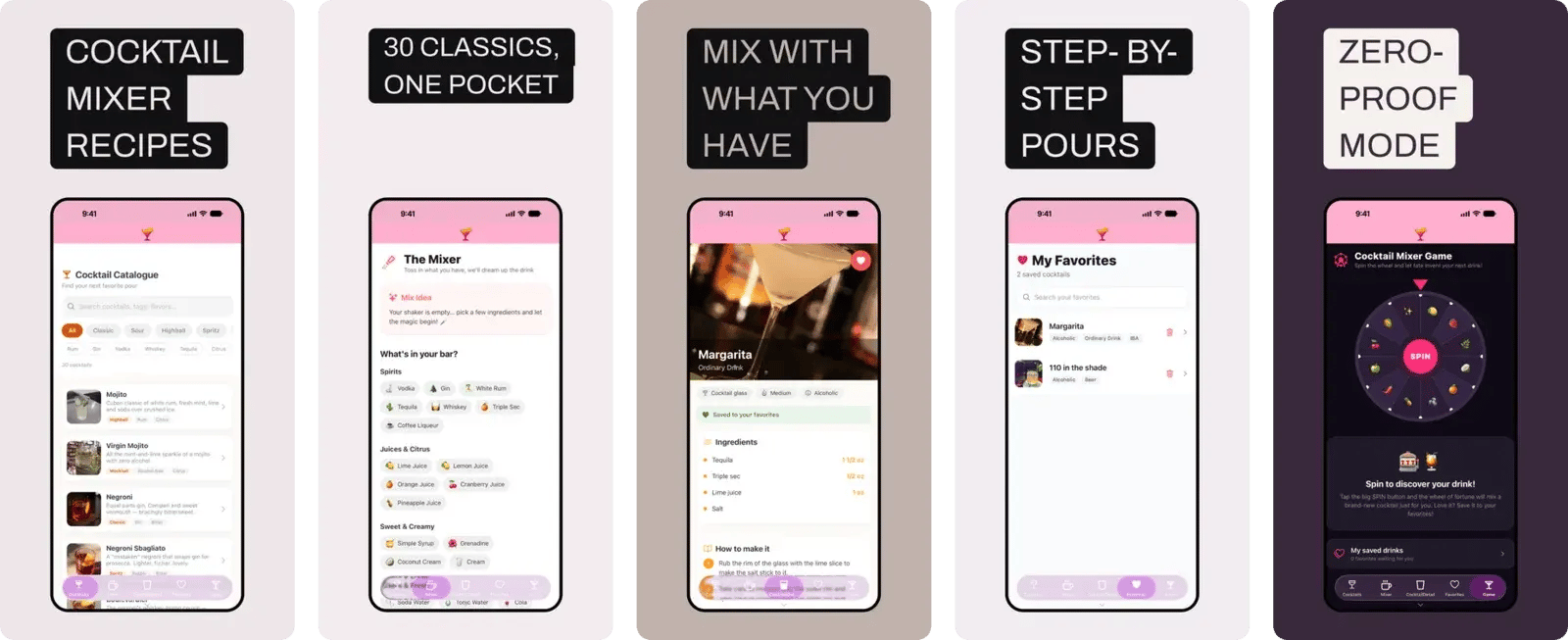
Statement template — five generated App Store screenshots for a cocktail recipe app

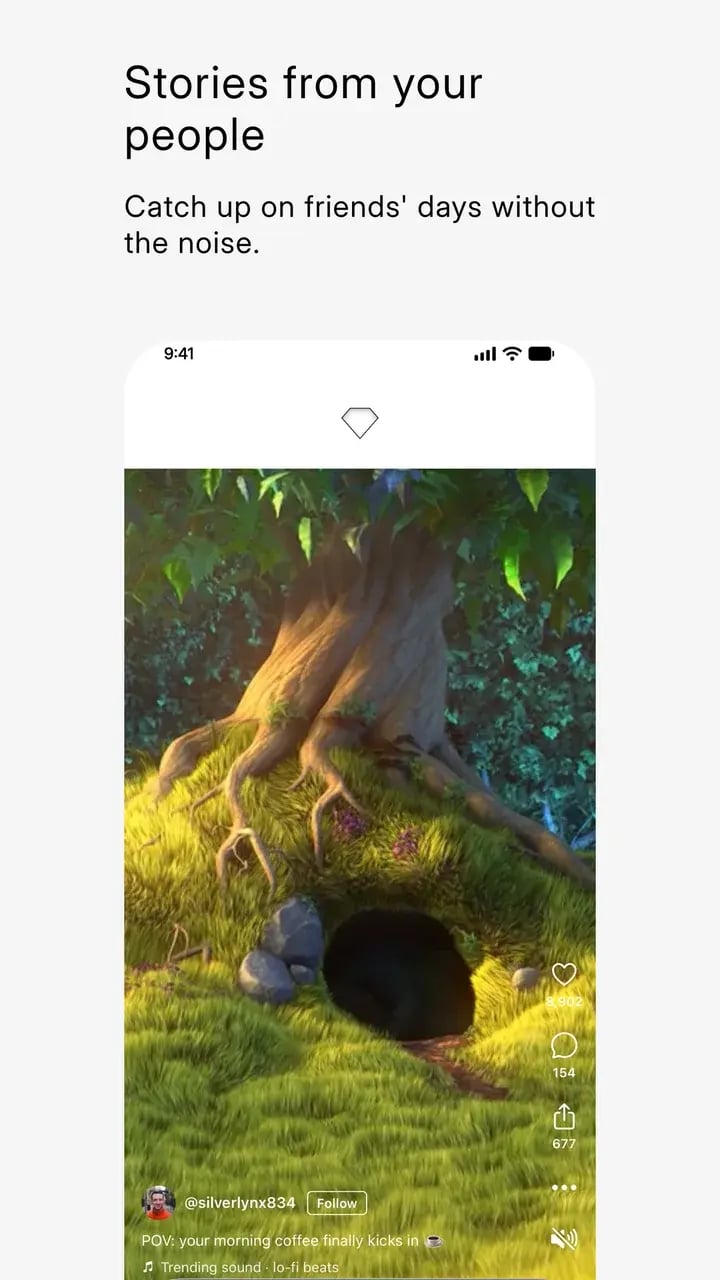
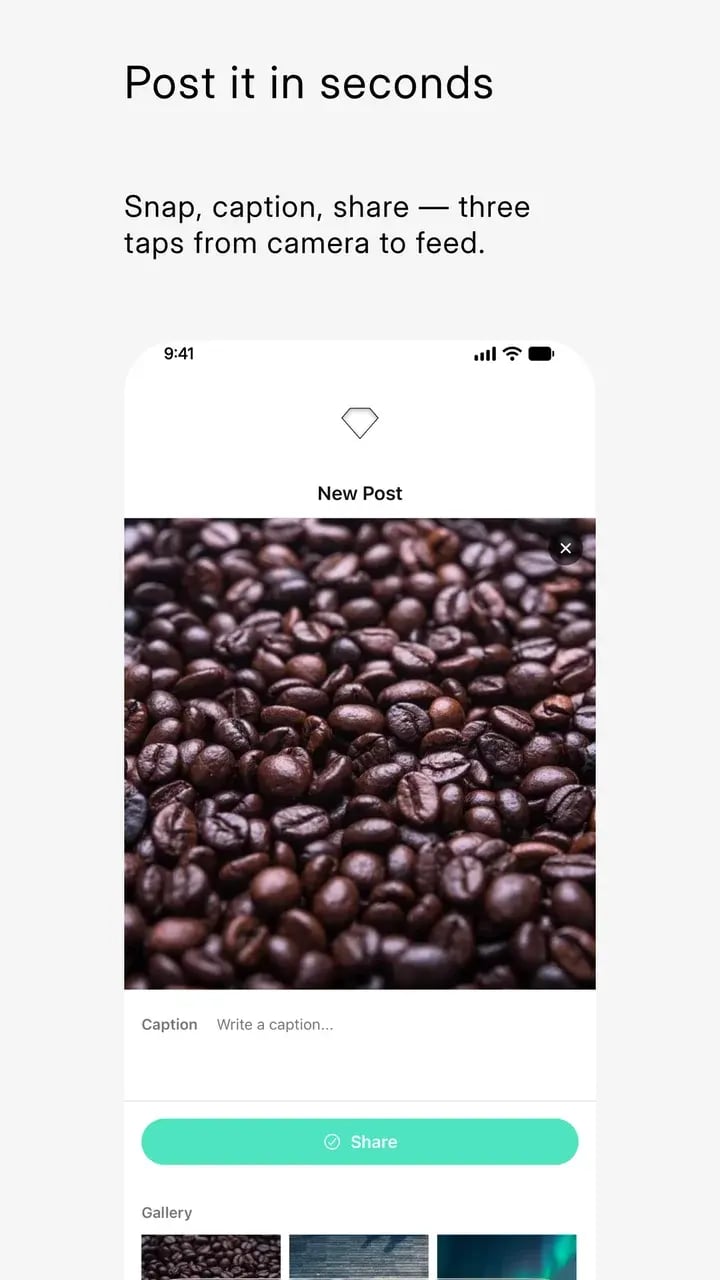
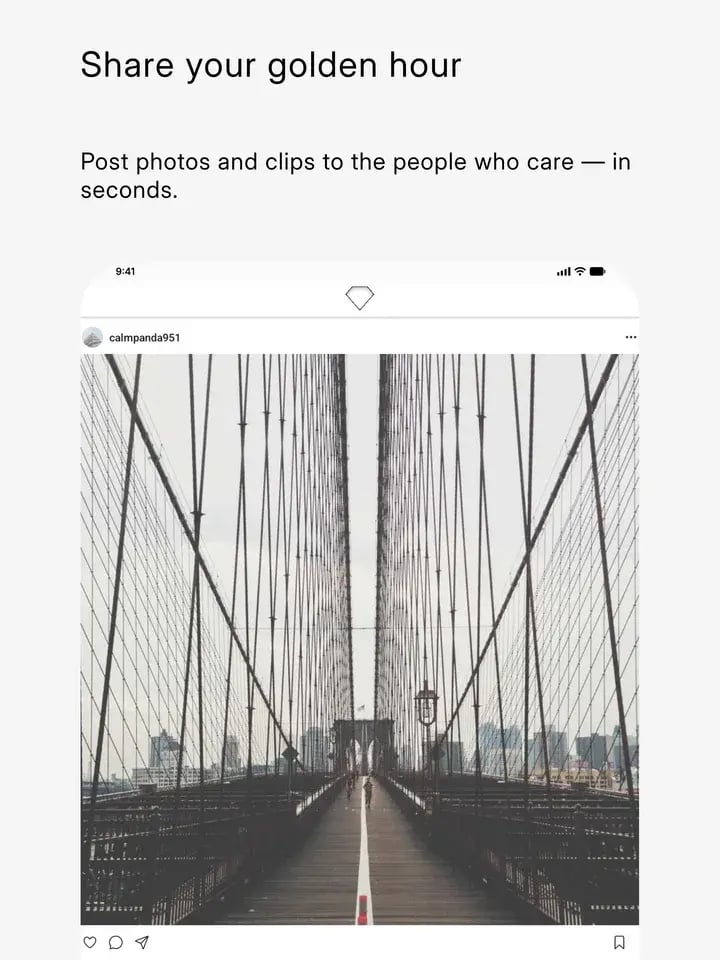
Social · feed-forward, with body captions — shown on a community app
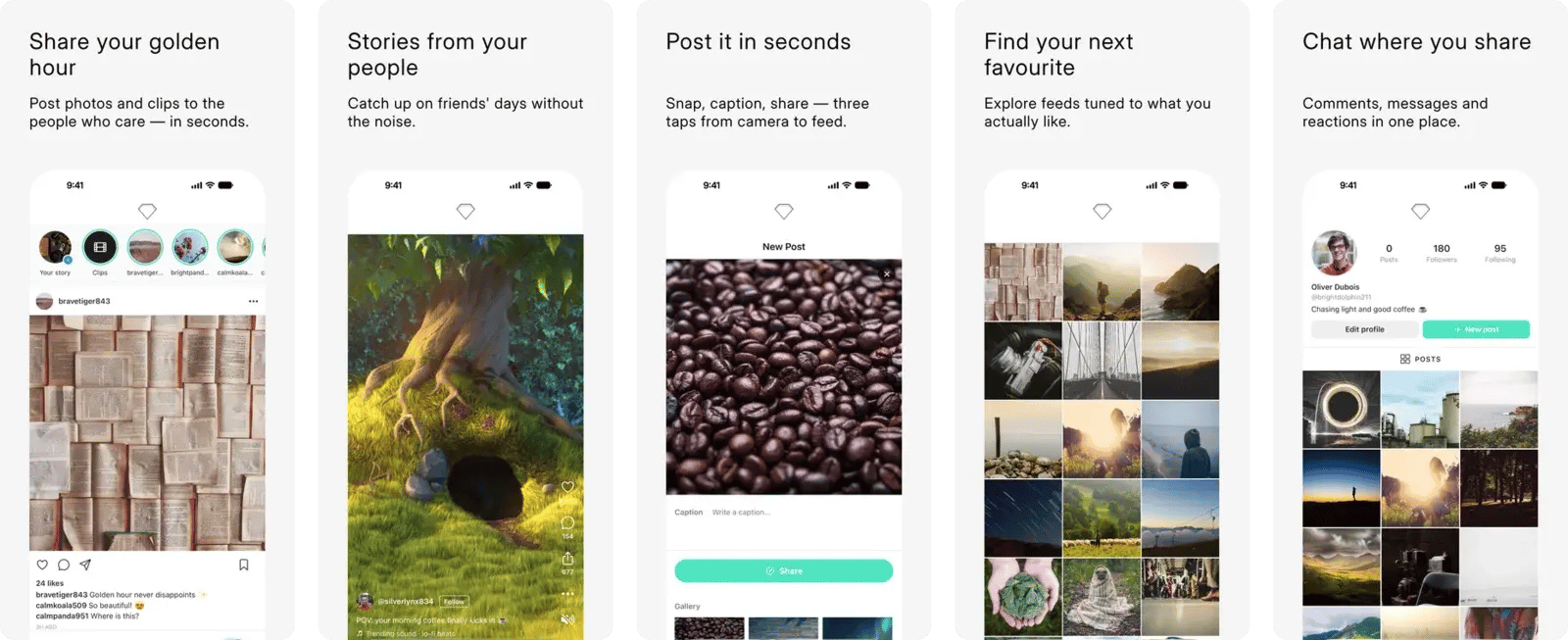
Social template — five generated App Store screenshots for a community app

Serif · calm and literary — shown on a AI chat app
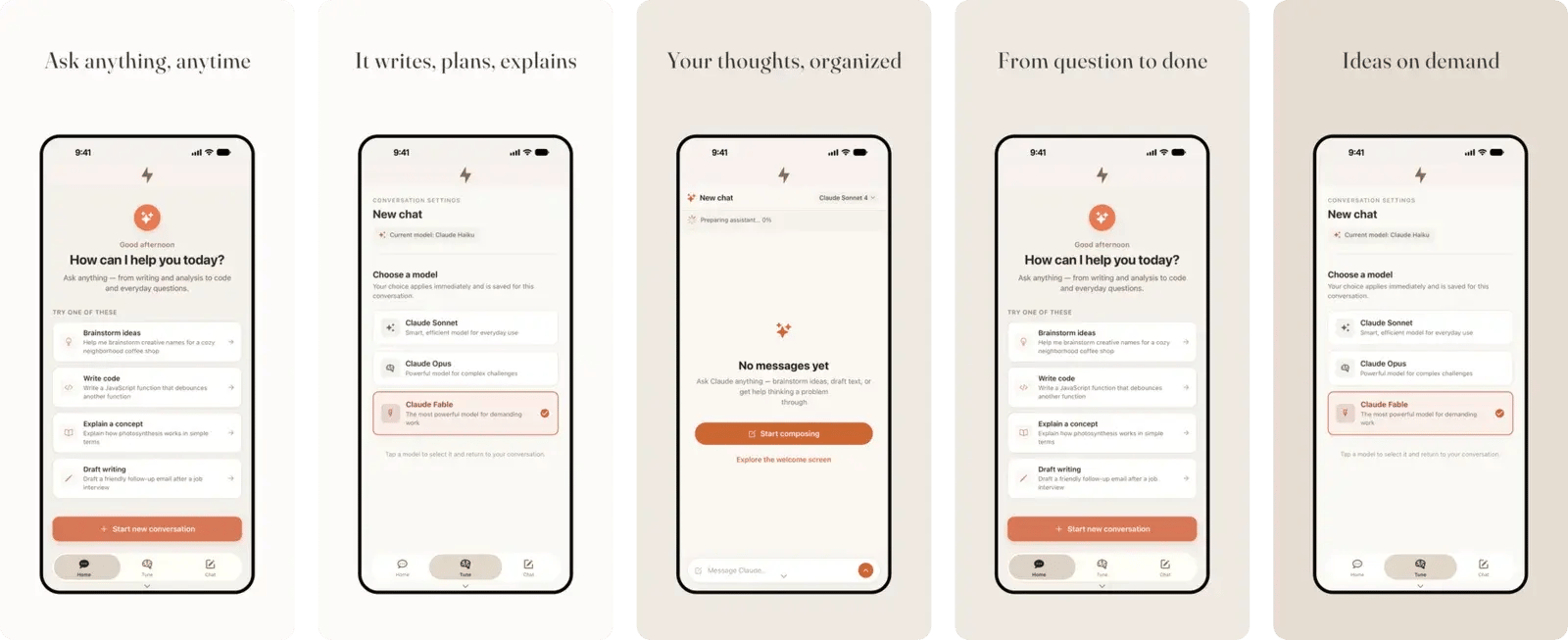
Serif template — five generated App Store screenshots for a AI chat app

Friendly · rounded and warm — shown on a community club app
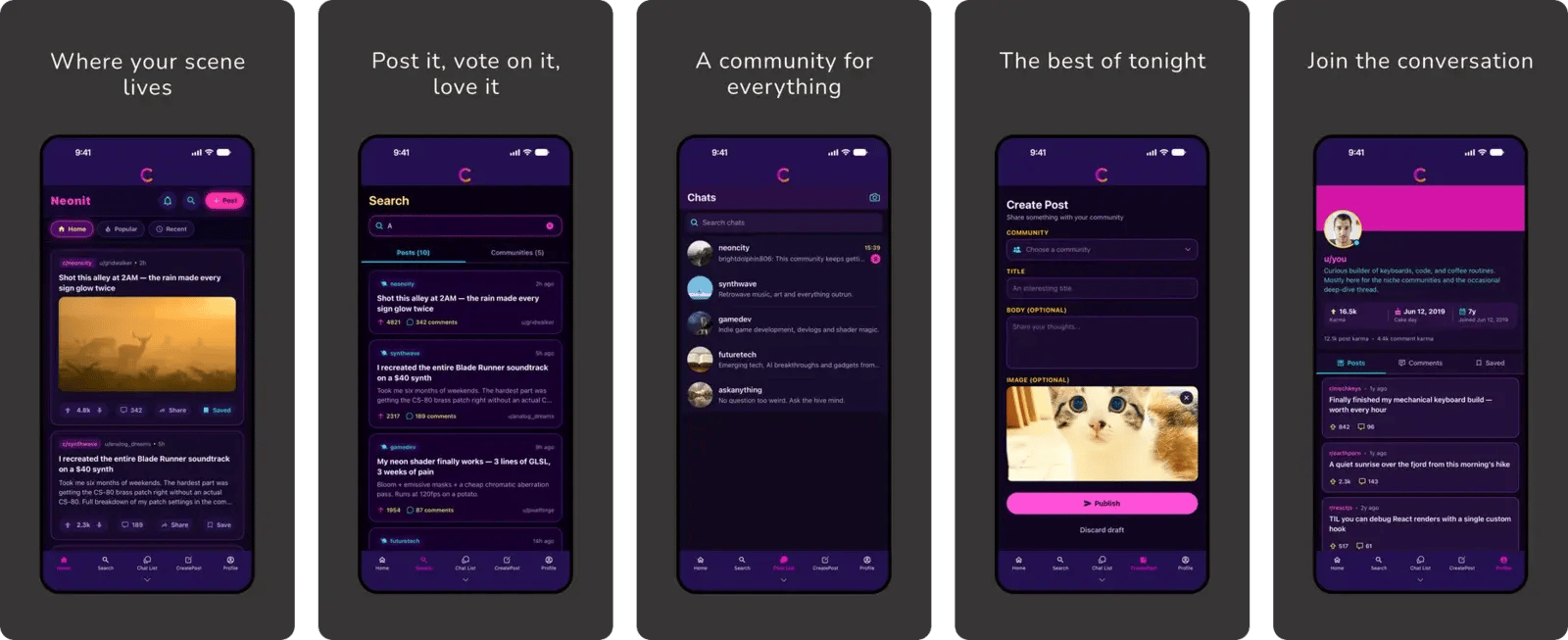
Friendly template — five generated App Store screenshots for a community club app

Stage · all-caps drama on colors sampled from your screens — shown on a music artist app
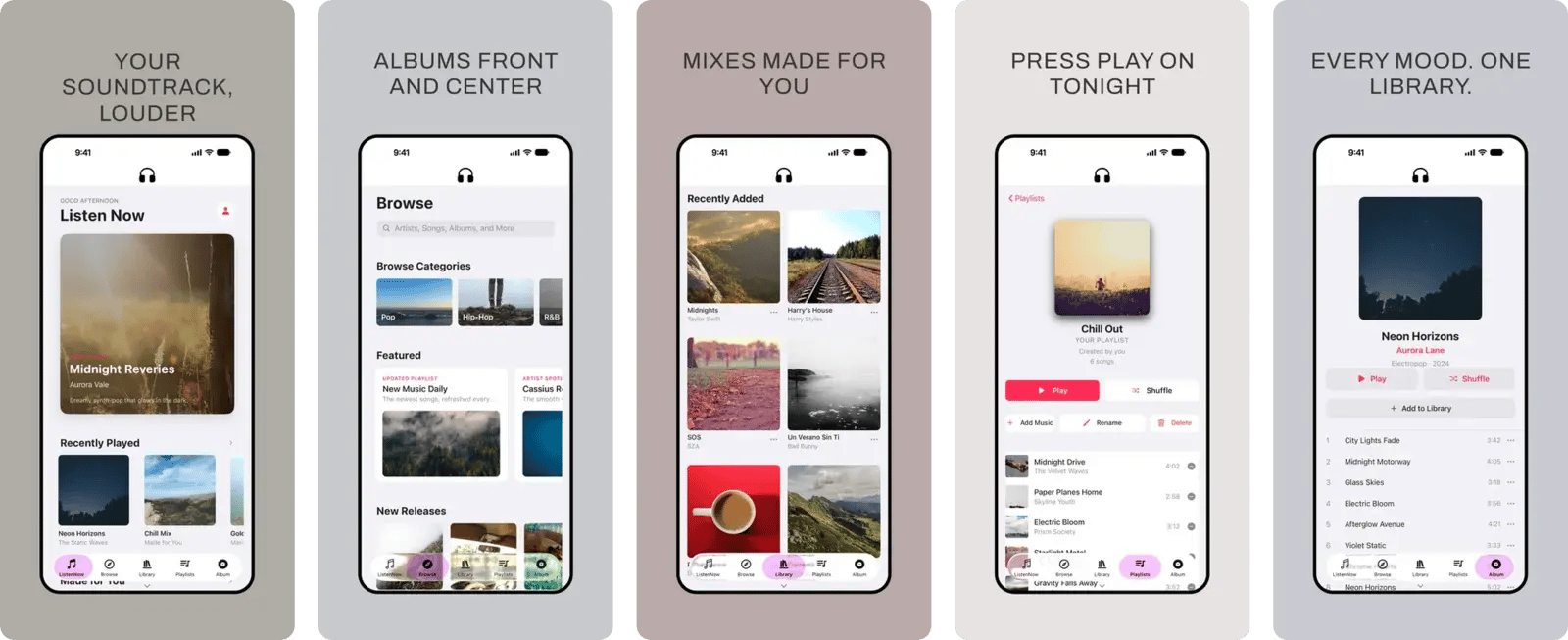
Stage template — five generated App Store screenshots for a music artist app

Six designed templates, not stretched frames

Every template was designed screen by screen in a real design tool — typography, spacing, light and dark palettes, text boxes that hug your copy. Your screenshots drop into layouts that already look like the top charts.
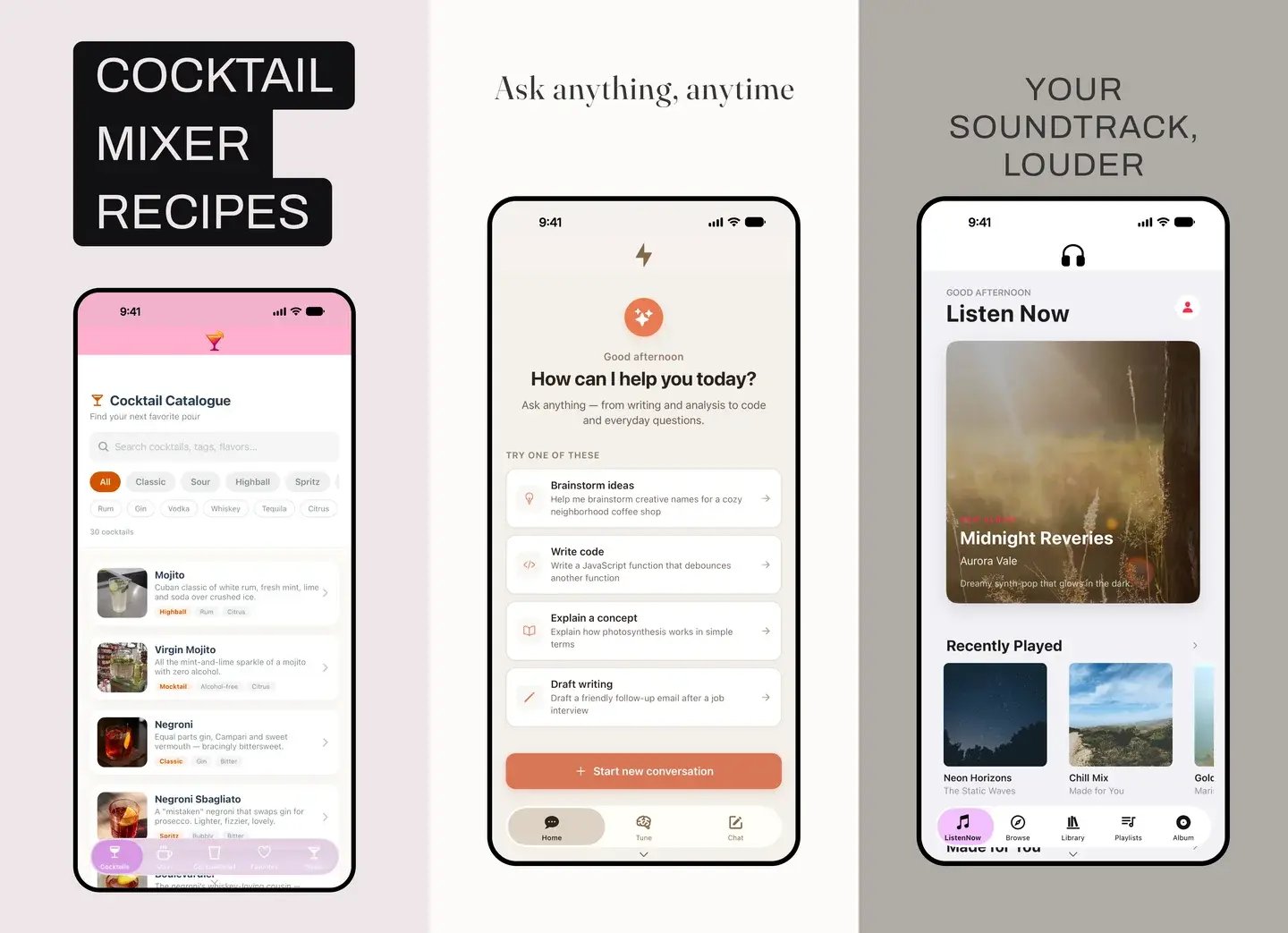
Three generated App Store screenshots in different template styles

Every store surface from one input

One upload renders four surfaces: iOS phone, Google Play phone, iPad, and Android tablet — each with its own status-bar chrome and exact store dimensions. No resizing, no re-layout, no second tool.
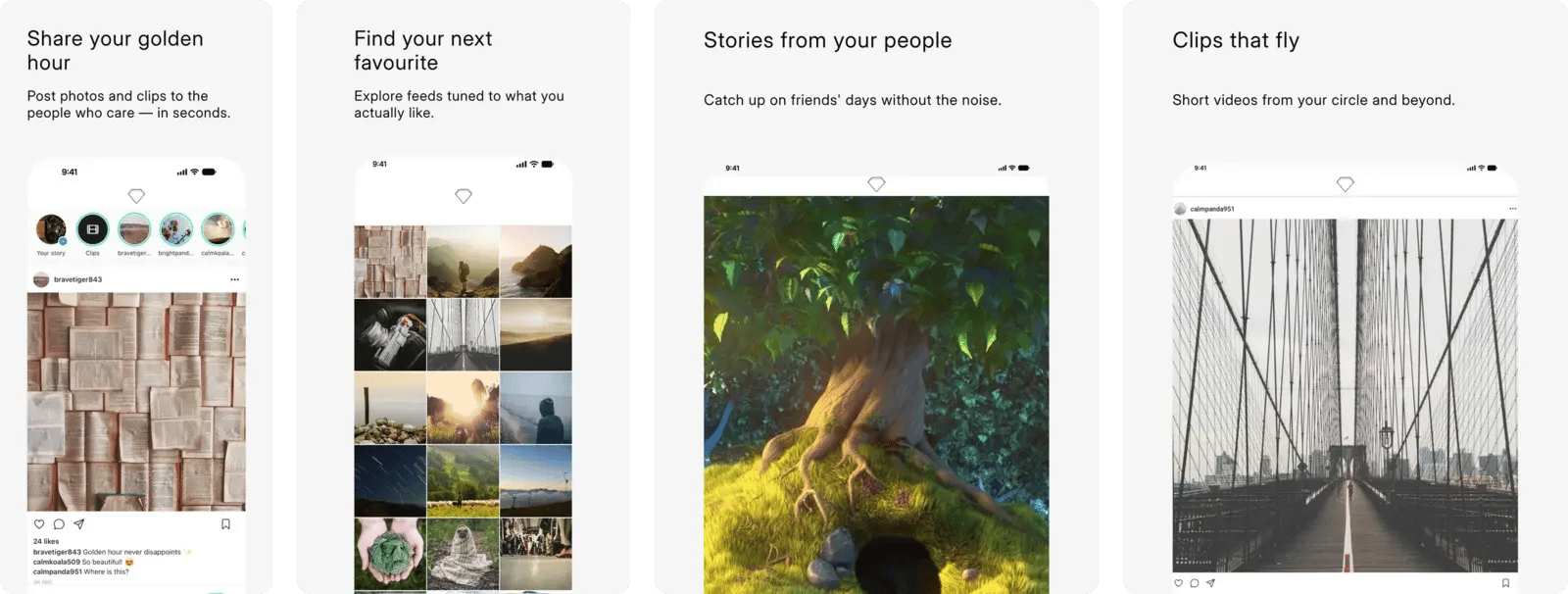
Four different screens exported for iOS, Google Play, iPad and Android tablet

The Google Play feature graphic — included

Most screenshot tools stop at screenshots. Google Play also wants a 1024×500 feature graphic — the Image Studio generates it in the same pass, in the same template style, so your listing looks consistent from banner to last screenshot.
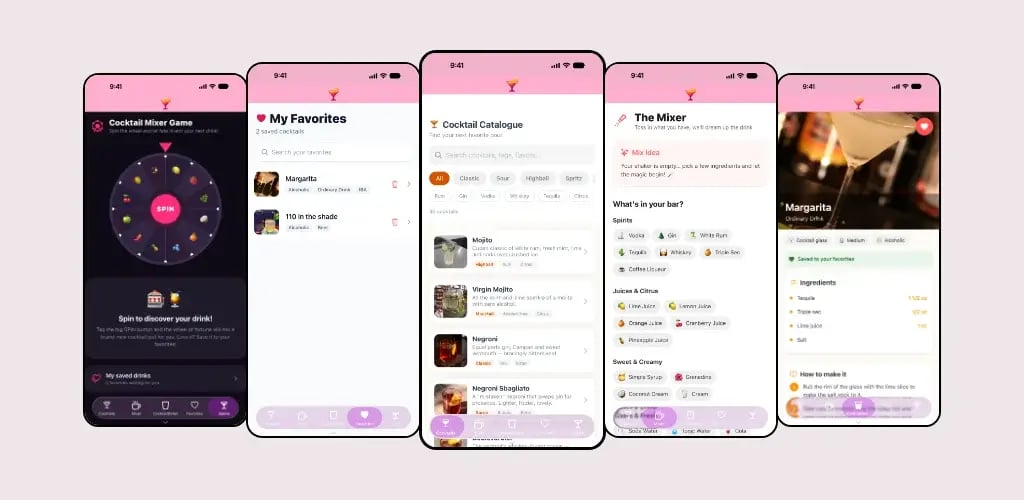
Generated 1024×500 Google Play feature graphic

Google Play & tablet, from the same input
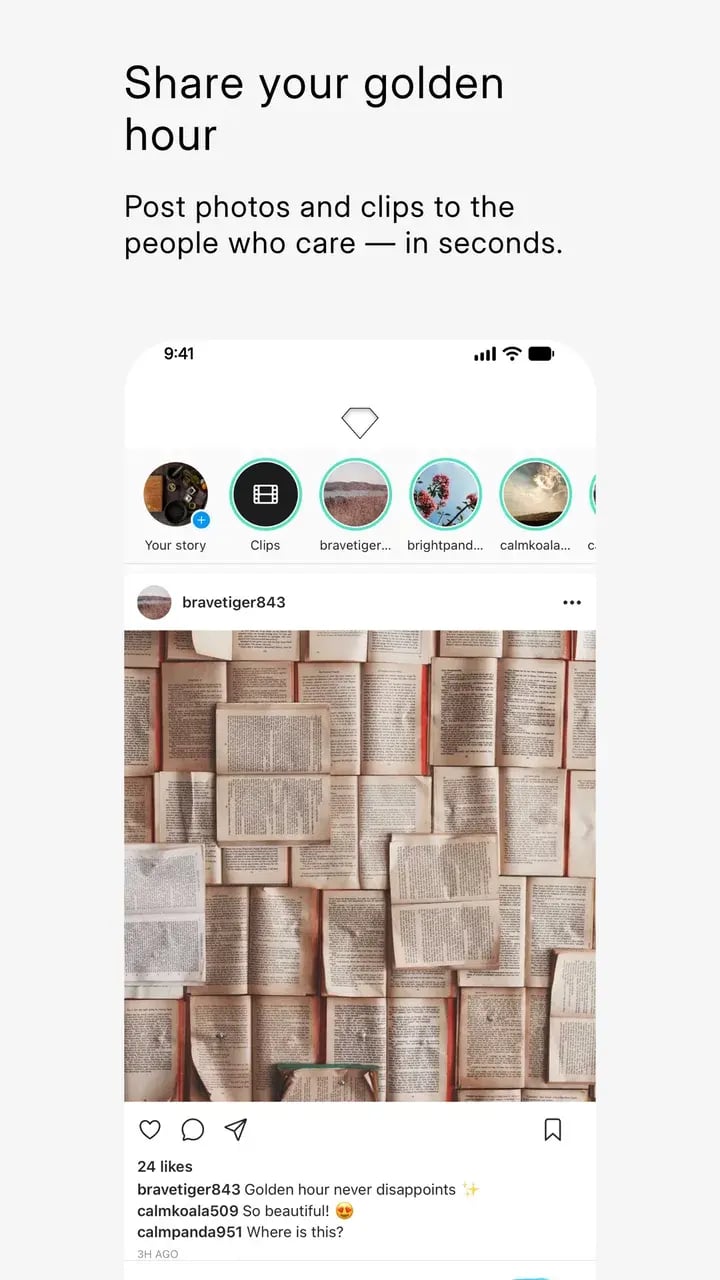
Generated Google Play screenshot, community app
Community feed

Google Play phone · 1080×1920

Generated Google Play screenshot, social clips screen
Clips & moments

Google Play phone · 1080×1920

Generated Google Play screenshot, profile screen
Profiles

Google Play phone · 1080×1920

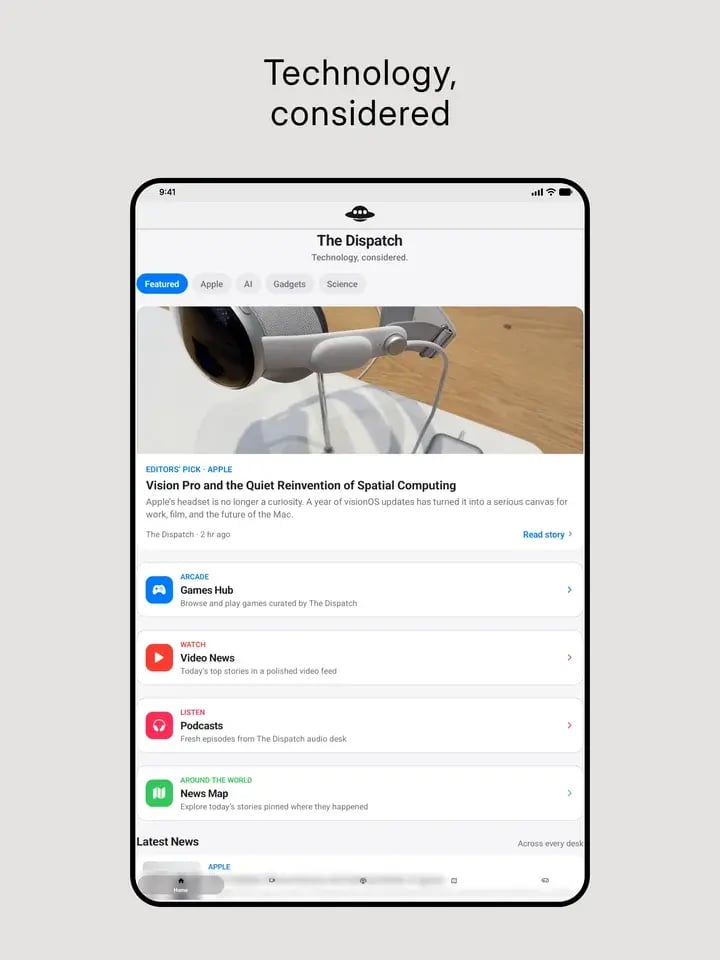
Generated iPad App Store screenshot, news app
News on iPad

iPad · 2064×2752

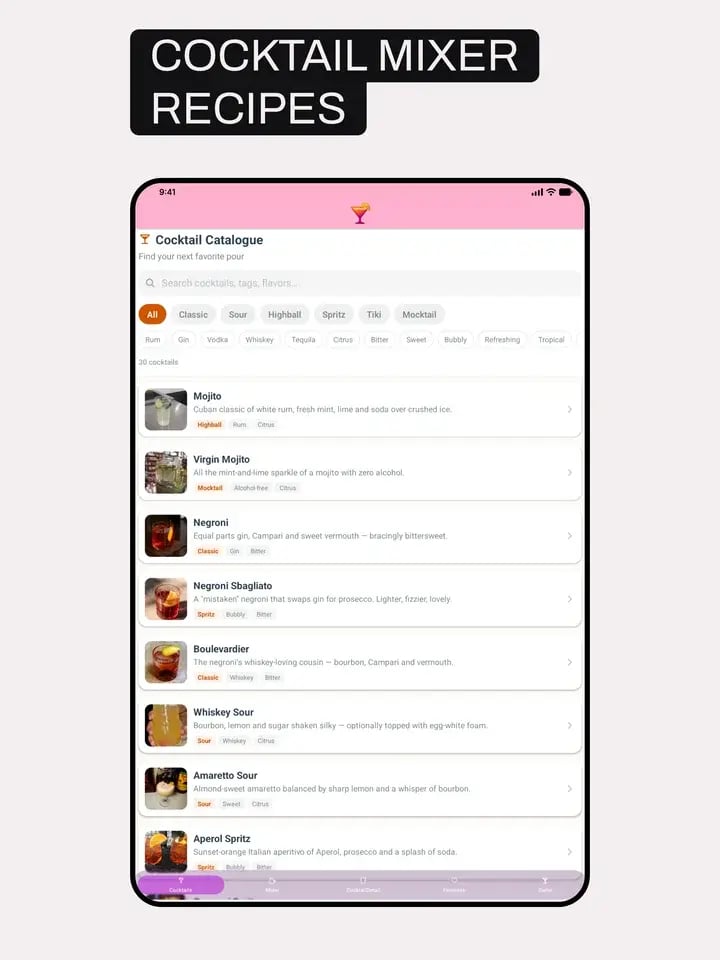
Generated iPad App Store screenshot, cocktail recipe app
Recipes on iPad

iPad · 2064×2752

Generated iPad App Store screenshot, community app
Community on iPad

iPad · 2064×2752

Made for every launch

The templates are designed to flex across categories — every showcase kit on this page was generated from a real app built with the Choicely AI app builder.

  • News & media
  • Communities
  • Music & artists
  • Recipes & food
  • AI chat apps
  • Shops & loyalty
  • Sports & fan apps
  • Events
  • Education
  • Podcasts
  • Fitness
  • Nonprofits

Customer quotes

"Despite Choicely being a no code platform, we got a fully tailormade app that matches our needs and our brand. Making improvements is quick and easy. We can focus on engaging our fans!"
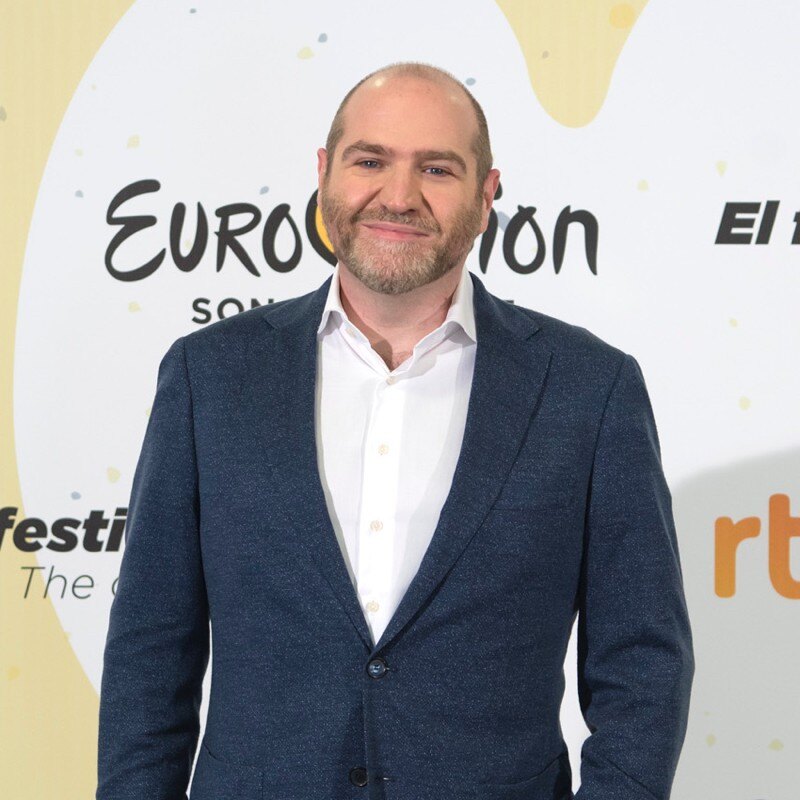
Dave Goodman
ESC Digital and Communications Manager, Eurovision Song Contest

"This product is clever and intuitive and can fulfil our needs for a responsive app built on native platforms. For the price, it is remarkable technology."

Brett Best
CEO, Arsenal Fan TV / Global Fan Network

"With the help of Choicely, the app allows the Dancing With The Stars universe to expand and lets the audience really dive into an exclusive world of content and engaging features."

Rasmus Liestøl
Digital Producer, Nordisk Banijay

"The Choicely app is like a Swiss army knife for us, a multipurpose instrument.

Not only will it dramatically change the way voting is concluded on our entertainment programmes, and make sports broadcasts more fun and engaging, but will also become one of our most important channels for listening to what our users have to say."

Einar Logi Vignisson
CEO of RÚV Sales

"The performance is super fast and my customers find it easy. […] The new AI features of Choicely let me basically add any new features I want."

Emiisa K.
CEO · verified G2 review (5/5)

"People at Choicely are doers, and react fast to any challenges or requests. They get things done."

Mikael M.
Co-Founder & Board Member · verified G2 review (5/5)

Built into the free Choicely AI app builder

The Image Studio is part of Choicely — the AI app builder that creates real native iOS & Android apps. Build your app by chatting with AI, then generate its store images the moment you're ready to publish.

Start free — 300 AI credits every month, no credit card needed.
ai-app-builder-video
Frame 49

Choicely in Numbers

0

Store surfaces rendered from one upload

0

Store-ready images in a full kit

0

Designed template families

0

Free Studio AI credits every month

Frequently asked questions

What sizes does the App Store screenshot generator produce?

Every current store requirement in one pass: iOS screenshots at 1320×2868 (the 6.9-inch App Store Connect spec), Google Play phone screenshots at 1080×1920, the 1024×500 Google Play feature graphic, and iPad (2064×2752) plus Android tablet sets. For the full official spec list, see our App Store & Google Play screenshot guidelines.

Do my screenshots need to come from a Choicely app?

Is it free?

How does early access work?

Does it write the marketing captions too?

Can it turn my screenshots into a working app?

What are the official App Store and Google Play screenshot requirements?

Which templates are available?

Get early access

The App Store Image Studio opens to the waitlist in small batches. Leave your email and you'll get an invite — early-access users generate their first store image kits free.

Get your store images done

with Choicely

Join the early access

Be first in line when the App Store screenshot generator opens.

Build your own app

Build a real native app with AI — free to start.