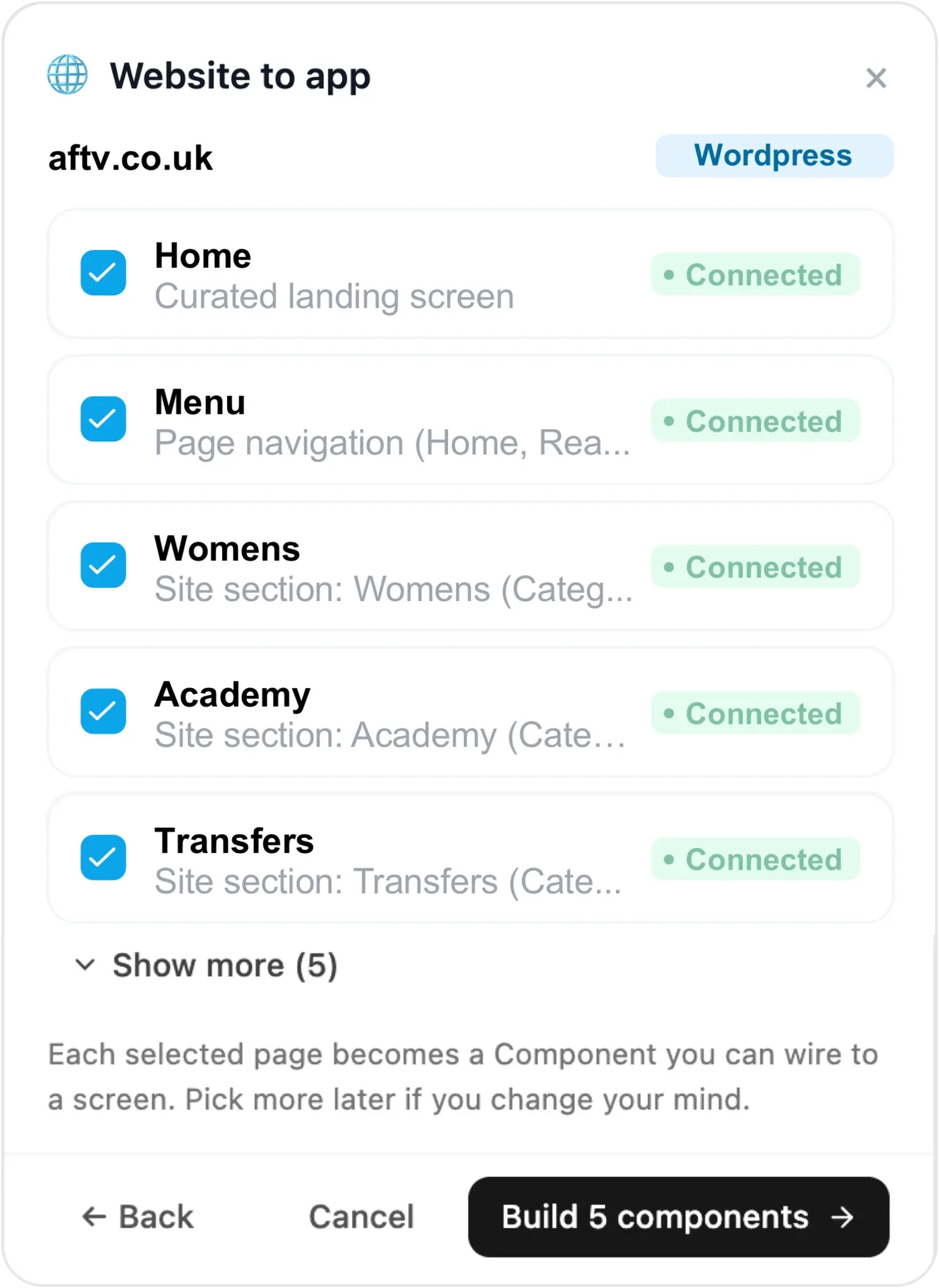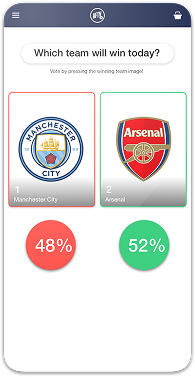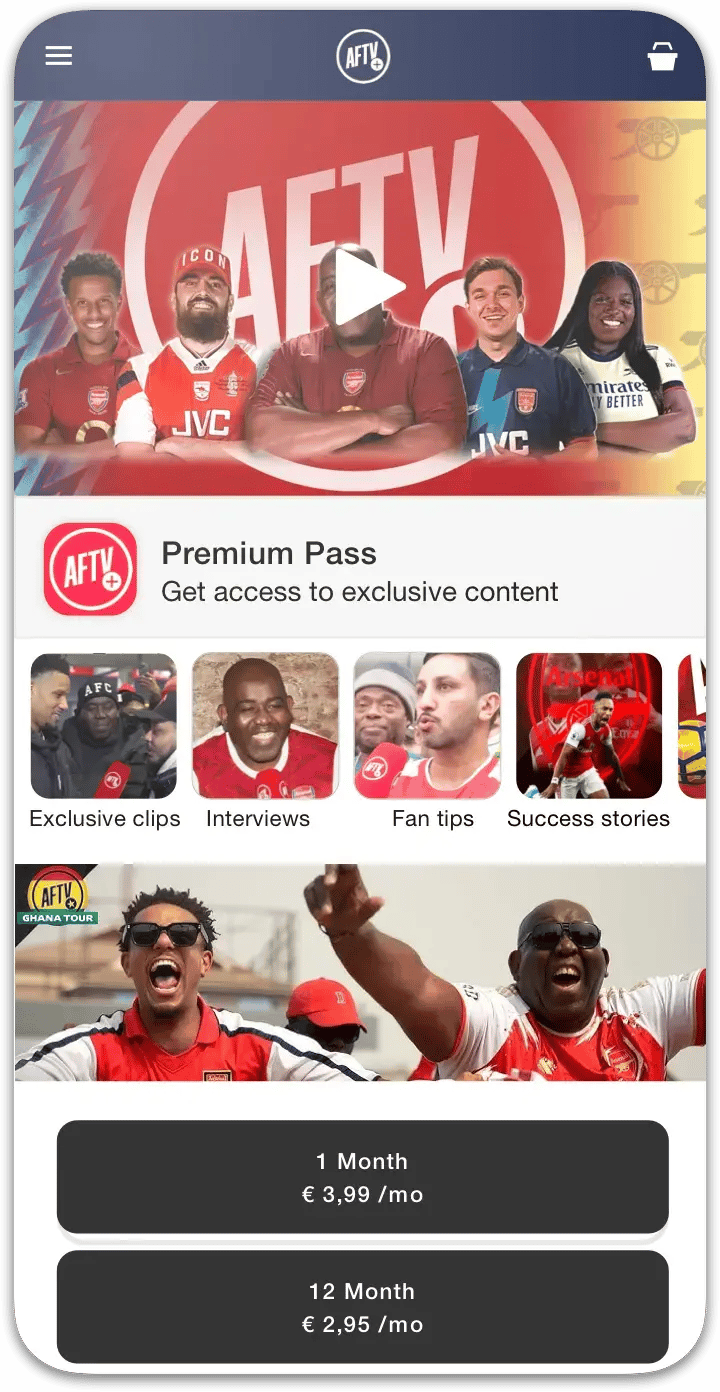










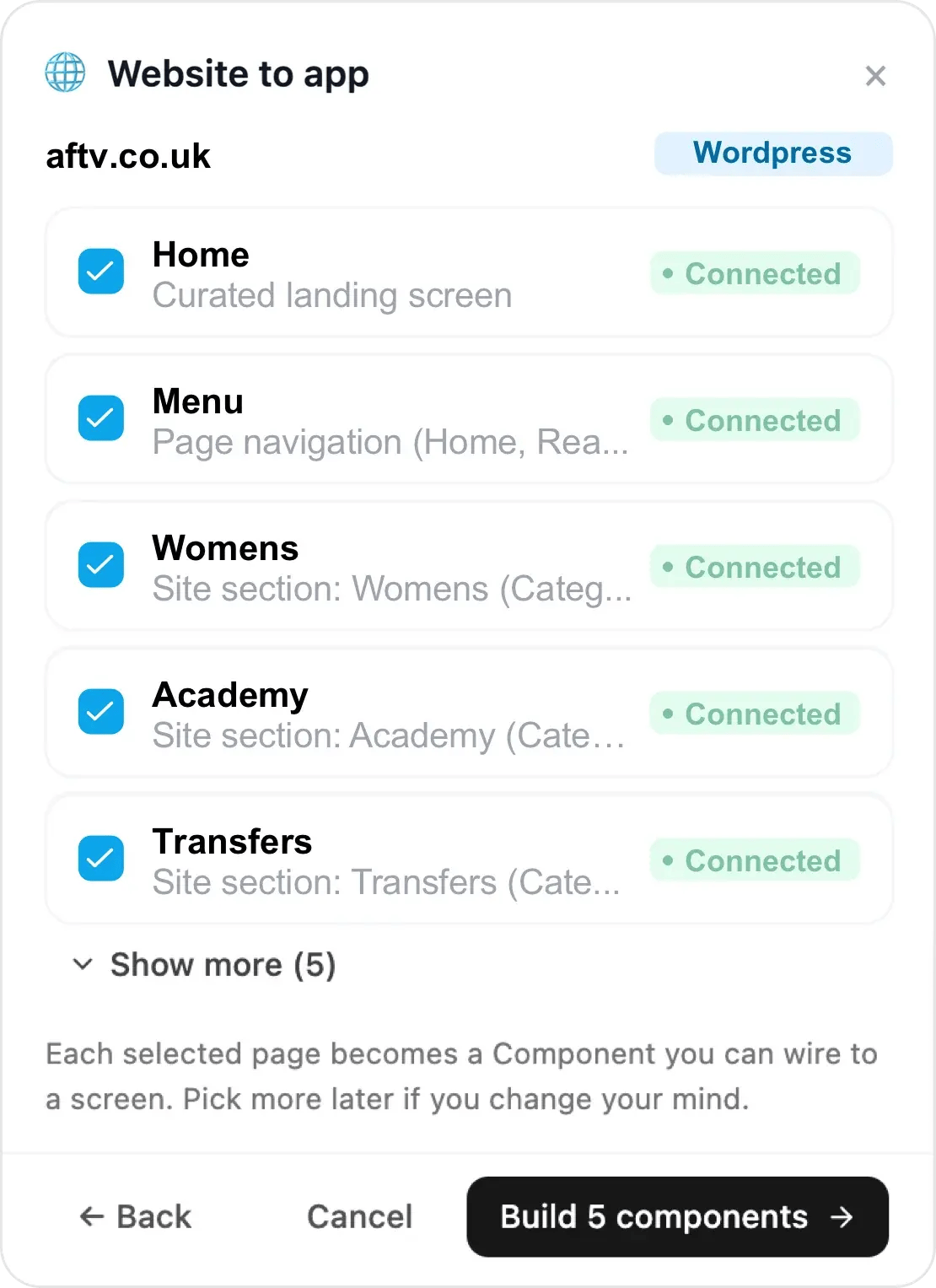
Choicely Website to app dialog examining aftv.co.uk — WordPress site sections found and connected

1. Paste your WordPress site URL

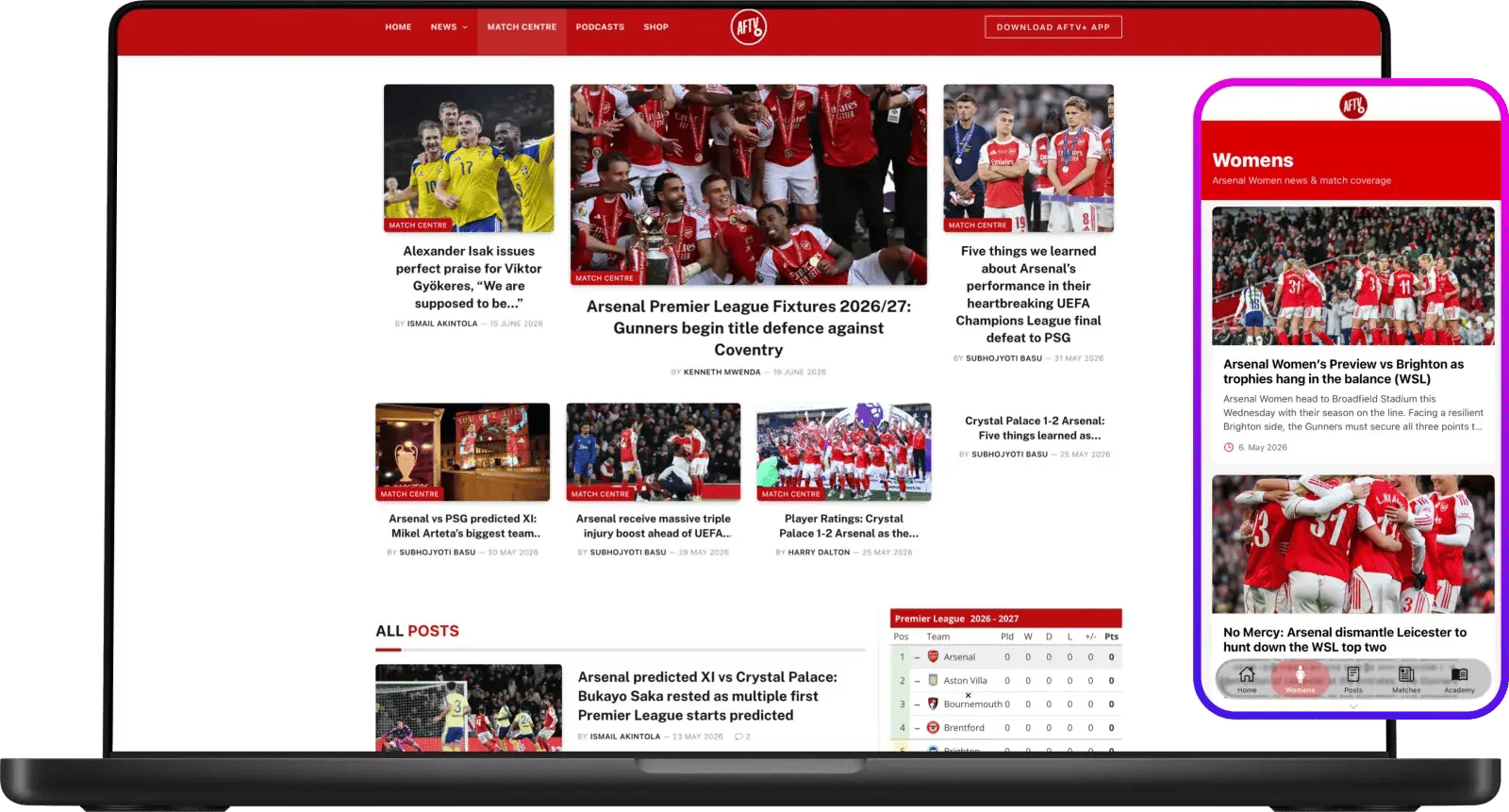
Add your WordPress site — Choicely AI reads your site and its WordPress REST API and suggests your pages, posts and categories as native components. Each selected page becomes a component in your app. Real example: aftv.co.uk, a WordPress site.
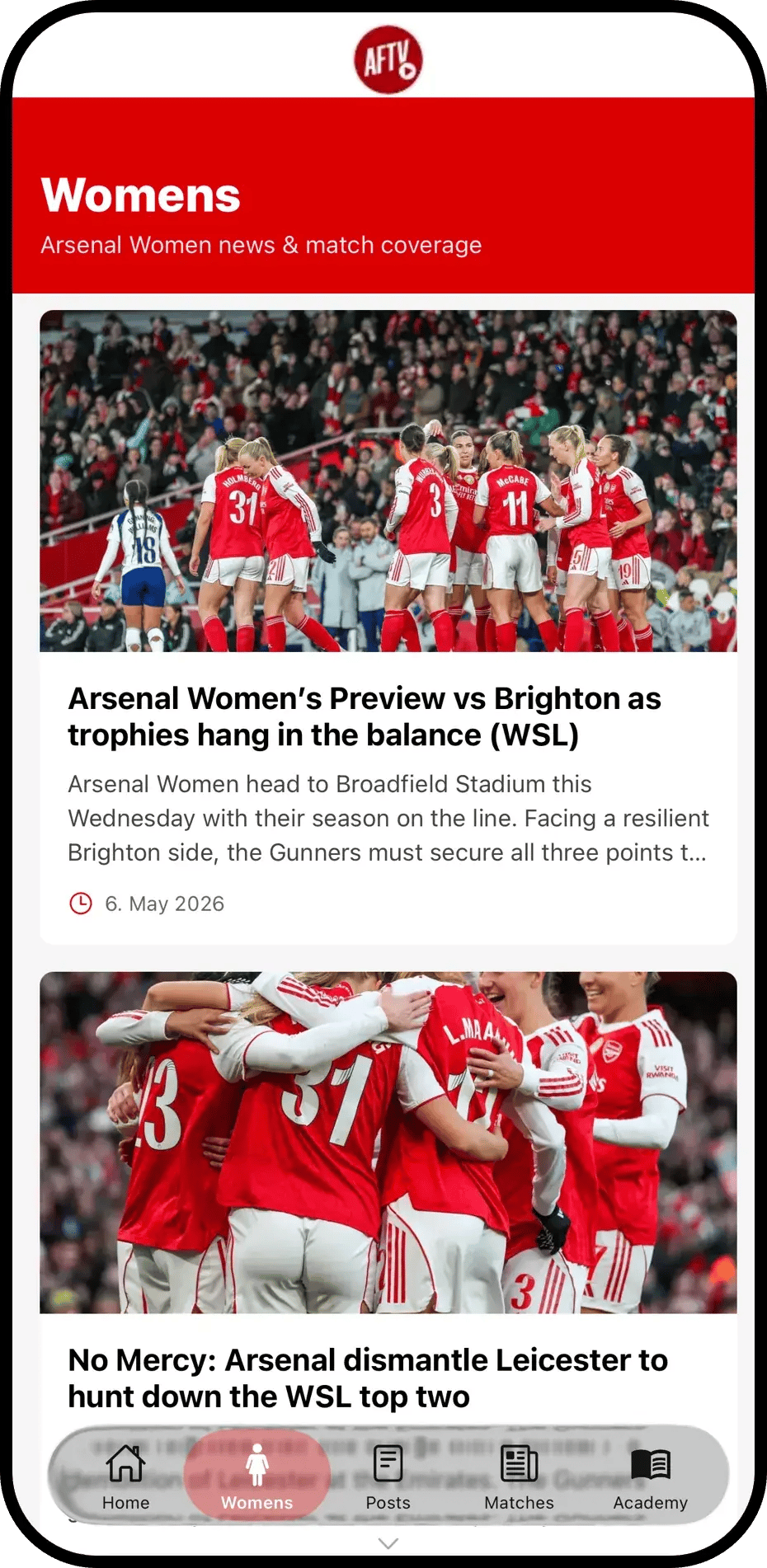
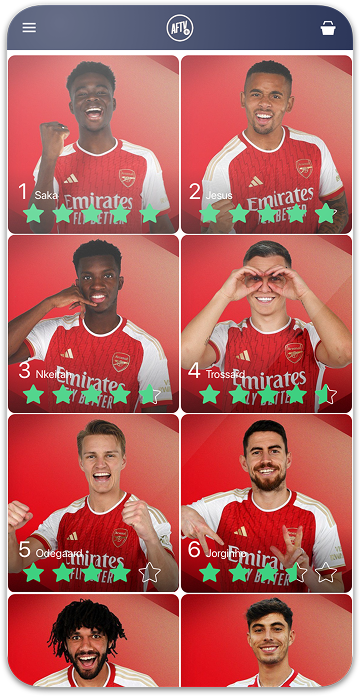
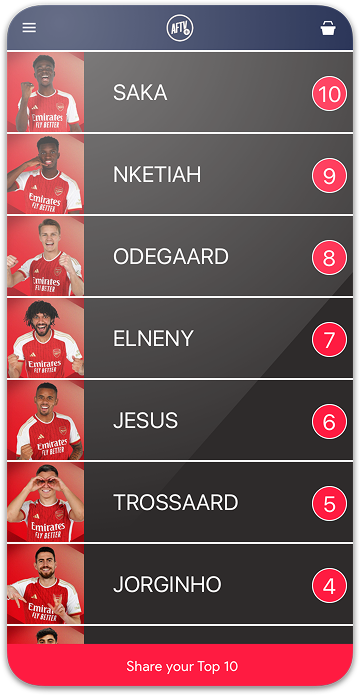
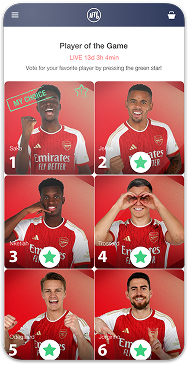
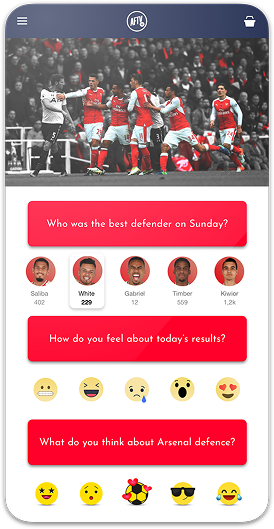
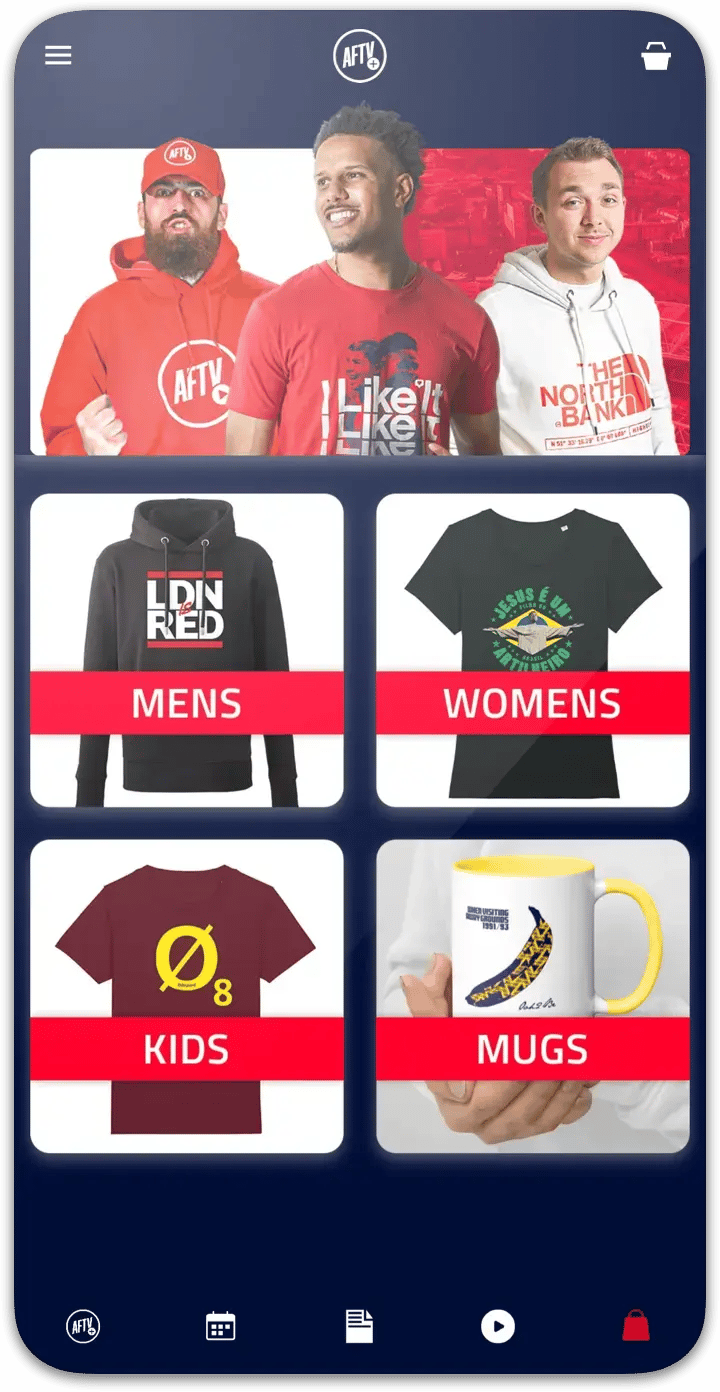
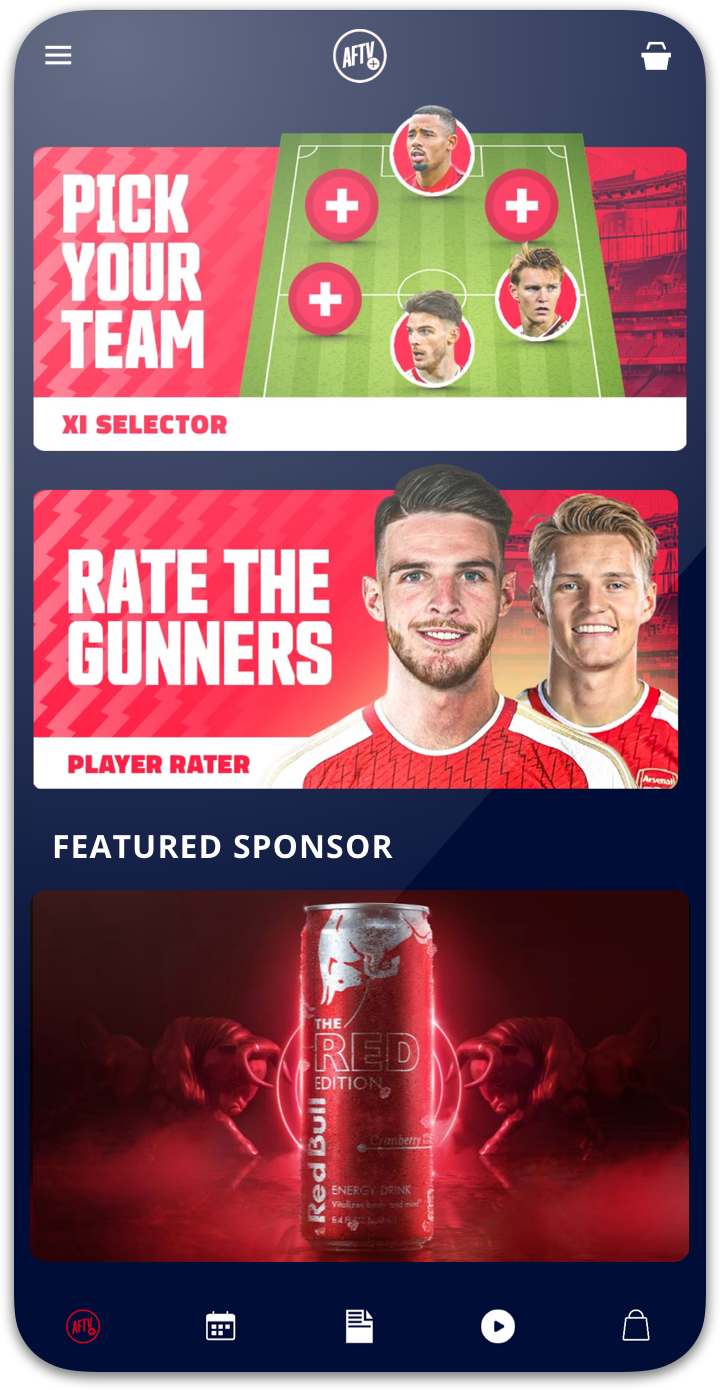
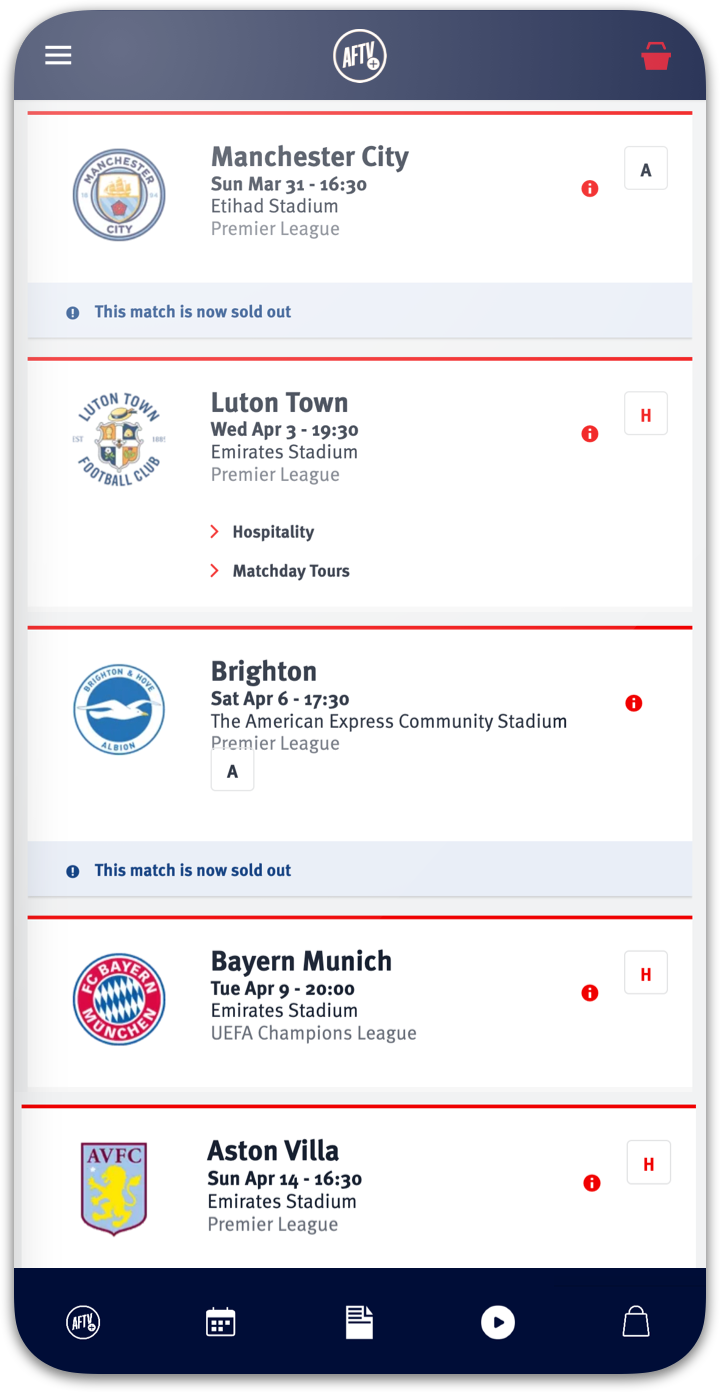
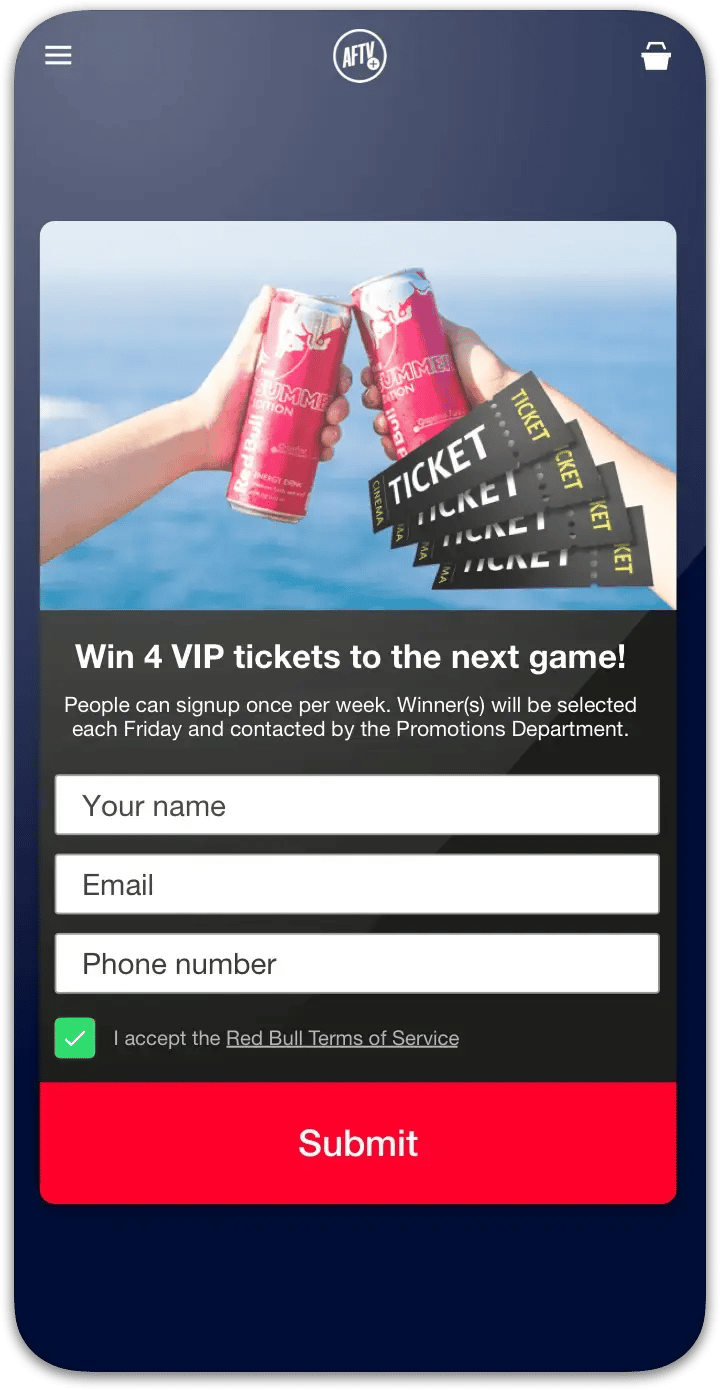
AFTV+ app section screen built automatically from aftv.co.uk content

2. Finalize your app

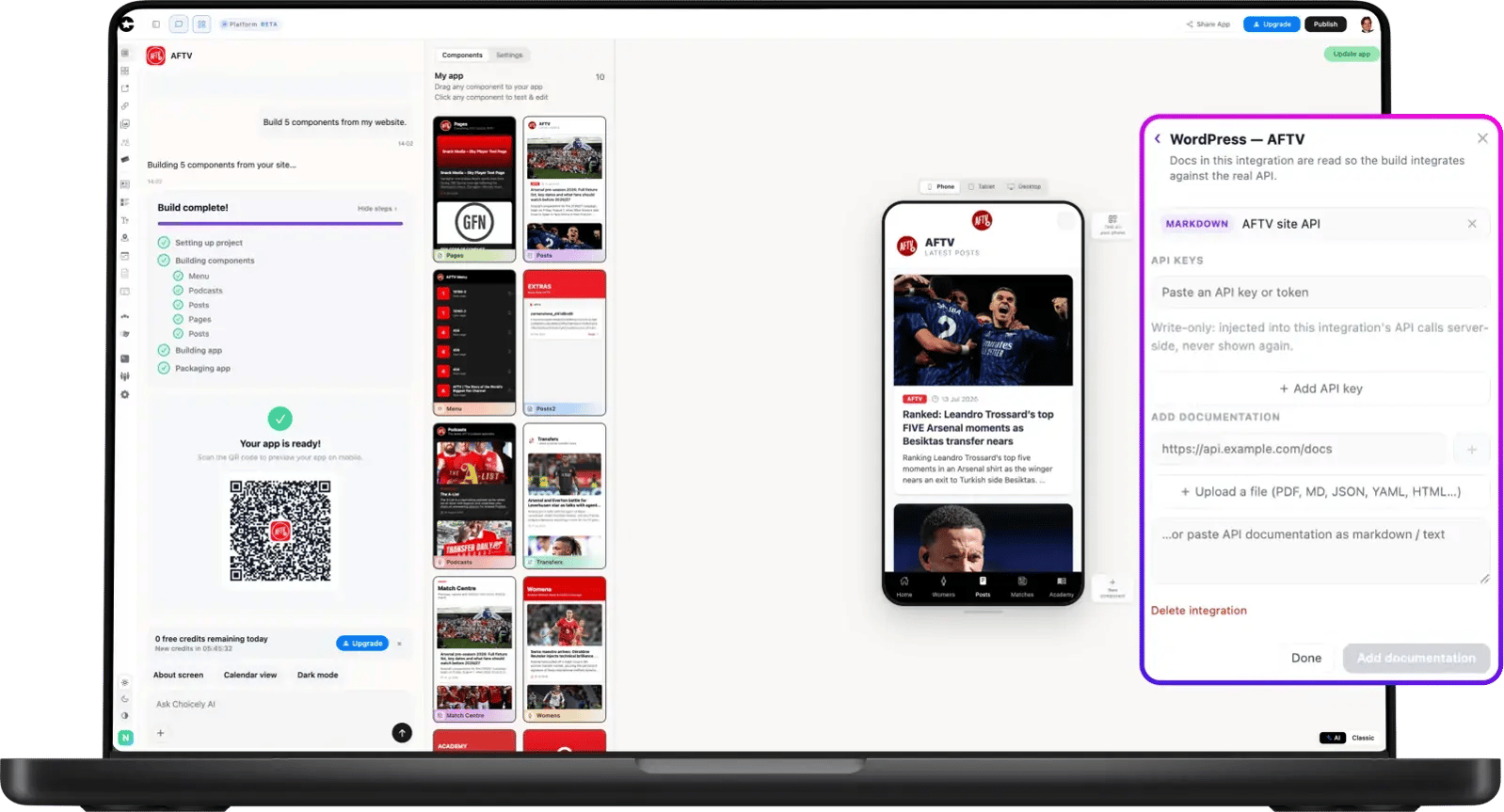
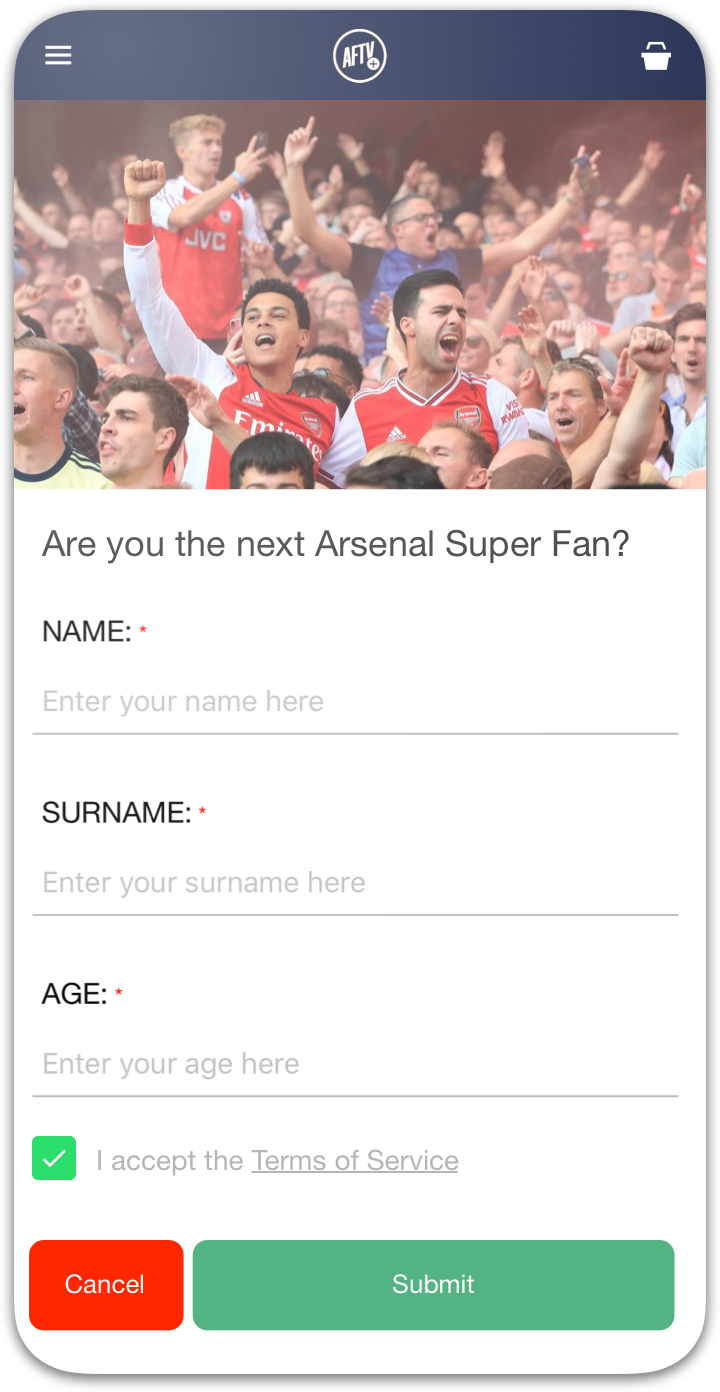
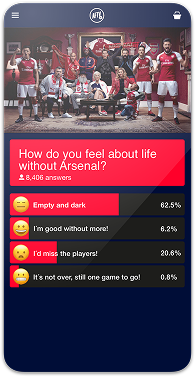
Connected to the AFTV WordPress site, the app fills itself with real posts and content. Fine-tune screens in the visual Studio editor, ask AI for changes in plain language, and scan a QR code to test the real app on your own phone.
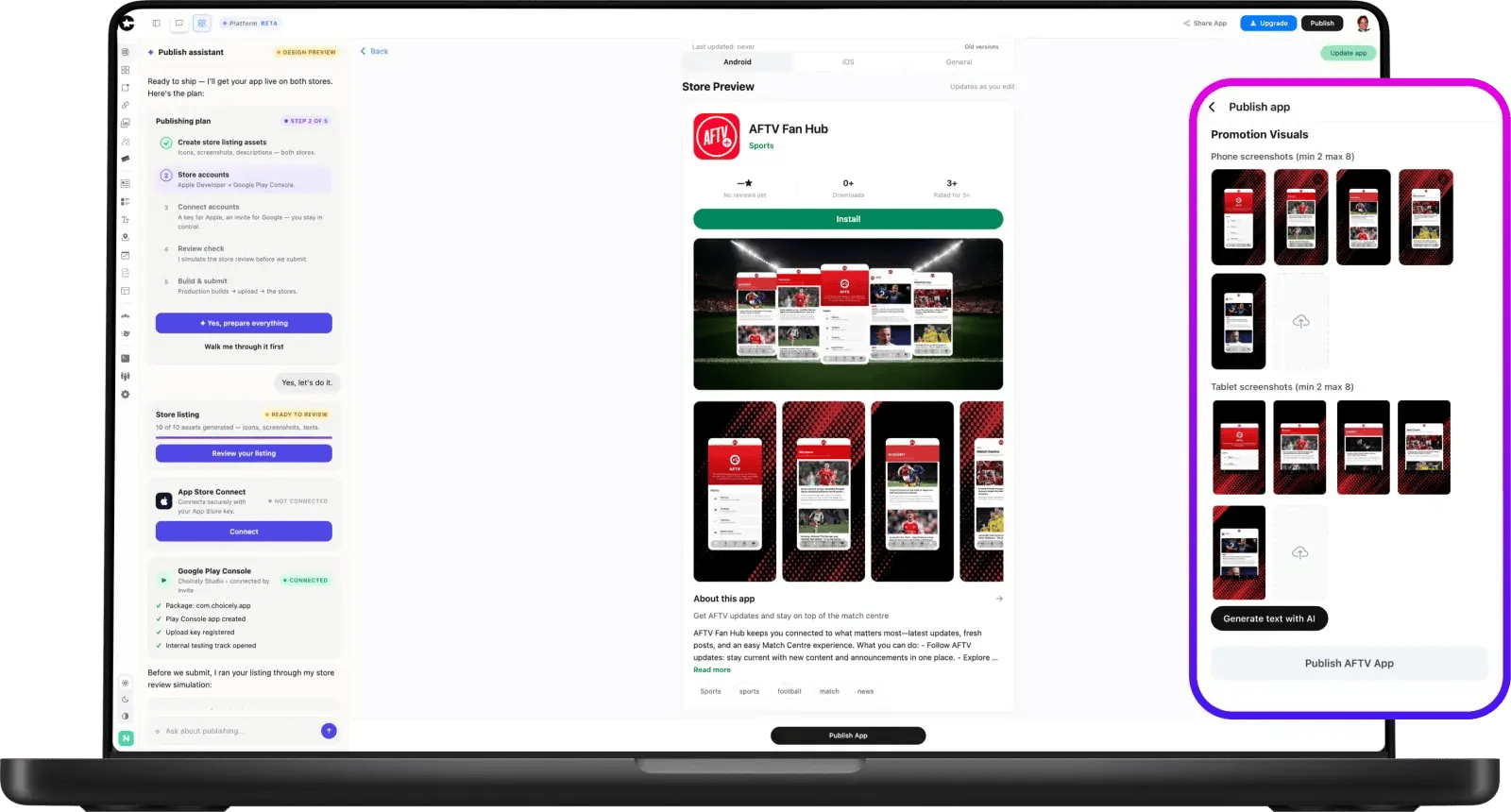
Choicely Publish Assistant publishing the AFTV+ app to the App Store and Google Play

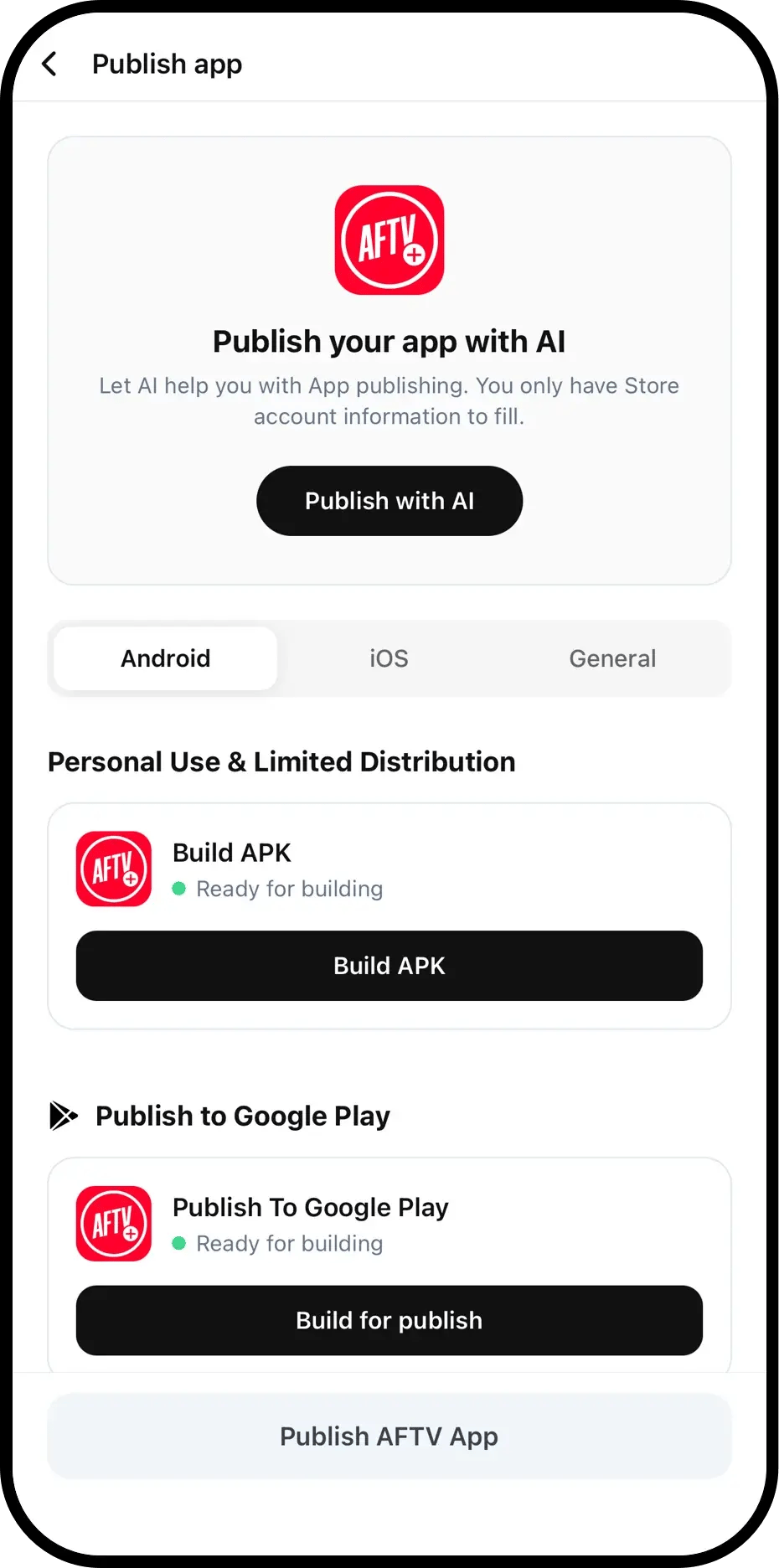
3. Publish in both stores

The Publish Assistant generates your store listing, pre-checks Apple’s and Google’s review rules, and walks your app into the App Store and Google Play — from prompt to store in as little as one day.