
Compare the 11 best no-code app builders for 2026 on native iOS and Android output, ease of use, App Store deployment, built-in features, and pricing.

Last updated: July 23, 2026
A no-code app builder lets you create a working app by describing it or dragging and dropping pieces into place, with no programming required. The catch is that “no-code app builder” covers two very different things. Some produce a real native mobile app you can publish to the App Store and Google Play. Many produce a web app or a PWA that only looks like one. If you don't know which you're getting, you can spend weeks building something you can't actually ship as a native app.
Here's the plain-language version. A native mobile app is built specifically for a phone's operating system (iPhone or Android), so it usually runs faster, feels smoother, and can use device features like the camera, GPS, and push notifications. A web-wrapped app is essentially a website packaged to look like an app. It's often quicker and cheaper to build, but it can feel less responsive and has more limited access to those device features. Neither is wrong, but they're not the same purchase, and most roundups blur the line.
So we scored each builder on what a non-technical person actually needs to ship a real app: can you build it without code, does it produce a true native iOS and Android app, does it handle the backend (data, accounts, payments), does it deploy to the stores, are engagement and monetization built in, and is there a human to help when you get stuck. We grouped the 11 by what they really do, and where a tool is the better pick for a different job, we say so.
|
Choicely |
Adalo |
Bubble |
Glide |
|
Best overall for native mobile |
Best simple native no-code |
Best for complex web apps |
Best for data-driven apps |
The Best No-Code App Builders for 2026: Quick Comparison Table
| Software | Best for | Ease of use (no code) | Output | Free tier | Starting price | Score |
|---|---|---|---|---|---|---|
| Choicely | Native apps + engagement | Very high (AI + visual) | Native iOS + Android | Yes | Free plan; Premium from ~$25/mo | 9.3 |
| Adalo | Simple native apps | High | Native iOS + Android | Yes | Free plan; From ~$36/mo | 7.4 |
| Bubble | Complex web apps | Medium | Web + native (beta) | Yes | Free plan; From ~$59/mo | 6.8 |
| GoodBarber | Content + eCommerce | High | Native + PWA | Trial | Free trial; From ~$30/mo | 6.6 |
| Glide | Data-driven apps | Very high | PWA / web | Yes | Free plan; From ~$25/mo | 6.2 |
| Thunkable | Beginners + education | High | Native iOS + Android | Yes | Free plan; From ~$19/mo | 5.8 |
| FlutterFlow | Design + code export | Medium | Native (Flutter) | Yes | Free plan; From ~$39/mo | 5.8 |
| Softr | Portals + internal tools | Very high | Web / PWA | Yes | Free plan; From ~$49/mo | 5.4 |
| BuildFire | Content + community | High | Native iOS + Android | Trial | Custom; From ~$159/mo | 5.4 |
| Appy Pie | Cheap vertical apps | Very high | Hybrid + PWA | Trial | Free trial; From ~$16/mo | 4.6 |
| Jotform Apps | Form + data apps | Very high | Web app / PWA | Yes | Free plan; From ~$34/mo | 4.4 |
How We Evaluated These No-Code App Builders
We assessed each platform across seven weighted dimensions, drawn from what a non-technical builder actually weighs when choosing a tool to build and ship an app. We read aggregated user reviews, checked public pricing, and tested the build-to-ship path on each. Each platform is scored for fit to a non-technical person shipping a real app, not for raw product breadth. A low score reflects a poor fit for that specific job, not a weak product for the market it was built for. Several of these tools are excellent at what they do.
Our Scoring Methodology
| Criterion | Weight | What we measured |
|---|---|---|
| Native iOS + Android output | 20% | Whether the platform produces a real native app for the App Store and Google Play, not a web app or PWA. |
| Ease of use (true no-code) | 20% | Whether someone who doesn't code can build and ship without a terminal, IDE, or scripting. |
| Full-stack depth | 15% | Whether the tool handles data, accounts, and payments, not just the screens. |
| App Store + Google Play deployment | 10% | Whether the platform ships the actual binary and handles store submission, or hands you a URL. |
| Built-in engagement and monetization | 10% | Whether voting, polling, in-app purchases, and subscriptions are available out of the box. |
| Human help when you hit a wall | 10% | Whether there's a first-party build team, managed publishing, or an expert community. |
| Customization, ownership, and pricing | 15% | Flexibility, whether you own your app and data, and how transparent the cost is. |
The 11 Best No-Code App Builders for 2026
1. Choicely: Best No-Code App Builder Overall
Best for
Non-technical founders and teams who want to build a real native iOS and Android app without code, by chatting with AI or dragging and dropping, with built-in engagement features and an in-house team to call when they hit a wall. It's the strongest fit for consumer, media, sports, and event apps. See the Choicely AI App Builder.
Score
9.3/10. Top marks for native output (10/10), App Store and Google Play deployment (10/10), built-in engagement and monetization (10/10), and human help (10/10). Scored lower on raw code-level control for engineers (6/10), which isn't what it's built for.
Positioning
Choicely is the only no-code app builder on this list that lets you build by chatting with AI or dragging and dropping in a visual editor, produces a true native iOS (Swift) and Android (Java) app, ships engagement features like voting and polling out of the box, and backs you with an in-house Pro Services team, all on one platform.
Product Overview
Choicely is a Helsinki-based AI-powered mobile app platform built so a non-technical person can ship a real native app, and so a whole team can build it together. Here's what sets it apart.
Three ways to build, in one platform
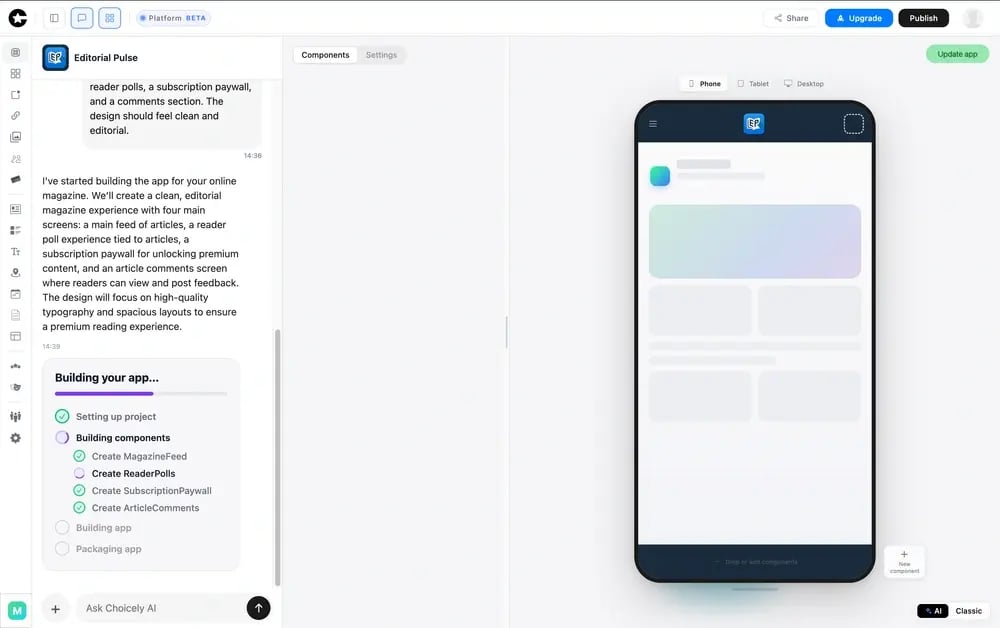
Describe what you want in plain language and the AI builds it, refine it by dragging and dropping components in the visual editor, or hand the build to Choicely's in-house Pro Services team. You can mix all three, and because the AI works alongside the visual editor, you're not stuck waiting for it to finish each step before you can touch the app yourself.
Real native output, not a web wrapper
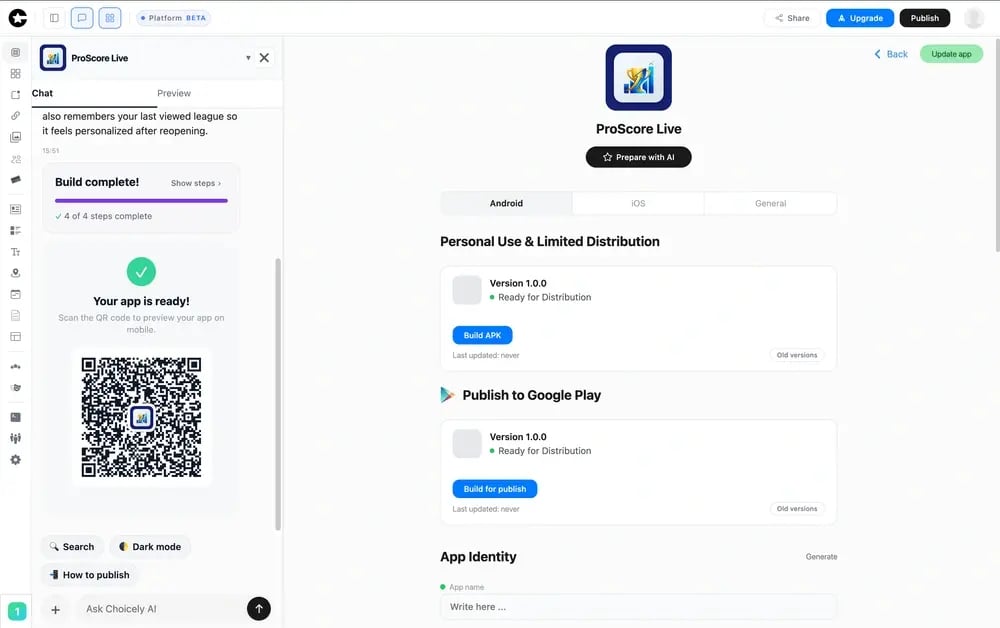
Choicely produces real native iOS (Swift) and Android (Java) apps; the AI builder also generates React Native, with true native code used to reach full device features (push notifications, camera, biometrics) and the performance and store quality a web app or PWA can't match.
Engagement and monetization built in
Voting, polling, ratings, battles, reactions, and paid voting are available out of the box, alongside a merchandise shop, ticket shop, subscriptions, and ads, so the app can engage an audience and earn from day one. Most builders on this list expect you to build all of that from scratch.
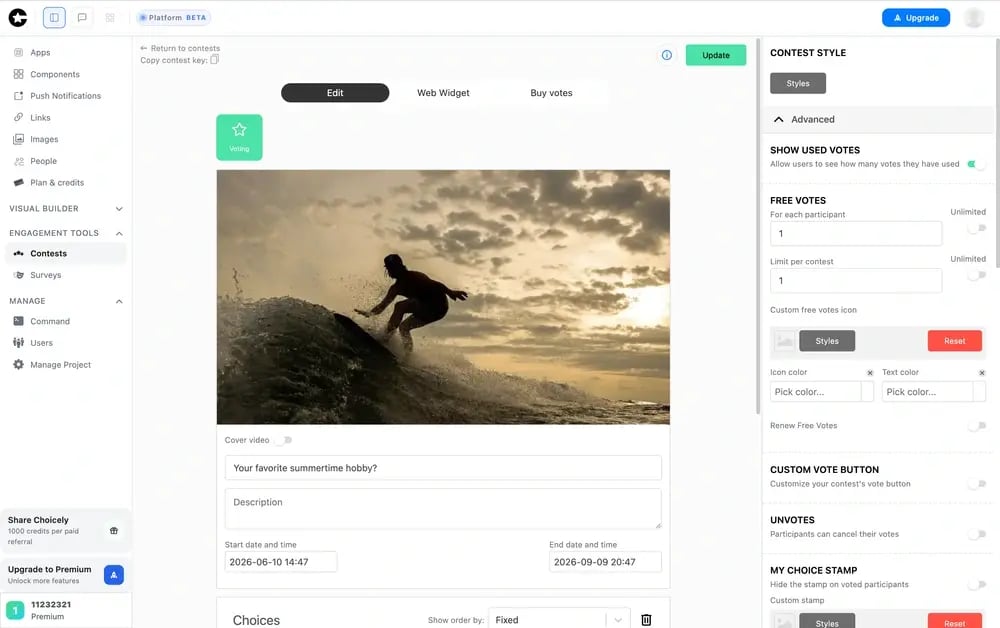
Live updates and proven scale
You can push content and feature changes to a live app without an App Store re-review, and the platform is production-tested at Eurovision, Miss Universe (around three million downloads in five weeks), Disney, and Got Talent scale, with millions of concurrent users during live broadcasts. You also own your app and your user data on an open, API-driven platform.
Pricing
Credit-based self-serve subscriptions (Premium at $25/month and Business at $50/month) with a free starter tier to build and preview apps. Monthly credit allotments with rollovers and optional top-ups keep ongoing cost predictable. For teams that want it done for them, Choicely's Pro Services team can design and build the full native app end to end.
Integrations
Open, API-driven platform with native connectors to CRMs, ecommerce (Stripe, Shopify), streaming, advertising, content feeds, CMSs, maps, and UGC. First-class push notifications, in-app purchases, and biometric login. SDK at studio.choicely.com/docs/sdk.
Setup
DIY via AI: minutes to a working prototype, and self-service takes you all the way to a published native iOS and Android app. Pro Services (done-for-you): hand off the build and get a production-ready app in weeks rather than months. No CLI, terminal, or Git required.
Tradeoffs
Choicely is overkill if all you need is an internal database view, a client portal, or a quick web prototype. If you don't need native output, the App Store, a live audience, or engagement features, Glide, Softr, or a web builder will serve you better. Choicely earns its place when the deliverable is a real native app you intend to ship and grow.
Support
Pro Services customers get a dedicated design and engineering team and white-glove onboarding; self-serve plans get community and email support. SDK documentation is at studio.choicely.com/docs/sdk.
Mini Case Study
AFTV, the Arsenal fan-engagement app, is built on Choicely and shows the native-plus-engagement combination in action: a real native app with voting, reactions, and live content for a large, demanding audience. Read the AFTV sports fan-club case study.
2. Adalo: Best Simple Native No-Code App Builder
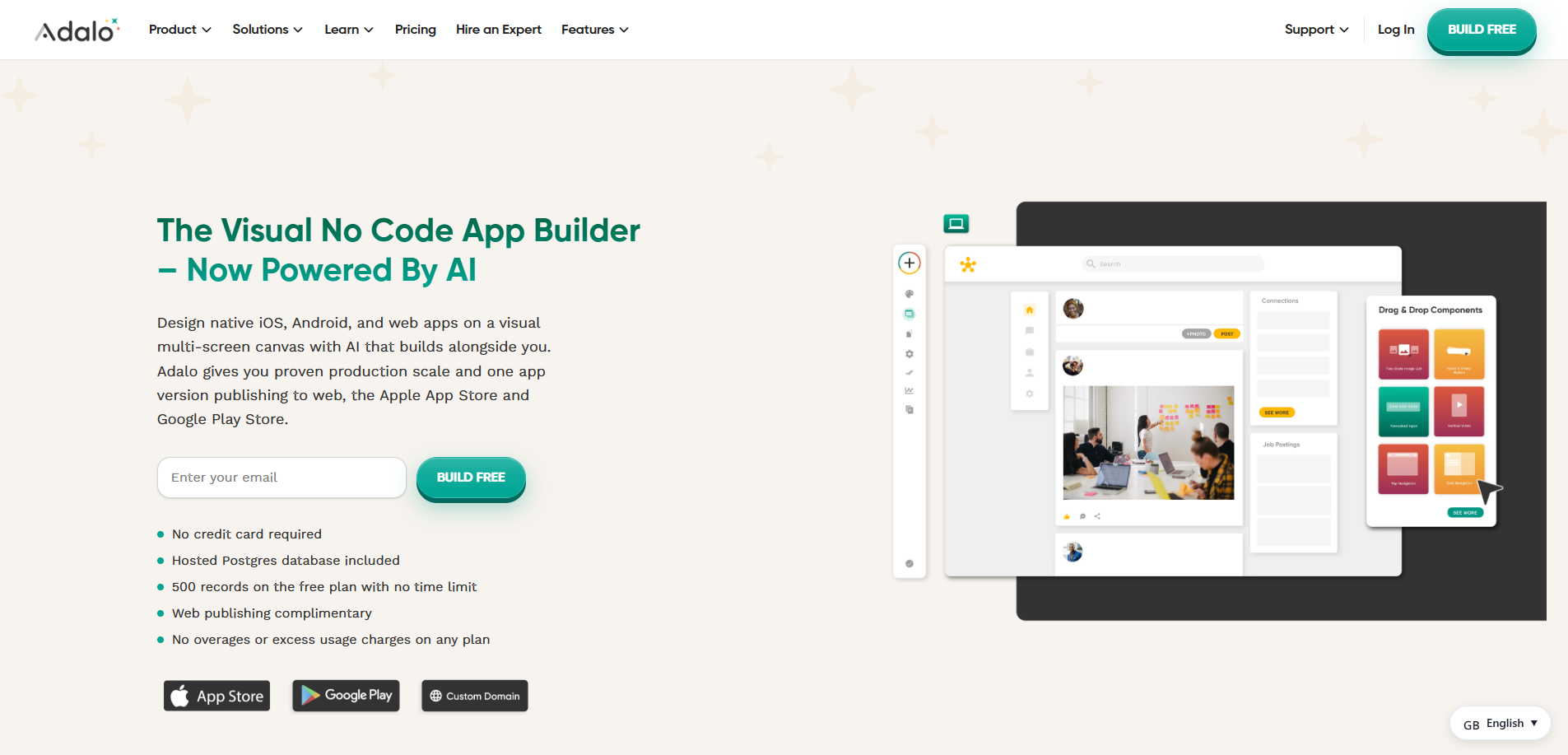
Best for non-technical founders who want a genuinely no-code path to a native iOS and Android app for simpler use cases.
Score: 7.4/10. Genuine native output and truly no-code (native 9/10, ease 8/10). Scored lower on built-in engagement (4/10), human help (3/10), and depth for complex apps (6/10).
Product Overview
- Compiles true native iOS and Android apps and publishes them to the App Store and Google Play from a single codebase.
- Drag-and-drop visual builder with a built-in database, native authentication, and AI-assisted building (Magic Start).
- One of the most accessible native builders for non-coders, with over three million apps created.
Pricing: Free plan; paid plans for store publishing from about $36/mo, with unlimited database records and no usage-based charges on paid tiers.
Integrations: Built-in database plus API and Zapier integrations and common services such as Stripe.
Setup: Days to a published native app for a non-technical founder; simpler apps ship fast.
Tradeoffs: Genuinely native and easy to use, but built for simpler apps, with no in-house team and no built-in engagement (voting, polling, paid voting) or live-event scale. Choicely adds the human lift, engagement, and proven scale.
3. Bubble: Best for Complex, Customizable Web Apps
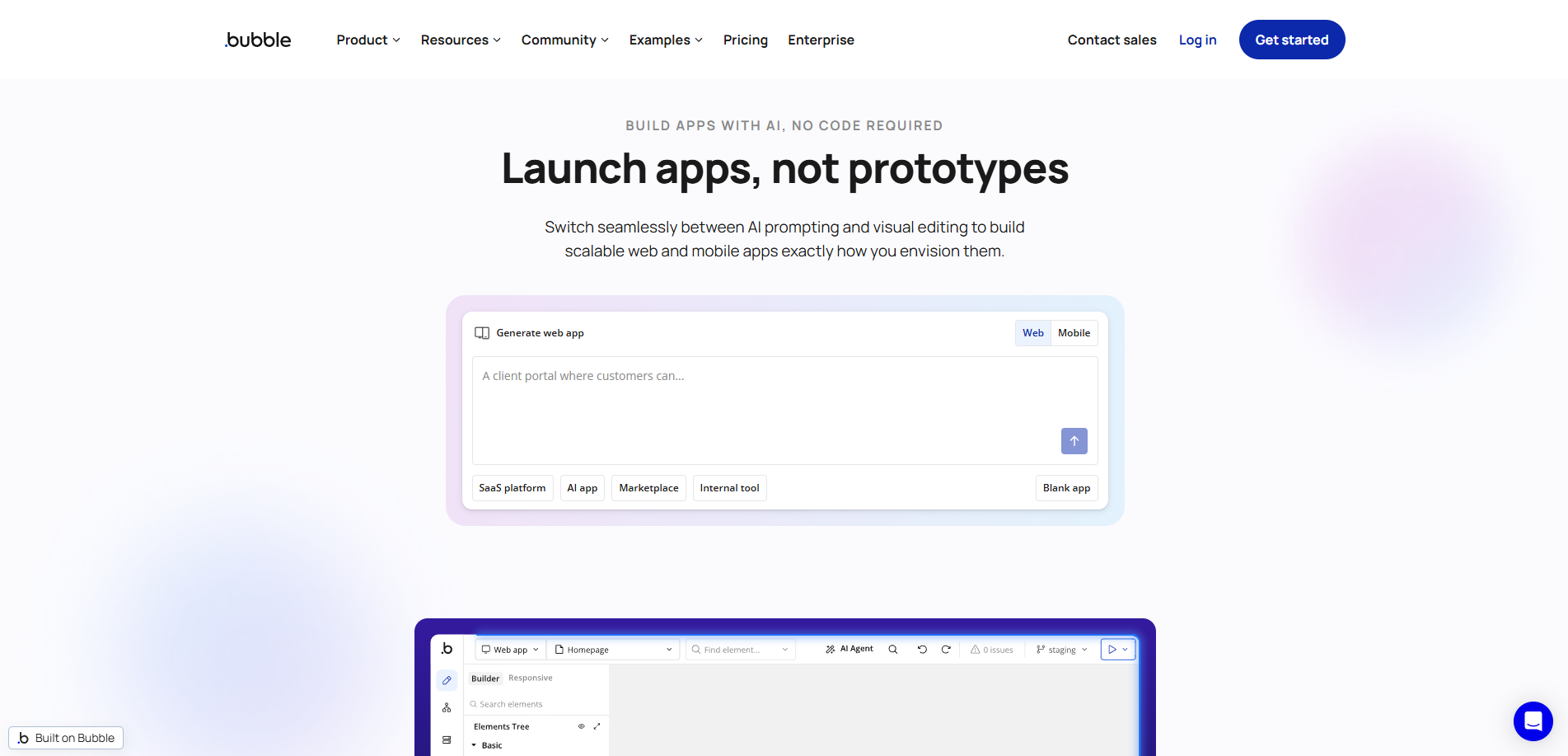
Best for teams that want the deepest no-code control for complex web app logic, and have someone to own the learning curve.
Score: 6.8/10. The most powerful, customizable no-code platform (customization 10/10), now with a native mobile beta. Scored lower on ease of use (5/10, a real learning curve) and native maturity (5/10).
Product Overview
- The deepest no-code visual builder, with full workflow logic and a large plugin marketplace for almost any feature.
- Launched a native mobile builder (React Native) in public beta in 2025 that is genuinely native, though still maturing.
- Workload-unit pricing means costs can scale unexpectedly as traffic grows.
Pricing: Free plan; web plans from about $59/mo, with native mobile plans priced separately; workload-unit based.
Integrations: Large plugin marketplace, APIs, Stripe, and common services.
Setup: Hours to a web prototype; a production app, and the native beta, take real ramp-up time.
Tradeoffs: Unmatched for complex web app logic, and its native beta is promising, but the learning curve keeps it from being truly no-code for everyone, and the native path is still maturing. Choicely is more accessible and ships mature native plus engagement.
4. GoodBarber: Best Native No-Code Builder for Content and eCommerce
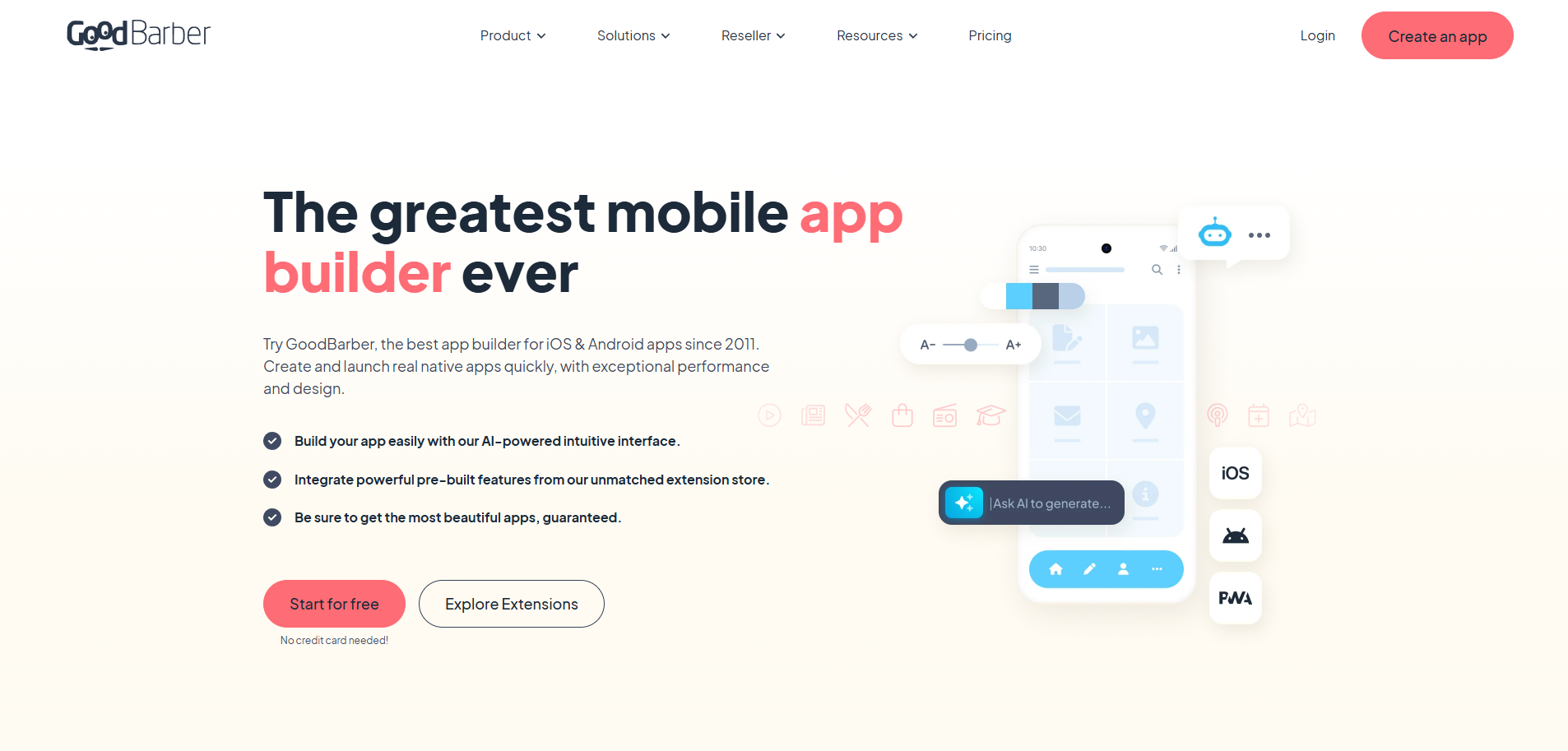
Best for content publishers and small eCommerce businesses that want a genuinely native app with a built-in CMS and managed publishing.
Score: 6.6/10. True native output and managed publishing (native 9/10, deployment 9/10). Scored lower on built-in consumer engagement (5/10) and done-for-you build help beyond managed publishing (6/10).
Product Overview
- More than a decade of building native apps; produces true native Swift (iOS) and Kotlin (Android) output, plus a PWA option.
- Built-in CMS, push notifications, and all-inclusive pricing make it strong for content and eCommerce apps.
- No meaningful code export, so apps stay on the platform.
Pricing: Free trial; all-inclusive app plans from about $30/mo, with reseller and white-label tiers higher.
Integrations: Built-in CMS, push notifications, and commerce features, plus common third-party services.
Setup: Days to a published native app, with managed submission to the stores.
Tradeoffs: A genuinely native, polished builder for content and shops, but lighter on built-in consumer engagement (voting, polling, paid voting) and live-event scale, and there's no in-house build team. Choicely adds engagement and a Pro Services team.
5. Glide: Best for Data-Driven Apps
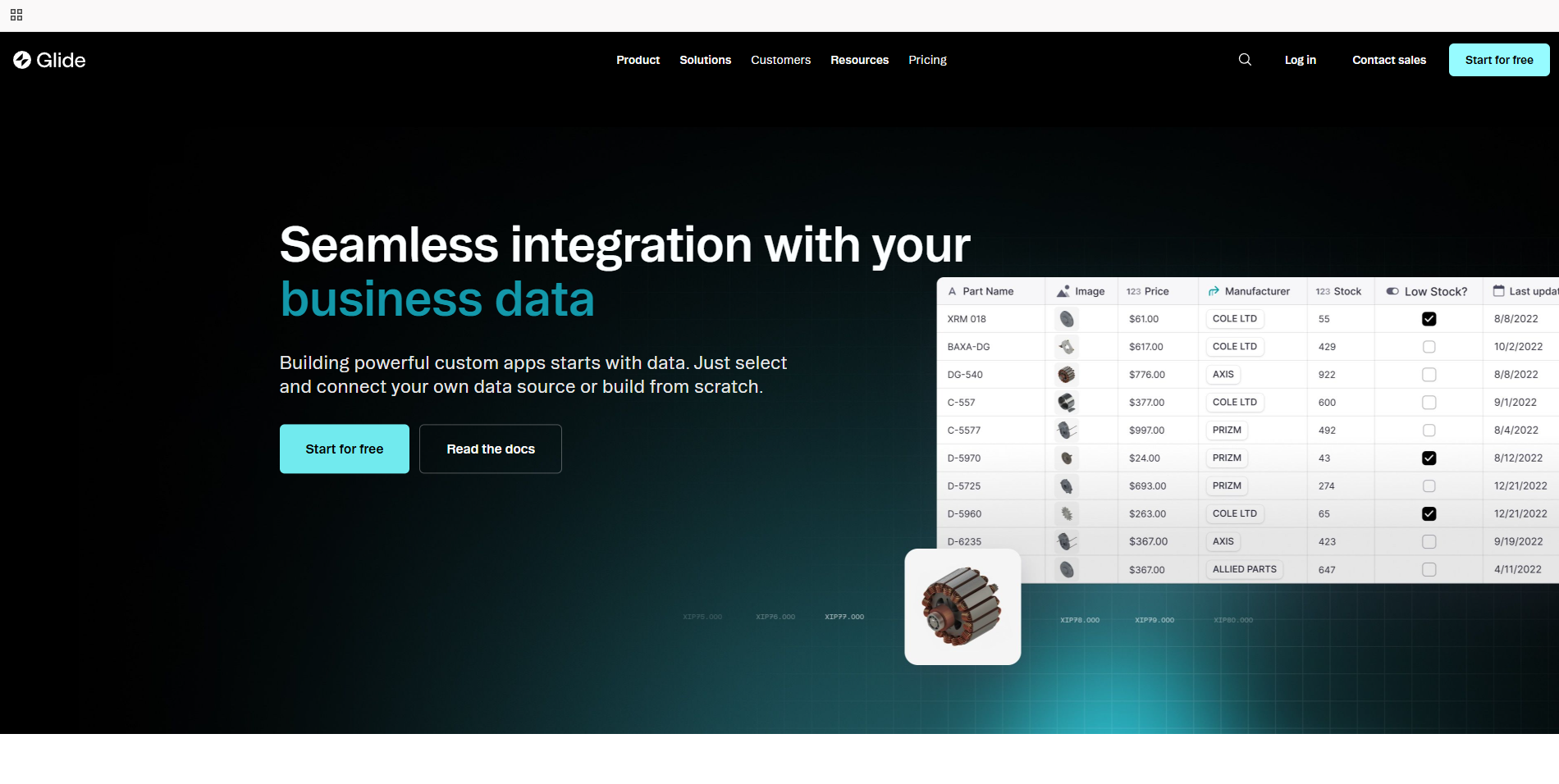
Best for teams building data-driven internal tools and lightweight apps on top of a spreadsheet or database.
Score: 6.2/10. The easiest entry point and a polished UI built from your data (ease 9/10). Scored lower on native output (3/10, PWA) and consumer engagement (4/10).
Product Overview
- A no-code builder driven by structured data (Google Sheets, Airtable, Glide Tables), with native auth, roles, and an AI app generator.
- Apps run as polished PWAs with mobile styling; Glide doesn't compile real native code.
- A Business-plan App Store service can wrap the PWA in a native shell, but the result is a wrapper.
Pricing: Free plan (one project, limited credits); Solo $25/mo; Team $125/mo plus $10 per member; Enterprise on request. Repriced under GlideOS — the Explorer, Maker and $199 Business tiers no longer exist, and annual billing is listed as coming soon. Verified 7 August 2026.
Integrations: Google Sheets, Excel, Airtable, and Glide Tables; native auth and role-based access.
Setup: Very fast for spreadsheet-backed apps.
Tradeoffs: The friendliest way to ship a data app, but it's a PWA (its store path is a wrapper), not a true native app, with no built-in engagement or live-event scale. Choicely is built for native consumer apps.
6. Thunkable: Best for Beginners and Education
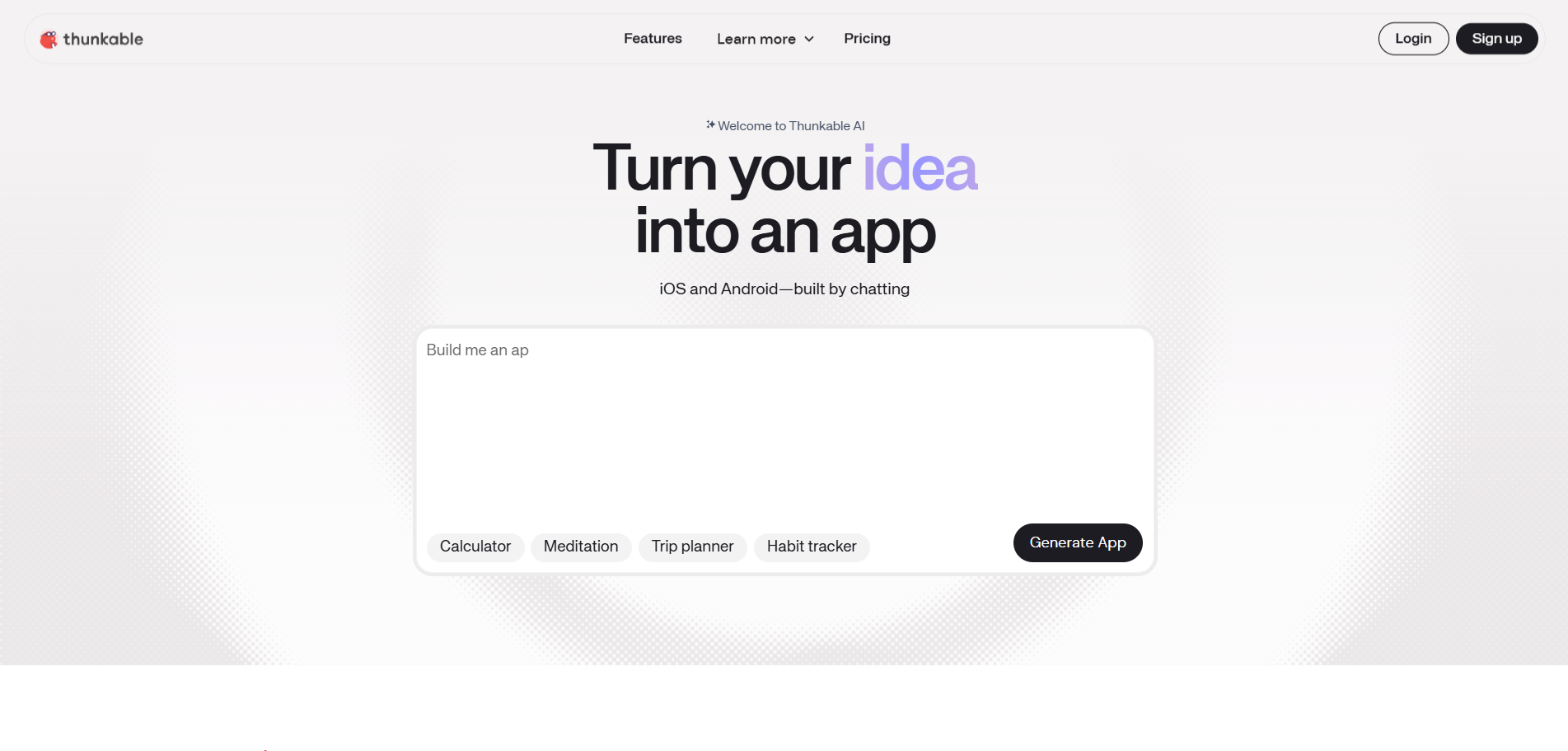
Best for beginners, students, and hobbyists learning to build native mobile apps with visual logic blocks.
Score: 5.8/10. An approachable native builder with strong educational appeal (ease 7/10, native 7/10). Scored lower on full-stack depth (5/10), engagement (3/10), and human help (3/10).
Product Overview
- A no-code, block-based visual builder: you assemble app logic by dragging and dropping blocks.
- Produces native iOS and Android apps, plus browser access, and is popular in education and for simple prototypes.
- No meaningful code export, so apps stay on the platform.
Pricing: Free plan (up to 3 public projects, no publishing); paid plans from about $19/mo, with publishing on the Builder plan (around $59/mo).
Integrations: Common APIs and services, plus a component library.
Setup: Fast for simple apps; the block logic suits learners.
Tradeoffs: A great place to learn and prototype native apps, but it's aimed at simpler builds, with no built-in engagement, no in-house team, and limited depth for a production consumer product. Choicely is built to ship and scale.
7. FlutterFlow: Best for Design Precision and Code Export
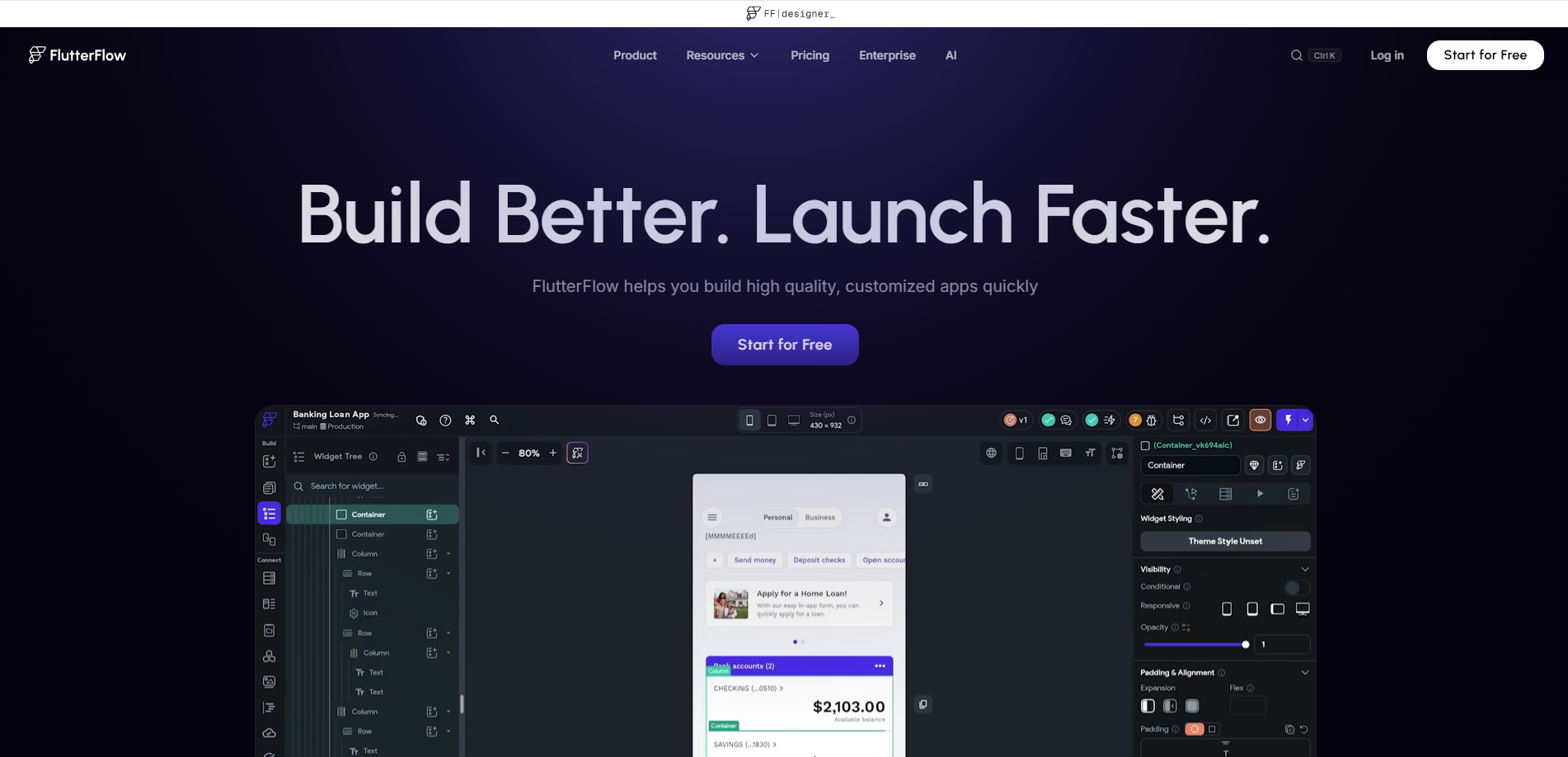
Best for design-minded builders and teams comfortable with a visual builder (and a little Flutter) who want native output and full code ownership.
Score: 5.8/10. Genuine native output and full code export (native 9/10, customization 9/10). Scored lower on true no-code ease (5/10, it leans technical) and human help (3/10).
Product Overview
- A low-code visual builder on Google's Flutter framework that produces real native iOS and Android apps from one codebase, plus web and desktop.
- Exports clean Flutter and Dart code with no lock-in, native Firebase and Supabase backends, and one-click store deployment on paid plans.
- Benefits from some Flutter familiarity, so it's less purely no-code than the others here.
Pricing: Free plan; paid plans from about $39/mo, with backend hosting and app store fees separate.
Integrations: Native Firebase and Supabase, custom APIs, and full Flutter code export.
Setup: Fast for someone comfortable with a visual builder; polishing rewards some technical comfort.
Tradeoffs: The strongest choice for design precision and code ownership, but it leans technical rather than truly no-code, has no in-house team, and no built-in engagement. Choicely is more accessible to non-coders and includes engagement and a team.
8. Softr: Best for Portals and Internal Tools
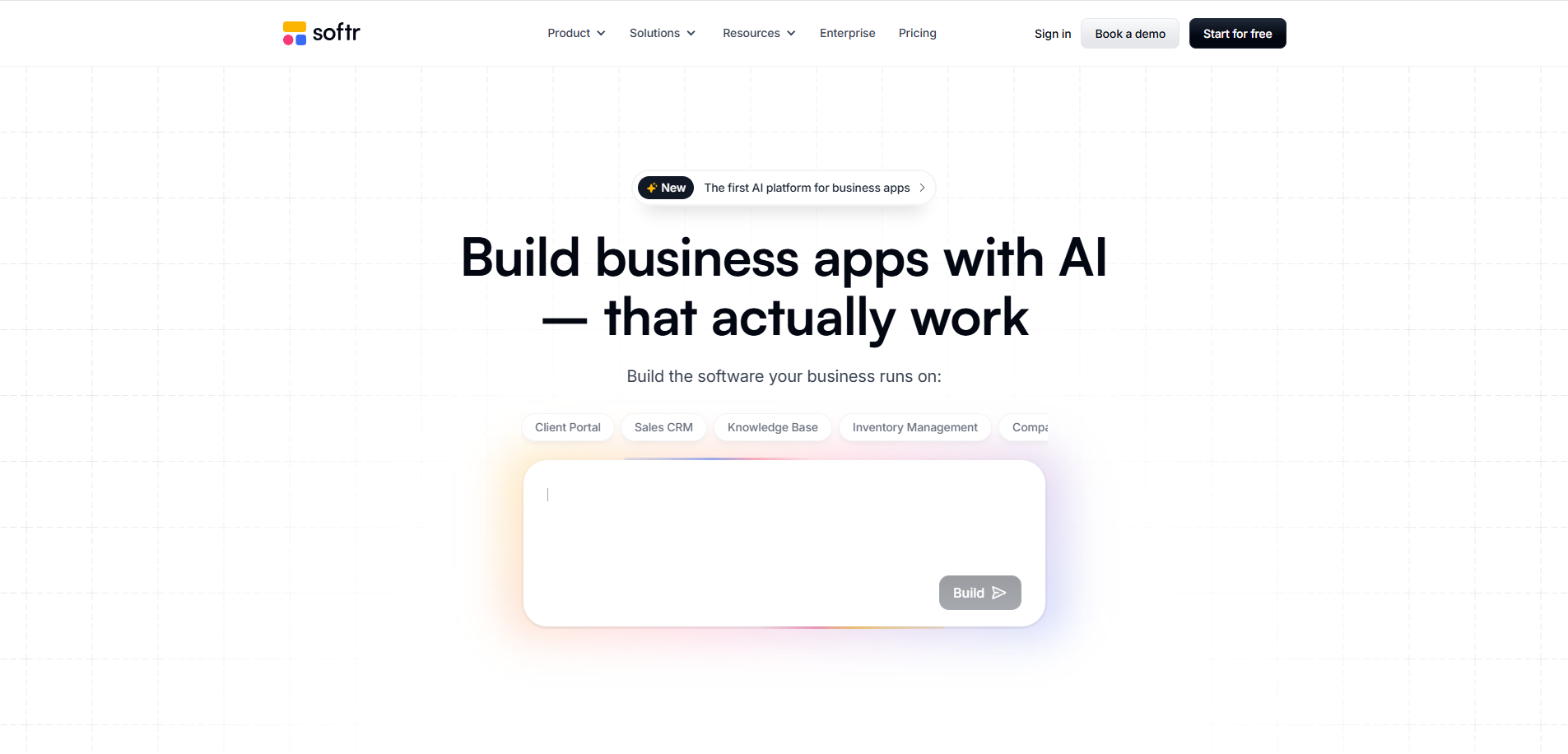
Best for teams building client portals, internal tools, and member sites on top of Airtable, Google Sheets, or Notion.
Score: 5.4/10. Excellent for portals and internal web apps built on your data (ease 8/10). Scored lower on native output (2/10) and consumer engagement (3/10).
Product Overview
- A no-code builder for portals and web apps on top of existing data (Airtable, Google Sheets, Notion, HubSpot), with pre-built blocks, Stripe payments, and white-labeling.
- Output is a responsive web app or PWA, not a native mobile app.
- Strong for business tools and directories, less so for consumer mobile apps.
Pricing: Free plan; paid plans from about $49/mo, scaling with internal and external user counts.
Integrations: Airtable, Google Sheets, Notion, HubSpot, SQL, and Stripe.
Setup: Fast for portals and data-backed web apps.
Tradeoffs: A strong portal and internal-tool builder, but it produces web apps, not native mobile, with no App Store path or engagement features. Choicely is for teams shipping a real native product.
9. BuildFire: Best Plugin-Based Builder for Content and Community
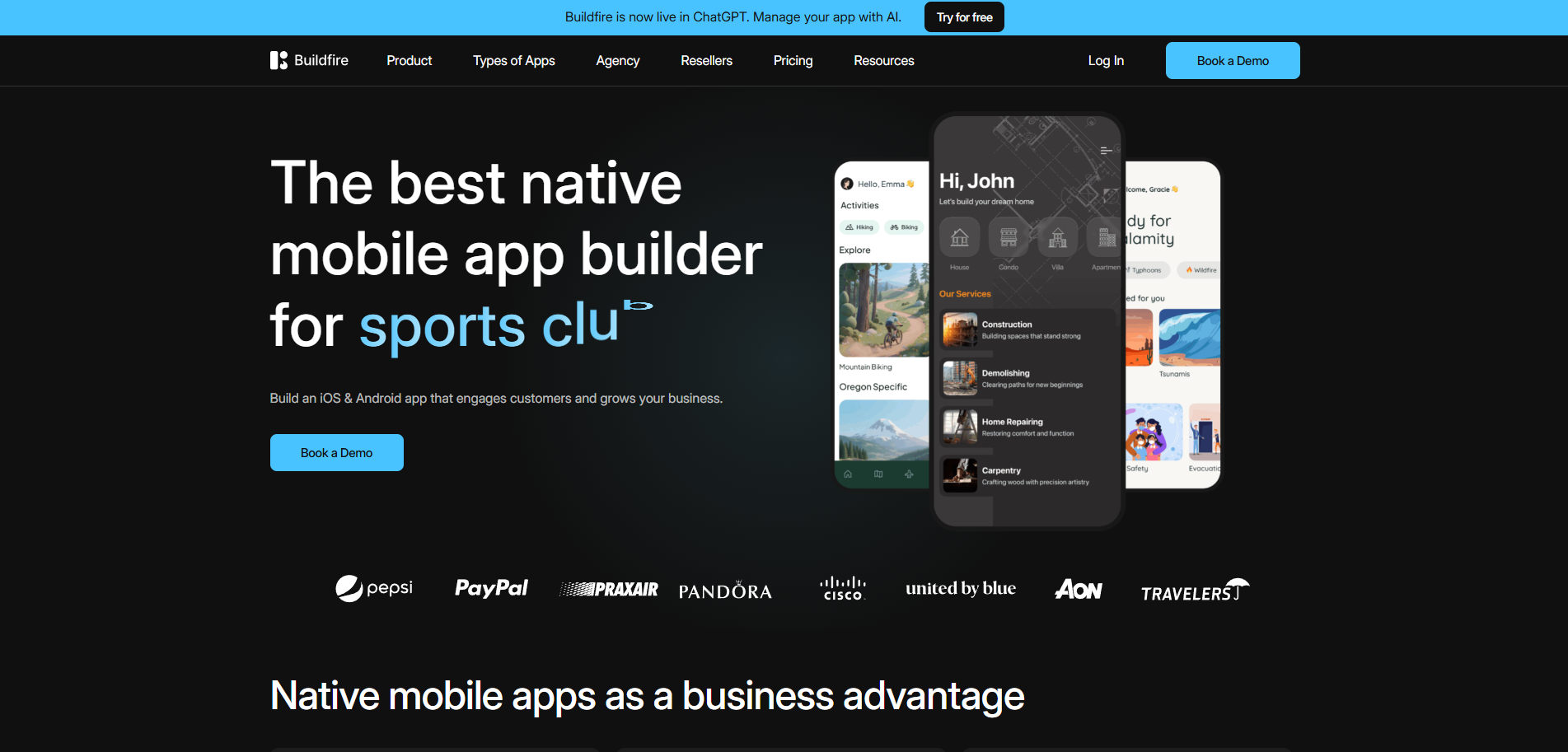
Best for businesses and agencies that want a native content, loyalty, or community app assembled from plugins, with white-label options.
Score: 5.4/10. Native output and a deep plugin ecosystem with hands-on help (native 8/10, human help 7/10). Scored lower on ease for solo non-technical users (7/10) and pricing transparency (5/10).
Product Overview
- A plugin-based no-code mobile app builder with 150+ plugins; publishes native iOS and Android apps.
- Strong for content, loyalty, and community apps, with agency white-label options and a long-running brand in the category.
- No meaningful code export, so apps stay on the platform.
Pricing: Custom pricing; commonly from roughly $159 to $315/mo depending on tier and services.
Integrations: 150+ plugins, CMS-style content, and common third-party services.
Setup: Days to weeks, with hands-on onboarding available.
Tradeoffs: A capable native builder with real human support, but pricing is higher and less transparent, and consumer engagement like voting and paid voting isn't built in the way it is for media and event apps. Choicely pairs native output with built-in engagement and live-event scale.
10. Appy Pie: Best Budget Builder for Simple Vertical Apps
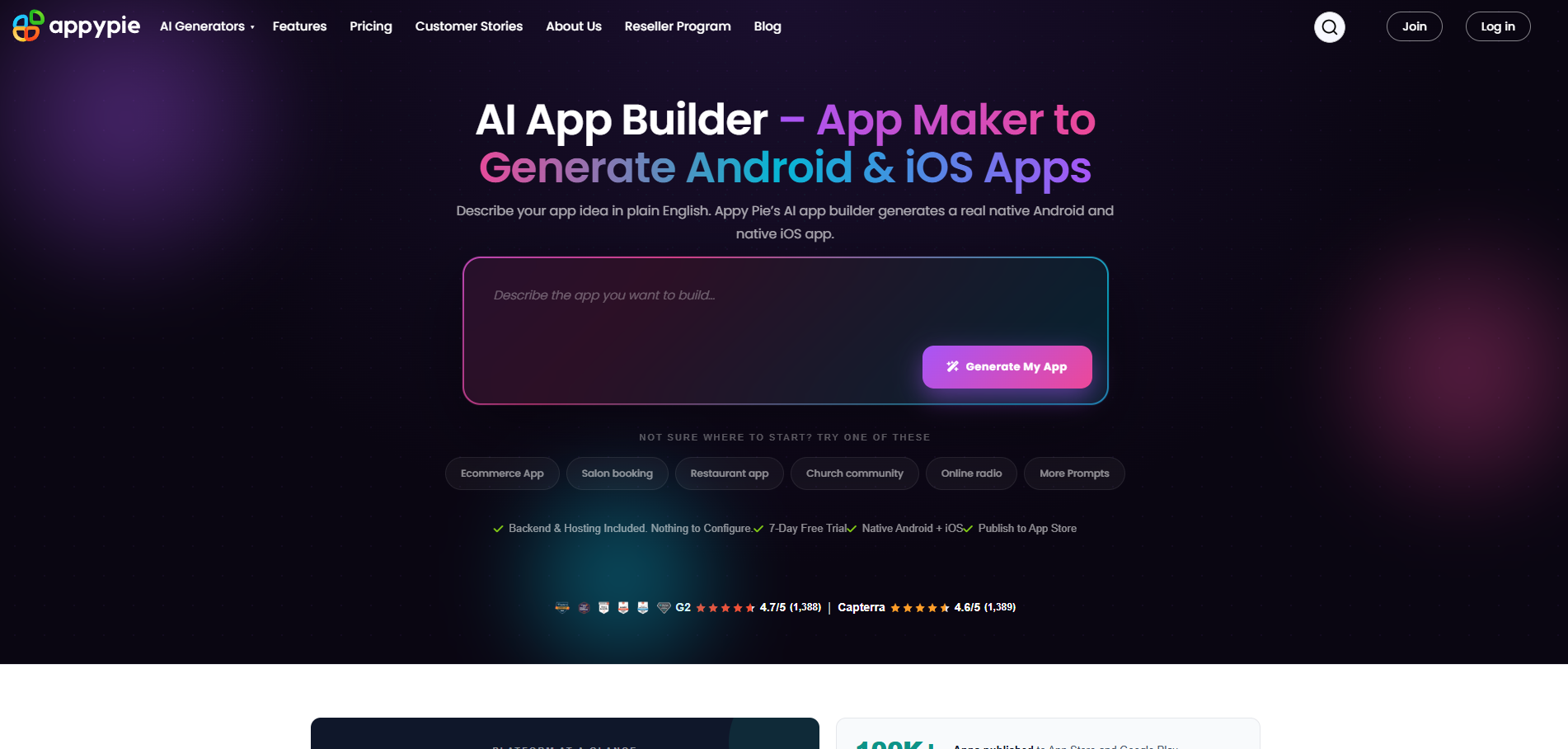
Best for small business owners who want a cheap, template-driven app for a common vertical (salon, fitness, food, events) with minimal effort.
Score: 4.6/10. Cheap, fast, and template-driven with AI generation (ease 8/10). Scored lower on native quality (4/10, hybrid output) and depth (5/10).
Product Overview
- An AI-powered, template-driven no-code builder: describe an app or start from a vertical template, and it generates Android, iOS, and PWA versions.
- A built-in web dashboard stores form submissions, bookings, and user activity.
- Output is hybrid rather than true native, and there's no permanent free plan (a free trial only).
Pricing: From about $16/mo per app (Android), up to about $60/mo for both platforms; free trial rather than a free plan.
Integrations: Vertical templates and common business modules, plus basic integrations.
Setup: Very fast from a template or a prompt.
Tradeoffs: The cheapest, fastest route to a simple branded app, but the output is hybrid rather than true native, depth is limited, and there's no built-in consumer engagement or live-event scale. Choicely is built for real native products that need to engage an audience.
11. Jotform Apps: Best for Form and Data-Collection Apps
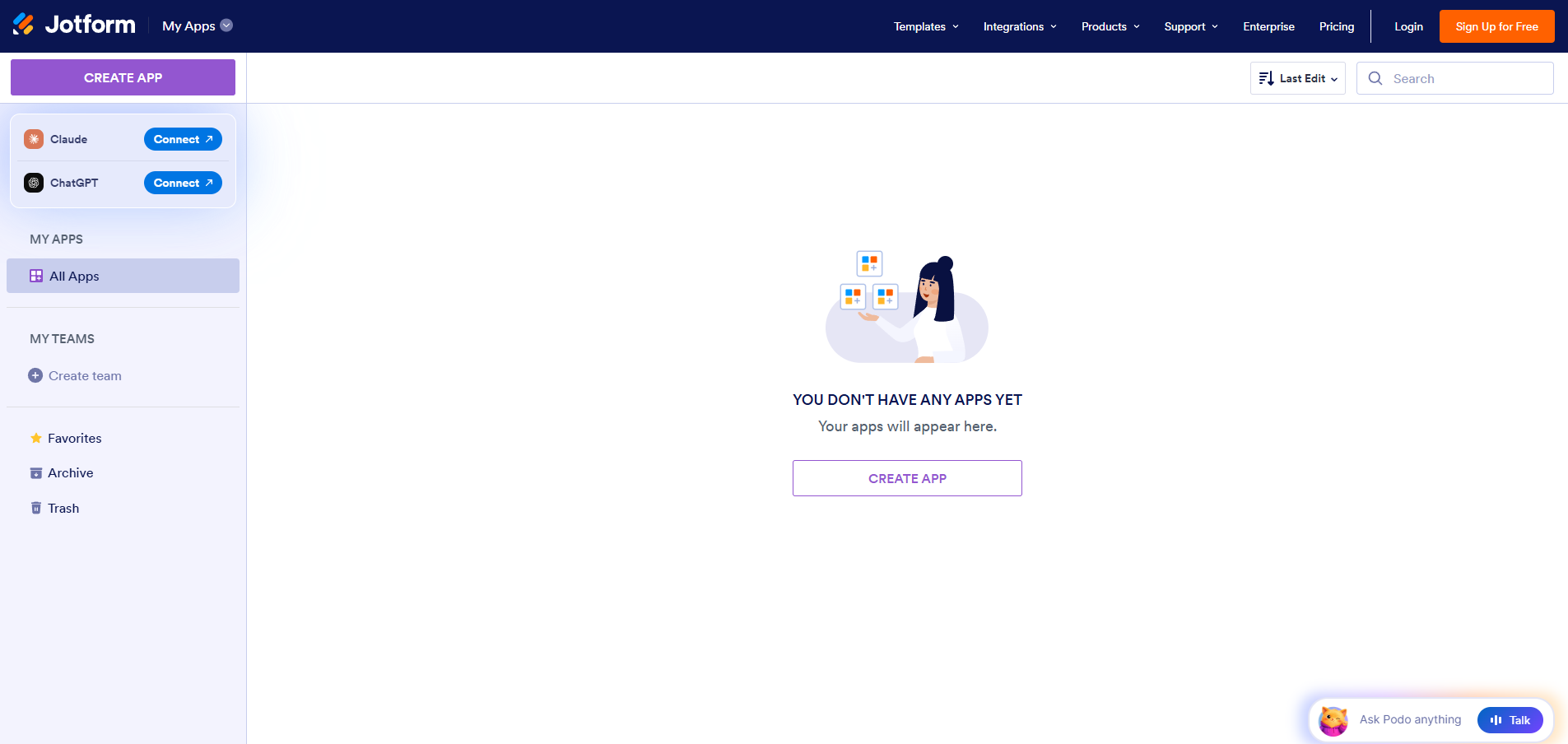
Best for teams that need a simple, installable app built around forms, data collection, surveys, or payments.
Score: 4.4/10. Effortless for form-centric apps, with zero coding (ease 9/10). Scored lower on native output (2/10) and product depth (4/10).
Product Overview
- A form-centric no-code app builder: turn one or more forms into a simple, installable app with a drag-and-drop interface.
- Strong for data collection, surveys, and payment workflows, with zero coding required.
- Output is a web app or PWA built from forms, not a true native binary.
Pricing: Free plan; paid plans from about $34/mo across Jotform's tiers.
Integrations: Jotform's integration library across payments, storage, and CRM, all forms-based.
Setup: Minutes from existing forms.
Tradeoffs: A fast way to wrap forms into an app, but it's form-and-data-centric, not a true native consumer app, with no engagement features or store-grade native output. Choicely is for teams building a real native product.
How To Choose the Right No-Code App Builder
Step 1: Decide whether you need a native app or a web app
This is the first fork, and it filters the list fast. If your app needs to live in the App Store and Google Play with push notifications, in-app purchases, and device features, you need true native output (Choicely, Adalo, GoodBarber, Thunkable, BuildFire, or FlutterFlow). If a web app or PWA is fine, Glide, Softr, Bubble, and Jotform Apps are in play.
Step 2: Be honest about how much you'll actually build yourself
“No-code” ranges from describe-it-and-it's-done to a visual builder with a real learning curve. Glide, Softr, Appy Pie, and Jotform are the easiest entry points; Bubble and FlutterFlow are powerful but expect more from you. Match the tool to your patience, not just your ambition.
Step 3: Confirm the builder handles the backend, not just the screens
A pretty interface is worthless if you still have to wire up data, accounts, and payments yourself. Confirm the platform includes a database, authentication, and payments, so you're not stitching together external services to ship.
Step 4: Check that it publishes to the App Store and Google Play for you
Submitting to Apple and Google is its own learning curve. The best tools ship the actual binary and manage submission. Watch for platforms that hand you a web link or a wrapper and call it a native app.
Step 5: Look for the features your app actually needs out of the box
If your app needs voting, polling, a content feed, a shop, or subscriptions, check whether they're built in or whether you'll rebuild them from scratch. For consumer, media, and event apps, built-in engagement is the difference between a one-day build and a one-month one.
Step 6: Find out what happens when you get stuck
Most teams ship fine on self-service, so this is about knowing your options if you want to go further. Confirm whether there's a Pro Services team, managed publishing, or just a community forum. A done-for-you option (Choicely Pro Services, BuildFire's services, GoodBarber's managed publishing) lets you hand off custom features or a full build whenever you'd rather not DIY.
Step 7: Check whether you own your app and your data
Some platforms keep your app and data locked to their infrastructure with no real export. Confirm you can take your app and your user data with you, and what migration looks like if you outgrow the tool.
Step 8: Map the real cost, not the sticker price
Per-app fees (Appy Pie), workload units (Bubble), usage tiers (Glide), and per-seat plans all behave differently as you grow. Add publishing fees, add-ons, and any services to the base price before you decide.
No-Code App Builder Pricing Models and Costs in 2026
No-code app builder pricing follows a few models, and each behaves differently as your app grows.
-
Flat monthly subscription: Choicely (Premium $25/mo, Business $50/mo), Adalo (from ~$36/mo), GoodBarber (from ~$30/mo), Softr (from ~$49/mo), and FlutterFlow (from ~$39/mo) charge a predictable monthly fee. The easiest to forecast, though some add publishing or usage extras.
-
Per-app pricing: Appy Pie charges per app (from ~$16/mo for Android, more for both platforms). Cheap for one simple app, but it multiplies if you build several.
-
Bubble meters workload units, so costs can climb with traffic and complexity.
-
Custom or services-led: BuildFire uses custom pricing (often ~$159 to $315/mo with services), and Choicely's Pro Services is a flat engagement fee for a full build. Higher upfront, but it buys a shipped app and a human team.
The hidden costs are the same everywhere: store publishing fees, add-ons, the developer you might hire for the last mile, and the cost of switching if the tool hits a ceiling once your app grows.
Questions To Ask Before Choosing a No-Code App Builder
1. Native or web output?
Does the platform produce a real native iOS and Android app, or a web app, PWA, or hybrid dressed up to look like one? This single answer reshapes the shortlist for any app headed to the stores.
2. Who handles App Store and Google Play submission?
Does the platform ship the actual binary and manage certificates and review, or do you have to set up Apple and Google developer accounts and submit yourself?
3. Is the backend included?
Are a database, accounts, and payments built in, or are they external services you'll wire up on your own?
4. Which features are built in versus built from scratch?
If you need voting, a content feed, a shop, or subscriptions, confirm they ship with the platform rather than waiting for you to build them.
5. What happens when you get stuck?
Is there a Pro Services team, managed publishing, or only a community forum? Get the hand-off path in writing before you build something you can't finish.
6. Do you own your app and data?
If you stop paying, do you keep your app, your user data, and a usable export, or does it all stay on the vendor's infrastructure?
No-Code App Builder Integrations: What To Verify Before Buying
Integrations are where a no-code build quietly stalls, because you'll need several of them working on day one and the demo rarely shows them. Before you commit, confirm the platform covers the handoffs your app depends on.
The critical handoffs: payments (Stripe plus Apple and Google in-app purchases), accounts and sign-in (Google and Apple Sign-In, email), your data source (a built-in database, Airtable, or Google Sheets), and analytics (GA4, Mixpanel). A CRM such as HubSpot, plus push notifications and a content feed, are often needed soon after.
Verify each as a named, supported integration rather than a “you can build it with the API” answer. Choicely is an open, API-driven platform with native push notifications, in-app purchases, biometric login, and connectors across payments, CRM, content, and analytics, plus an SDK and webhooks for anything custom.
Key Features To Look for in a No-Code App Builder
No-Code Build Interface (Visual or AI, No Terminal)
The platform should let you build by dragging and dropping or by describing the app in plain language, with no code editor or terminal at any point. A visual editor as a fallback matters for the moments a prompt doesn't land.
True Native iOS + Android Output
For App Store credibility, push notifications, in-app purchases, and device features, the platform should compile real native code rather than wrapping a web app in a shell.
Direct App Store and Google Play Deployment
The platform should ship the actual binary and handle store submission, so you're not learning Apple's certificate and review maze on your own.
Built-in Backend (Data, Accounts, Payments)
A database, authentication, and payments should be built in, not a list of external services you have to assemble yourself.
Built-in Engagement and Monetization
Voting, polling, a content feed, a shop, and subscriptions out of the box turn a multi-week build into a same-day one, especially for consumer, fan, and event apps.
A Human Help Path
When you hit a wall, you want a team or managed service to call, not just a forum. A done-for-you build option is the difference between shipping and stalling.
Live Content Updates
Being able to push content and feature changes to a live app without waiting days for a store re-review matters for events, time-sensitive content, and fast iteration.
Ownership and a Clean Exit
Confirm you own the app and the data, and that you can export and migrate if you outgrow the tool, rather than being locked to one platform.
What Is the Best No-Code App Builder for Native iOS and Android Apps?
For a real native app you can ship to both stores, Choicely is the strongest fit, with Adalo and GoodBarber as solid alternatives. All three compile true native apps; Choicely adds an AI builder plus a visual editor, built-in engagement, and an in-house team, Adalo is the lighter native no-code option, and GoodBarber is strong for content and eCommerce. Glide, Softr, and Jotform output web apps or PWAs, and Appy Pie's output is hybrid rather than fully native.
What Is the Best No-Code App Builder for Non-Technical Founders?
Non-technical founders should weight ease of use and a backend that's handled for them. Choicely and Adalo let you build a native app with no code, Glide and Softr are the easiest for data-driven web apps, and Appy Pie is the cheapest for a simple template app. Choicely stands out when the goal is a real native product that needs to engage an audience, because it pairs no-code building with an in-house team for the hard parts.
What Is the Best No-Code App Builder for Content, Media, and Events?
Content, media, and event apps live or die on engagement and timing, which is where most no-code builders fall short. Choicely is built for this: voting, polling, ratings, and paid voting are built in, content updates go live without an App Store re-review, and it's proven at Eurovision, Miss Universe, and Got Talent scale. GoodBarber is a capable native option for content and shops, but building live engagement from scratch elsewhere turns a one-day idea into a multi-week project.
What Is the Best No-Code App Builder for Internal Tools and Data Apps?
If you're building an internal tool, a client portal, or a data-driven app rather than a consumer product, Glide and Softr are the strongest fits, with Jotform Apps good for form and data-collection use cases. They're fast, friendly, and built on your existing data. These are web and PWA tools, so if the project later needs a real native app, you'd move to a native builder like Choicely.
Is Choicely Worth Its Cost?
Choicely's sweet spot is a non-technical founder or team building a real native consumer app they intend to ship and grow, especially anything with voting, contests, fan engagement, or a live audience. For that builder, the value is clear: native output, an AI builder and visual editor a non-coder can use, engagement and monetization built in, and a human team to finish the parts AI can't.
It's not the cheapest way to make something appear on a screen, and it's not the right tool if you only need an internal tool, a portal, or a quick web prototype. If that's you, Glide, Softr, or a web builder will serve you better, and we'd point you to them. The honest test is your deliverable: a web tool or prototype, or a native product to ship and scale. For the second one, Choicely is worth it.
Which No-Code App Builder Is Right for You?
-
Building a native consumer app you'll ship and grow: Choicely. Native output, AI plus visual building, engagement built in, and a human team.
-
Building a simpler native app and you're price-sensitive: Adalo. A genuinely no-code native builder for simpler apps.
-
Building a complex web app with custom logic: Bubble. The deepest no-code platform, with a native mobile beta.
-
Building a content or eCommerce app: GoodBarber. True native output with a built-in CMS and managed publishing.
-
Building a data-driven app or internal tool: Glide. The easiest way to ship an app from a spreadsheet.
-
Just learning, or prototyping simply: Thunkable. Approachable, native, and strong for education.
-
You want design precision and code export: FlutterFlow. Native output and full code ownership, if you're a little technical.
-
Building a client portal or internal web tool: Softr. Portals and tools on top of your existing data.
-
Building a content or community app with services: BuildFire. Plugin-based native apps with hands-on help.
-
You want the cheapest simple branded app: Appy Pie. Template-driven vertical apps on a budget.
-
Building a form or data-collection app: Jotform Apps. Turn forms into a simple installable app.
Frequently Asked Questions
What is a no-code app builder?
A no-code app builder lets you create a working app without programming, either by dragging and dropping components in a visual editor or by describing the app to AI. The platform generates the underlying code for you, so you can focus on what the app does rather than how it's built.
Do no-code app builders make real native apps?
Some do, many don't. Choicely, Adalo, GoodBarber, Thunkable, BuildFire, and FlutterFlow compile real native iOS and Android apps. Glide, Softr, and Jotform produce web apps or PWAs, and Appy Pie's output is hybrid. Always confirm native versus web before you commit, because it shapes what you can ship.
What is the best free no-code app builder?
Most tools here have a free tier for building and testing, but free plans usually block publishing or watermark the app. Choicely, Adalo, Glide, Softr, Bubble, and Thunkable all offer free plans to build and preview; you typically need a paid plan to publish to the stores.
Can you publish to the App Store and Google Play without code?
Yes, with the right builder. Choicely, Adalo, GoodBarber, Thunkable, and BuildFire ship native apps to both stores, and some handle submission for you. Confirm the platform manages certificates and review, because store submission is its own learning curve even after the app is built.
What is the best no-code app builder for beginners?
Glide, Adalo, and Appy Pie are the easiest entry points, and Thunkable is popular for learning. For a true native app with the backend handled, Choicely is beginner-friendly through its AI chat and visual editor, with a team to call when you get stuck.
What is the best no-code app builder for native mobile apps?
Choicely, for a real native iOS and Android app with engagement built in, with Adalo and GoodBarber as strong alternatives. The three compile true native apps; Choicely adds an AI builder, an in-house team, and built-in voting and engagement, which matters for consumer, media, and event apps.
How much does a no-code app builder cost?
Most start with a free plan, then paid plans from about $15 to $60/month, with some (Glide's practical tier, BuildFire) running higher, and Appy Pie charging per app. Choicely self-serve plans are Premium at $25/month and Business at $50/month. Map your real usage and publishing needs before deciding.
Do you own the app you build with a no-code platform?
It depends on the platform. Some lock your app and data to their infrastructure with no real export. Choicely outputs native code and you own your app and user data on an open, API-driven platform, so confirm the export and ownership terms before you build something you can't take with you.
What is the best no-code app builder for a startup MVP?
If your MVP is a web app, Bubble, Glide, or Softr get you there fast. If it needs to be a real native mobile app, Choicely or Adalo are the best fit. Choose based on what you'll show investors and users: a quick web prototype, or a native product you can grow into.
Can apps built with no-code platforms scale?
Yes, if the platform is built for it. Choicely is production-tested at Eurovision and Miss Universe scale, with millions of concurrent users during live events. Some lighter builders are best for simpler apps, so if you expect a traffic spike, ask each vendor about concurrent-user limits and uptime, not just whether the app builds cleanly.
Sources & disclosure: Pricing verified on the vendors' official pricing pages (Adalo, Bubble, Glide, FlutterFlow) as of July 23, 2026; review signals from G2 and Capterra. Choicely publishes this guide and appears in the ranking, so we have a commercial interest in one of the tools compared. Scores follow the methodology above; where a rival tool is the better fit, we say so.
Build your own app by chatting with AI

Create mobile apps for App Store & Google Play by chatting with Choicely AI
Keep reading, here are some similar posts
Last updated: August 10, 2026 If you are reading a guide to Thunkable alternatives, the decision is probably...
Last updated: August 10, 2026 If you are hunting for Appy Pie alternatives, you probably already know the...
.webp)
If you are searching for the best collaborative AI app builder for teams, the bottleneck is probably not the...