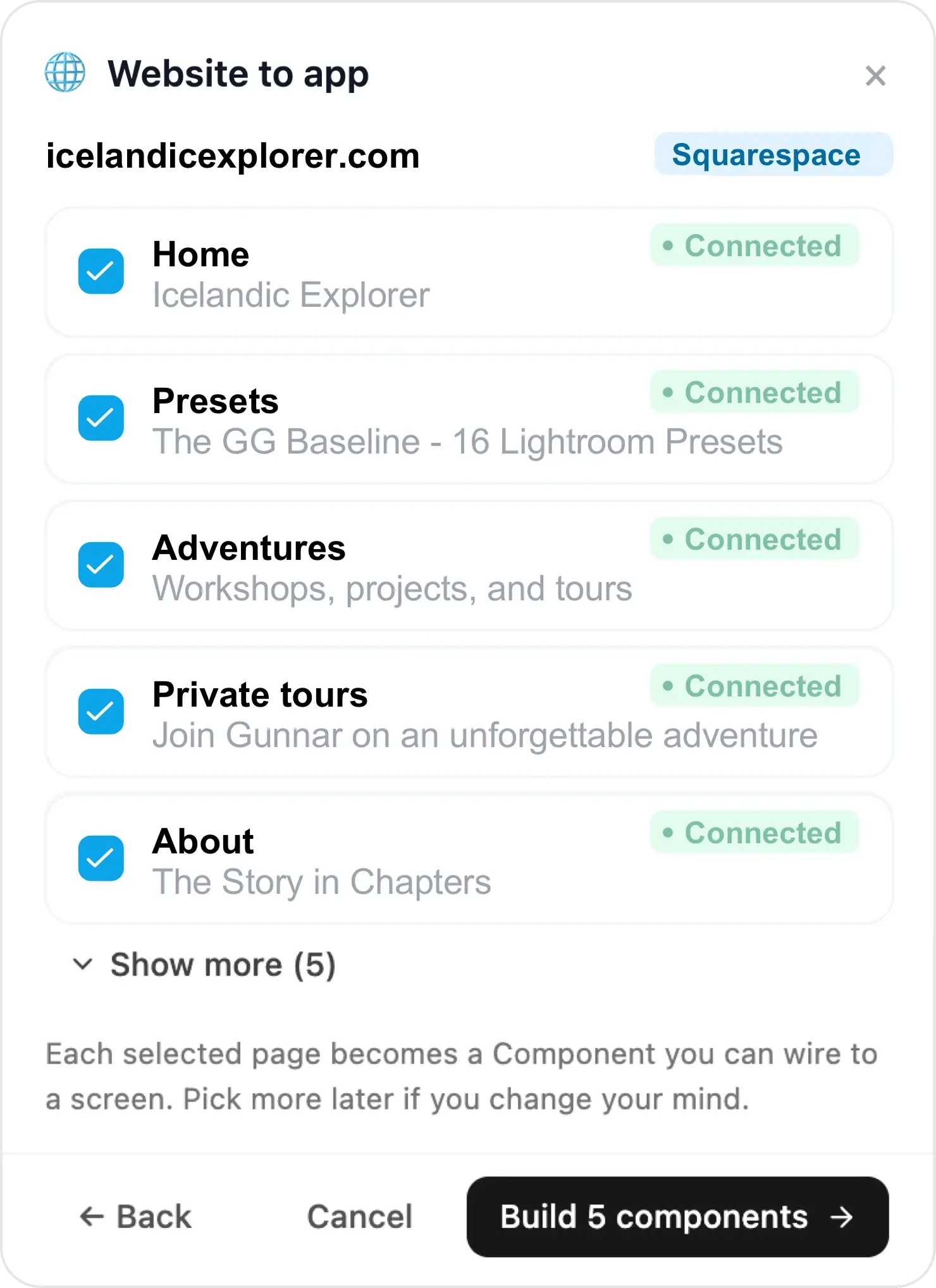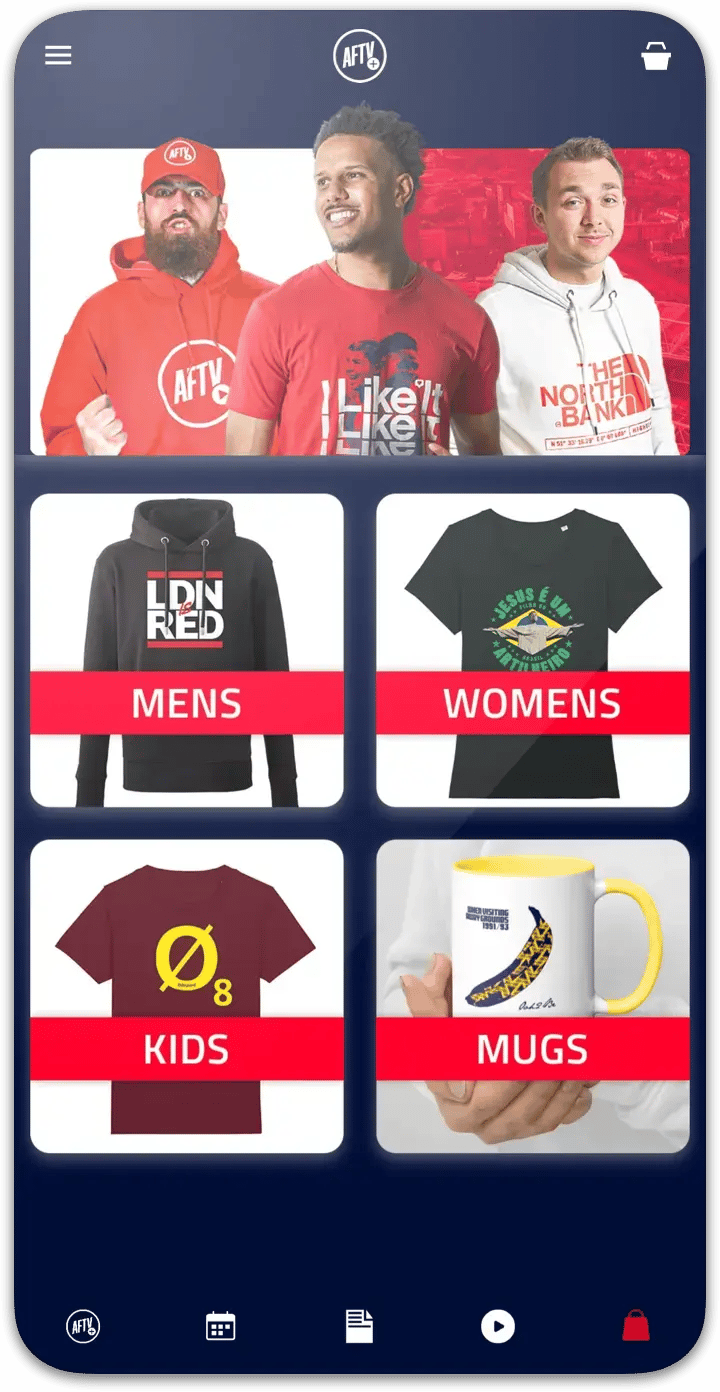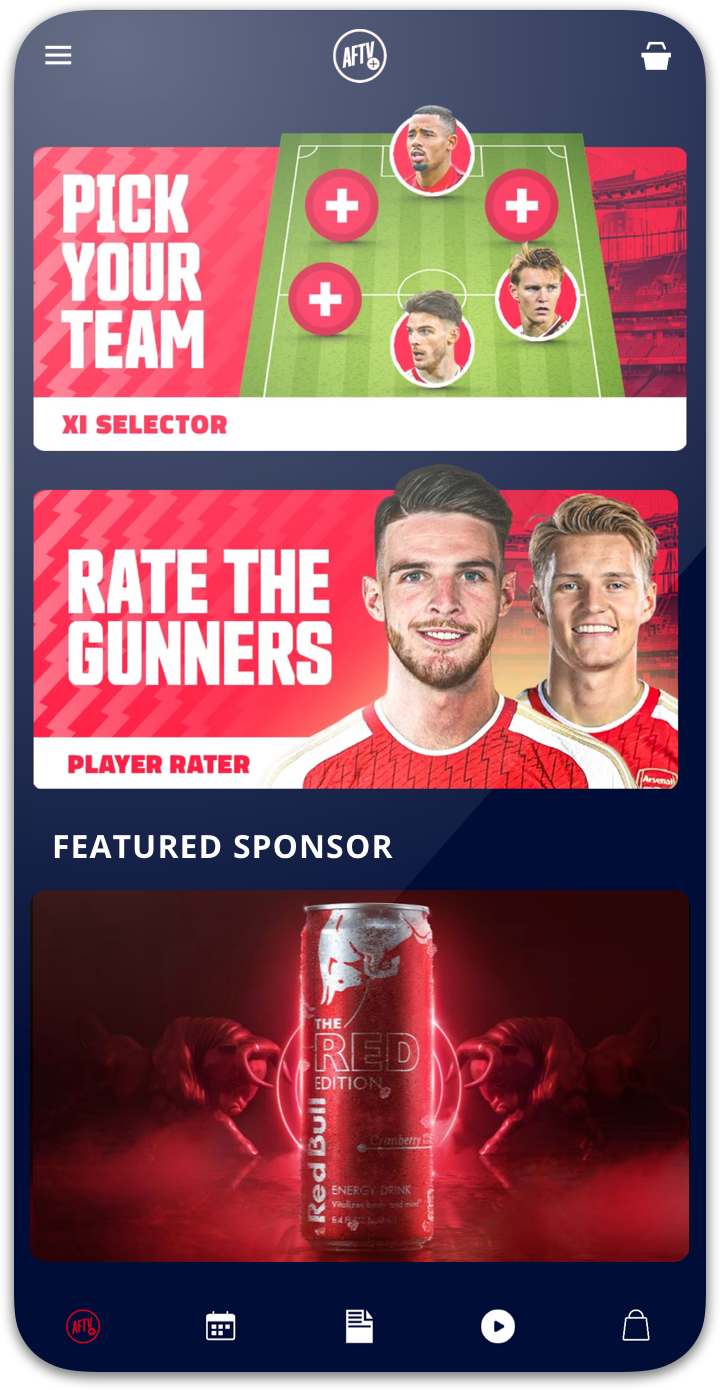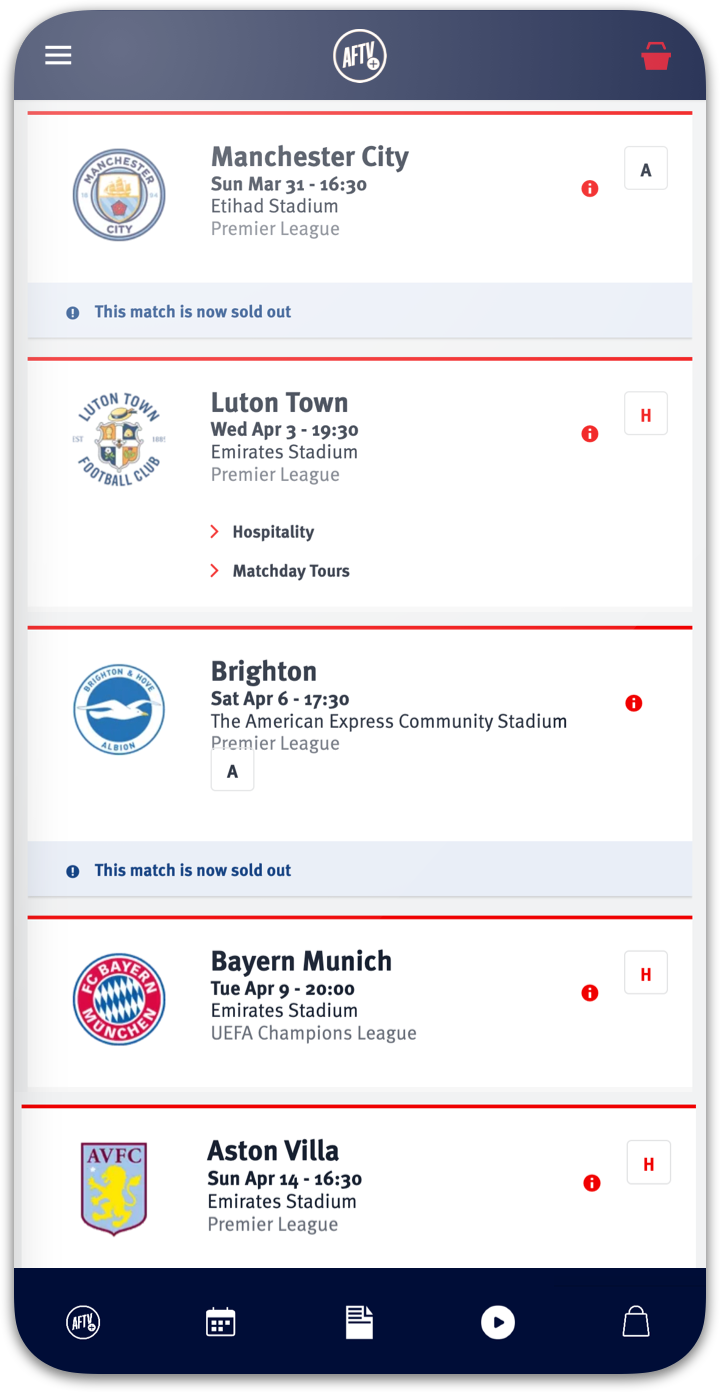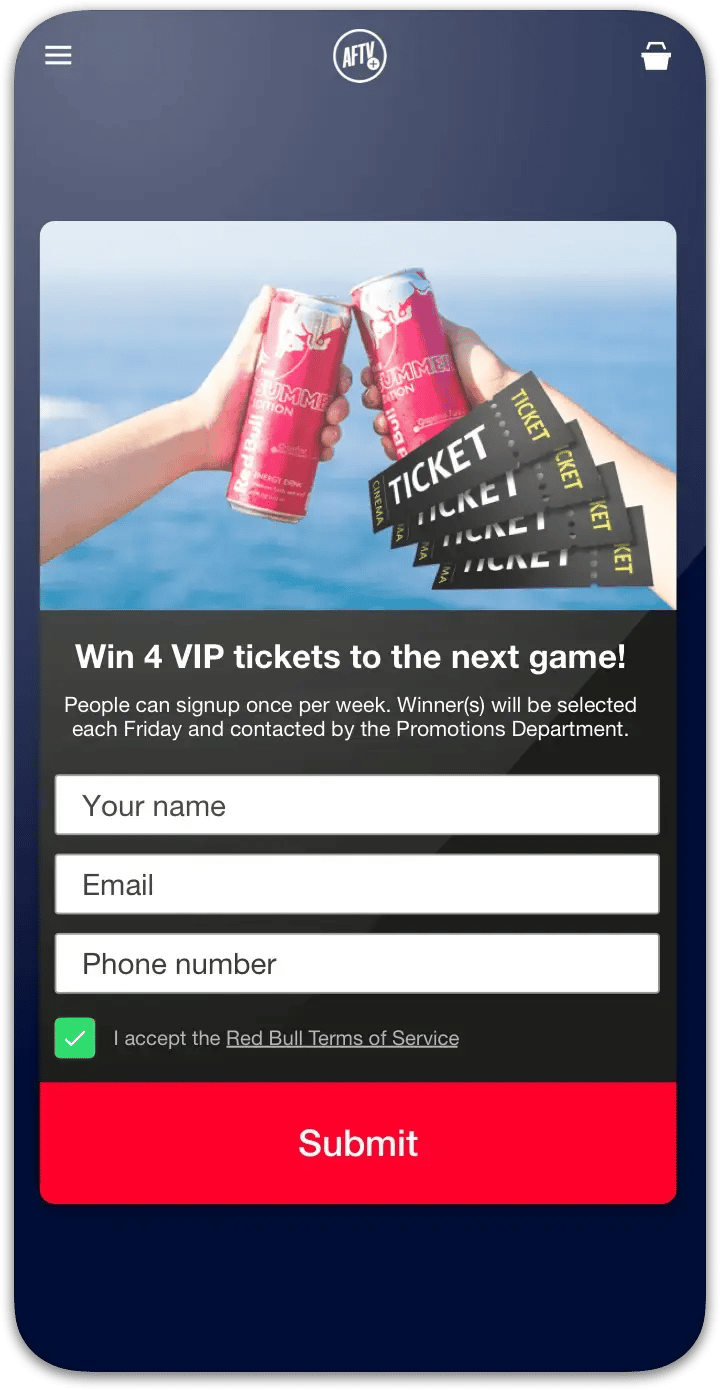










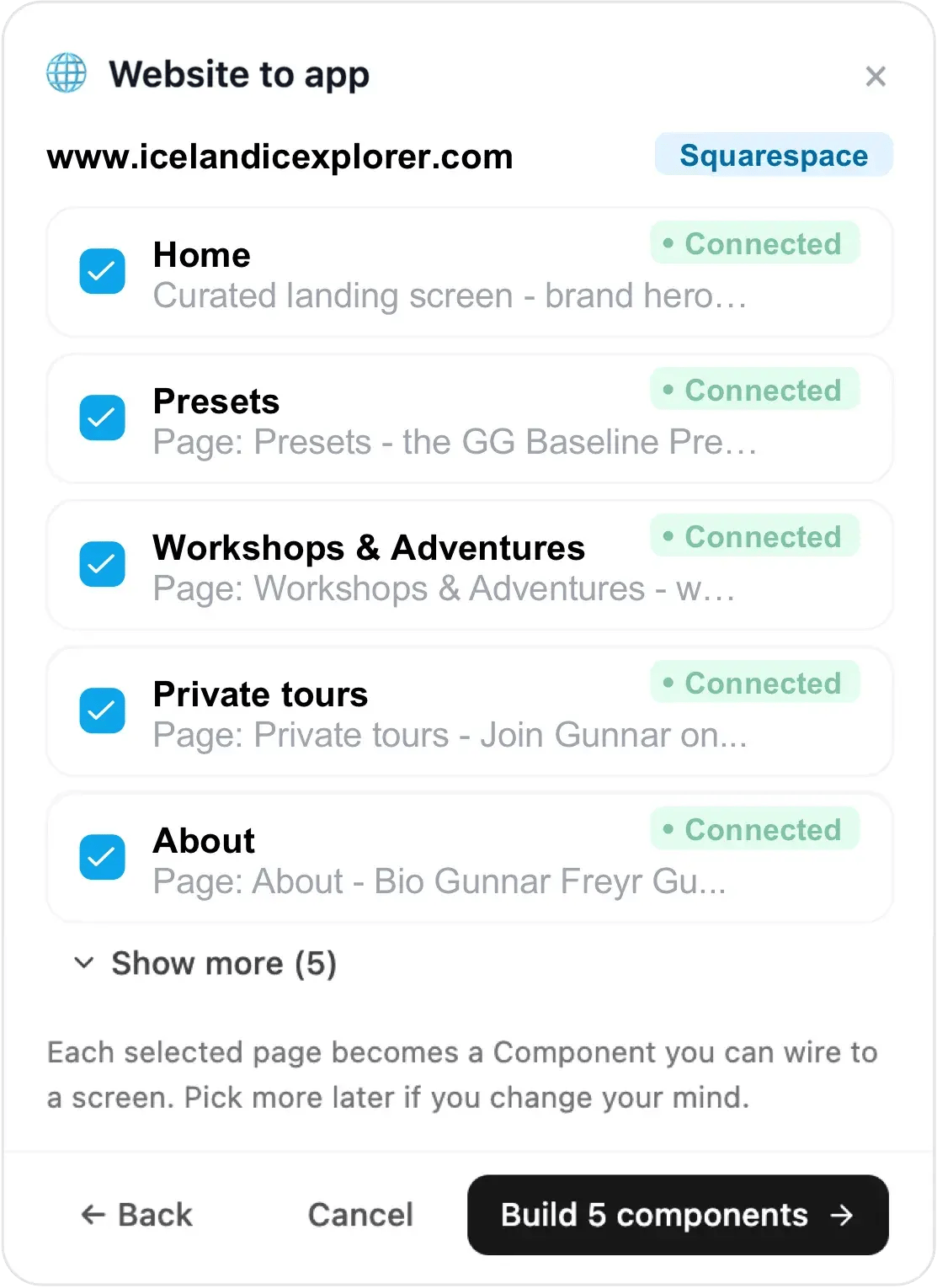
Choicely Website to app dialog reading www.icelandicexplorer.com — Squarespace pages found and connected

1. Paste your Squarespace site URL

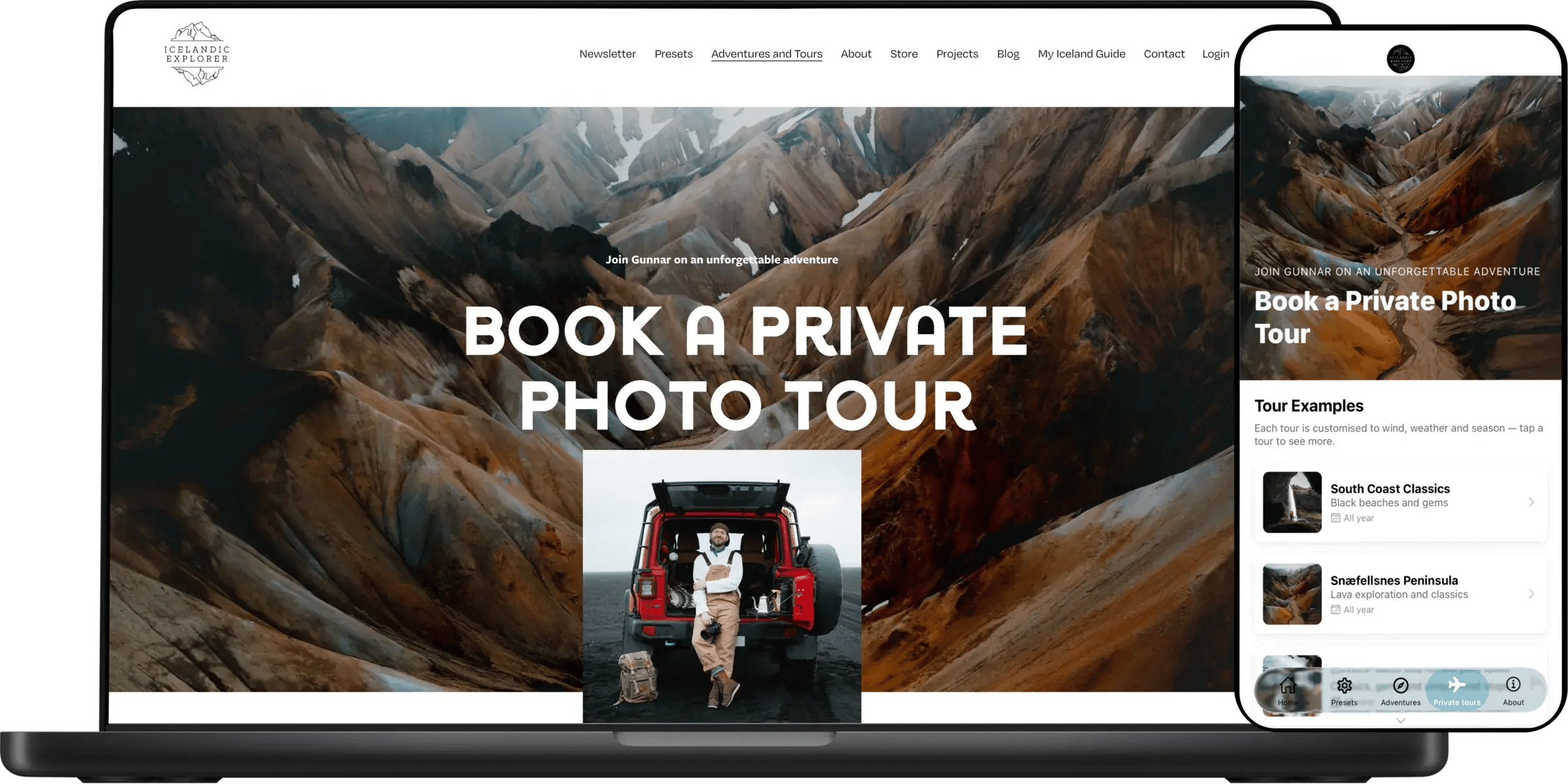
Add your Squarespace site — Choicely AI reads your site and suggests your pages, galleries and store as native components. Each selected page becomes a component in your app. Real example: icelandicexplorer.com, a Squarespace site.
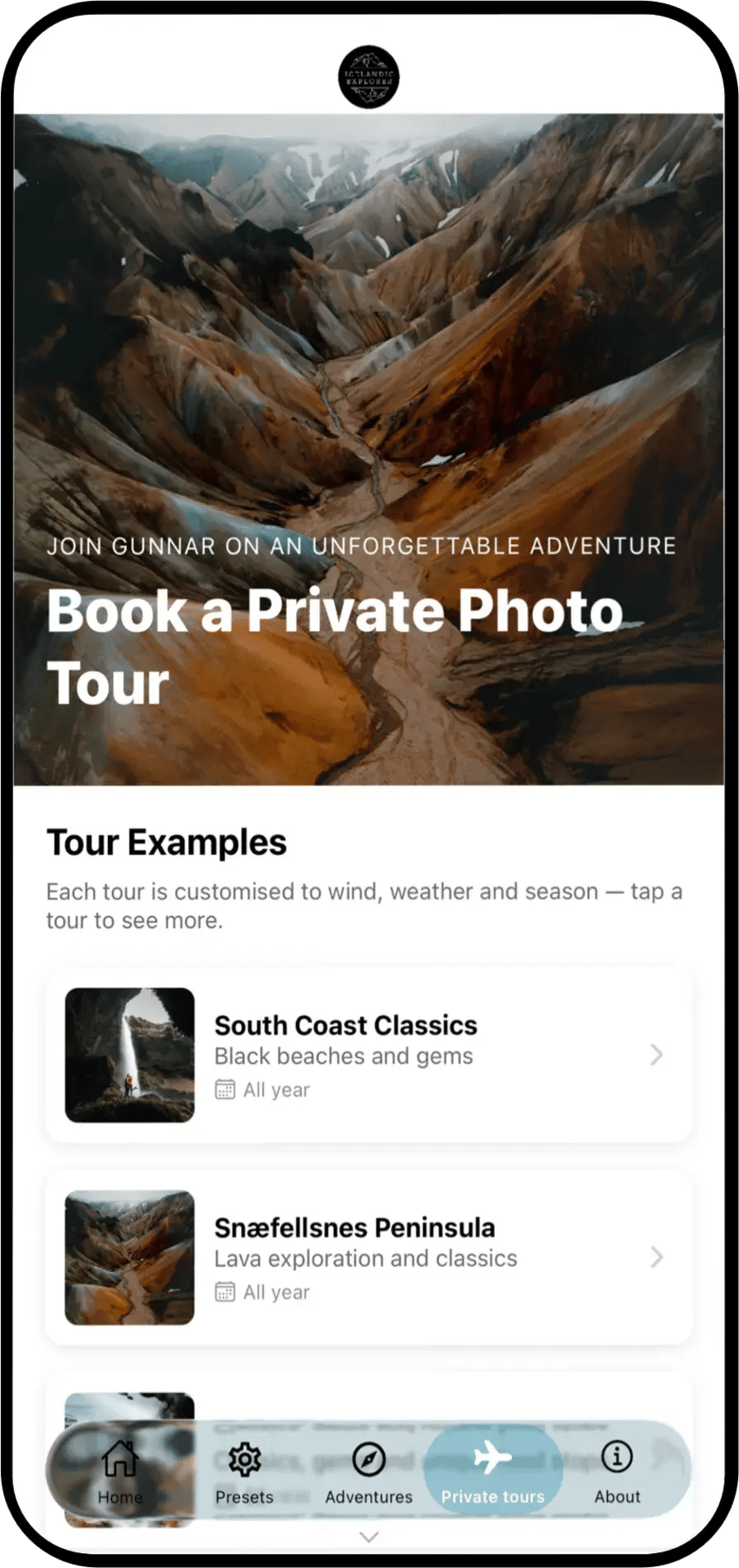
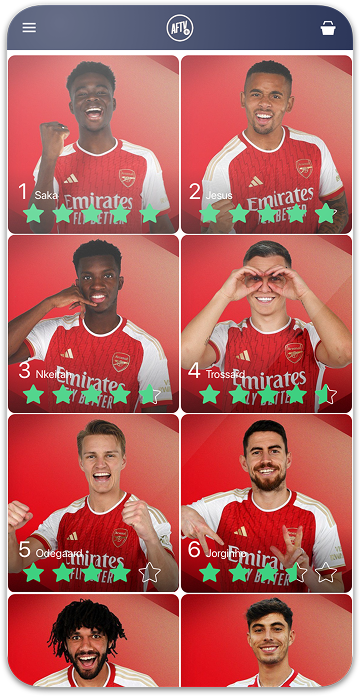
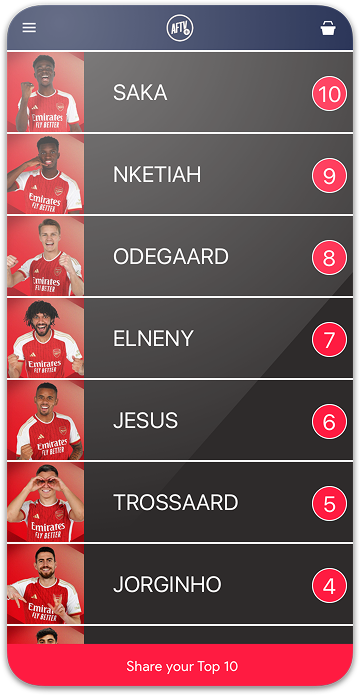
Native app screen built automatically from icelandicexplorer.com content

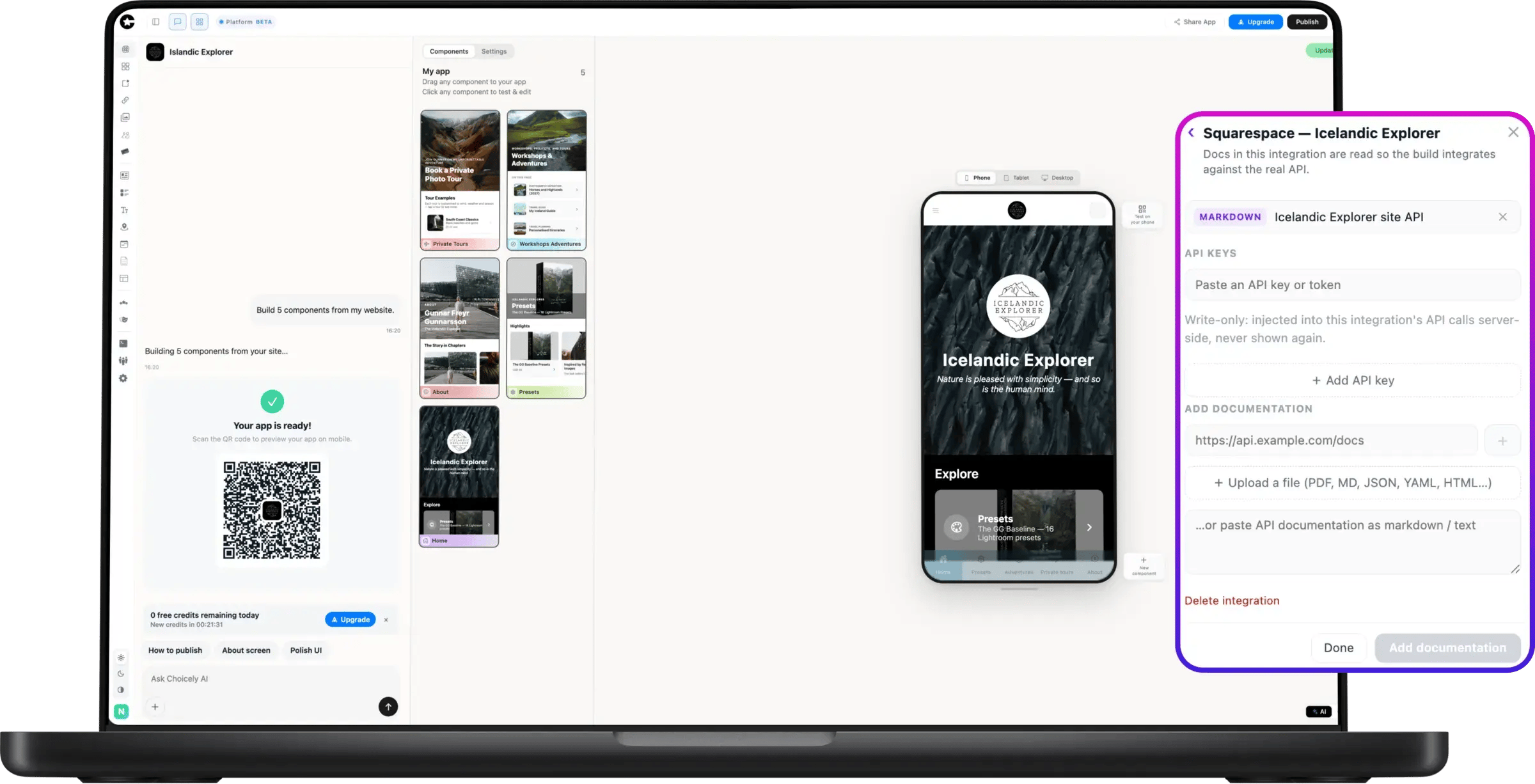
2. Finalize your app

Connected to the Icelandic Explorer Squarespace site, the app fills itself with real pages and content. Fine-tune screens in the visual Studio editor, ask AI for changes in plain language, and scan a QR code to test the real app on your own phone.
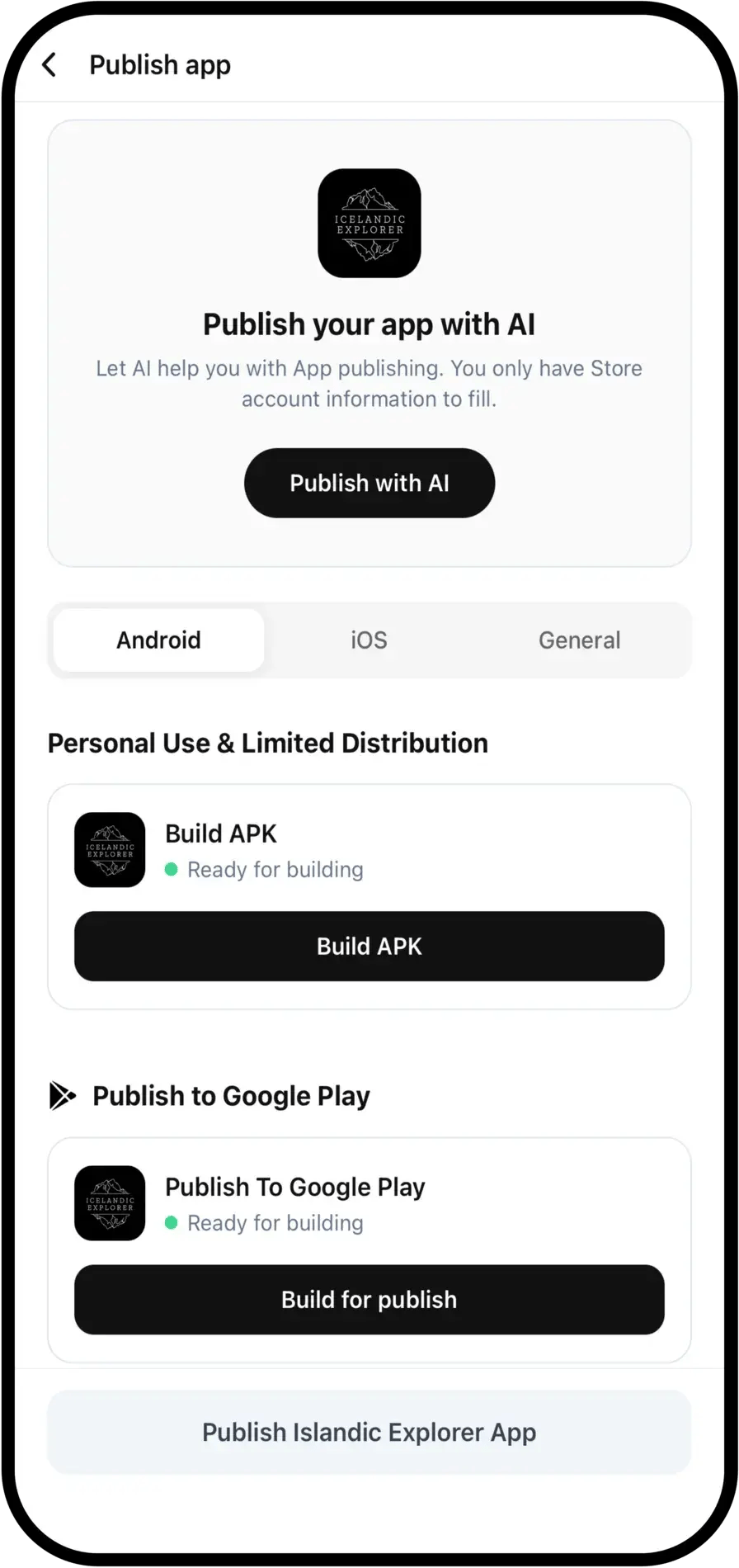
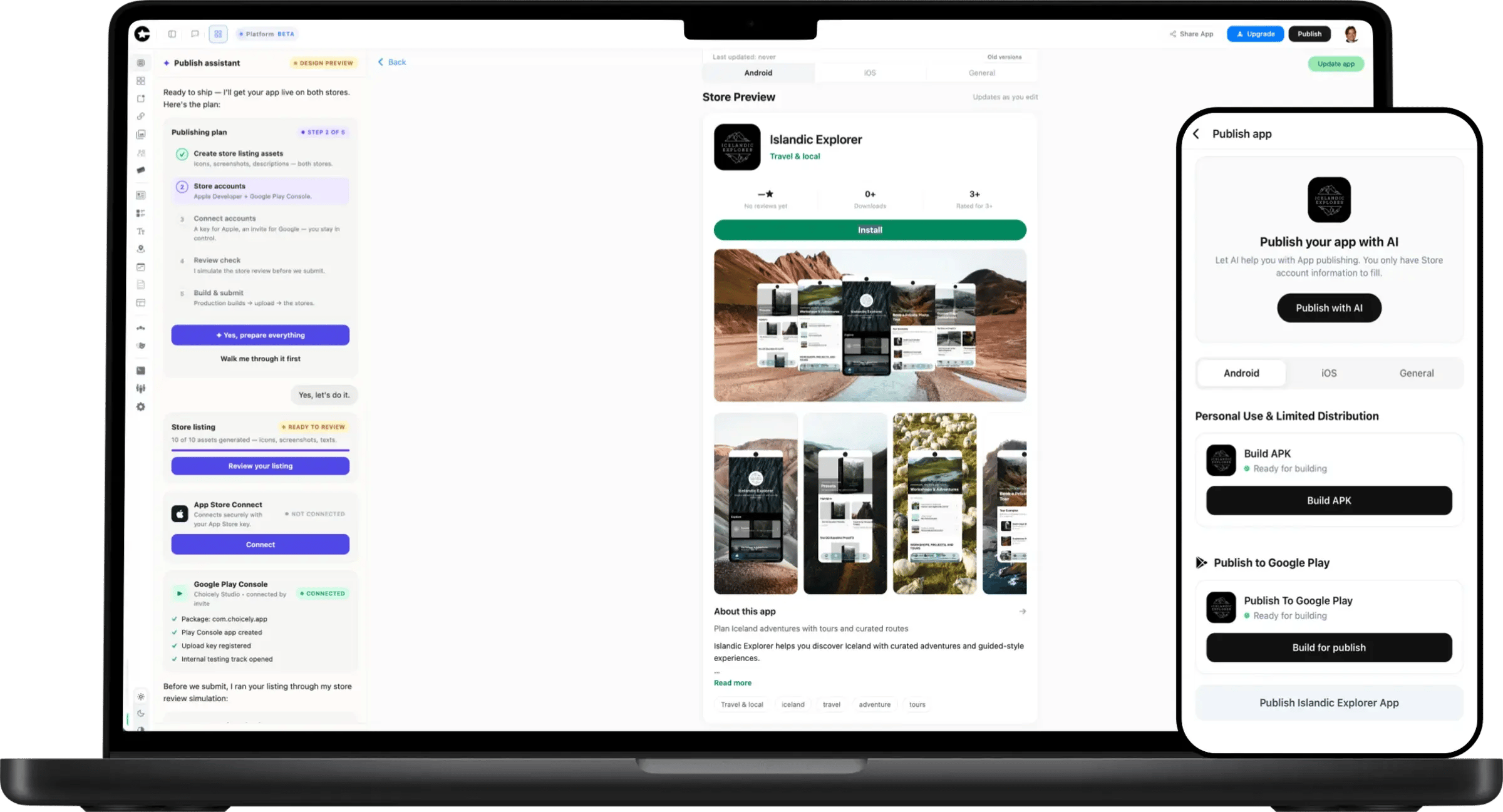
Choicely Publish Assistant publishing the Icelandic Explorer app to the App Store and Google Play

3. Publish in both stores

The Publish Assistant generates your store listing, pre-checks Apple’s and Google’s review rules, and walks your app into the App Store and Google Play — from a Squarespace URL to both stores in as little as one day.