1. Describe your shop
Your stores, your ranges, the offers you run and how customers buy today. Plain sentences are enough.

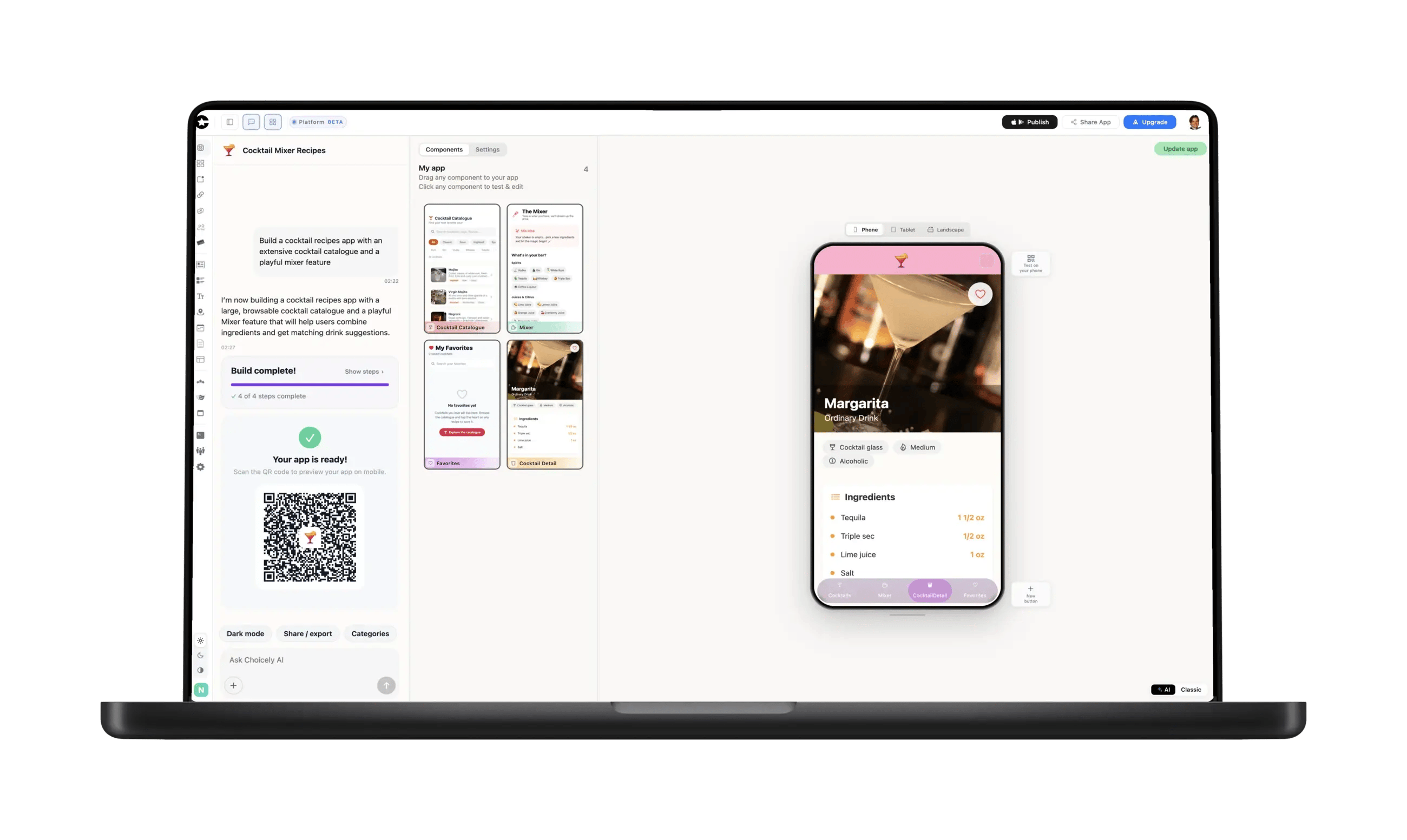
You don't need to hire an agency to give your shop its own app. Describe your store — the ranges, the offers, how customers buy today — and Choicely builds a native iOS and Android app in minutes. The catalogue and offers you edit yourself; checkout stays where it already works.













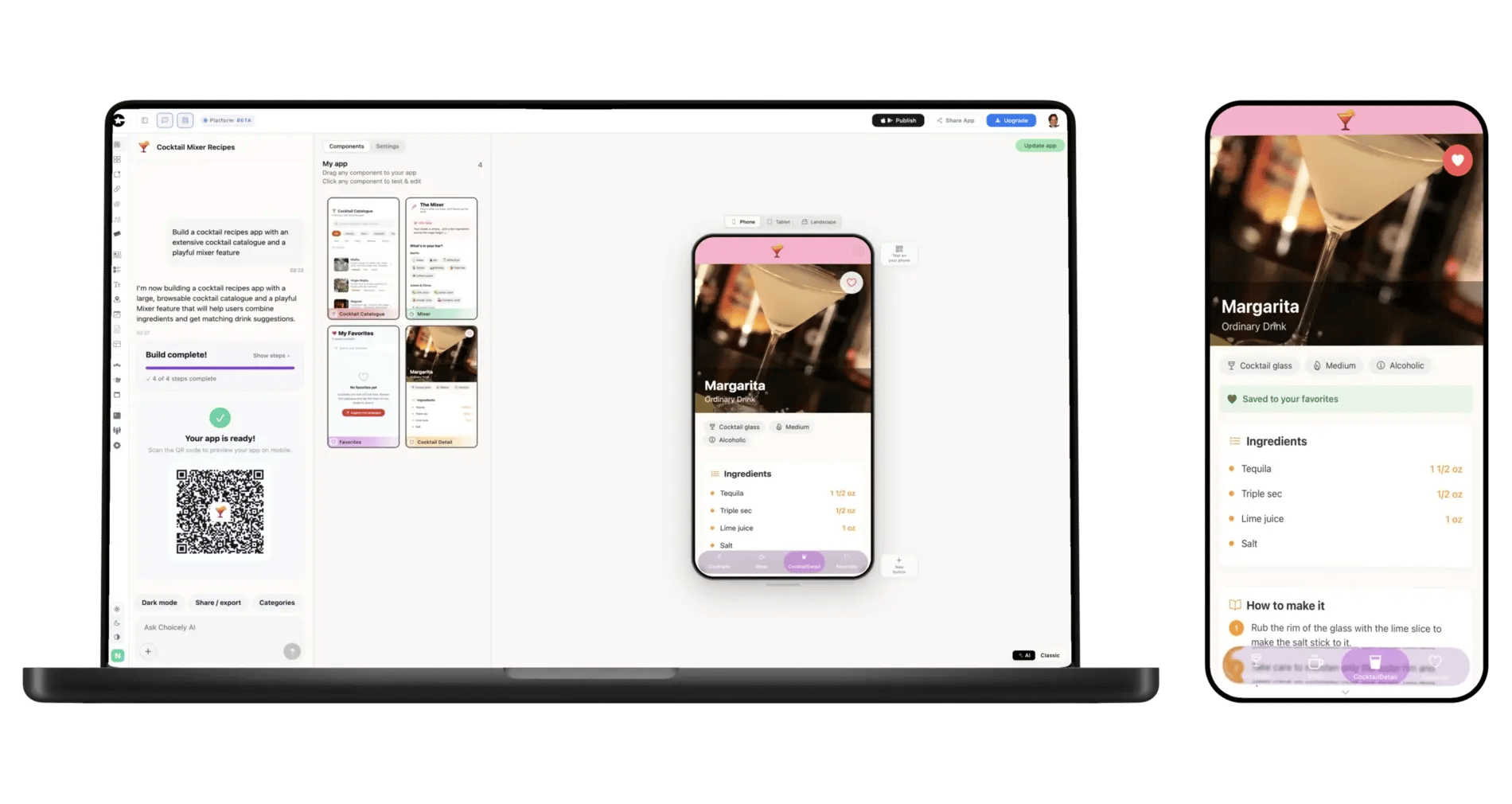
Your stores, your ranges, the offers you run and how customers buy today. Plain sentences are enough.
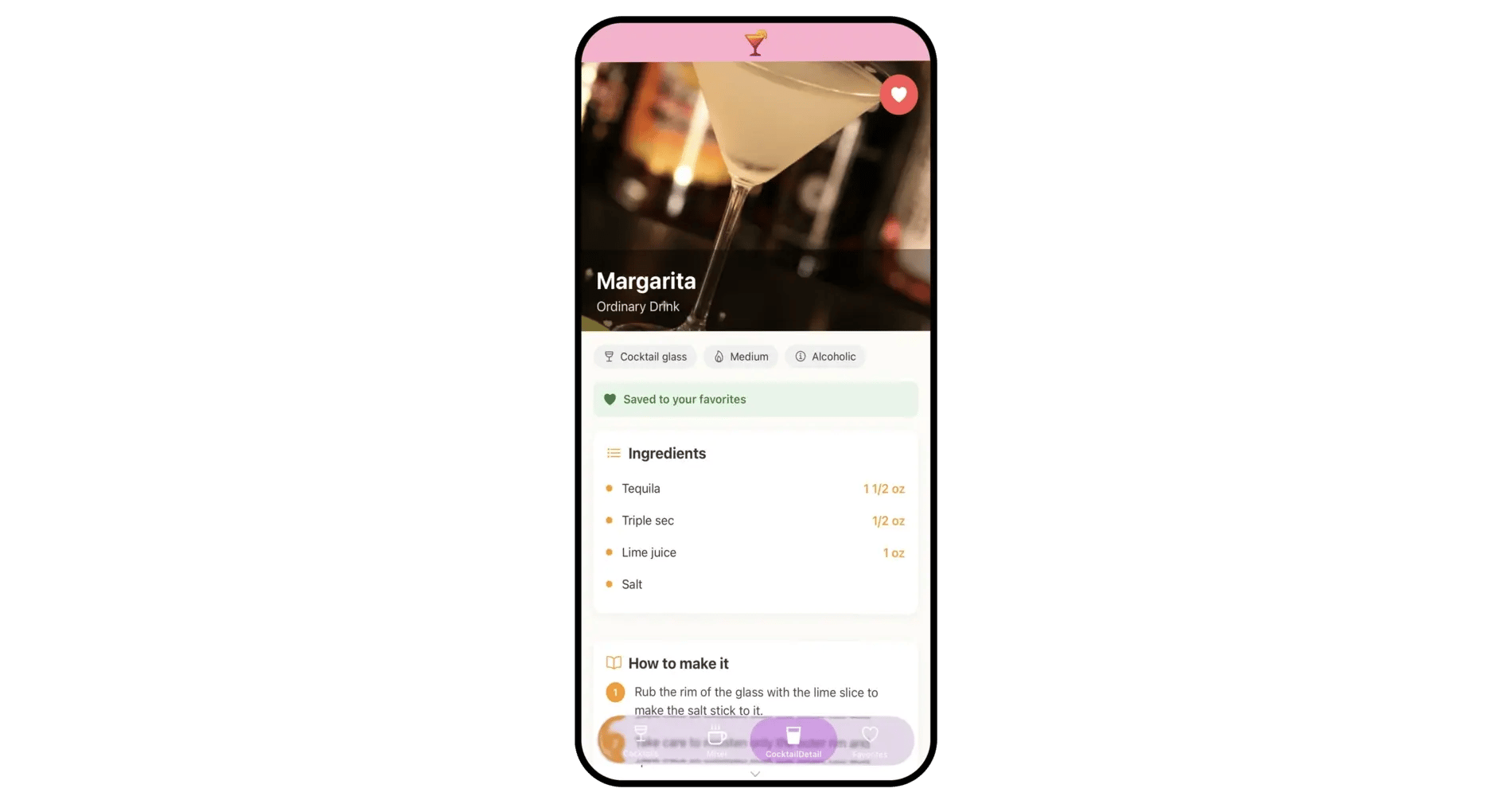
Add your photos and colours, build the catalogue and campaign pages, link your webshop and set up members' offers.
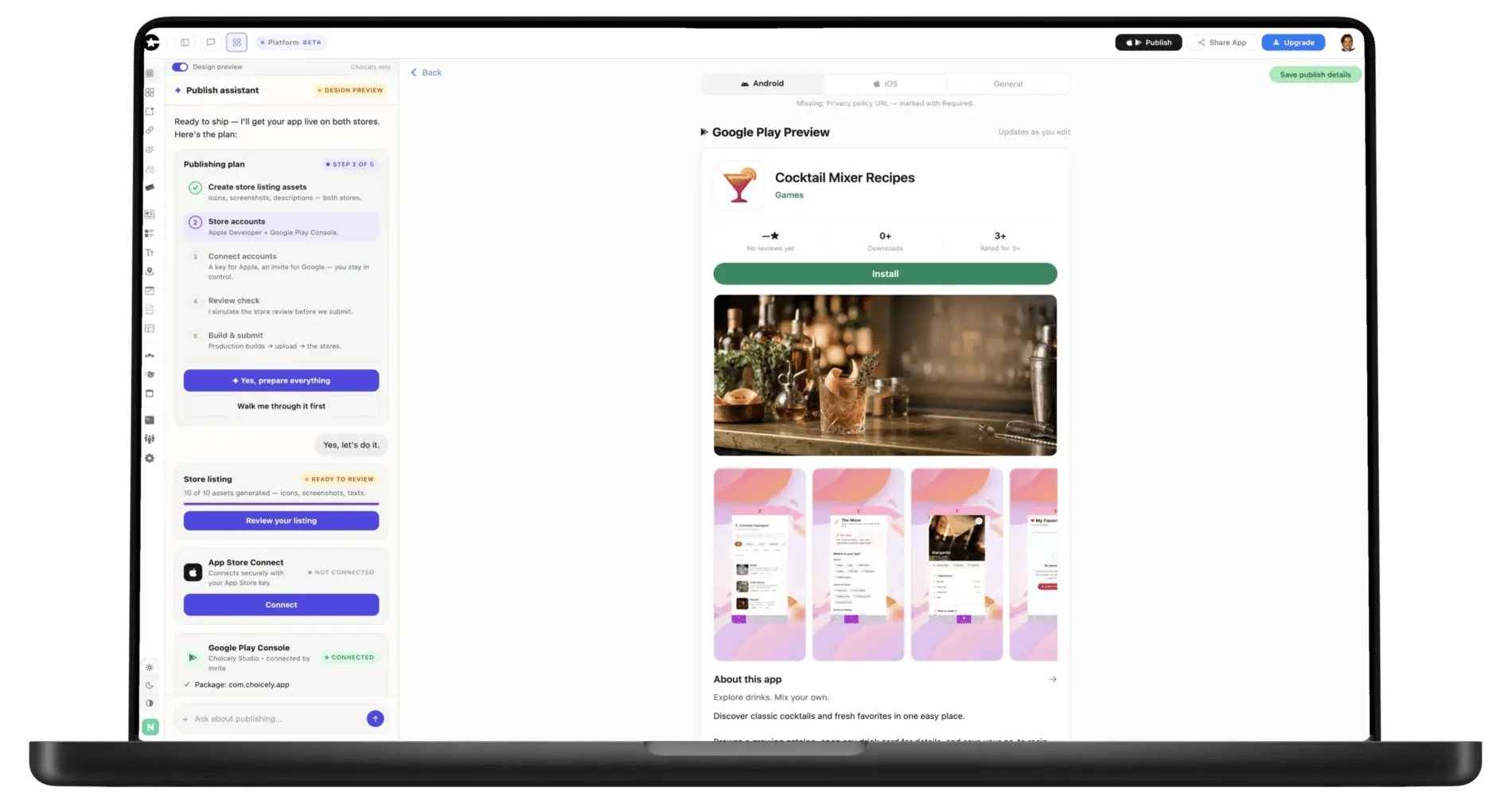
The Publish Assistant prepares your App Store and Google Play listings, pre-checks them against Apple's and Google's review rules and guides you through submitting under your own developer accounts.
Retail app development usually means a commerce build: a native cart, stock sync, a POS integration and a project budget to match. Many shops need something quicker — a branded app that carries the catalogue, the offers and the regulars, while checkout stays where it already works. Choicely starts from your description: the AI lays out product categories, campaign pages, your stores with opening hours and a map, and a news feed. Your shop in a native app, ready to submit to the stores in days.
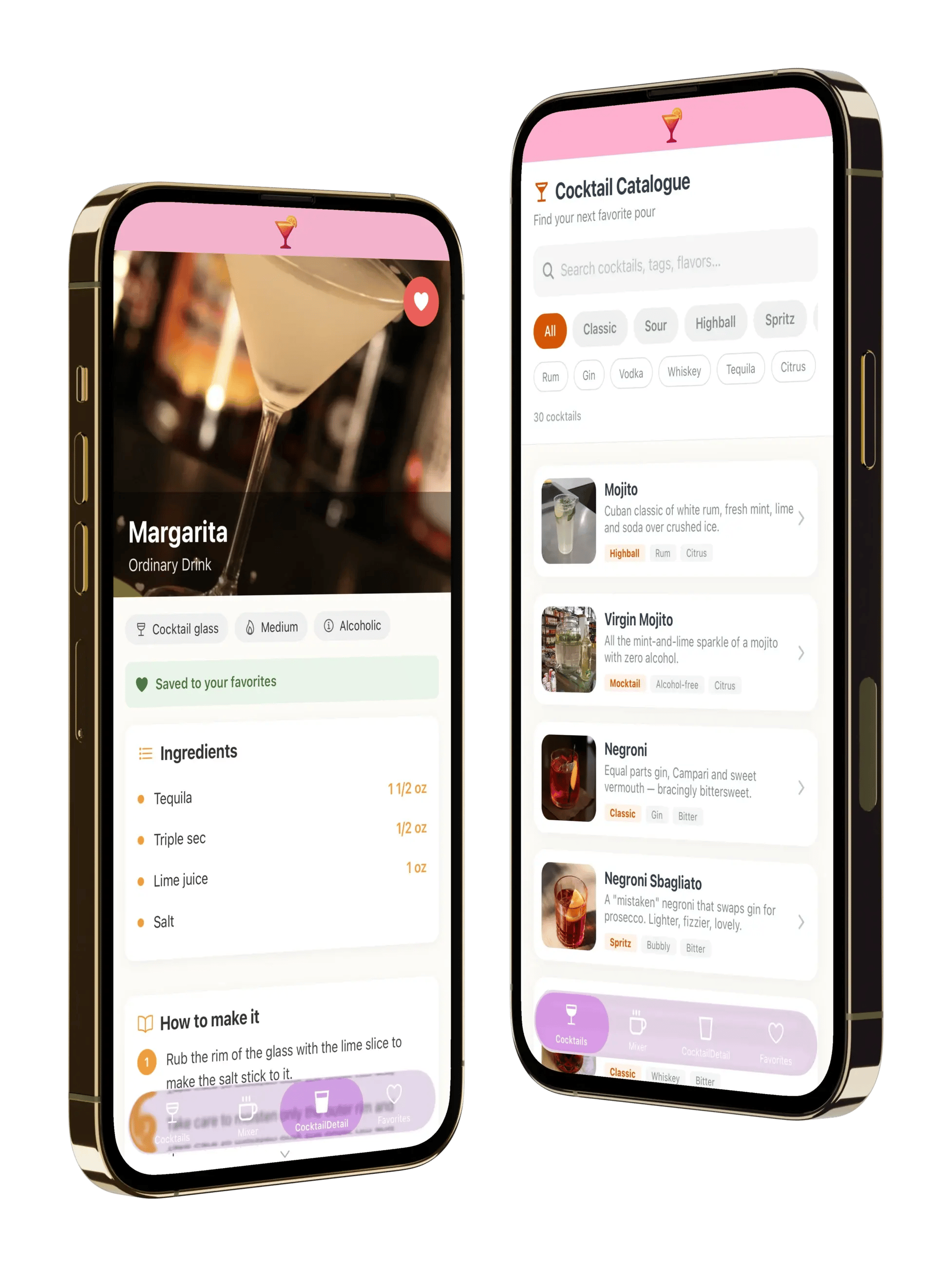
New lines, prices, lookbooks and campaign pages live in Studio. Change them and the app updates as soon as you save — no app-store review and no developer in between. The weekend sale goes up on Friday and comes down on Monday, and you do both.
There are two honest routes. Connect a Shopify store and customers buy through Shopify's own checkout — see Shopify to mobile app. On any other commerce platform, your webshop opens inside the app as a web screen and the order goes through the checkout you already run. Choicely has no cart of its own.
Stock levels and click-and-collect live in your POS, webshop or inventory system, not in Choicely. A custom screen can show live stock levels from that system's API natively in the app, with your API keys kept on Choicely's servers. The simpler route: its web page — a store-stock lookup, a collection booking — opens inside the app. The app shows them; it does not keep its own copy of your stock or take collection orders itself.
Give regulars a members' section behind login with their own offers, send a push when a members' evening opens, and put a QR code at the till that opens the offers screen. Choicely has no points or stamp-card engine; if you already use a loyalty provider, its page opens inside the app.
What it does:
What it does not do:
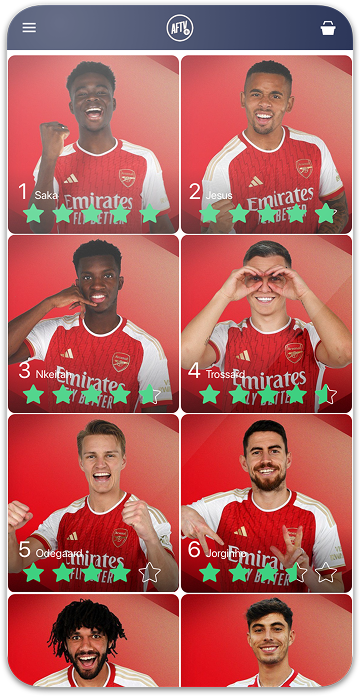
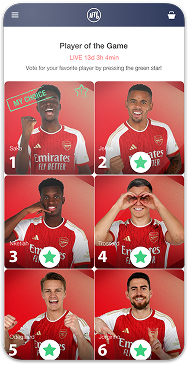
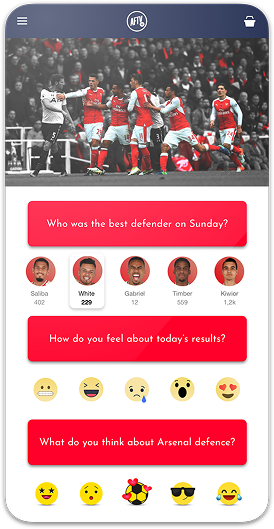
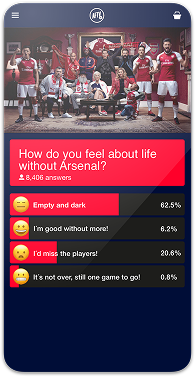
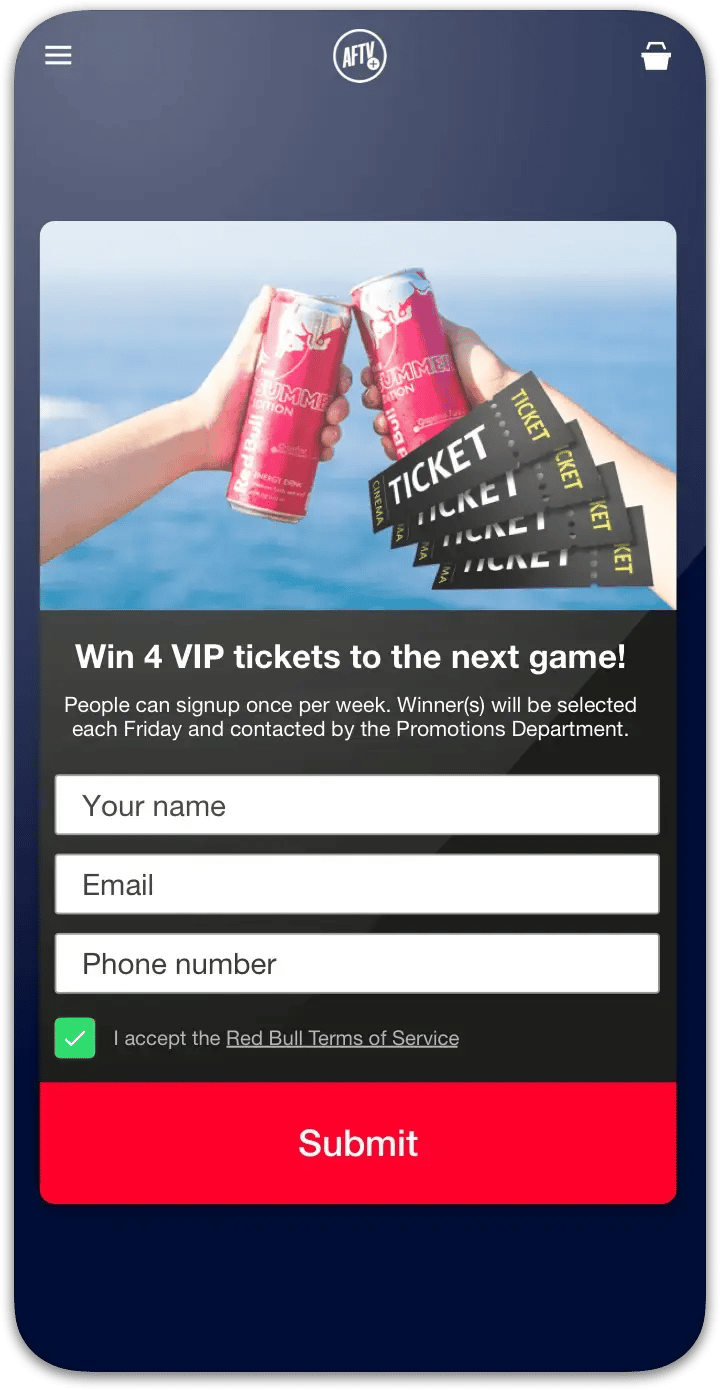

"Despite Choicely being a no code platform, we got a fully tailormade app that matches our needs and our brand. Making improvements is quick and easy. We can focus on engaging our fans!"

"This product is clever and intuitive and can fulfil our needs for a responsive app built on native platforms. For the price, it is remarkable technology."

"With the help of Choicely, the app allows the Dancing With The Stars universe to expand and lets the audience really dive into an exclusive world of content and engaging features."

"The Choicely app is like a Swiss army knife for us, a multipurpose instrument.
Not only will it dramatically change the way voting is concluded on our entertainment programmes, and make sports broadcasts more fun and engaging, but will also become one of our most important channels for listening to what our users have to say."

Choicely turns a description of your shop into a working native iOS and Android app, without code and without hiring an agency. It is your shopper app: catalogue, offers, stores and push for regulars, with checkout left in the webshop or store you already run.
You build and preview for free (150 credits every month, no card); publishing to both stores is the paid step, starting at Premium $25/month. See pricing and how publishing works.


Satisfaction among the Choicely customers
Countries with users using a Choicely App
Reviewed on G2.com
Countries with customers using the Choicely App Builder