1. Describe your operation
Your depots, who needs to hear from you — drivers, subcontractors, customers — and what they ask the office every day. Plain sentences are enough.

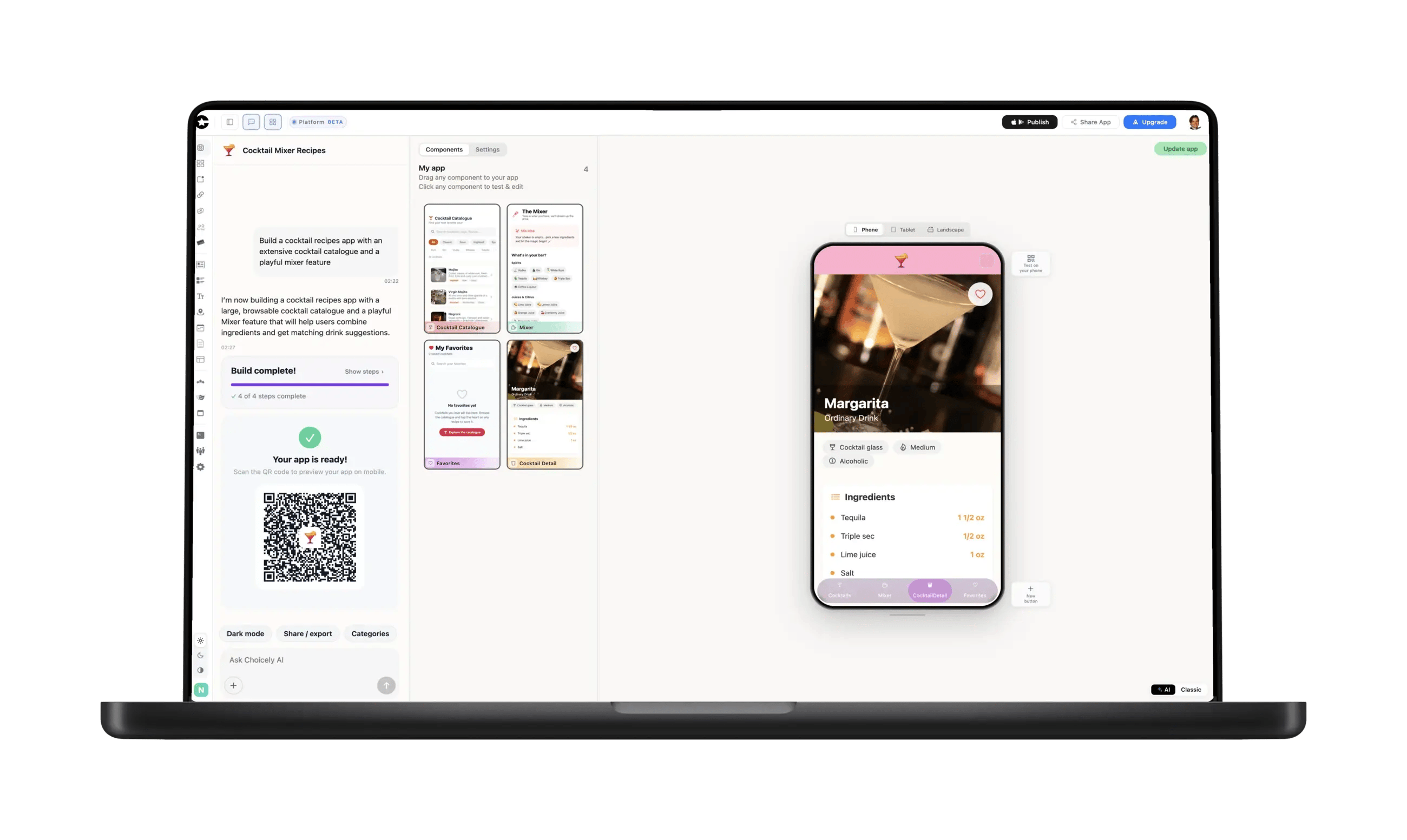
You don't need to hire an agency to get a logistics app — and this is not a driver app. Describe your operation, and Choicely builds a native iOS and Android app for everyone around it: driver and subcontractor handbooks that update without a store release, shift and depot notices by push, your customer tracking page and forms that reach the office.













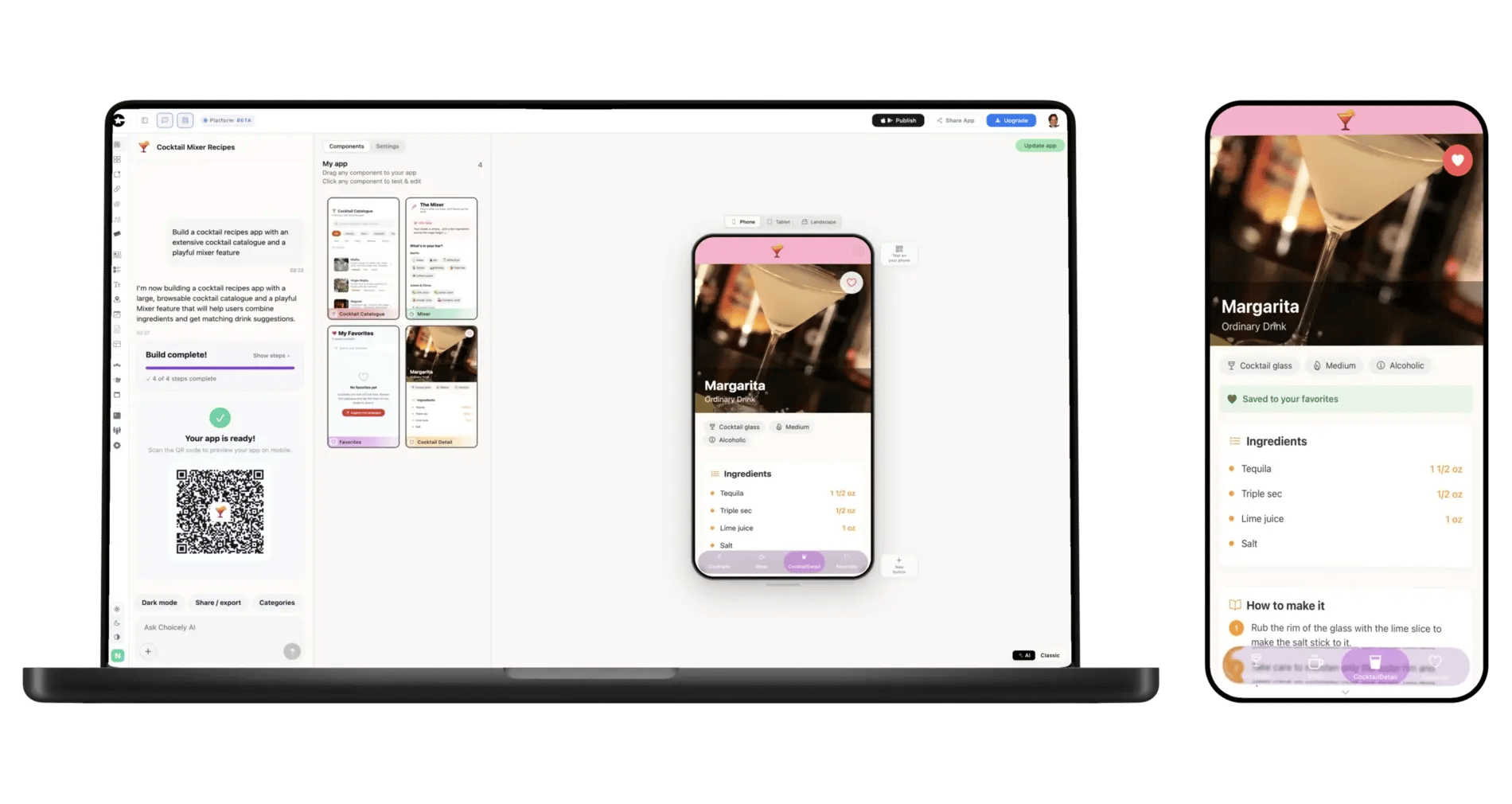
Your depots, who needs to hear from you — drivers, subcontractors, customers — and what they ask the office every day. Plain sentences are enough.
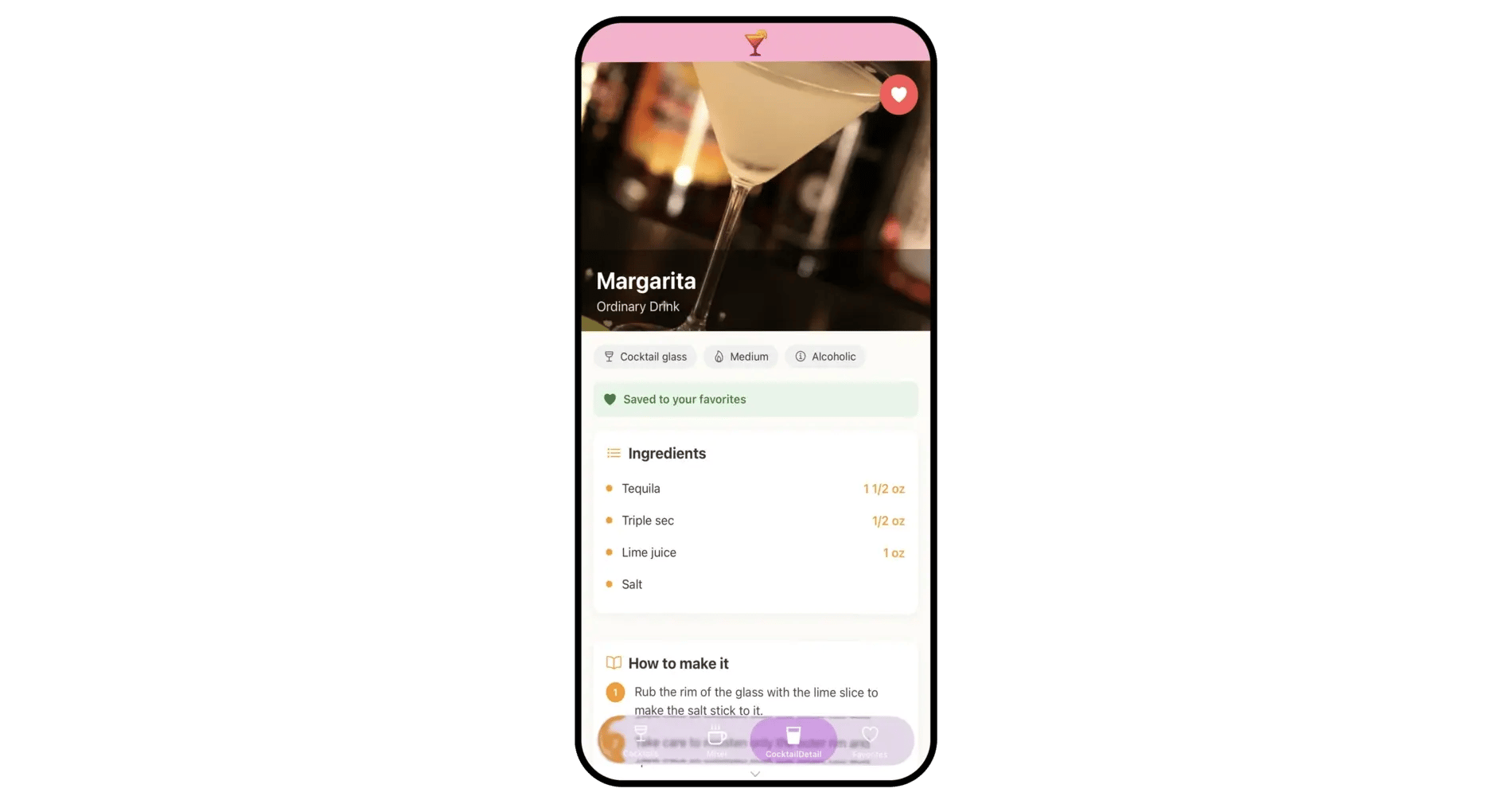
Add the handbook and depot pages, show shipment status from your own API or link your tracking page and driver portal, and set up the members' section for subcontractors.
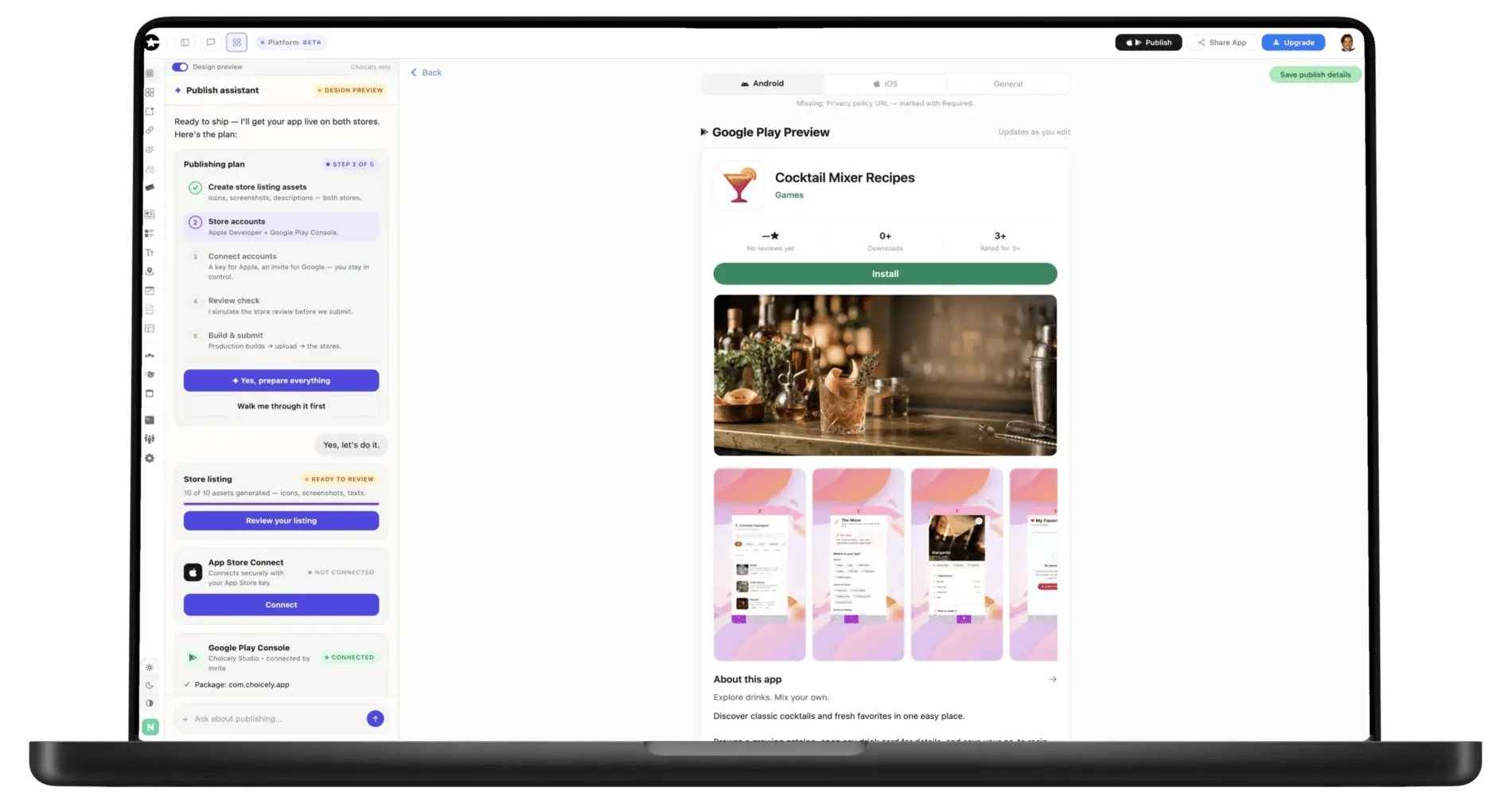
The Publish Assistant prepares the store listings, pre-checks them against Apple's and Google's review rules and guides you through submitting under your own developer accounts.
Most logistics app development guides sort the field into fleet management, TMS, warehouse, driver and customer-tracking apps — each a months-long build around scanning, routing or offline sync. Choicely is not that, and says so up front. It builds the app for everyone around the operation: a handbook for drivers and subcontractors, depot pages with addresses and a map, a notice feed and a status screen for customers. You describe the operation, the AI lays out the first version, and you adjust it in Studio.
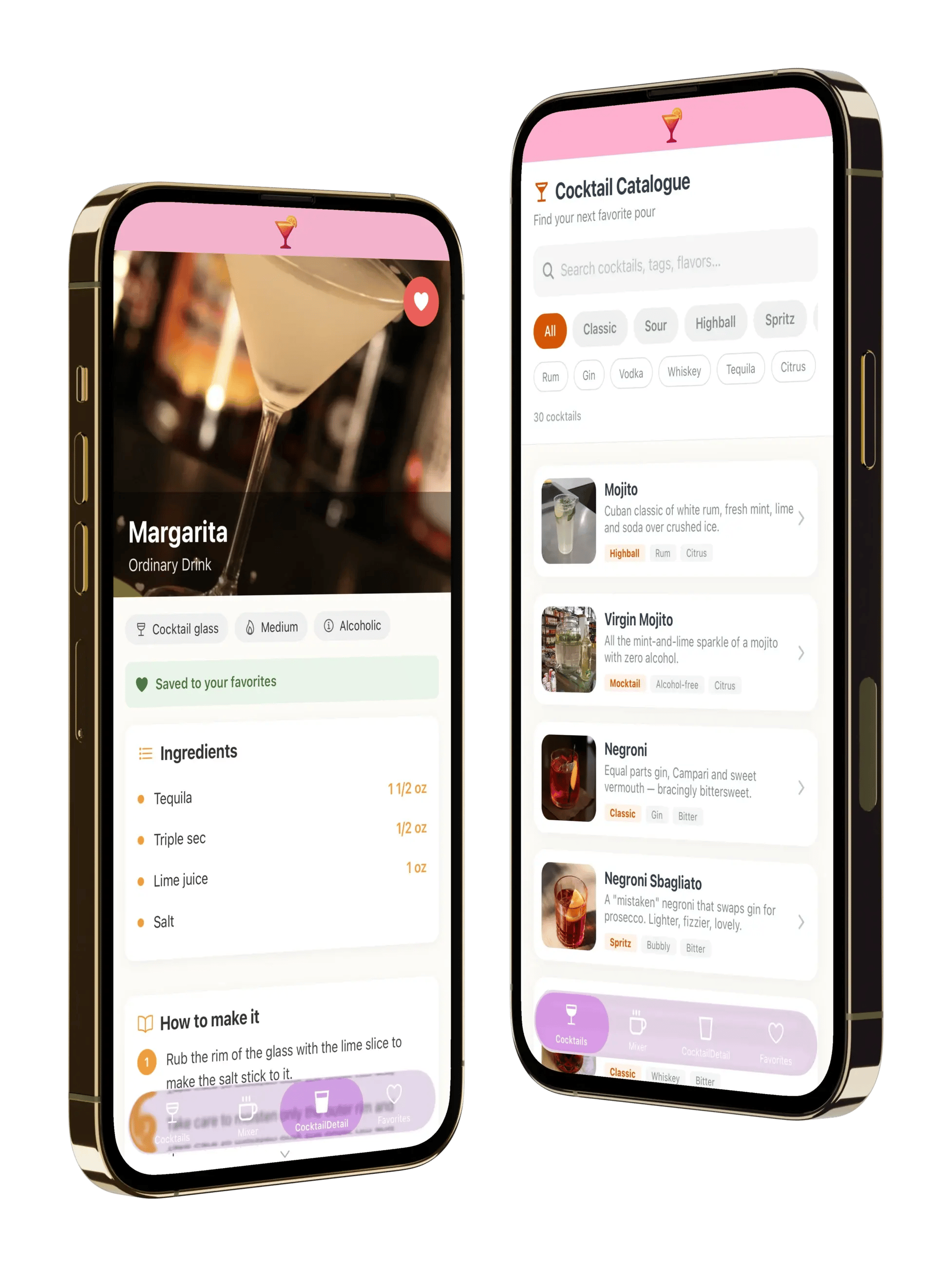
Safety notices, route changes, depot rules and loading-bay hours live in Studio. Edit them in the afternoon and the app shows the new version as soon as you save — no app-store release and no reprinted binder in the cab. When a change matters today, send a push notification with it.
The members' section behind login is the practical home for the people who are not on your payroll and not in your intranet: site rules, contacts, the documents they need on day one and forms that reach the office. Everyone works from the same current version, whoever they drive for.
Dispatch, tracking, ePOD and scanning stay in the systems you already run. Custom screens can show live data from your TMS's or carrier platform's API, such as shipment status, natively in the app; your API keys stay on Choicely's servers. The simpler route: its web page for shipment status, bookings or drivers opens inside the app as a web screen. Either way the app shows the data; it does not replace your TMS.
Your app is published under your own Apple and Google developer accounts, so the listing and the relationship with your drivers and customers stay yours. The Publish Assistant prepares the listings, pre-checks them against Apple's and Google's review rules and guides you through submitting. Apple and Google charge their own developer fees.
What it does:
What it does not do:
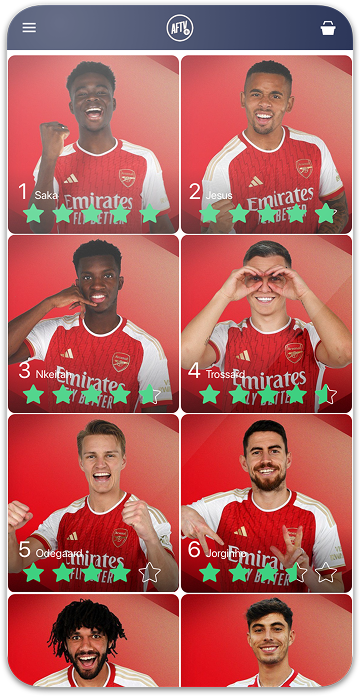
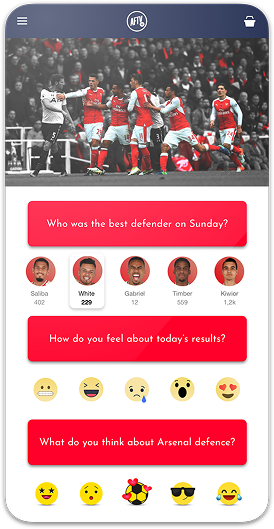
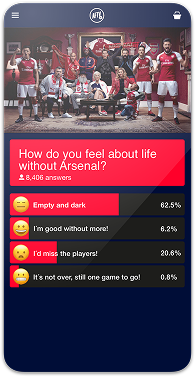
"Despite Choicely being a no code platform, we got a fully tailormade app that matches our needs and our brand. Making improvements is quick and easy. We can focus on engaging our fans!"

"This product is clever and intuitive and can fulfil our needs for a responsive app built on native platforms. For the price, it is remarkable technology."

"With the help of Choicely, the app allows the Dancing With The Stars universe to expand and lets the audience really dive into an exclusive world of content and engaging features."

"The Choicely app is like a Swiss army knife for us, a multipurpose instrument.
Not only will it dramatically change the way voting is concluded on our entertainment programmes, and make sports broadcasts more fun and engaging, but will also become one of our most important channels for listening to what our users have to say."

Choicely turns a description of your operation into a working native iOS and Android app, without code and without hiring an agency. It is the communication layer around your logistics: handbooks, depot notices and onboarding for drivers and subcontractors, and a status screen for customers, with live shipment data from your TMS's API or its own pages inside it.
You build and preview for free (150 credits every month, no card); publishing to both stores is the paid step, starting at Premium $25/month. See pricing and how publishing works.


Satisfaction among the Choicely customers
Countries with users using a Choicely App
Reviewed on G2.com
Countries with customers using the Choicely App Builder