
Eight AI app builders for product and enterprise teams, compared on real-time collaboration, team permissions, and whether they output native iOS and Android apps.


Last updated: October 7, 2026. Prices verified on each vendor's pricing page on that date; we re-check this post monthly.
If you’re searching for the best collaborative AI app builder for teams, the bottleneck is probably not the AI. It’s everyone else.
Your marketing lead, your content team, your designer, and your technical lead all want to touch the build, and passing screenshots back and forth in Slack has become the slow part. Solo-focused AI builders make one person fast and leave the rest of the team watching.
Two other walls show up fast.
Most AI builders generate web apps or PWAs, so the moment your team needs a real native iOS and Android app for the App Store, with push notifications and in-app purchases, the prototype tool cannot become the production tool.
And once AI speeds up building, it tends to break review: when one teammate prompts and ships, the rest of the team has no clean way to review, comment, or roll back.
Real teams need role-based permissions and a shared workspace, not whoever-prompted-last.
We compared eight collaborative AI and no-code app builders that a cross-functional team would realistically shortlist.
We scored each on what matters when the whole team is building together: real-time collaboration and permissions, whether non-technical teammates can actually contribute, native iOS and Android output, full-stack depth and store deployment, live updates and proven scale, the human help available when AI hits a wall, and team pricing and lock-in.
|
Choicely |
Replit |
Airtable |
Power Apps |
|
Best overall for teams shipping native |
Best real-time coding collaboration |
Best collaborative database |
Best for Microsoft 365 teams |
Best Collaborative AI App Builders for Teams: Quick Comparison Table
| Software | Best for | Collaboration | Output | Free tier | Starting price | Score |
|---|---|---|---|---|---|---|
| Choicely | Native apps, whole team | AI + visual + Pro Services | Native iOS + Android | Yes | Free plan; From $25/mo | 9.3 |
| Replit | Real-time coding | Real-time multiplayer (devs) | Web app | Yes | Free; Core $20/mo | 6.0 |
| Microsoft Power Apps | Microsoft 365 business apps | Enterprise, governed | Business app (container) | Yes (dev) | Free; Premium $20/user/mo | 5.6 |
| Airtable | Collaborative database | Best-in-class (on data) | Web interfaces | Yes | Free; Team $20/editor/mo | 5.4 |
| Bubble | Customizable no-code | Shared editing | Web + native (beta) | Yes | Free; Starter $59/mo | 5.4 |
| Emergent | Agentic full-stack web | Team (younger tooling) | Web app | Yes | Free; Standard $20/mo | 4.8 |
| Glide | Data-driven apps | Easy team sharing | PWA / web | Yes | Free; From $25/mo | 4.6 |
| Bolt.new | Fast web prototype | Solo-oriented | Web app | Yes | Free; Pro $25/mo | 4.4 |
How We Evaluated These Collaborative AI App Builders
We assessed each platform across seven weighted dimensions, drawn from what a cross-functional team actually weighs when choosing a tool everyone will build in. We read aggregated user reviews, checked public pricing, and tested the build-and-collaborate path on each.
Each platform is scored for fit to a team shipping a real native app together, not for raw product breadth. A low score reflects a poor fit for that specific job, not a weak product for the market it was built for. Several of these tools are excellent at what they do.
Our Scoring Methodology
| Criterion | Weight | What we measured |
|---|---|---|
| Native iOS + Android output | 20% | Whether the platform produces a real native app for the App Store and Google Play, not a web app, PWA, or container. |
| Real-time collaboration and permissions | 20% | Shared workspace, multiple contributors, role-based access, version history, and review of AI-generated changes. |
| Whole-team usability | 15% | Whether non-technical teammates (PM, designer, content, marketing) can contribute, not just engineers. |
| Full-stack depth and store deployment | 15% | Backend, auth, database, and payments, plus shipping the actual binary to the stores. |
| Live updates, engagement, and scale | 10% | Updating a live app without re-review, built-in engagement features, and proven live-event scale. |
| Human help when AI hits a wall | 10% | Whether there is a first-party Pro Services team, an expert network, or only a community forum. |
| Pricing, ownership, and lock-in | 10% | Team pricing transparency, whether you own the code and data, and ecosystem lock-in. |
The 8 Best Collaborative AI App Builders for Teams in 2026
1. Choicely: Best Collaborative AI App Builder for Teams Overall
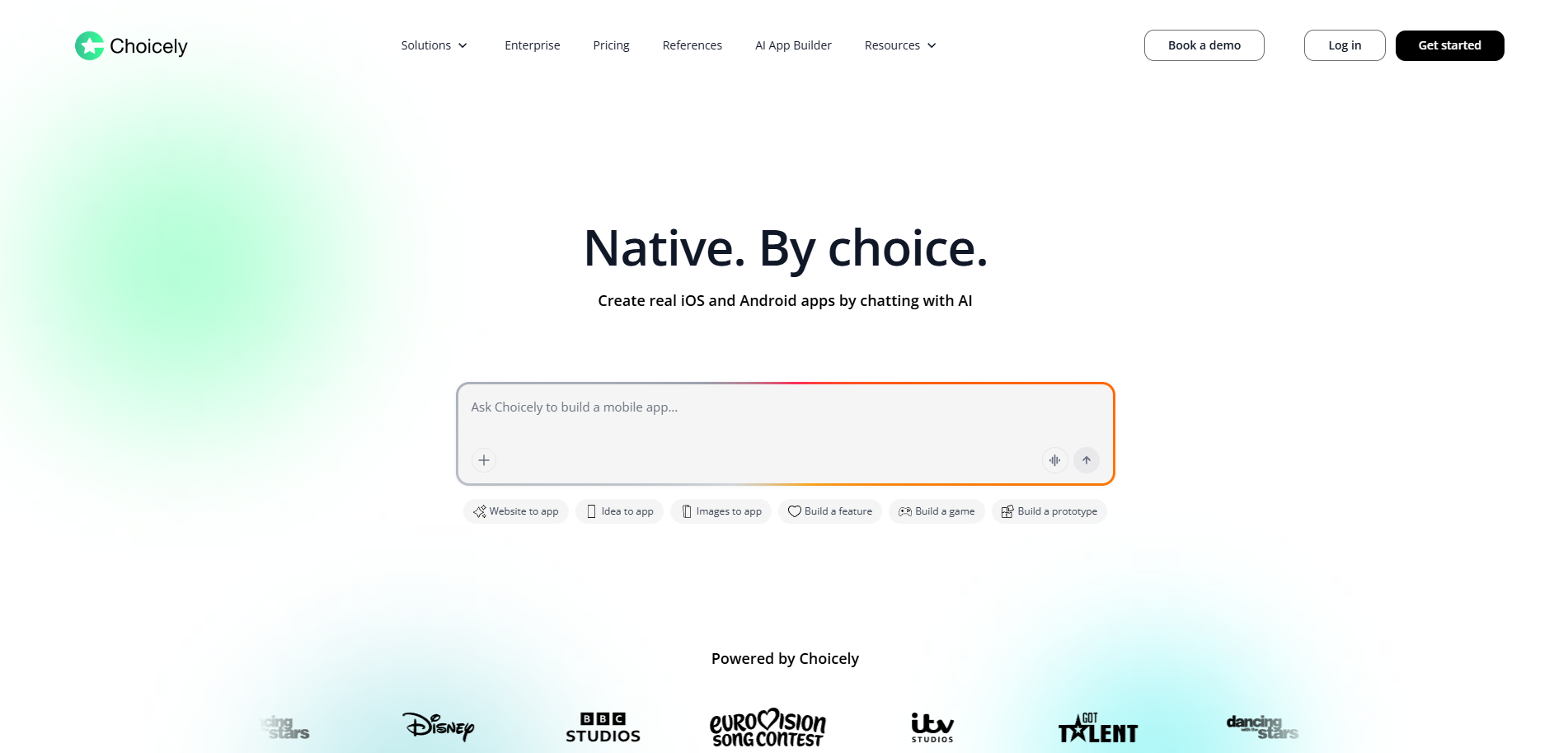
Best for cross-functional teams at media, broadcast, sports, events, news, and consumer brands that need a real native iOS and Android app the whole team builds together, with live updates, on any scale, and an in-house team to lean on.
Score
9.3/10. Top marks for native output (10/10), full-stack depth and store deployment (10/10), live updates, engagement, and scale (10/10), and human help (10/10). Scored slightly lower on real-time co-editing maturity (8/10) versus a pure coding IDE.
Positioning
Choicely is the only platform on this list that lets your whole team chat with AI, drag and drop in a visual editor, or hand the build to an in-house design and engineering team, and produce a true native iOS (Swift) and Android (Java) app rather than a web prototype, PWA, or business-app container.
Product Overview
Choicely is a Helsinki-based with customers globally, AI-powered mobile app platform built so that an entire cross-functional team can build one real native app together.
It maps directly to the three walls teams hit with solo AI builders and web tools.
Pain 1: “My team is bottlenecked passing screenshots back and forth.”
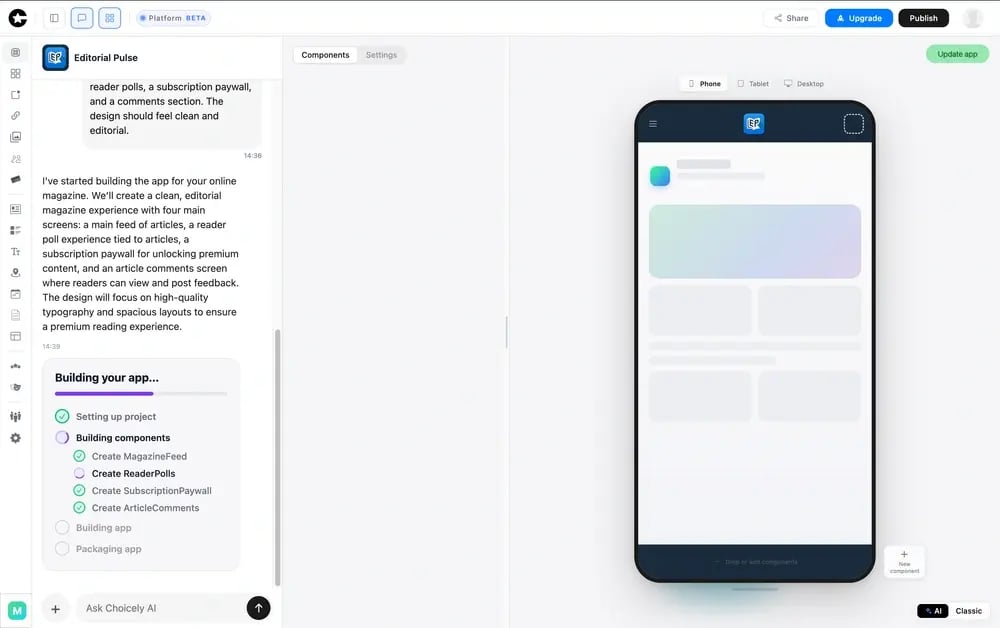
You can collaborate and make edits in real time within Choicely Studio, with different user roles available. Every stakeholder works on the same build instead of waiting on one person.
For example, a marketer or content lead can describe a change to the AI in plain language, a designer can refine it by dragging and dropping in the visual editor, and the technical lead can extend it with custom code or hand the heavy lifting to the in-house Pro Services team.
The version history primarily tracks major app updates that require approval from the app stores. Regular content and configuration changes made with Choicely Studio may not appear there in the same way.
There’s no requirement that everyone codes, which is what unlocks real collaboration across PM, design, content, and engineering.
Pain 2: “Our prototype can't ship as a real native app.”
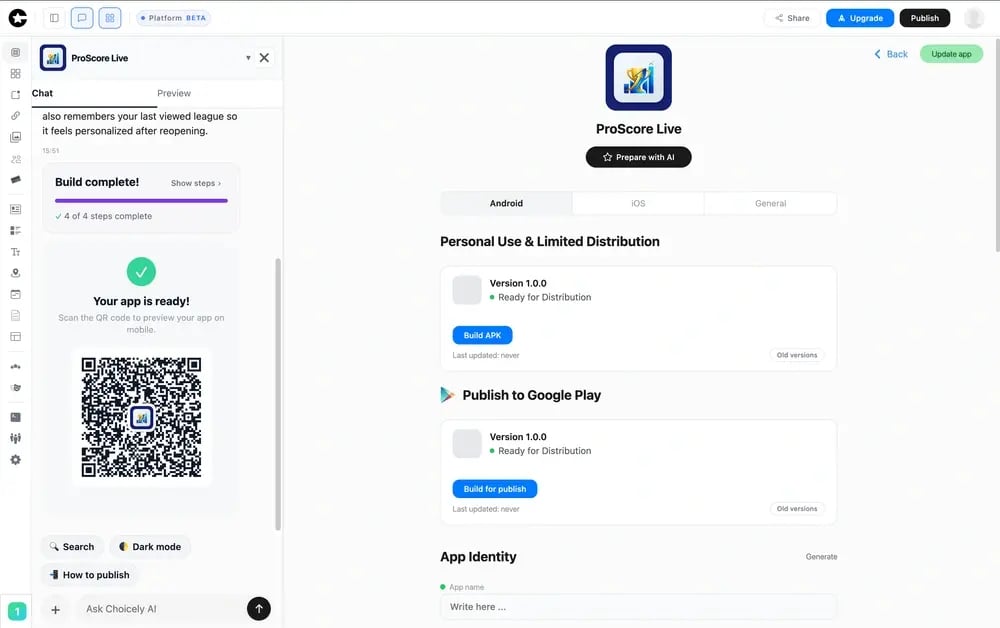
Choicely produces real native iOS (Swift) and Android (Java) apps, not a web view in a shell.
The AI builder also generates React Native, with true native code used to reach full device features (push notifications, camera, biometrics) and the store quality that a web app cannot match.
Choicely ships the app builds to the App Store and Google Play, so the tool the team prototypes in is the tool that ships the product.
Pain 3: “AI broke our review workflow, and we need live updates and scale.”
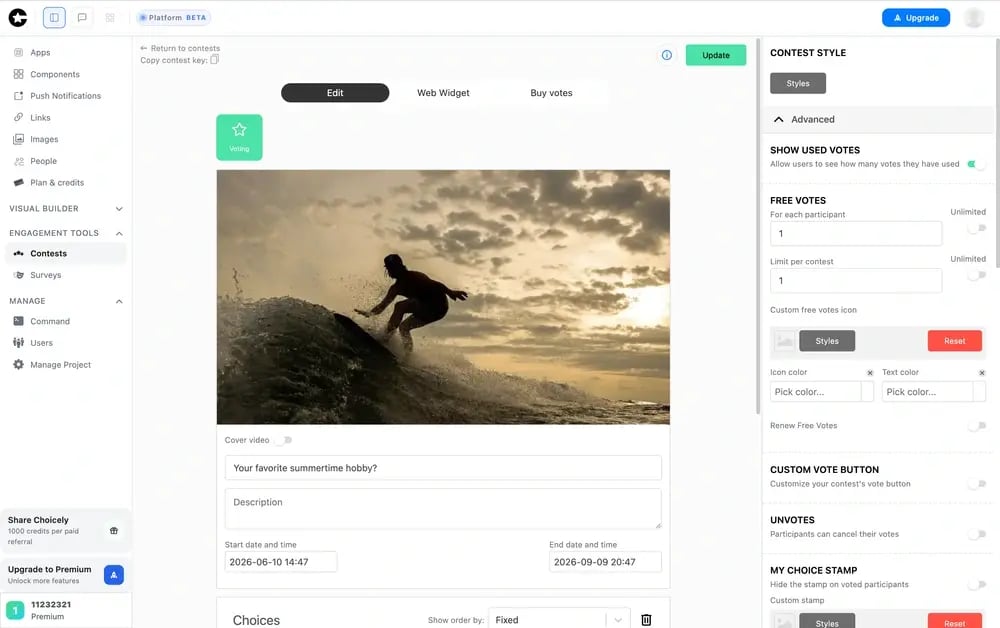
The team can push content and feature changes to a live app in real time, bypassing the App Store review cycle, which matters during a prime-time broadcast or a live vote when a 24 to 72-hour review would kill the moment.
Engagement features (voting, polling, ratings, battles, reactions, and paid voting) are built in, and the platform is production-tested at Eurovision, Miss Universe (around three million downloads in five weeks), Disney, and Got Talent scale, with millions of concurrent voters during live broadcasts.
You also own your app and your user data on an open, API-driven platform, with no Microsoft-style ecosystem lock-in.
Pricing
Self-serve subscriptions (Premium at $25/month and Business at $50/month) with a free starter tier to build and preview apps.
Pro Services is outcome-based rather than per-seat, so cost doesn’t climb every time you add a teammate, unlike per-editor or per-user team plans.
Integrations
Open, API-driven platform with native connectors to CRMs, ecommerce (Stripe, Shopify), statistics and streaming services, advertising platforms, chatbots, automated content feeds, CMSs, maps, timetables, and UGC software.
First-class push notifications, in-app purchases, and biometric login. SDK at studio.choicely.com/docs/sdk.
Setup
- DIY via AI: minutes to a working prototype that the team can iterate on.
- Pro Services full build: a production-ready native iOS and Android app in weeks rather than months.
- No CLI, terminal, or Git required for non-technical teammates.
Tradeoffs
Choicely is overkill for a team whose deliverable is an internal database, a back-office tool, or a quick web prototype.
If you don’t need native output, the App Store, a live audience, or engagement features, Airtable, Power Apps, or a web builder will serve you better.
Choicely earns its place when the whole team is building a real native product meant to ship and scale.
Support
Pro Services customers get a dedicated design and engineering team and white-glove onboarding; self-serve plans get community and email support.
SDK documentation is at studio.choicely.com/docs/sdk.
Mini Case Study
Choicely is the platform behind apps for Eurovision, ITV's Love Island, Banijay's Dancing with the Stars, and Miss Universe, where cross-functional media teams ship and update native apps around live broadcasts. Deeper write-ups are at choicely.com/case.
AFTV, the leading Arsenal fan media platform, used Choicely’s no-code mobile app builder to create a highly engaging, mobile-first experience for its global audience. Through the AFTV+ app, fans receive real-time updates via live streams and push notifications, while content from AFTV’s video channels and social media feeds is automatically published within the app.
Choicely also enables AFTV to update and manage its native mobile apps quickly without extensive technical resources, improving agility and reducing development overhead.
AFTV CEO Brett Best praised the platform as a “clever and intuitive product” that delivers a responsive native app experience, adding that “for the price, it is remarkable technology” and recommending it to organizations that aren’t tech-first businesses.

2. Replit: Best for Real-Time Collaborative Coding
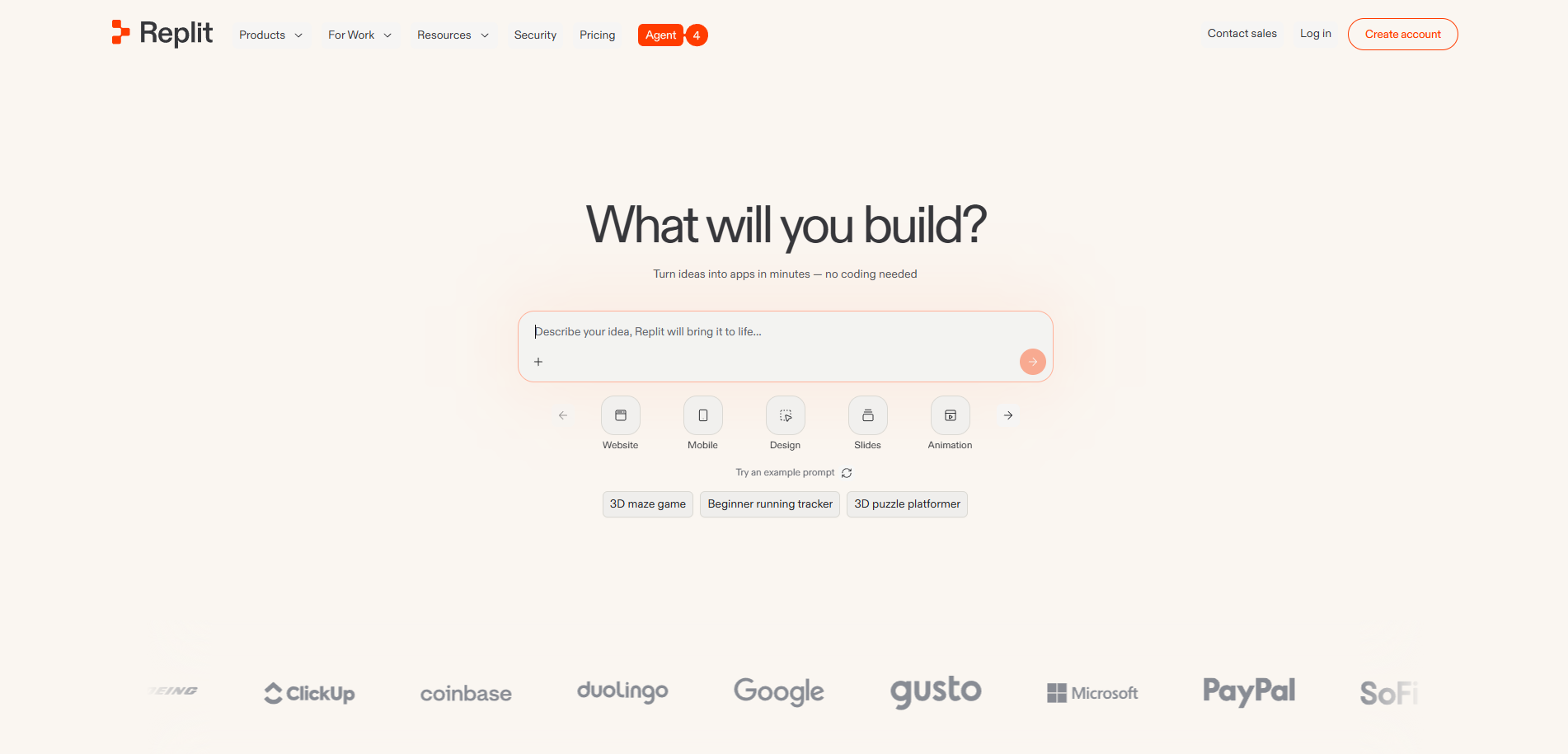
Best for engineering-led teams that want a real-time, multiplayer coding environment with an AI Agent and have the in-house skills to ship the result.
Score
6.0/10. The best real-time multiplayer collaboration here (collaboration 9/10), but web output (native 2/10) and collaboration is gated to people who can code (whole-team 4/10).
Product Overview
- A browser-based coding platform and cloud IDE with an AI Agent and genuine real-time multiplayer editing, so several developers can work in the same project live.
- A February 2026 overhaul set pricing at Starter (free), Core (about $20/mo), Pro (about $100/mo for up to 15 builders), and Enterprise.
- Output is a web app, and the collaboration shines for engineers; a PM, designer, or content lead cannot contribute the way they can in a visual builder.
Pricing
Starter free; Core about $20/mo; Pro about $100/mo flat for up to 15 builders; Enterprise on request.
Effort-based credits add usage cost on top.
Integrations
Your code and its stack; deployments handled by Replit.
Setup
Minutes for developers; assumes coding skills.
Tradeoffs
The best real-time coding collaboration on this list, but it produces a web app, not a native iOS and Android binary, and the collaboration is really for engineers.
Choicely lets the whole cross-functional team build a native app together.
3. Microsoft Power Apps: Best for Microsoft 365 Enterprise Teams
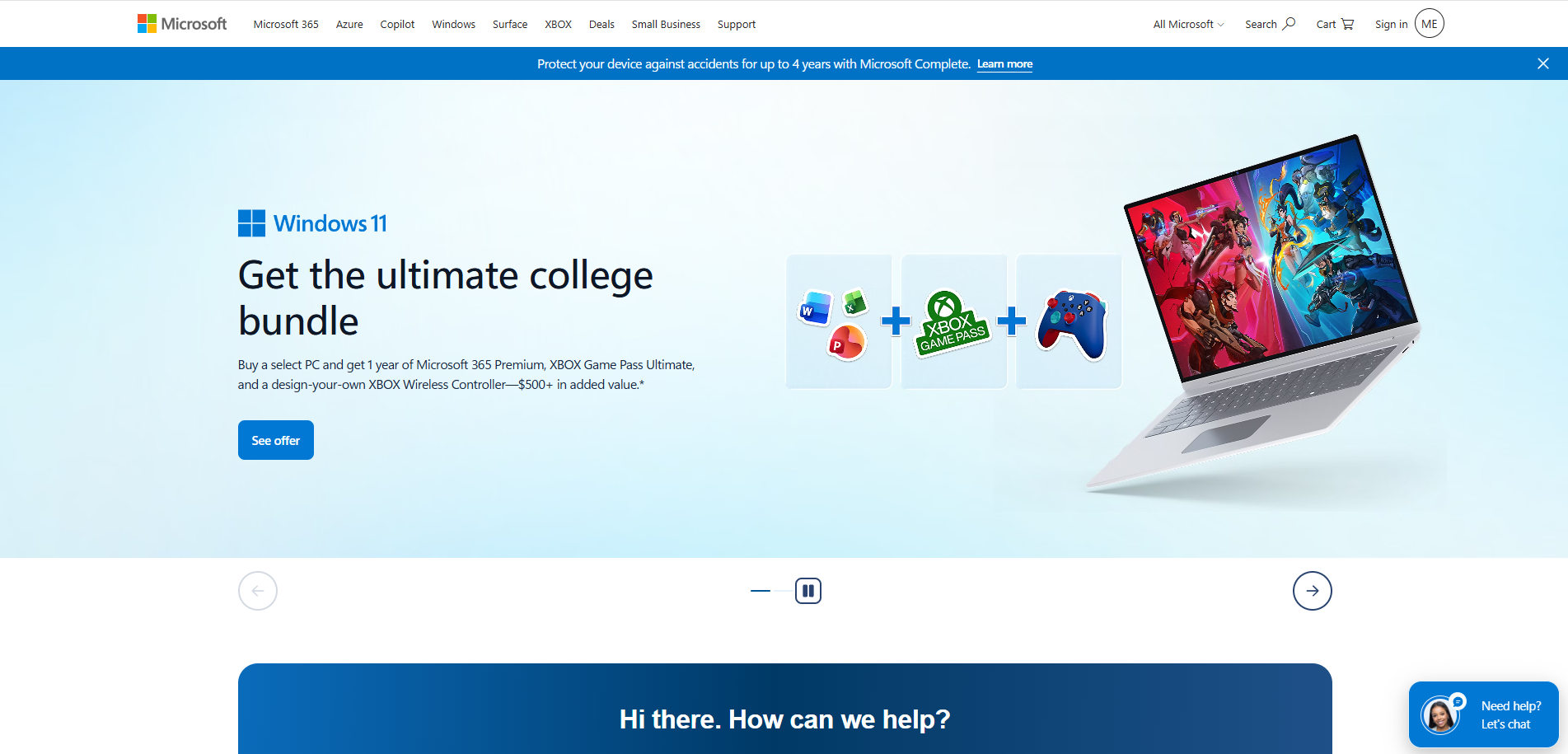
Best for enterprise teams already standardized on Microsoft 365 that need governed internal business apps tied to Dataverse.
Score
5.6/10. Strong enterprise collaboration and governance (collaboration 8/10), but business-app output rather than native consumer apps (native 3/10), and Power Fx gates non-technical teammates (whole-team 5/10).
Product Overview
- An enterprise low-code platform for business apps, deep in the Microsoft 365, Dataverse, and Azure ecosystem, with AI-first features via Copilot and AI Builder.
- Apps run in the Power Apps mobile container or browser; the platform doesn’t publish native apps to the App Store, as it is built for internal business tools.
- The Power Fx formula language and the admin and governance model suit IT-led teams more than mixed marketing and content teams.
Pricing
Developer Plan free (non-production); Premium $20/user/mo.
Add-ons (Power Automate, AI Builder credits, Dataverse storage at $40/GB, Copilot Studio) make total cost hard to predict.
Integrations
Deep Microsoft 365 and Dataverse, plus premium connectors (Salesforce, SAP, ServiceNow); tightly tied to the Microsoft stack.
Setup
Weeks; anything custom usually needs a Microsoft 365 admin or a partner integrator.
Tradeoffs
Excellent for governed internal business apps inside Microsoft 365, but it doesn’t ship native consumer apps to the App Store, Power Fx gates non-technical teammates, and Microsoft 365, Dataverse, and Azure lock-in grows with usage.
Choicely ships native, the whole team can use it, and you own the output.
4. Airtable: Best Collaborative Database With App Views
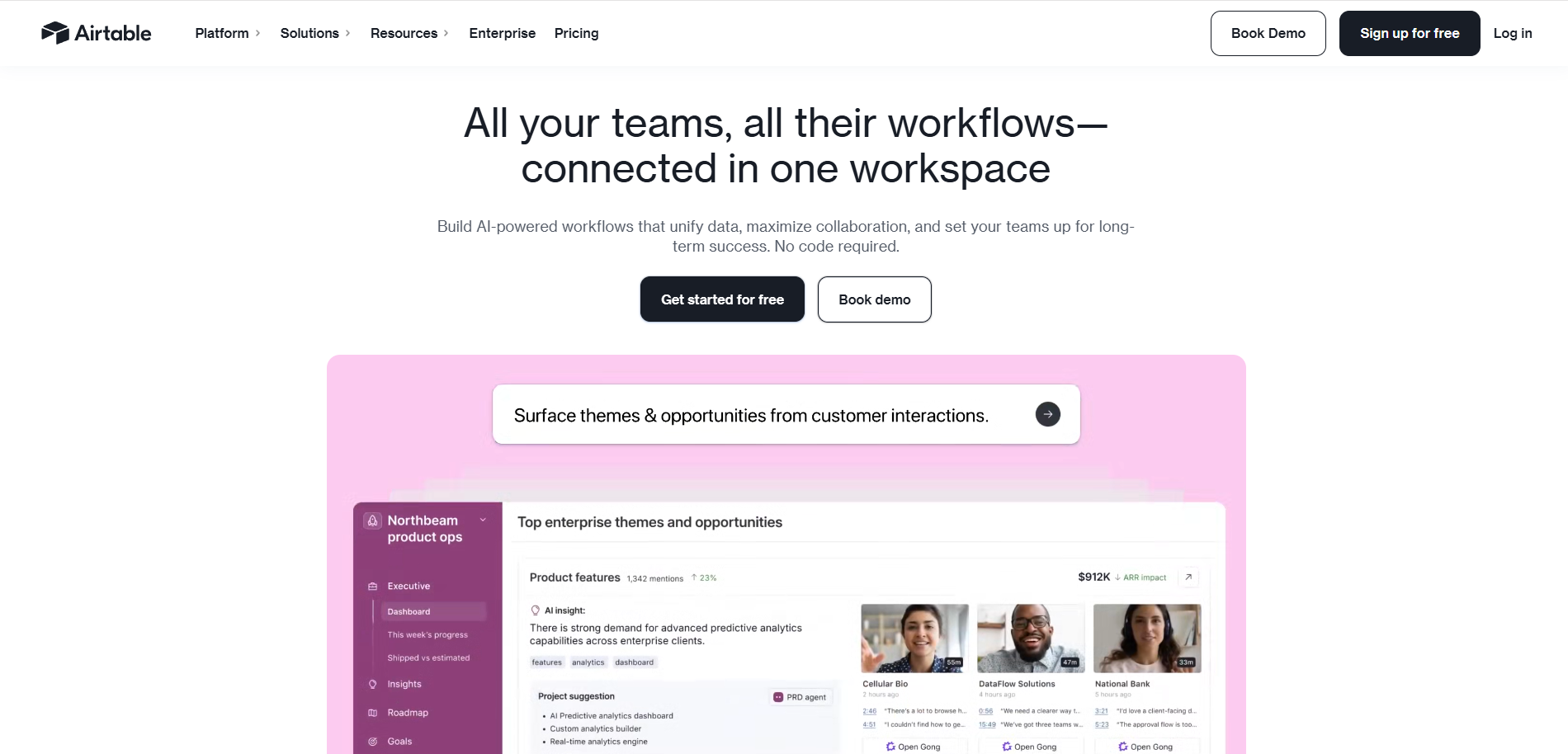
Best for teams that need a powerful collaborative database with light app interfaces over their data, mainly for internal use.
Score
5.4/10. Best-in-class real-time collaboration on structured data (collaboration 10/10), but its app output is browser-based interfaces (native 2/10), not a native consumer app.
Product Overview
- An AI-native low-code platform that combines a relational database with spreadsheet usability; the AI Co-Builder generates business apps with interfaces, data structure, and logic.
- Output is browser-based Interfaces and views, not a native app; to publish to the stores you pair Airtable with a separate frontend builder.
- Unmatched for real-time team collaboration on shared data, with granular editor and viewer roles.
Pricing
Free; Team about $20/editor/mo (annual); Business about $45/editor/mo; Enterprise Scale custom.
Per-editor billing, with usage cliffs that force tier upgrades and a Portals add-on for external users.
Integrations
Stripe, Zapier, Google Analytics, Mailchimp, Slack, and thousands more; strongest as a data backend.
Setup
Fast for internal data apps and dashboards.
Tradeoffs
The strongest collaborative database here, and its AI Co-Builder is genuinely useful, but the output is browser-based interfaces for internal use, not a native consumer app you submit to the stores, with no built-in engagement or live-event scale.
Choicely is for teams shipping a real native product.
5. Bubble: Best for Deeply Customizable No-Code
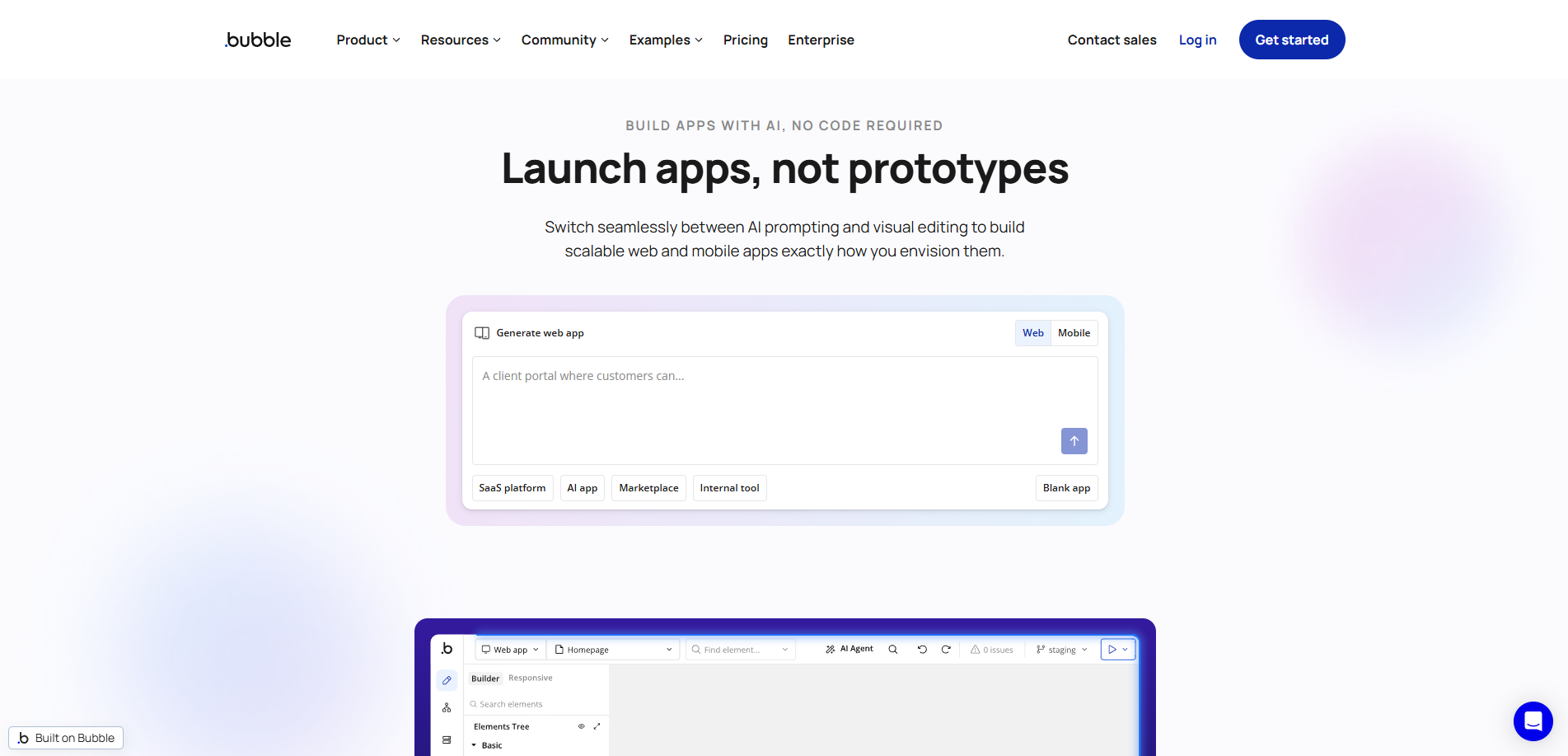
Best for product teams that want maximum control in a no-code platform and have someone willing to own the learning curve.
Score
5.4/10. Deep customization, and it now offers native mobile in beta (customization 9/10), but a steeper learning curve keeps much of the team out (whole-team 5/10), and the native path is still maturing (native 5/10).
Product Overview
- The deepest no-code visual builder, with full workflow logic and a large plugin marketplace for almost any feature.
- Launched a native mobile builder (React Native) in public beta in 2025, so it now targets web and native from one platform.
- Collaborative editing is supported, but the platform is powerful enough that one or two people usually own the build.
Pricing
Free plan for projects under construction, Starter about $59/mo, Growth about $209/mo, Team about $549/mo; for Enterprise on request; pricing is workload-unit-based.
Integrations
Large plugin marketplace, APIs, Stripe, and common services.
Setup
Hours to a web prototype; a production app, and the native beta, take real ramp-up time.
Tradeoffs
The most customizable no-code option, with a promising native beta, but the learning curve keeps it from being a tool the whole cross-functional team uses, and the native path is still maturing.
Choicely is more accessible to non-coders, and ships mature native plus engagement.
6. Emergent: Best Agentic Full-Stack AI Builder
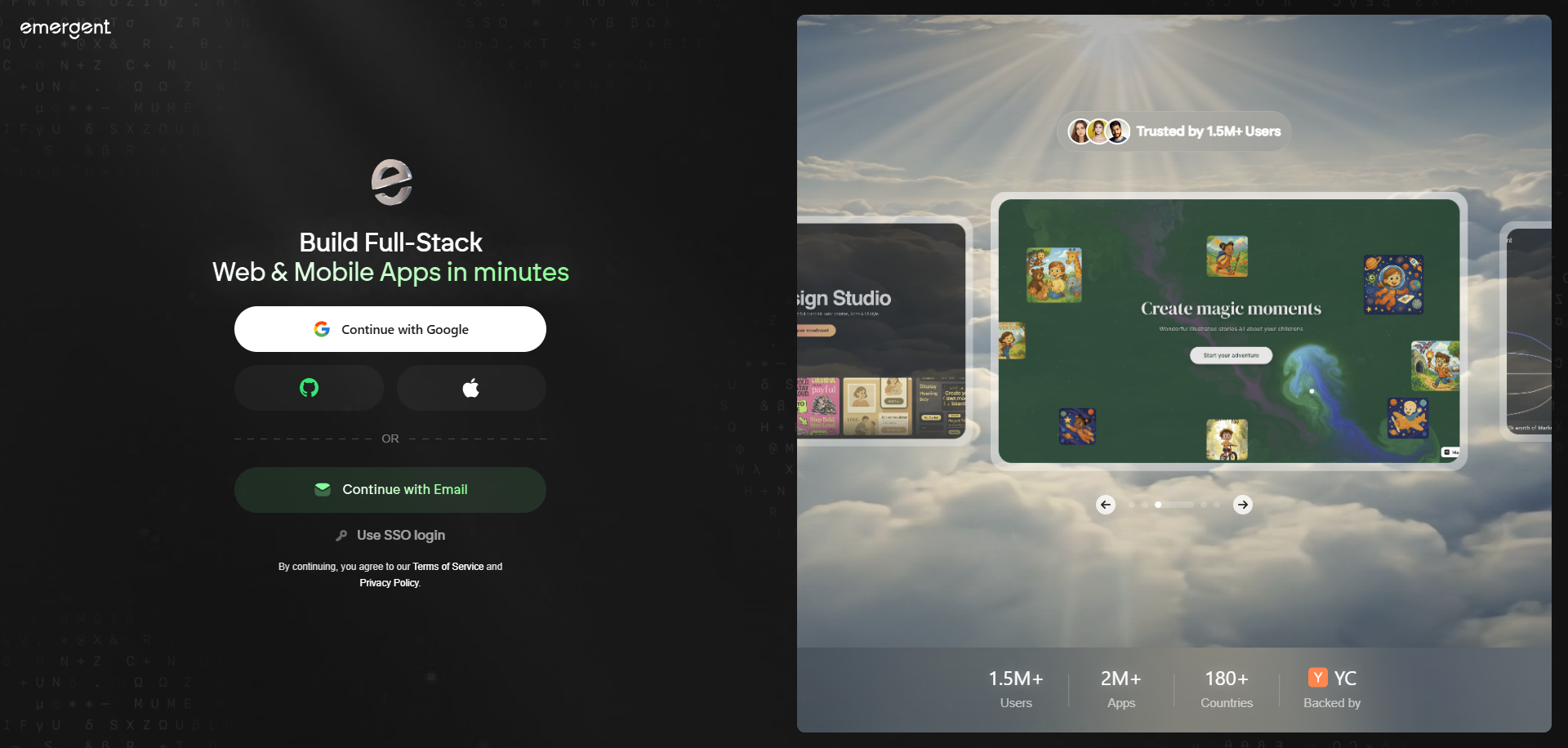
Best for teams that want an autonomous, agentic AI builder that generates a full web app codebase they can own and self-host.
Score
4.8/10. Strong agentic full-stack generation and code ownership (full-stack 8/10), but web output (native 3/10) and younger collaboration and review tooling (collaboration 6/10).
Product Overview
- An AI-native, agentic builder: you describe the app and AI agents plan, generate, and deploy the frontend, backend, data layer, and integrations.
- Emphasis on real, exportable, self-hostable code and long-term ownership, with production-grade output for web apps.
- A younger product, so shared review workflows and role-based permissions are less mature than the established team platforms.
Pricing
Free starting point; Standard about $20/month; Pro about $200/month.
Integrations
Generates standard backend services and APIs in code your team owns and can extend or self-host.
Setup
Minutes to a working full-stack web app through conversation; production output still benefits from review.
Tradeoffs
A strong agentic builder for teams that value code ownership, but it’s web-focused, not native, with no built-in engagement, no in-house team, and no live-event scale proof.
Choicely ships native with a human team and engagement built in.
7. Glide: Best for Collaborative Data Apps
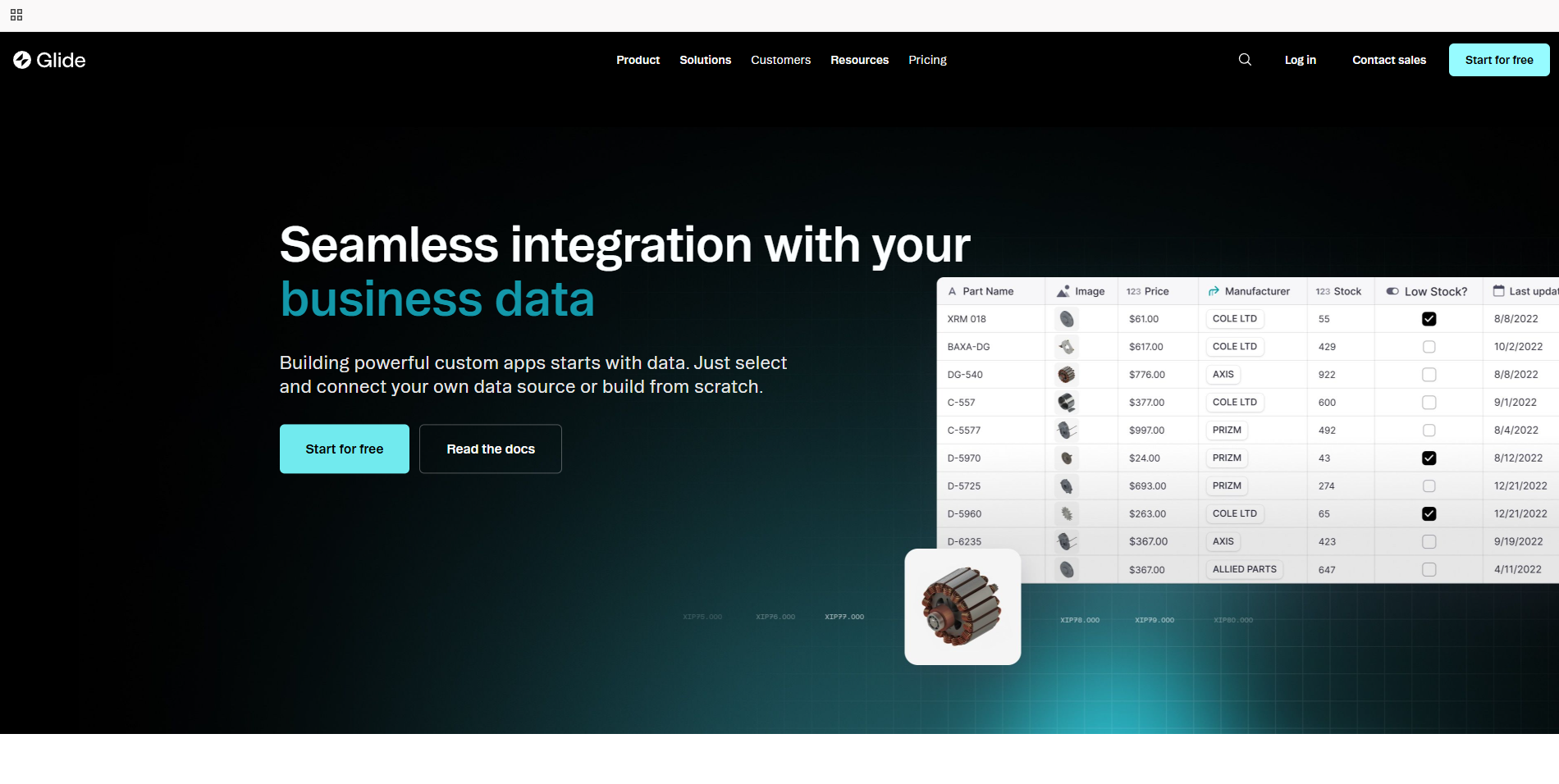
Best for teams building data-driven internal apps and lightweight consumer apps on top of a spreadsheet or database, with simple sharing.
Score
4.6/10. Fast, friendly, and easy for the whole team (ease 8/10), but PWA output (native 3/10) and best for internal or lightweight apps.
Product Overview
- A no-code builder driven by structured data (Google Sheets, Airtable, Glide Tables), with native auth, roles, and a no-code action system; added an AI app generator in late 2024.
- Apps run as polished PWAs with mobile styling; Glide does not compile real native code.
- A Business-plan App Store service can wrap the PWA in a native shell, but the result is a wrapper, and Apple has grown stricter about these.
Pricing
Free plan (one project, limited credits). Basic is $25 a month, Plus is $50; the realistic team price is Pro at $125 a month plus $10 per member. Repriced under GlideOS — the Maker and $199 Business tiers no longer exist. Per-member pricing still adds up at team scale. Verified 7 August 2026.
Integrations
Google Sheets, Excel, Airtable, and Glide Tables; native auth and role-based access.
Setup
Very fast for spreadsheet-backed apps.
Tradeoffs
Easy for a whole team and quick to ship a data app, but it’s a PWA (its store path is a wrapper), not a true native app, with no built-in engagement or live-event scale.
Choicely is built for native consumer apps at scale.
8. Bolt.new: Best for Fast Web Prototyping
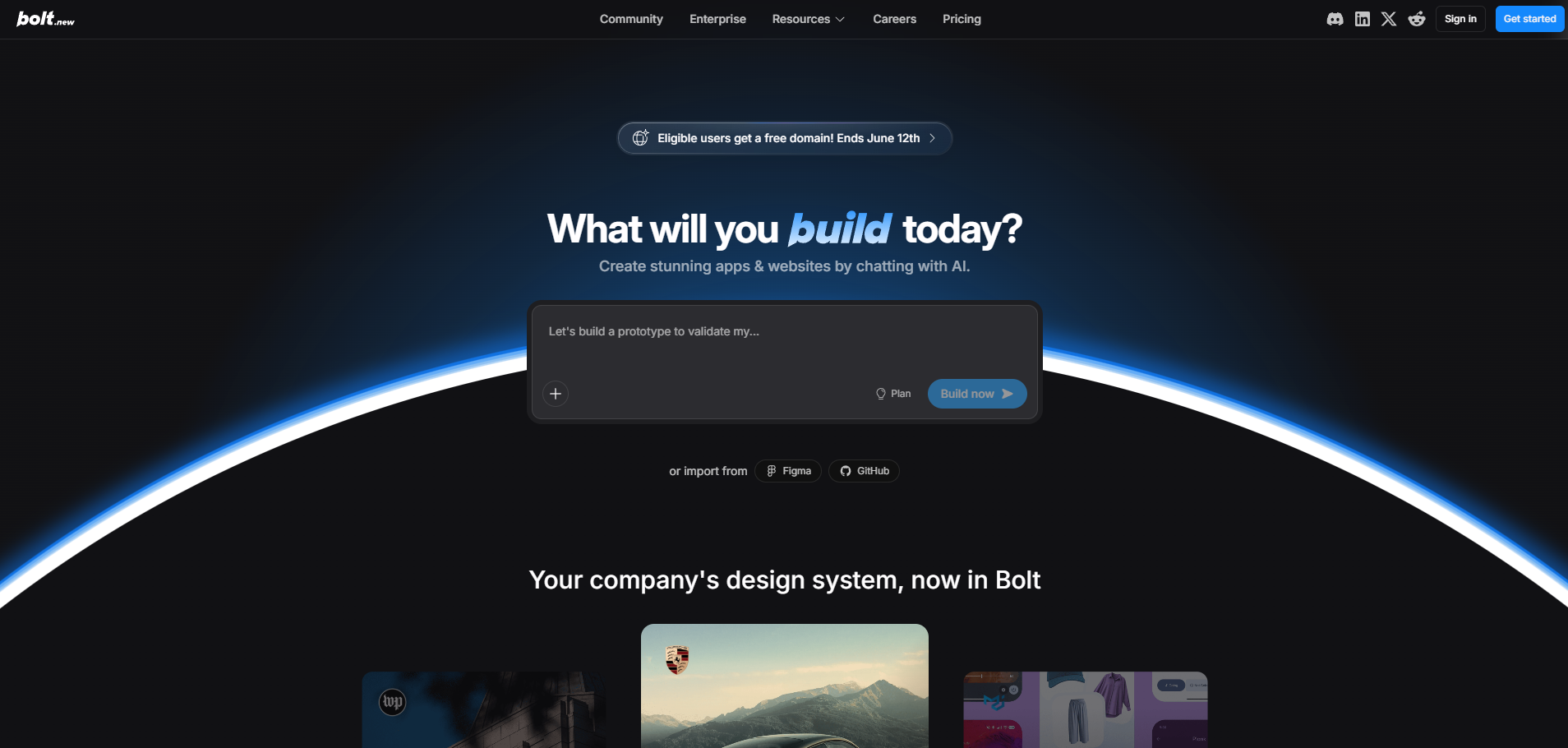
Best for teams that want the fastest path from a prompt to a deployable web prototype, with a team plan for shared usage.
Score
4.4/10. Fast web prototyping (9/10), but solo-oriented collaboration (collaboration 5/10) and web-only output (native 2/10).
Product Overview
- A browser-based AI builder from StackBlitz; its WebContainers run a full Node.js environment in the tab and generate full-stack React apps from prompts.
- A Team plan adds shared usage and billing, but the build experience is fundamentally one person prompting at a time.
- Mobile support is via responsive web and an Expo integration, not a true native iOS or Android binary.
Pricing
Free about 300K tokens/day; Pro $25/mo for ~10M tokens; Team $30/user/mo; Enterprise on request. Heavy iteration burns tokens fast.
Integrations
Supabase, Stripe, GitHub, Netlify, and Figma; one-click deploy to Vercel or Netlify.
Setup
Minutes to a working web prototype in the browser.
Tradeoffs
Great for fast web prototyping and code export, but collaboration is really one person at a time, and it ships a web app, not native, with no in-house team.
Choicely lets the whole team build a native app together.
How to Choose the Best Collaborative AI App Builder for Your Team
Step 1: Decide whether the deliverable is a native app or a web app
Most collaborative builders (Airtable, Bolt.new, Emergent, Glide) produce web apps, PWAs, or browser interfaces. Power Apps produces business apps in a container.
If your team is shipping a real native iOS and Android app to the stores, only Choicely and Bubble's beta even attempt it.
Decide this first; it filters the list fast.
Step 2: Map who actually needs to collaborate, then check permissions
List every role that will touch the build: PM, designer, content, marketing, and engineering.
Then confirm the platform supports a shared workspace, role-based permissions, version history, and a way to review AI-generated changes rather than pushing whatever was prompted last.
A tool only your engineers can use is not collaborative for your team.
Step 3: Confirm non-technical teammates can contribute, not just watch
Replit assumes coding, Power Apps gates logic behind Power Fx, and Airtable's deeper logic relies on scripts and automations.
Confirm your marketer, content lead, and designer can build and edit through natural language or a visual editor, so collaboration is real and not just shared view access.
Step 4: Stress-test native output and App Store deployment
Submitting to Apple and Google is its own discipline.
Confirm the platform ships the actual native binary and handles store submission, rather than serving a web app on a phone or wrapping a PWA in a shell.
Step 5: Check live updates and review workflow
For teams running events, votes, breaking news, or launches, waiting 24 to 72 hours for an App Store re-review on every change kills momentum.
Confirm the team can push content and feature updates to the live app instantly, and that changes can be reviewed before they go out.
Step 6: Demand proof of scale for a real audience
If your app faces a live audience, ask about concurrent-user limits, voting integrity, and uptime during peak events, not just whether it builds cleanly in a demo.
Choicely points to Eurovision and Miss Universe live-vote scale; most collaborative builders fall back on internal-tool case studies.
Step 7: Evaluate the human help path for when AI gets stuck
Every team hits a wall. Confirm whether there’s a Pro Services team, a vetted partner network, or only a community forum.
Replit, Emergent, Airtable, and Bolt.new leave you to a forum; Power Apps usually means a partner integrator; Choicely offers an in-house team.
Step 8: Compare team pricing and lock-in honestly
Per-seat plans (Airtable, Power Apps, Bubble) scale with headcount, usage models (Emergent, Glide, Replit credits) scale with activity, and Pro Services is a flat engagement fee.
Factor in add-ons, the Microsoft or database lock-in, and whether you own the code and data if you leave.
Collaborative AI App Builder Pricing Models and Costs in 2026
Team pricing in this category follows four models, and each behaves differently as your team and usage grow.
1. Per-seat or per-editor
Airtable (from about $20/editor/mo), Power Apps Premium (about $20/user/mo), and Bubble's team plan charge by the person. Predictable per head, but cost climbs with every teammate you add, and Airtable's usage cliffs and Power Apps add-ons push it higher.
2. Usage or credit-based
Replit meters effort-based credits, Glide and Emergent meter usage or credits, and a busy team burns them faster than a solo builder. Check overage rates before you roll the platform out to everyone.
3. Per-user team plans on web builders
Bolt.new's Team plan (about $30/user/mo) and similar add shared billing, but you’re still paying per person for a tool where one person builds at a time.
4. Outcome-based Pro Services
Choicely self-serve plans add a subscription path with a monthly fee, no user limit, but with credit limits. There’s also a free starter tier. Choicely Pro Services is a flat engagement fee for a full native build, custom-priced to the scope of the project (book a demo for a quote), and it does not scale per seat. Higher upfront than a subscription, but it buys a shipped native app and a human team.
The hidden costs for teams are the same everywhere: add-ons and storage (especially in the Microsoft stack), the engineering time to finish what AI or no-code couldn’t, and the cost of switching once the platform hits a ceiling or the lock-in deepens.
Hosting for Team Apps: Where Your App Actually Lives
“Hosting” means two different things depending on what a builder outputs, and teams comparing tools on monthly price often miss that they are not comparing the same thing.
If the deliverable is a web app, hosting is the entire delivery mechanism. The builder deploys your app to a URL — usually on its own infrastructure, sometimes to a host you connect yourself — and that URL is the product. Stop paying and the app goes dark, unless you have exported the code and moved it somewhere you control. Three things are worth checking before you commit: whether you can export a codebase that actually runs elsewhere rather than a folder of files, how custom domains work, and whether the URL you get on the starter tier is one you would put in front of customers.
If the deliverable is a native iOS and Android app, hosting splits in two. The app itself is distributed by Apple and Google — they host the download, and no builder changes that. What the vendor hosts is everything behind it: your content, your data, the APIs the app calls, the media, the push infrastructure. That backend is the part with a recurring cost, and the part that has to stay up when your whole audience arrives in the same ten minutes.
So the useful question for a team is not “is hosting included” but what that hosting does under pressure. Live content updates without a store re-review, covered in Step 5 above, are one half of the answer. The rest is rarely on a pricing page:
- Who runs the backend at peak, and what has it survived? Ask for a number rather than a promise. A live vote, a match day or an episode airing is where hosted backends actually fail, and average traffic tells you nothing about that ten-minute window.
- What do your existing users see the day you stop paying? This is not the same question as whether you own an export. A web app’s URL simply goes dark. A native app stays installed on every phone but quietly stops receiving content, which is the worse failure of the two because nobody notices immediately.
- Is hosting metered? Usage-priced hosting on an app that works is a bill that grows with your traction. Model it at ten times your current audience rather than today’s, and ask what happens when you cross a tier.
With Choicely the hosted backend is part of the plan rather than a separate line item: publishing to both stores starts at $25 a month, and the same plan carries the content, the APIs and the infrastructure the app runs on. Apple and Google still distribute the app; everything behind it is included.
Questions to Ask When Choosing a Collaborative AI App Builder
1. Native or web output?
Does the platform produce a real native iOS and Android app, or a web app, PWA, or business-app container? This single answer reshapes the shortlist for any team shipping a consumer app to the stores.
2. How real is the collaboration?
Is there a shared workspace with role-based permissions, version history, and review of AI-generated changes, or does the team just share view access while one person builds?
3. Can non-technical teammates actually build?
Can your PM, designer, and content lead contribute through natural language or a visual editor, or is real building gated behind code, Power Fx, or scripting?
4. Who handles App Store and Google Play submission?
Does the platform ship the actual binary and manage certificates and review, or does someone on the team have to own developer accounts and submission?
5. Who owns the data and the codebase, and how deep is the lock-in?
If you stop paying, do you keep your app, your user data, and a deployable export, or is it tied to a vendor's database, container, or cloud stack?
6. What is the real total cost at team scale?
Add seats, usage overages, add-ons and storage, any partner or developer time, and a Pro Services lift if you need it. Compare that to shipping the native app right the first time.
Collaborative AI App Builder Integrations: What Teams Should Verify Before Buying
For a team, integrations are where a rollout quietly stalls, because several systems and several people have to connect on day one. Before you commit, confirm the platform covers the handoffs your team and your app depend on.
The critical handoffs: team identity and single sign-on (Google, Microsoft, SSO), your CRM (HubSpot, Salesforce), payments and in-app purchases (Stripe, Apple and Google IAP), content and data sources (CMS, Airtable, content feeds), and analytics (GA4, Mixpanel). For media and event teams, streaming, advertising, and UGC connectors matter too.
Verify each as a named, supported integration, and confirm what happens when one fails mid-build or mid-event.
Choicely is an open, API-driven platform with native push notifications, in-app purchases, biometric login, and connectors across CRM, payments, content, streaming, advertising, and analytics, plus an SDK and webhooks for anything custom your engineers need to add.
Key Features to Look for in a Collaborative AI App Builder
Real-Time Collaboration and Role-Based Permissions
A shared workspace where multiple roles build at once, with permissions, version history, and a way to review and roll back AI-generated changes.
This is the difference between a team tool and a solo tool with extra seats.
Conversational AI the Whole Team Can Use
The AI should accept plain-language prompts from anyone, so a marketer or content lead can contribute without learning a formula language or a code editor.
A visual editor as a fallback matters for the moments a prompt doesn’t land.
True Native iOS + Android Output
For App Store credibility, push notifications, in-app purchases, and device features, the platform must compile real native code rather than serving a web app on a phone or wrapping a PWA in a shell.
Direct App Store and Google Play Deployment
The platform should ship the actual binary and handle store submissions, so the team doesn't have to learn Apple's certificate and review maze on its own.
Live Content Updates Without an App Store Re-Review
The team should be able to push content and feature changes to a live app instantly, which is essential for events, votes, breaking news, and fast iteration after launch.
Built-in Engagement Features
Voting, polling, ratings, battles, and reactions out of the box turn a multi-week build into a same-day one, especially for media, sports, and event teams.
Scale-Tested Infrastructure
Proof the platform survives a prime-time spike, with answers on concurrent users, voting integrity, and uptime, not just a clean demo build.
Data and Code Ownership Without Lock-In
Confirm the team owns the app, the data, and a portable export, rather than being tied to a vendor's database, container, or cloud ecosystem whose exit cost grows with usage.
What Is the Best AI App Builder for Cross-Functional Teams (Designers, PMs, Engineers)?
Cross-functional teams need a platform that doesn’t gate building behind code.
Choicely is the strongest fit, because a PM or content lead can build with the AI chat, a designer can refine in the visual editor, and an engineer can extend with custom code or hand off to Pro Services, all in the same build.
Replit is excellent if your contributors are all engineers, but it leaves designers and content leads watching; Airtable and Power Apps gate deeper logic behind scripting and Power Fx.
What Is the Best Collaborative AI App Builder That Outputs Native iOS and Android Apps?
This is the narrowest and most important filter for a team shipping a consumer app.
Choicely produces true native Swift and Android Java apps and ships them to the stores, with the whole team building together.
Bubble's native mobile builder is in beta and worth watching, but still maturing.
Replit, Airtable, Emergent, Glide, and Bolt.new output web apps or PWAs, and Power Apps outputs business apps in a container, none of which ship as first-class native apps.
What Is the Best AI App Builder for Teams With Non-Technical Members?
If marketers, content leads, or operators need to build and not just request, you want conversational AI plus a visual editor and no required code.
Choicely and Glide are the most accessible here, with Choicely adding native output, engagement, and a Pro Services team.
Power Apps (Power Fx), Replit (code), and Airtable (scripts for anything advanced) all assume more technical comfort than a typical non-technical teammate has.
What Is the Best AI App Builder for Marketing and Product Teams in Media Companies?
Media and entertainment teams need native apps that handle live audiences, real-time content, and engagement, owned by marketing and product rather than IT.
Choicely is the clearest fit: it’s the platform behind apps for Eurovision, Love Island, Dancing with the Stars, and Miss Universe, with native output, live updates without a re-review, built-in voting and reactions, and broadcast-scale proof.
No other tool here shows production proof at that scale for a marketing-and-product-led team.
Is Choicely Worth Its Cost for a Team?
Choicely's sweet spot is a cross-functional team shipping a real native consumer app together, especially in cases where content and audience engagement plays a big part, such as media, sports, events, news, and entertainment, where live-event scale and built-in engagement matter, and marketing and product need to own the app. Examples include influencer community engagement apps, church apps, tourism, apps, and more.
For that team, the value is clear: native output, an AI builder and visual editor the whole team can use, live updates the team controls, engagement built in, and an in-house team to finish the hard parts, without per-seat cost climbing as the team grows.
It’s not the right tool if your team's deliverable is an internal database, a back-office workflow, or a quick web prototype. If that’s you, Airtable, Power Apps, or a web builder will serve you better, and we would point you there.
The honest test is what the team is building: an internal tool or web prototype, or a native product meant to ship and engage an audience or a community or serve them with content. For the second one, Choicely is worth it.
Which Collaborative AI App Builder Is Right for Your Team?
- Shipping a native consumer app that the whole team builds together: Choicely. Native output, AI plus visual building, live updates, engagement, and a human team.
- An all-engineer team that wants real-time collaborative coding: Replit. The best multiplayer coding experience, if everyone can code.
- An enterprise team deep in Microsoft 365: Microsoft Power Apps. Governed internal business apps tied to Dataverse.
- A team that needs a collaborative database with app views: Airtable. Best-in-class data collaboration and interfaces.
- A product team that wants maximum no-code control: Bubble. The deepest no-code platform, with a native mobile beta.
- A team that wants agentic full-stack web with code ownership: Emergent. Exportable, self-hostable code from a prompt.
- A team building data-driven internal or lightweight apps: Glide. Fast, friendly apps on top of a spreadsheet.
- A team that just needs a fast web prototype: Bolt.new. Quick web MVPs, with code you can export.
Frequently Asked Questions
What is a collaborative AI app builder for teams?
It’s a platform where a whole team can build an app together with AI, rather than one person prompting alone.
The strongest ones combine a shared workspace and role-based permissions with a conversational AI builder and a visual editor, so technical and non-technical teammates can both contribute to the same build.
What is the best collaborative AI app builder for teams that need native iOS and Android apps?
Choicely. It’s the one platform here that lets a cross-functional team build together and produce a true native Swift and Android Java app that ships to the stores.
Replit, Airtable, Emergent, Glide, and Bolt.new output web apps or PWAs, and Power Apps outputs business apps in a container.
What is the best AI app builder for cross-functional teams of designers, PMs, and engineers?
Choicely, because building isn’t gated behind code. A PM or content lead uses the AI chat, a designer refines in the visual editor, and an engineer extends with custom code or hands off to Pro Services.
Replit fits all-engineer teams; Power Apps and Airtable gate deeper logic behind Power Fx and scripting.
What is the best AI app builder for teams running multiple apps?
For a team running several native apps, Choicely centralizes building and live updates across them without per-seat cost climbing, and Pro Services can take individual builds over the line.
Power Apps Premium covers unlimited internal business apps per user, and Bubble suits multiple web apps, but neither ships native consumer apps the way Choicely does.
What is the best collaborative AI app builder for teams with non-technical members?
Choicely and Glide are the most accessible for non-technical teammates, since both build through plain language or a visual editor with no code.
Choicely adds native output, built-in engagement, and a Pro Services team, which makes it the stronger fit when the team is shipping a real native product, not an internal tool.
How do collaborative AI app builders handle review and version control?
It varies widely. Dedicated platforms offer role-based permissions, version history, and review of AI-generated changes; lighter tools let whoever prompted last push live.
Confirm the platform supports proposing, reviewing, and rolling back changes before you roll it out to a team, so AI speed does not break your workflow.
Which AI app builder is best for teams that need a done-for-you build partner?
Choicely is the only option on this list with an in-house Pro Services design and engineering team that can build your native app end to end, including store submission, custom-priced to the scope of the project (book a demo for a quote).
Power Apps usually means hiring a Microsoft partner integrator; the others leave you to a community forum.
What is the best collaborative AI app builder for marketing and product teams in media?
Choicely. It’s built for media and entertainment teams that need native apps with live updates and built-in engagement, owned by marketing and product rather than IT, and it is proven at Eurovision and Miss Universe broadcast scale.
No other tool here shows comparable live-event proof.
Do collaborative AI app builders lock you into their ecosystem?
Some do. Power Apps ties you to Microsoft 365, Dataverse, and Azure, and Airtable's value largely lives inside its database.
Choicely outputs portable native code your team owns, and your data stays yours, so the exit cost does not grow the deeper you go.
How much does a collaborative AI app builder cost for a team?
It depends on the model: per-seat plans (Airtable from about $20/editor/mo, Power Apps from about $20/user/mo, Bubble from about $29/mo) scale with headcount, usage and credit models scale with activity, and Choicely Pro Services is a flat engagement fee, custom-priced to the scope of the project (book a demo for a quote), that doesn’t climb per seat.
Map your team size and usage to each before deciding.
Which collaborative AI app builder includes hosting for teams?
All of them host something, but not the same thing. Web builders such as Bolt.new, Replit, Emergent and Bubble host the app itself at a URL — that URL is the product, and it stops working if you stop paying or move the code elsewhere. Data-app platforms such as Airtable, Glide and Microsoft Power Apps host the data and the app views together inside their own platform, so the app cannot really leave. Choicely hosts the backend behind a native app — content, APIs, media and push — while Apple and Google distribute the app itself, and that backend is part of the plan rather than a metered add-on. If included hosting is the deciding factor for your team, the two questions that separate these options are what happens to the app if you stop paying, and whether you can get your data and media out.
Sources & disclosure: every price and capability above was verified on the vendor's own pricing page or documentation on October 7, 2026. Choicely publishes this article and appears in its own ranking, so we have a commercial interest in one of the tools compared — which is why we name, per entry, the cases where a rival is the better pick. We don't reprint vendors' self-reported ratings. Prices move in this category; we re-verify monthly, and corrections are welcome from any vendor listed.
Build your own app by chatting with AI

Create mobile apps for App Store & Google Play by chatting with Choicely AI
Keep reading, here are some similar posts

Last updated: October 7, 2026. Prices verified on each vendor's pricing page on that date; we re-check this...
.webp)
If you are searching for the best collaborative AI app builder for teams, the bottleneck is probably not the...
Building or extending mobile apps doesn’t have to be complicated. With the Choicely Mobile App SDK, you can...