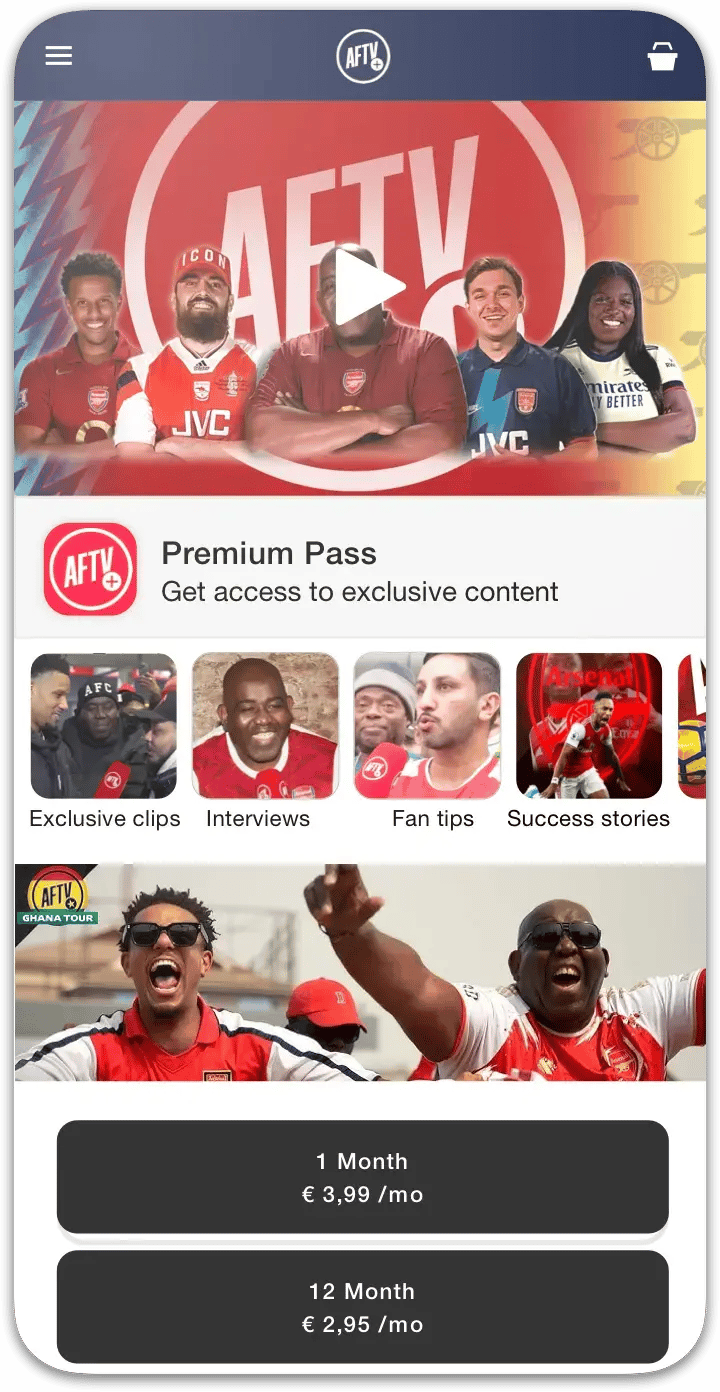
1. Push to GitHub
Cursor, Replit, v0 and Bolt can all put your project in a GitHub repository. The sections below show where the button is in each one.
Your AI coding tool built a web app. Getting it into the App Store and Google Play is a different job. Push the project to GitHub, connect the repo, and Choicely rebuilds it as a native iOS and Android app you can publish to both stores.
Choicely generates real native code for iOS and Android — not a website wrapped in an app shell.
One project maps to both the App Store and Google Play, and the Publish Assistant guides each submission.
Apple's rule rejects "repackaged website" wrapper apps for lacking native functionality. Choicely apps are native, so they aren't wrappers.
Consumers spend about 90% of mobile time in apps rather than the browser — why a native app beats a mobile site for engagement. (Third-party estimate.)
Typical push-notification open rates versus email — a native channel wrappers and PWAs can’t reliably match. (Third-party estimate.)
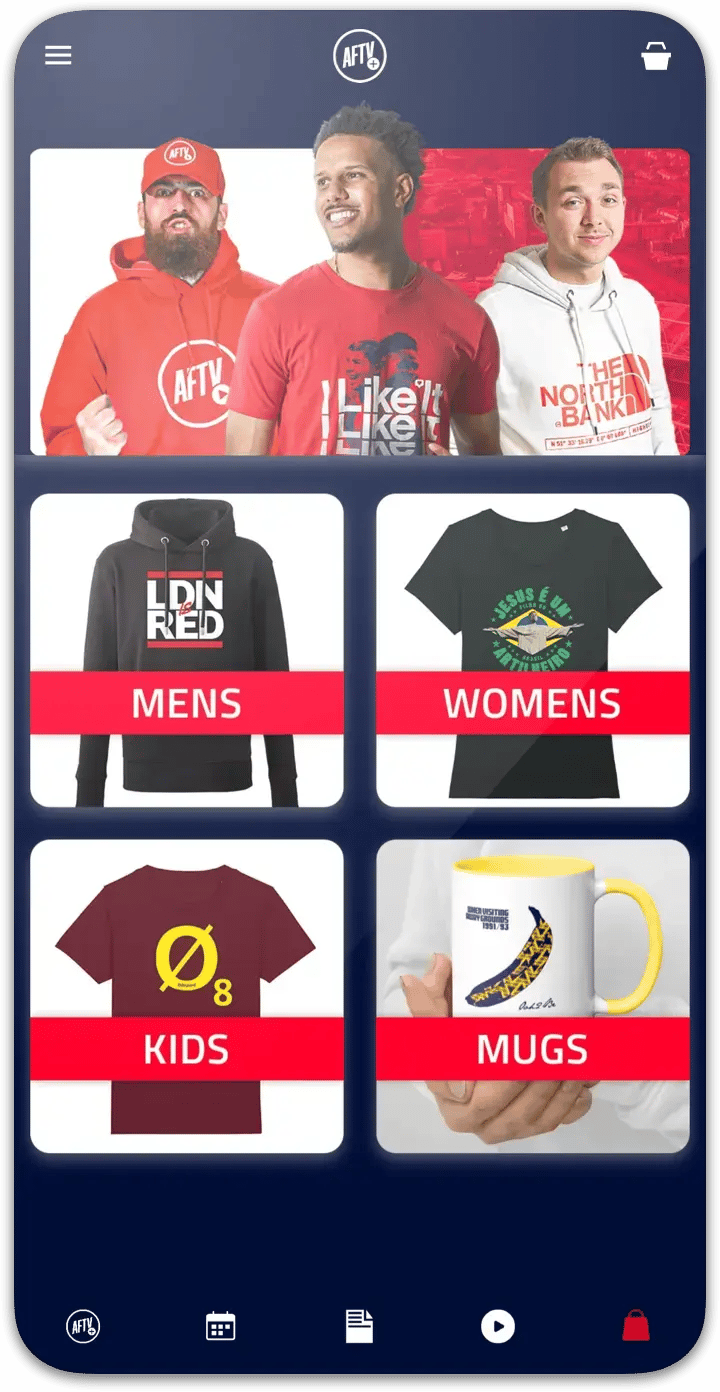
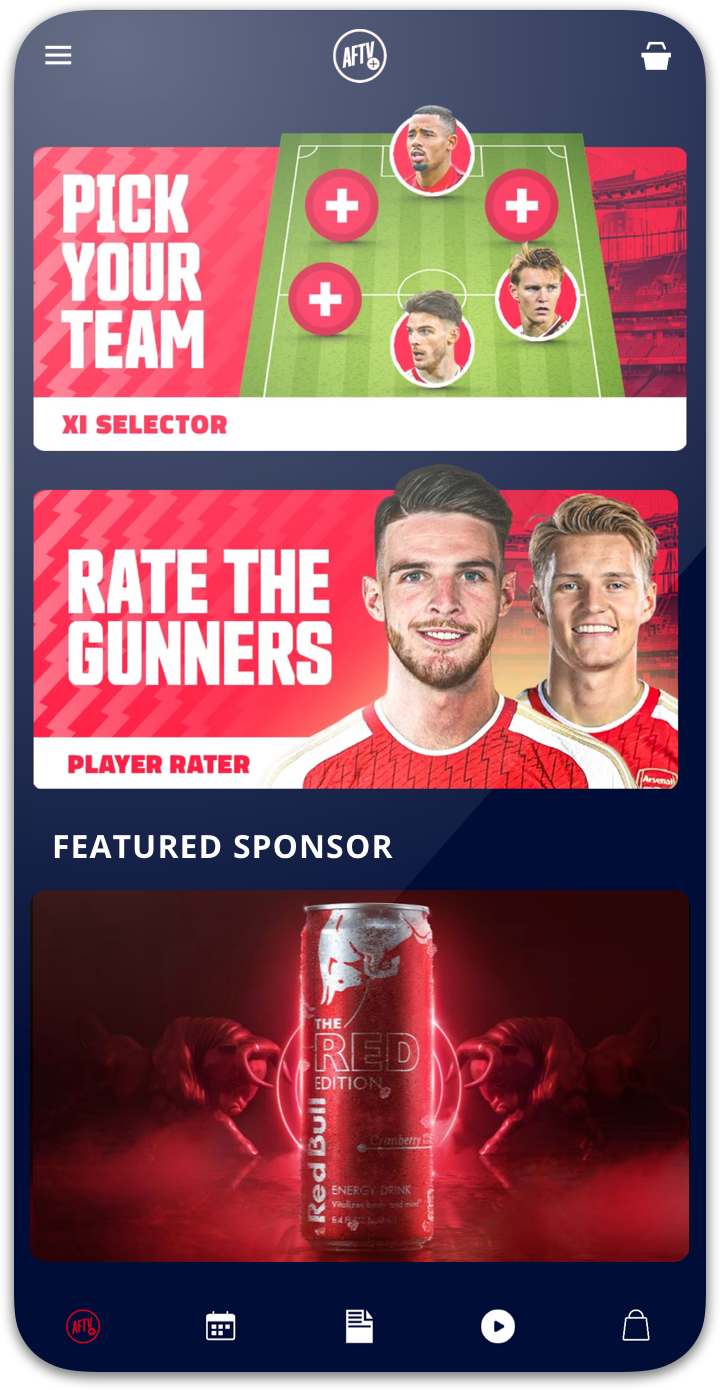
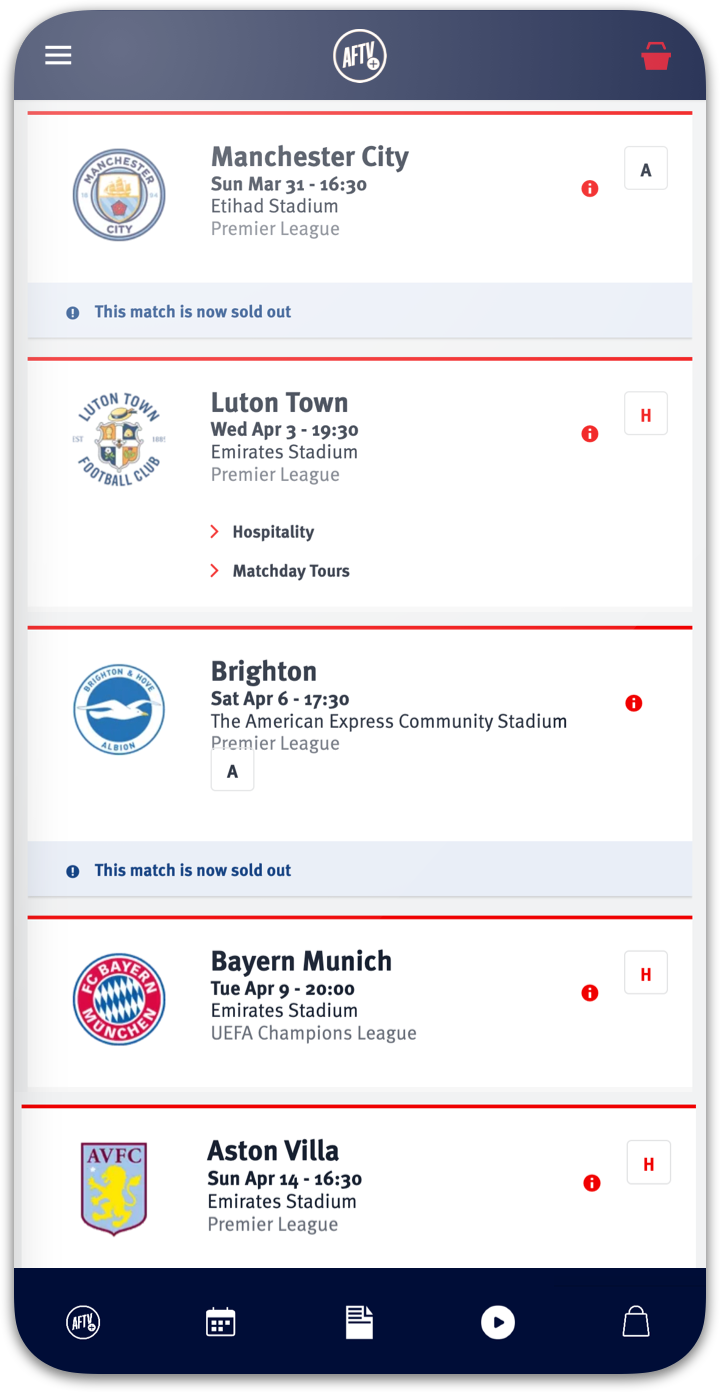
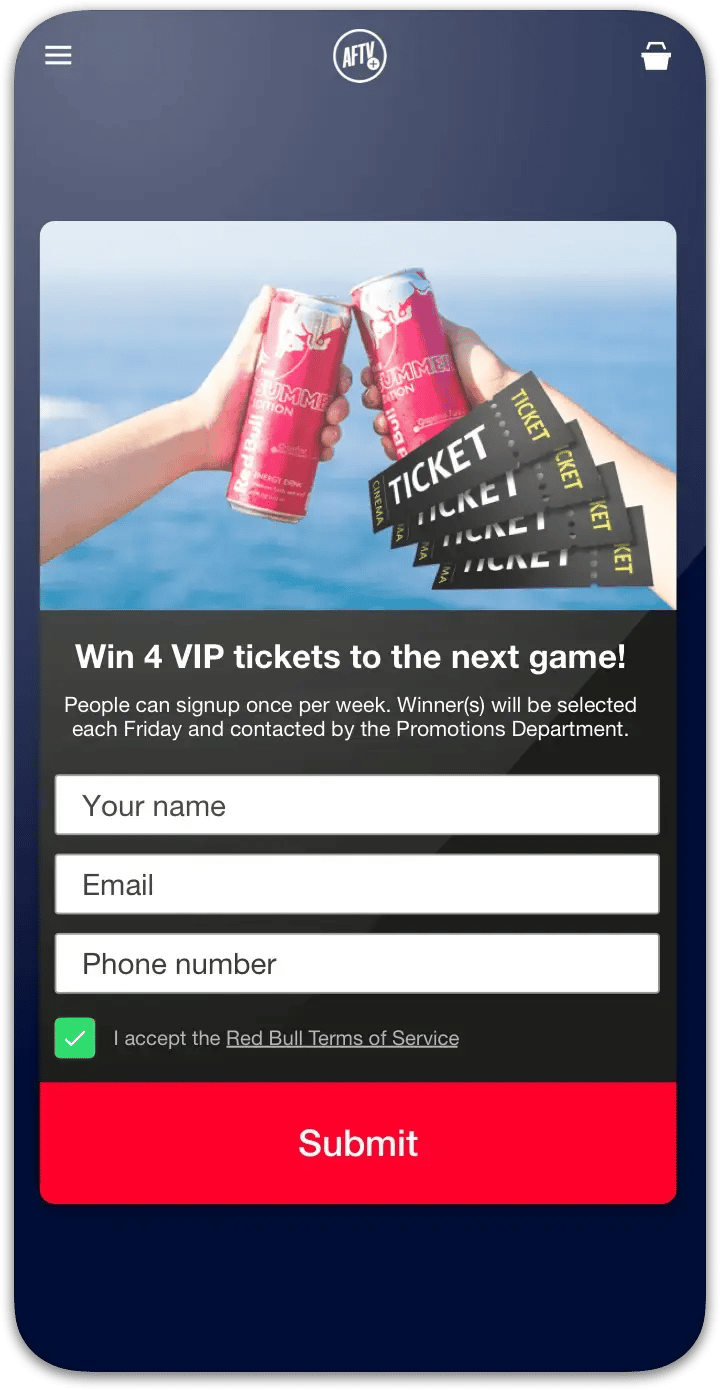
The same native platform behind this builder powers fan apps for some of the world’s biggest live-audience events.
Cursor, Replit, v0 and Bolt can all put your project in a GitHub repository. The sections below show where the button is in each one.
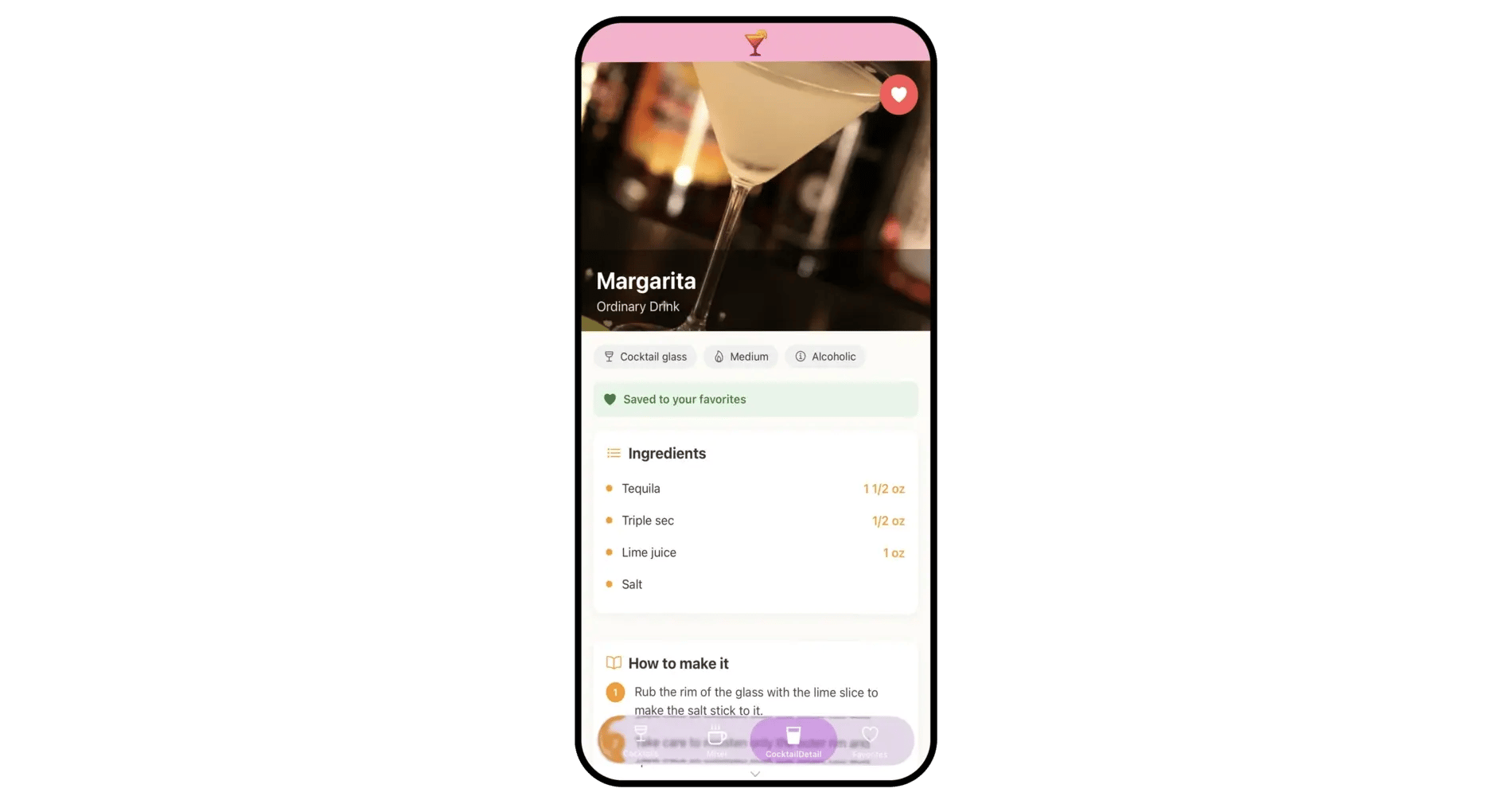
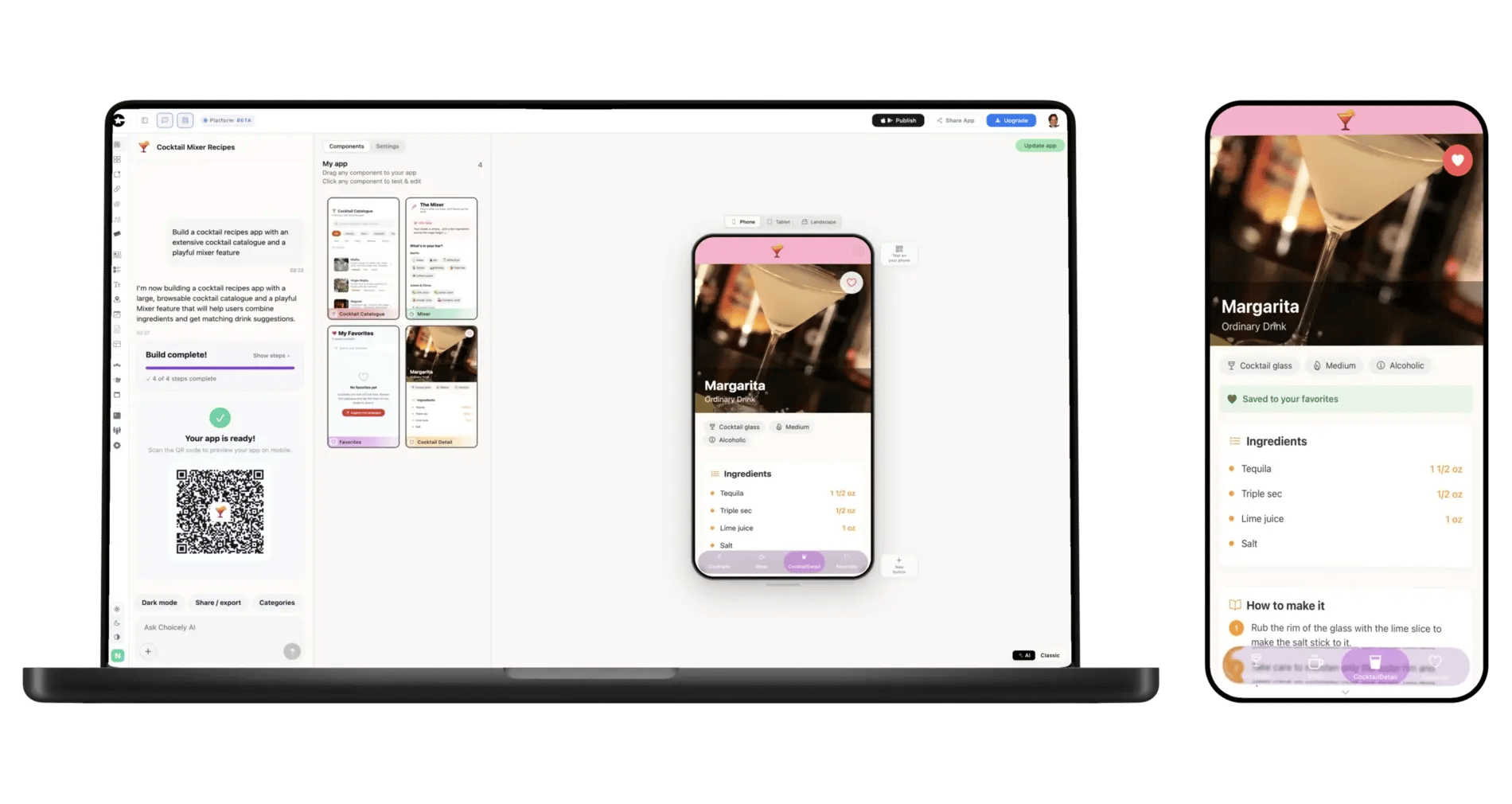
Connect GitHub in Choicely and point it at the repository. The AI rebuilds your app’s content and structure as a native app: screens, navigation and your design language. Refine it in the visual editor and preview it on your own phone with a QR code.
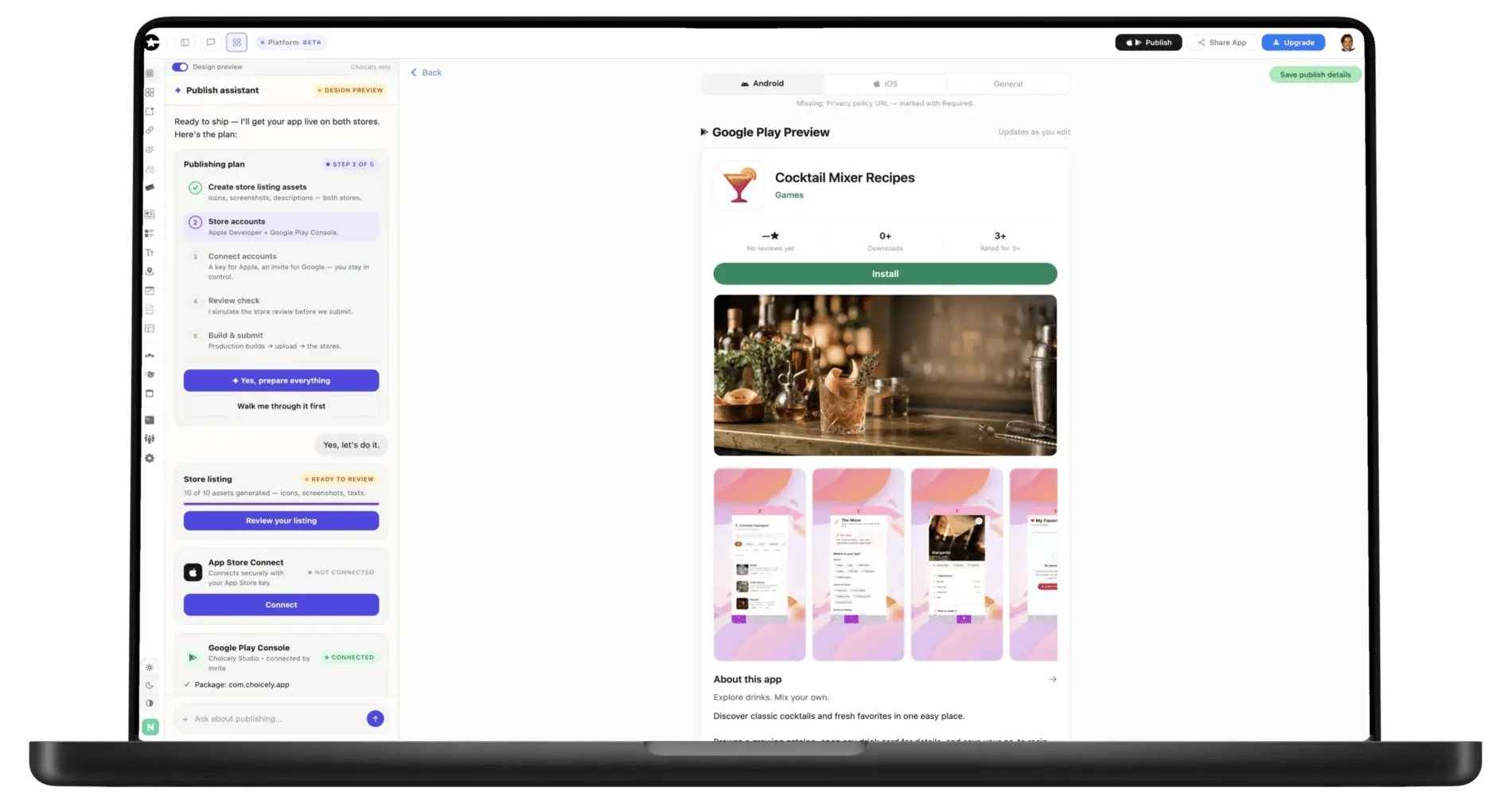
Upgrade ($25/month) and the Publish Assistant pre-checks your app against Apple’s and Google’s review rules, writes your store listings and walks you through submitting under your own developer accounts.
Cursor is an editor on your own machine, so your project is already an ordinary Git repository. Push it to GitHub from Cursor's Source Control panel, or with git push in its terminal. Then connect that repo in Choicely. You keep writing the web app in Cursor; when you push changes, a Sync button in Choicely brings them into the app with one click.
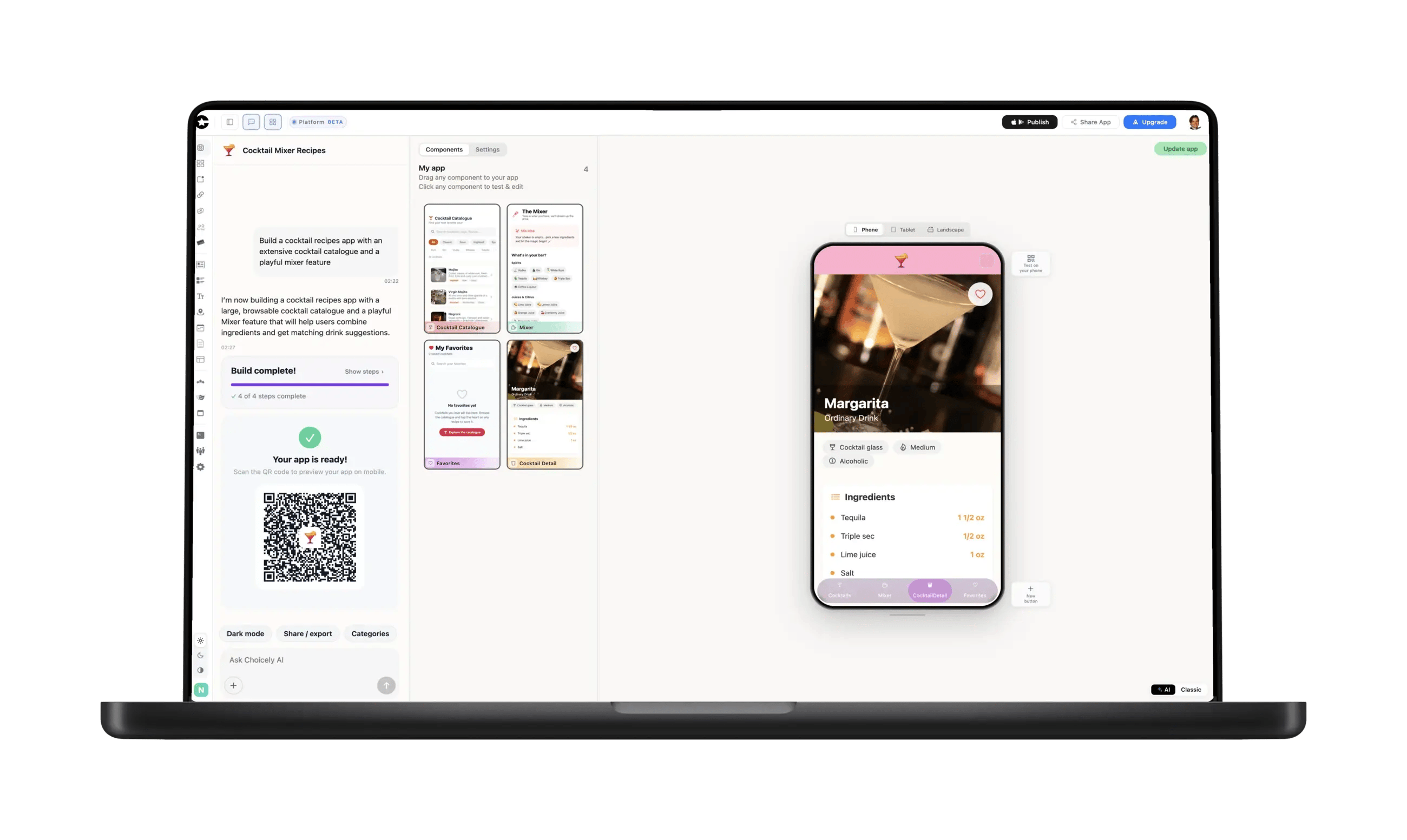
Replit runs your app in the browser, and getting it into a store means leaving Replit for the native toolchain. Instead, open the Git pane, choose Connect to GitHub, create or pick a repository and push. Connect that repository in Choicely and the AI rebuilds it as a native iOS and Android app. Keep building in Replit; push again, and one click re-syncs the app.
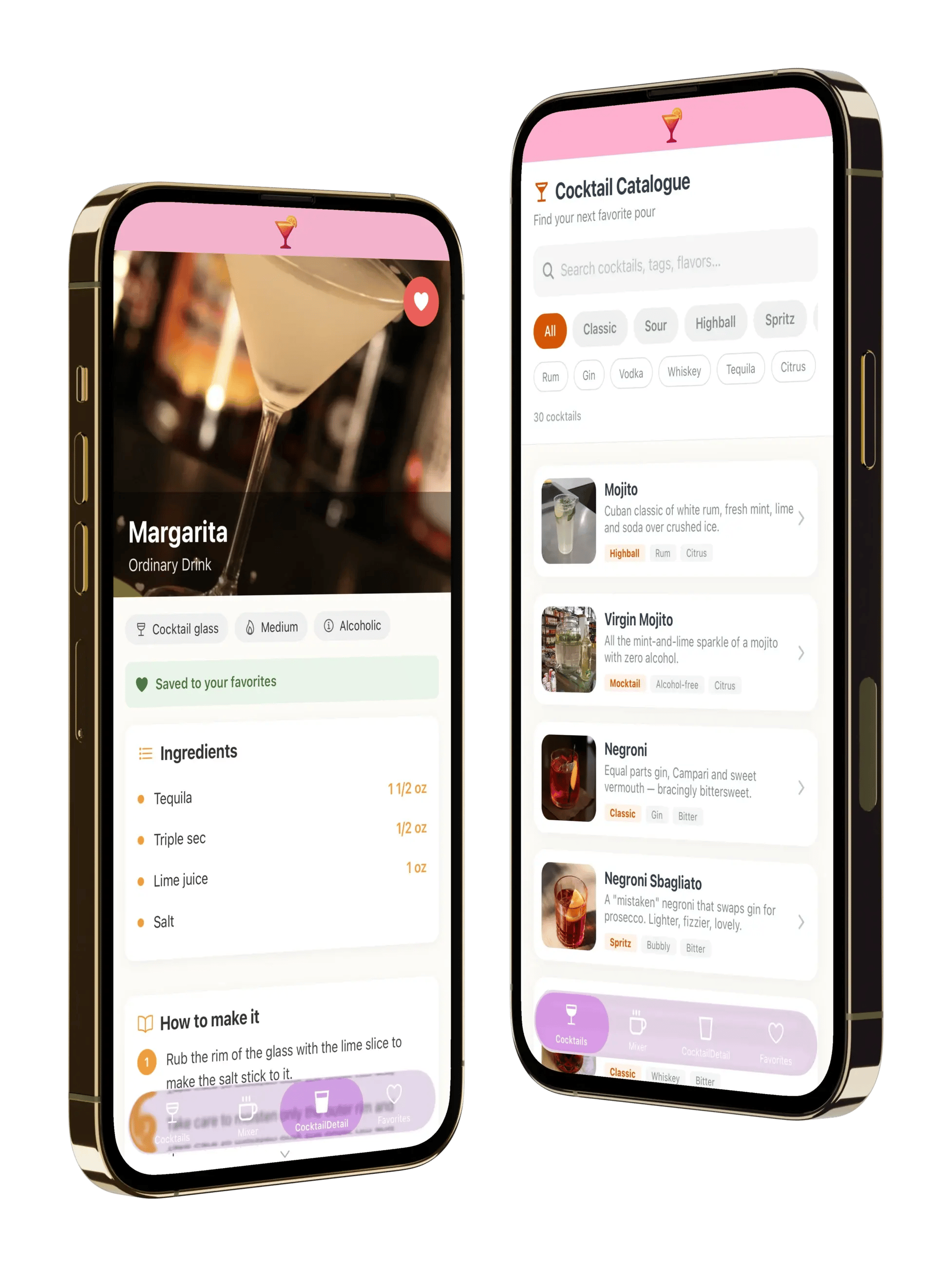
v0 builds a web app you can deploy on Vercel, not a mobile app. Use v0's Git panel to connect GitHub and push the project to a repository. v0 keeps its edits on a v0/… branch until you merge them, so merge first: the repo should hold the version you want in the app. Then connect it in Choicely.
In Bolt, connect GitHub under Settings and push the project to a new or existing repository; Bolt can keep that repository in step with your edits. Connect the same repository in Choicely. Bolt keeps building the web app, and Choicely turns the repo into the native app. When the repo moves on, one click re-syncs it.
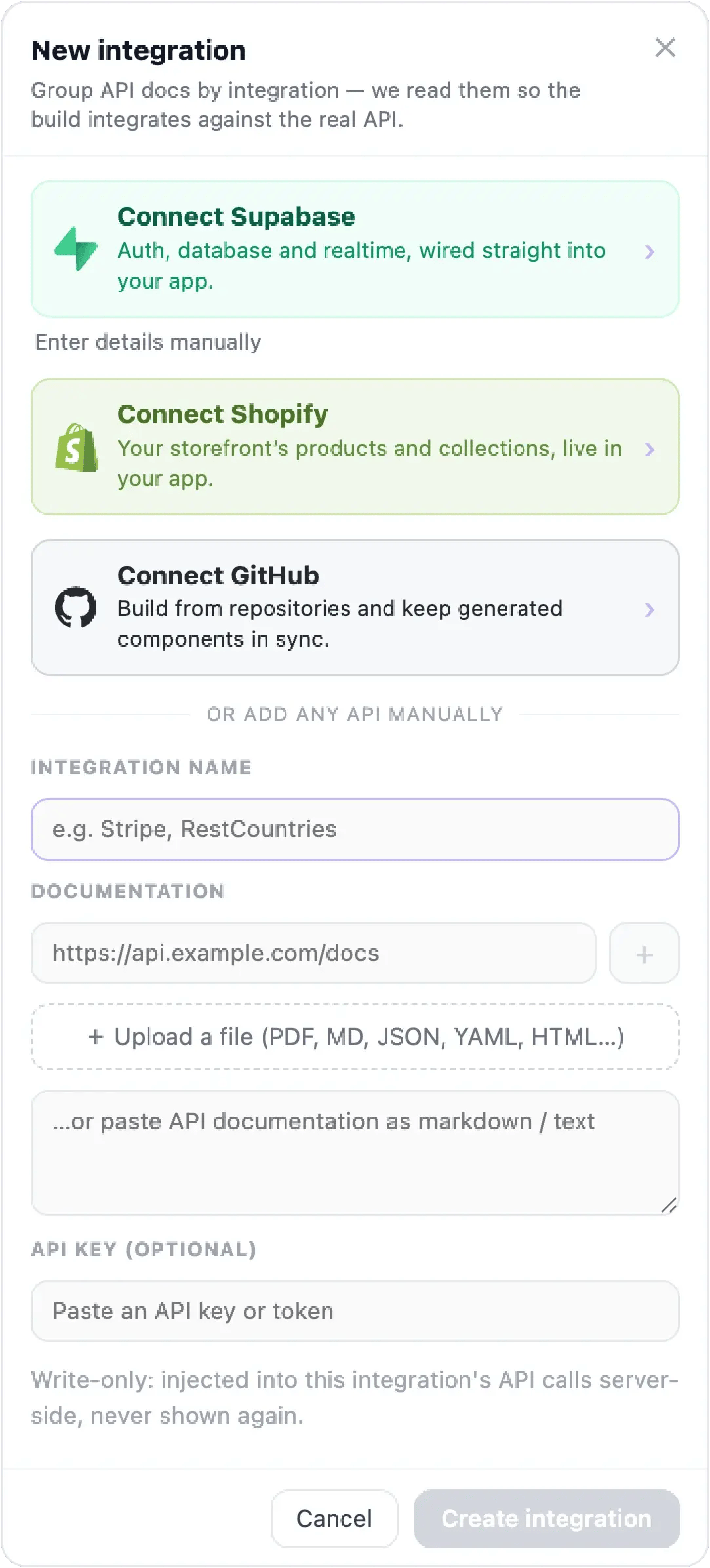
Choicely doesn’t compile your code line by line into Swift. It reads your repository and rebuilds your app’s content and structure natively on its platform, which is why the result passes Apple’s review and behaves like a real app. Your repo and your web deployment keep working untouched: Cursor, Replit, v0 or Bolt stays where you build, and the repo stays the source of truth.
Your backend comes along through the same integrations panel: Supabase for auth and data, Shopify for commerce, or any API from its documentation, so the native app talks to the same backend your web app does. More on the repo path itself: GitHub to app.
Built in Lovable instead? See Lovable mobile app.
"Despite Choicely being a no code platform, we got a fully tailormade app that matches our needs and our brand. Making improvements is quick and easy. We can focus on engaging our fans!"

"This product is clever and intuitive and can fulfil our needs for a responsive app built on native platforms. For the price, it is remarkable technology."

"With the help of Choicely, the app allows the Dancing With The Stars universe to expand and lets the audience really dive into an exclusive world of content and engaging features."

"The Choicely app is like a Swiss army knife for us, a multipurpose instrument.
Not only will it dramatically change the way voting is concluded on our entertainment programmes, and make sports broadcasts more fun and engaging, but will also become one of our most important channels for listening to what our users have to say."

Cursor, Replit, v0 and Bolt are great at building web apps. Choicely takes the repo they produce and turns it into a working native phone app without code, and what separates the options is whether the result is genuinely native. Choicely generates a real native iOS app (Swift) and Android app (Java) from one project: two store-ready apps, not one website in an app costume.
You build and preview for free (150 credits every month, no card); publishing to both stores is the paid step, starting at Premium $25/month. The Publish Assistant handles the parts that usually need a developer, native builds and store listings, and guides you through submitting under your own accounts.

Satisfaction among the Choicely customers
Countries with users using a Choicely App
Reviewed on G2.com
Countries with customers using the Choicely App Builder
What each route actually takes, including where the others make sense.
| DIY: React Native or Capacitor rewrite | WebView wrapper service | Choicely (native rebuild) | |
|---|---|---|---|
| What your app is | Native, if you finish it | Your website in a native shell | A real native iOS & Android app |
| Coding needed | Weeks to months: Xcode, signing, store setup | No | No |
| Apple 4.2 rejection risk | No | Ongoing | No — native code, native UX |
| Keeps up with your repo | You maintain two codebases | Follows your website | One-click re-sync when the repo changes |
| Store submission | You submit | You submit | You submit, with the Publish Assistant guiding each step |
| Cost to start | Your time | Varies by vendor | Free (150 credits a month) |
What this is and isn’t: Choicely has no direct integration with Cursor, Replit, v0 or Bolt. The connection is your GitHub repository, so anything that ends up in one works the same way. Choicely doesn’t compile your code line by line into Swift; it rebuilds your app’s content and structure natively. If you want to hand-port your codebase to React Native and own every line, that is a real option too; it costs weeks, not minutes.
Sources & disclosure: Tool workflows from each vendor’s documentation, read 2026-10-09. Choicely prices from choicely.com/pricing, read 2026-10-09. No third-party prices are quoted. Choicely publishes this page and appears in the comparison.
Not as it is: the App Store takes signed native builds, and Replit runs web apps. Push the project to GitHub from Replit’s Git pane, connect the repo in Choicely, and the AI rebuilds it as a native iOS and Android app you can submit to both stores.
No. A wrapper loads your deployed site inside an app shell, which Apple’s Guideline 4.2 rejects as a repackaged website. Choicely rebuilds your app’s content and structure as a real native app (Swift and Java).
No, and it doesn’t need to. The connection is your GitHub repository. Every one of these tools can push to GitHub, and anything in a GitHub repo can be connected to Choicely.
A Sync button appears in Choicely when the repository has changed since the last import. One click brings the update into the app. It is not automatic: you choose when to sync.
No. Choicely produces the builds, and the Publish Assistant prepares your store listings and walks you through submitting. You need your own Apple ($99/year) and Google ($25 one-time) developer accounts, because the stores require apps to be published by their owner.
Your web app and its backend keep running as they are. The native app connects to the same services through Choicely’s integrations: Supabase, Shopify, or any API from its documentation.
Yes. One project produces both apps and goes to both stores.
Building and previewing is free: 150 credits a month, plus 100 bonus credits when you sign up, no card. Publishing to both stores starts at $25 a month, plus Apple’s and Google’s developer fees.