
Discover the 11 best vibe coding tools in 2026. Compare AI code generation, prompt-to-app builders, IDE assistants, and pricing.


Vibe coding went from a joke on X to a hiring requirement in about eighteen months, and now every list of the best vibe coding tools lumps together products that have almost nothing in common. Cursor and a prompt-to-app builder both let you describe what you want, but one hands the result to a developer and the other hands it to your whole team. Treating them as one category is how people buy the wrong tool.
Last updated: October 7, 2026. Prices verified on each vendor's pricing page on that date; we re-check this post monthly.
Three confusions do most of the damage. First, the field splits into two camps, AI code editors for people who already write code, and prompt-to-app tools for people who never will, and marketing blurs the line. Second, output type gets discovered too late: most of these tools produce web apps or raw code you still have to deploy, which is a problem the day you need a real native iOS and Android app in the stores. Third, every tool on this list is fast to a prototype and slow to a product, and almost none of them offers anyone to hand the hard part to.
So here is our honest map of the best tools for vibe coding in 2026, sorted by camp and judged on what actually ships. For each one: what it outputs, who can drive it, which models it runs, what it truly costs at production usage, and where it loses. All pricing verified in July 2026 against vendor pages; confirm live figures before you buy.
11 Best Vibe Coding Apps in 2026: Comparison Chart
Read the Tool Type and Output Type columns first. Between them, they answer the two questions that eliminate most of the list for any given buyer: who is doing the building, and what do you end up holding.
| Software | Best For | Tool Type | Output Type (Native vs Web) | Free Tier | Starting Price |
|---|---|---|---|---|---|
| Choicely | Vibe-coding a real native app the whole team can build | Prompt-to-app + visual editor + Pro Services |
Native iOS (Swift) + Android (Java); AI also outputs React Native | Yes | Free plan; From $25/mo ($21/mo annual) |
| Lovable | Fastest prompt-to-web-app with code you own | Prompt-to-app | Web / PWA (React + GitHub repo) | Yes | Free plan; From $25/mo |
| Replit | Agentic building inside a full cloud IDE | Prompt-to-app + cloud IDE | Web (hosted on replit.app) | Yes | Free plan; From $20/mo |
| Bolt.new | Full-stack web MVPs with the code in view | Prompt-to-app | Web / PWA | Yes | Free plan; From $25/mo |
| v0 | Production-grade React UI from prompts | Prompt-to-app (frontend-first) | Web only | Yes | Free plan; From $20/mo |
| Base44 | All-in-one web apps, backend generated too | Prompt-to-app | Web; mobile is WebView-wrapped | Yes | Free plan; From $20/mo ($16/mo annual) |
| Emergent | Hands-off agentic builds end to end | Agentic prompt-to-app | Web only | Yes | Free credits; From $20/mo ($17/mo annual) |
| Rork | Prompting mobile MVPs into the stores | Prompt-to-app (mobile) | Cross-platform React Native (Expo); Max adds native Swift | Yes | Free plan; From $20/mo |
| Cursor | Developers who live in their editor | AI code editor | Raw code you architect and deploy | Yes | Free plan; From $20/mo ($16/mo annual) |
| Windsurf | Agentic coding at a friendlier price | AI code editor | Raw code you architect and deploy | Yes | Free plan; From $20/mo |
| Claude Code | Terminal-first agentic coding on frontier models | AI coding agent (CLI/IDE) | Raw code you architect and deploy | Trial credits | From $20/mo (Claude Pro) |
11 Best Vibe Coding Tools Reviewed
What are the best tools for vibe coding? It depends entirely on which camp you belong to. Entries 1 through 8 are prompt-to-app tools, where you describe software and receive it, led by Choicely, the only one whose output is a true native iOS and Android app. Entries 9 through 11 are the AI code editors and agents, Cursor, Windsurf, and Claude Code, brilliant if you write code, irrelevant if you do not. Every review says plainly where the tool wins and where it loses.
1. Choicely
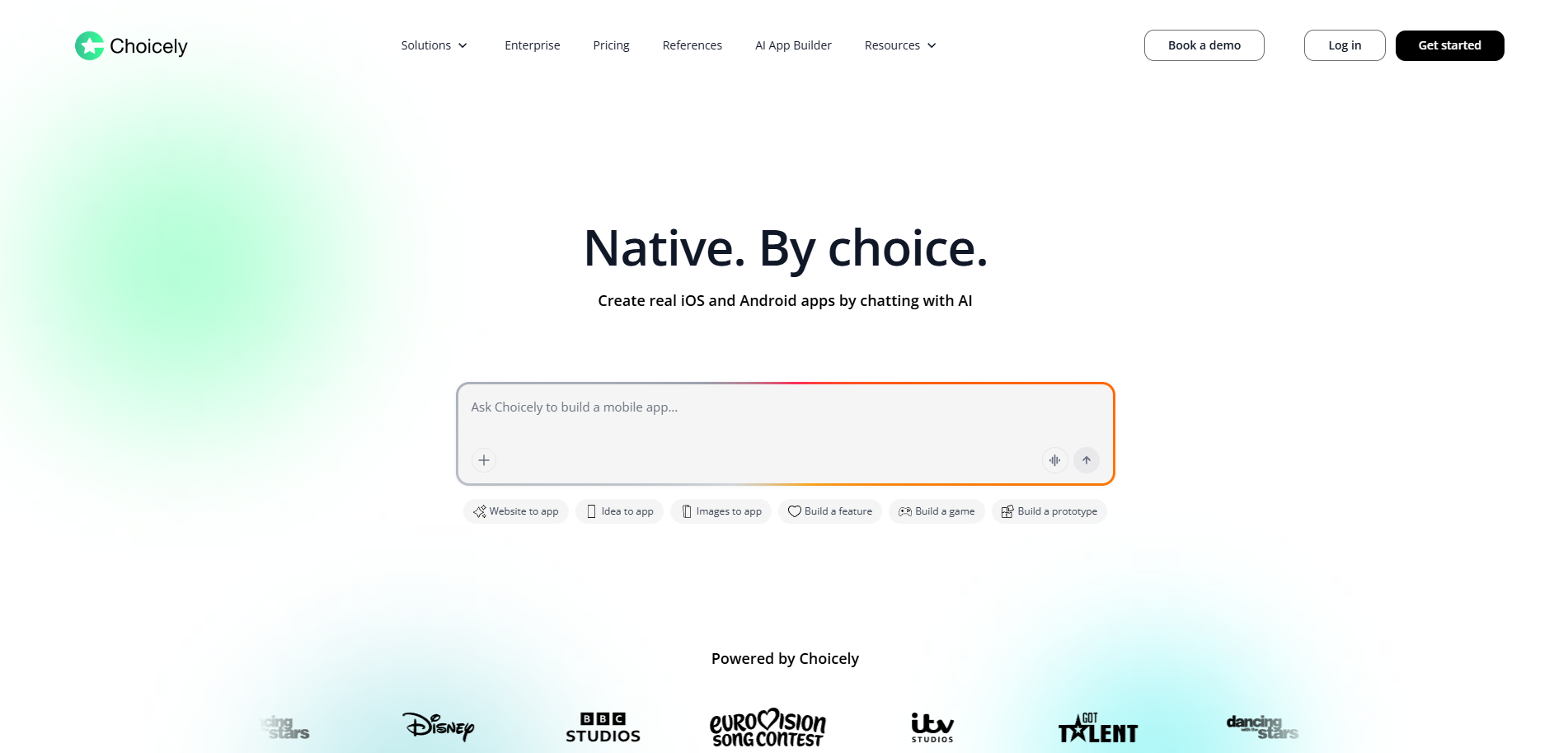
Choicely is what vibe coding looks like when the vibe has a deadline and an audience. The Helsinki-based platform lets you describe an app in chat and get back a real native iOS (Swift) and Android (Java) app, refine it by dragging and dropping in a visual editor, and, when the build outgrows the prompt box, hand it to Choicely's own design and engineering team. It is the platform behind Eurovision, Miss Universe, Got Talent, Disney, and AFTV apps, which is to say: vibe-coded software that millions of people have actually used.
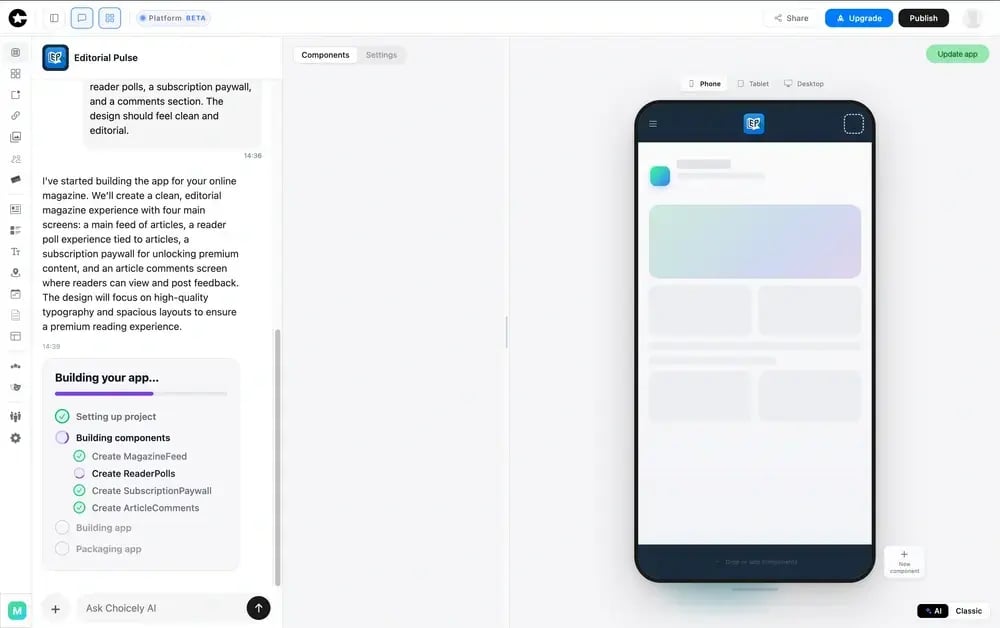
Best for: founders and teams who want to vibe-code a real native iOS and Android app, not a web app or raw code, with the option to scale it and update it live.
Product Overview
Each of the three problems that send people down the vibe-coding rabbit hole has a direct answer here.
Code Editor or Prompt-to-App? A Third Answer
Choicely dissolves the camps question instead of picking a side. The founder prompts in chat, the designer and content lead work in the visual editor, and engineers extend through the SDK, all on the same build at the same time. No other tool on this list keeps a mixed-skill team in one workflow, which is precisely what Heads of Product at media and sports organizations are actually shopping for when they type this search.
Output You Can Submit to the App Store
The deliverable is the differentiator: real native iOS (Swift) and Android (Java) apps; the AI builder also generates React Native, with true native code used to reach full device features (push notifications, camera, biometrics). Store submission is handled, and once live, content and features update instantly with no App Store re-review, the capability that lets broadcasters run votes during a live show.
A Human Team for the Unvibeable Parts
Every vibe-coded project hits something the AI cannot solve, and on ten of the eleven tools here, that moment is yours to escape alone. On Choicely it is a handoff: the in-house Pro Services team takes stalled builds, custom requirements, and full done-for-you projects across the finish line.
Engagement and Monetization in the Box
Voting, polling, battles, reactions, rankings, and paid voting are prebuilt native features, alongside subscriptions, in-app purchasing, shops, and sponsor placements. For fan-engagement and consumer apps, that is the difference between prompting for a product and prompting for a to-do list.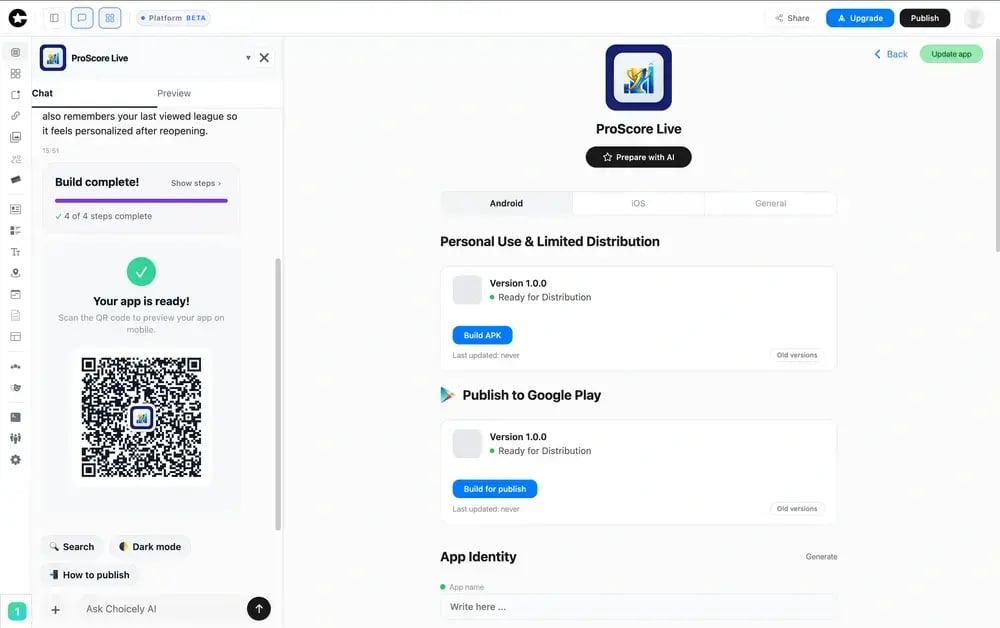
Pricing
Building and previewing cost nothing on the free tier. Premium is $25 per month, from $21 per month on annual billing, and Business is $50 per month. Done-for-you Pro Services engagements with Pro Services from $15k to $20k, covering design, engineering, integrations, and store submission. Monthly credit allotments with rollovers and optional top-ups keep ongoing cost predictable; see the Choicely AI App Builder for current plans or the AI mobile app development services page for the services route.
Integrations
The platform is open and API-driven. Ecommerce (Stripe, Shopify), CRM systems, streaming and advertising platforms, statistics services, automated content feeds, chatbots, CMS and maps services, timetables, and UGC software all connect natively, and an SDK (studio.choicely.com/docs/sdk) plus custom code in React, Java, Flutter, and web covers whatever does not.
Setup
Minutes from first prompt to a working prototype, with no IDE, terminal, or Git anywhere in the loop. A Pro Services full build delivers a production-ready native iOS and Android app in weeks rather than months.
Tradeoffs
If you are a solo founder validating a web idea this weekend, Choicely is more platform than the moment needs, and Bolt or Lovable will serve you faster and cheaper. And if you are a developer who wants an AI pair-programmer, you want Cursor or Claude Code, not an app platform. Choicely earns its slot when the thing being vibe-coded is a real native consumer app with an audience attached.
Support
Pro Services customers get a dedicated team from kickoff to launch. Self-serve plans include community and email support, with SDK documentation at studio.choicely.com/docs/sdk. Everywhere else on this list, support means documentation and a Discord.
Mini Case Study
Eurovision runs its official app on Choicely, where live-vote moments during broadcasts bring millions of concurrent users into the app within minutes, and the content team updates the live experience in real time without touching an App Store review queue. The same platform took the Miss Universe app past three million downloads inside its first five weeks. More in the Choicely case library.

2. Lovable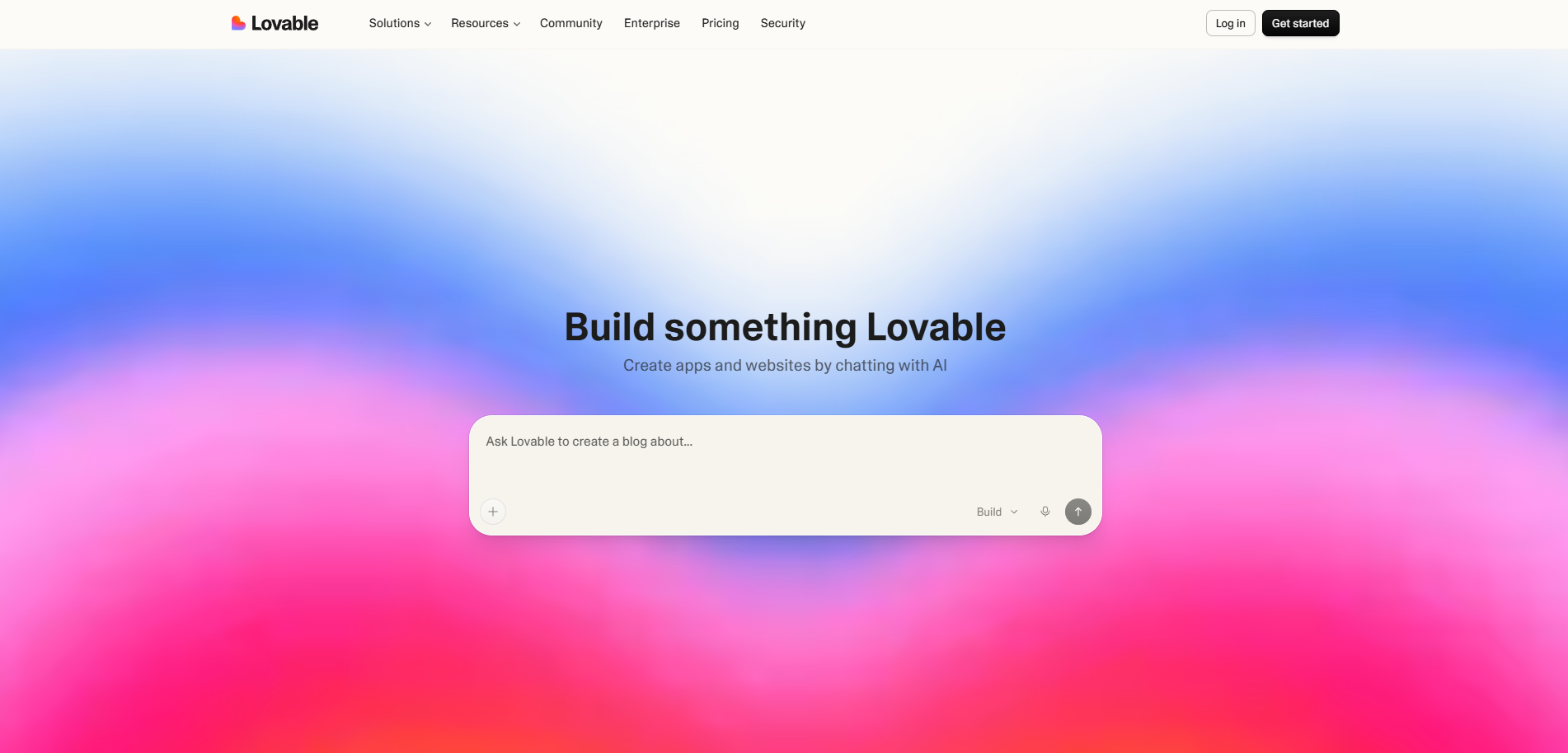
If vibe coding has a poster child, it is Lovable. The prompt-to-app pioneer turned describe-it-and-ship-it into a mainstream workflow, and its formula remains the cleanest expression of the idea: a sentence in, a working React web app out, with the codebase sitting in your own GitHub repo from generation one.
Product Overview
Lovable generates the complete web stack, interface, Supabase-backed auth and data, and a live preview, then iterates through chat or its Draw-to-Build sketch input. The GitHub repo is the quiet masterstroke: when prompting stops being enough, a developer inherits real React instead of a black box.
Pricing
The free tier meters out a small daily allowance. Pro at $25 per month brings 100 message credits with rollover, and Business at $50 per month adds SSO and shared team workspaces. Credits scale with message complexity, and a stubborn bug can eat a surprising share of a month.
Integrations
Supabase, Stripe, and Resend natively, GitHub always, and everything else via code. A deliberately short list with a tall escape ladder.
Setup
The fastest zero-to-demo in the prompt-to-app camp, working software inside the first coffee. Getting from demo to durable rewards someone who can read the generated React.
Tradeoffs
Lovable's world ends at the browser: no native binary, no store pipeline, no engagement primitives, and no first-party humans when the prompting stalls. Against Choicely it loses everything native and everything done-for-you, and wins the web-prototype race outright. If your product genuinely lives at a URL, start here.
3. Replit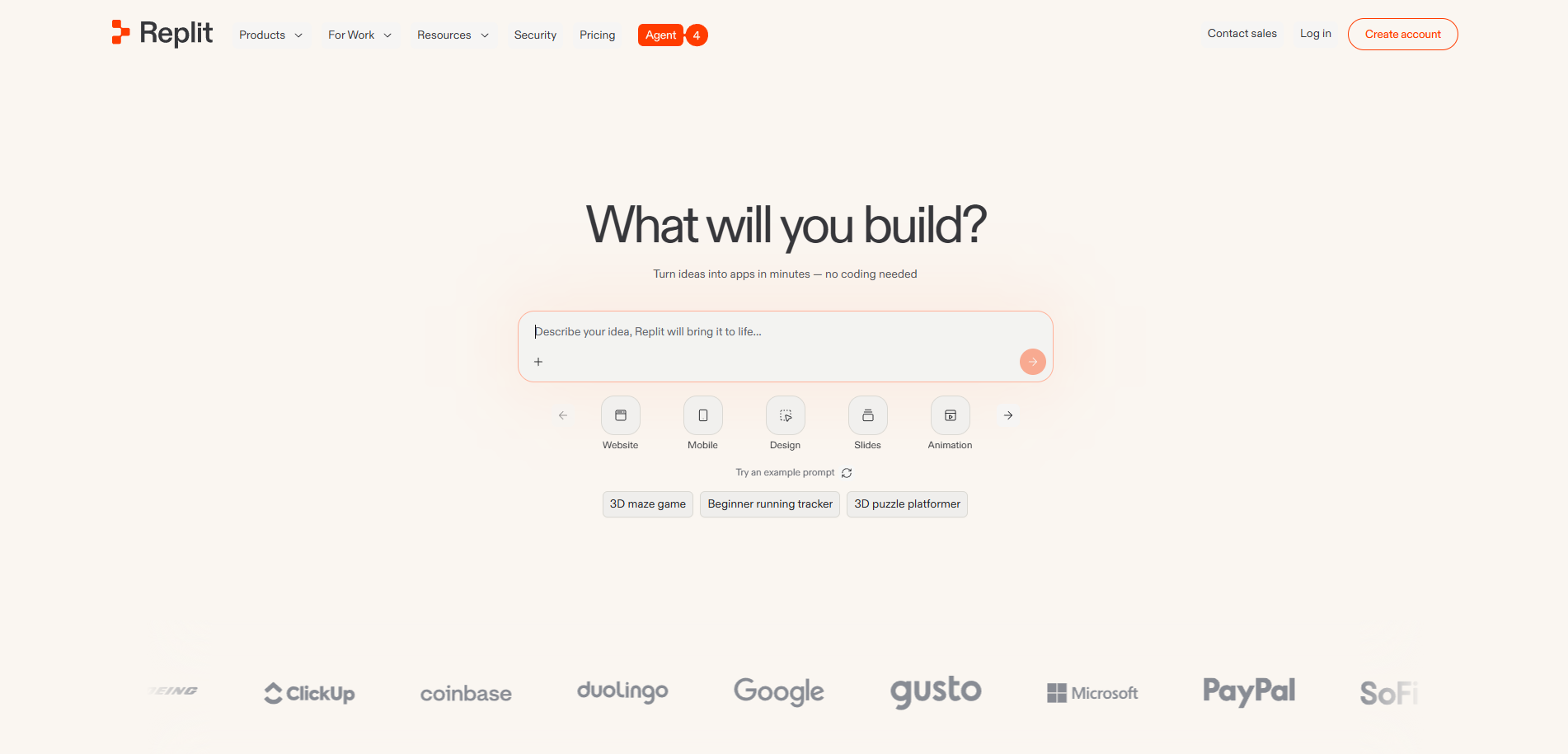
Replit straddles the two camps better than anything else on the list. Its Agent is genuine prompt-to-app, describe it and watch it plan, build, test, and deploy, but the result lands inside a full cloud IDE where you, or your future developer, can open the terminal and take over. It is vibe coding with a manual override.
Product Overview
The Agent handles multi-step, full-stack web builds and deploys them to replit.app, while the surrounding IDE provides the file tree, packages, databases, and hosting of a real development environment. That dual nature is the whole appeal: the prompt gets you started, and the environment means you are never trapped by it.
Pricing
A free Starter tier for testing. Core is $25 per month, or $20 per month billed annually, and includes a monthly Agent-usage allowance; the team plan, Pro, covers up to 15 builders for $100 per month. Agent effort and deployment compute meter on top, so autonomous sessions and always-on apps carry real usage costs.
Integrations
Practically unbounded, since it is your code: any package, API, or service, with hosting, databases, auth, and GitHub sync built into the platform.
Setup
Prompt to deployed web app in minutes with nothing installed. Staying productive after the Agent's first pass assumes you can navigate an IDE when something breaks.
Tradeoffs
Replit's ceiling for this article's readers is the same as its floor for developers: the moment anything breaks below the prompt, you are in a code editor, which excludes the marketer, the content lead, and most founders. Output is hosted web apps, not native binaries, and there is no engagement layer or human team. It loses to Choicely on team accessibility and native output, and wins convincingly for technical builders who want vibes plus full control.
4. Bolt.new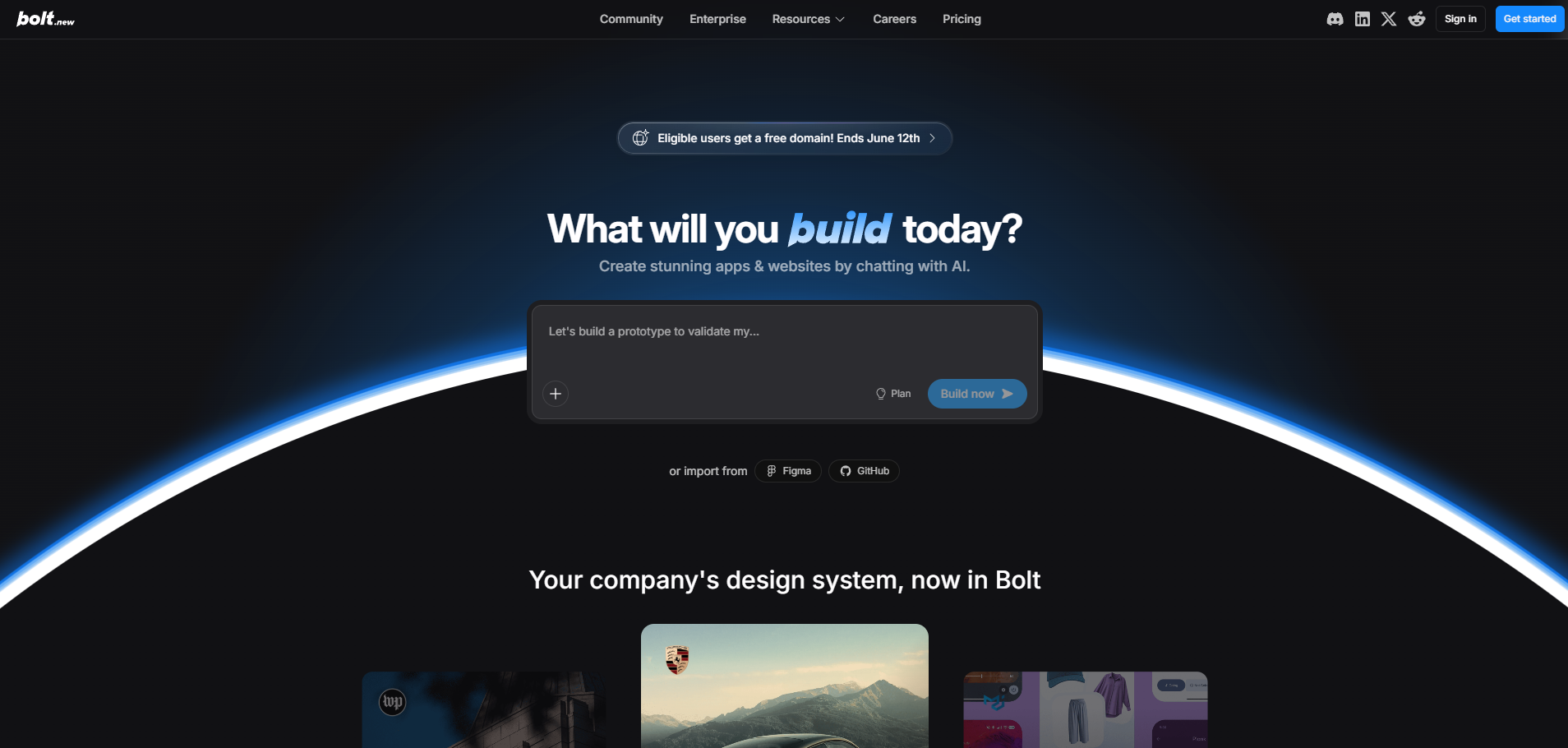
Bolt.new is vibe coding with the hood open. The StackBlitz-built tool generates complete full-stack web apps from prompts inside an in-browser dev environment, and its signature move is transparency: you watch the code being written and can edit any line of it, live, without leaving the tab.
Product Overview
Powered by WebContainers, Bolt runs the whole stack, front end, backend logic, and data wiring, in your browser with nothing installed. It occupies the sweet spot between Lovable's simplicity and Replit's environment depth, and technical founders tend to love exactly that positioning.
Pricing
Free tier with daily tokens. Pro is $25 per month with a 10-million-token monthly allowance, and Teams is $30 per member per month with shared billing. Tokens burn with iteration, and the repeated fix-it loop on a hard bug is the classic budget-killer.
Integrations
Netlify deployment, Supabase data and auth, Stripe payments, GitHub source control, and Figma import are all first-class, and the open codebase covers everything else.
Setup
Minutes to a running full-stack prototype. Beyond the prototype, expect framework internals and Git, which is where the non-technical half of a team taps out.
Tradeoffs
Bolt shares the web-camp ceiling: nothing native, no store path, no engagement features, no services team, and token costs that peak exactly when you are struggling. It loses to Choicely wherever the deliverable is a native app for a real audience, and it wins for solo technical builders who want speed with the code always in reach.
5. v0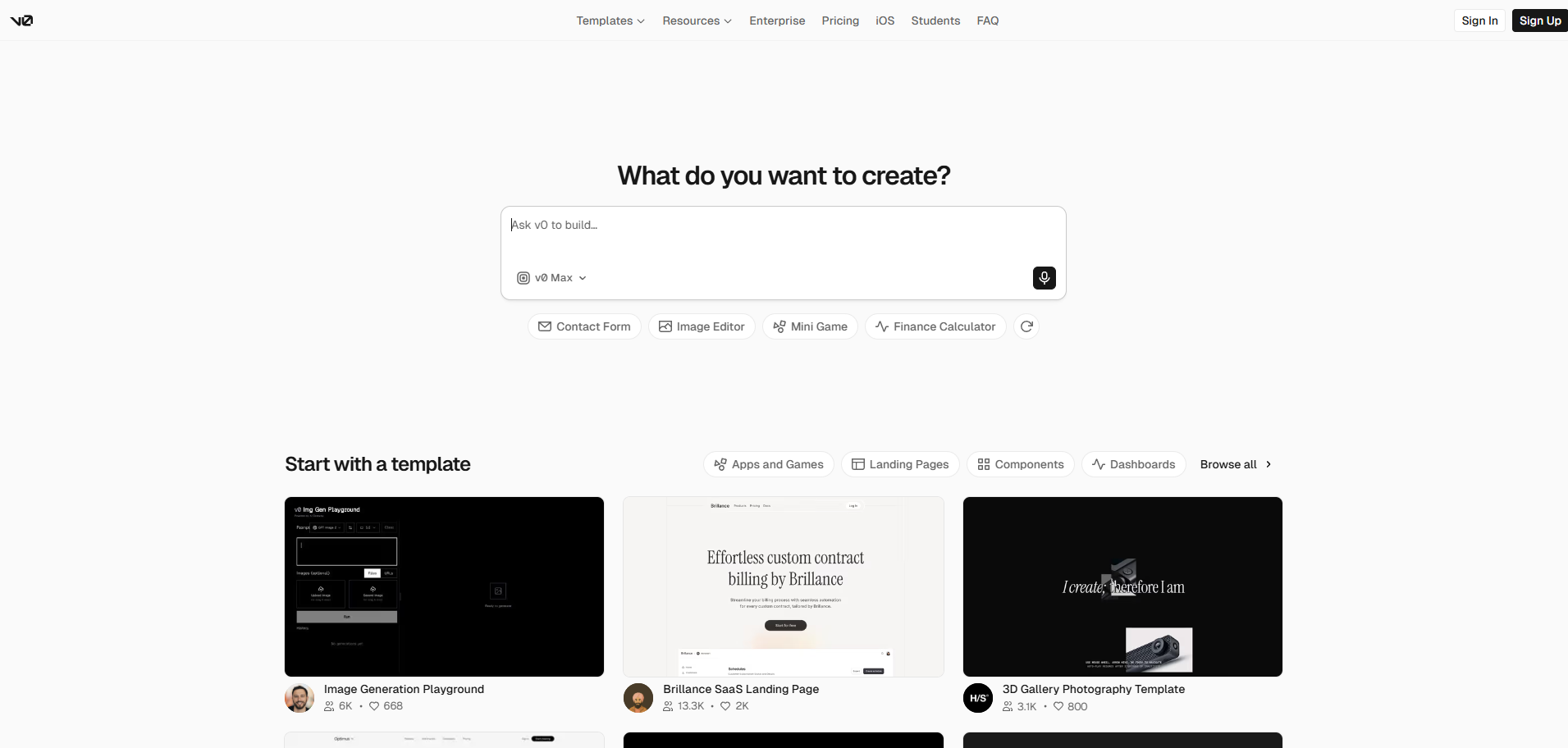
v0 is what happens when the vibe is held to a design system. Vercel's generator turns prompts and Figma files into React and Next.js interfaces on Tailwind and shadcn/ui, and the output quality is the best-kept non-secret in the category: code that professional front-end teams actually merge.
Product Overview
Frontend-first by philosophy: components, pages, and dashboards are superb, while databases, auth, and backend logic lean on external services. A 2026 platform update brought an editor experience closer to VS Code along with Git support, nudging it from generator toward environment without changing what it is for.
Pricing
The free tier grants $5 in monthly credits. Premium at $20 per month carries $20 in credits, and Team runs $30 per user per month with a pooled balance. Everything is token-metered, and production hosting on Vercel is its own line item.
Integrations
GitHub sync, Figma import, one-click Vercel deployment, and the broader Next.js ecosystem. Wonderful inside that stack, and a commitment to it.
Setup
A stunning component arrives in seconds and a multi-page front end within the hour; turning that into a product with a backend is a genuine engineering project.
Tradeoffs
v0 produces web UI, full stop: no native output, no backend depth, no engagement layer, no services team, and a gravitational pull toward Vercel hosting. It is not competing with Choicely for the same deliverable at all, and it wins its own lane, prompt-to-production-grade React, more decisively than almost any tool here wins anything.
6. Base44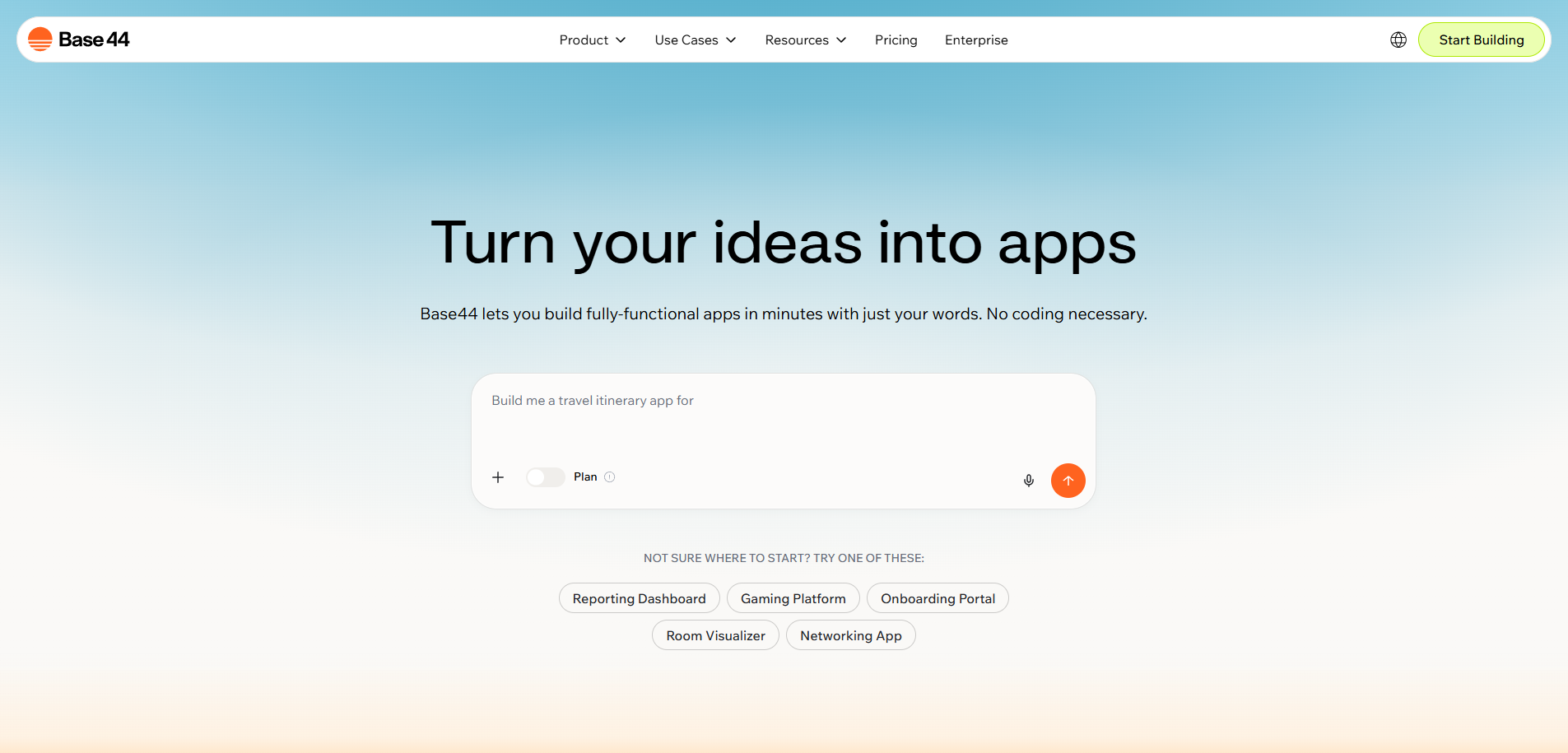
Base44 answers the question most vibe coders ask on day three: fine, the front end is generated, but who is building the backend? Its answer is nobody, because one prompt produces the whole thing, interface, database, auth, and email, hosted on the Wix-owned platform with nothing to wire.
Product Overview
The all-in-one bet runs deep: most Base44 users never see code, and the higher tiers that expose editing and GitHub exist mostly as reassurance. For a non-technical founder whose product lives in a browser, it is the shortest total distance from idea to a functioning, hosted app with real data.
Pricing
The free plan includes 25 message credits a month. Starter is $20 per month ($16 billed annually), then Builder at $50 ($40 annual), Pro at $100 ($80 annual), and Elite at $200 ($160 annual). Credits meter building and, unusually, live app usage, meaning launch day is not the end of the invoice.
Integrations
The essentials are generated in: database, auth, email, plus connectors across the Base44 and Wix ecosystem. Convenient rather than open, with no full source export.
Setup
The fastest zero-config start in the camp: one prompt to a hosted app with a working backend. Iterating toward polish spends credits like any credit tool.
Tradeoffs
Mobile output is the web app in a WebView wrapper, so no first-class push, in-app purchases, or biometrics, and no real store presence, plus ecosystem pull toward Wix and no human team. It loses to Choicely on every native and scale axis; it wins for founders who want a complete web product with the backend handled and no plans to leave the browser.
7. Emergent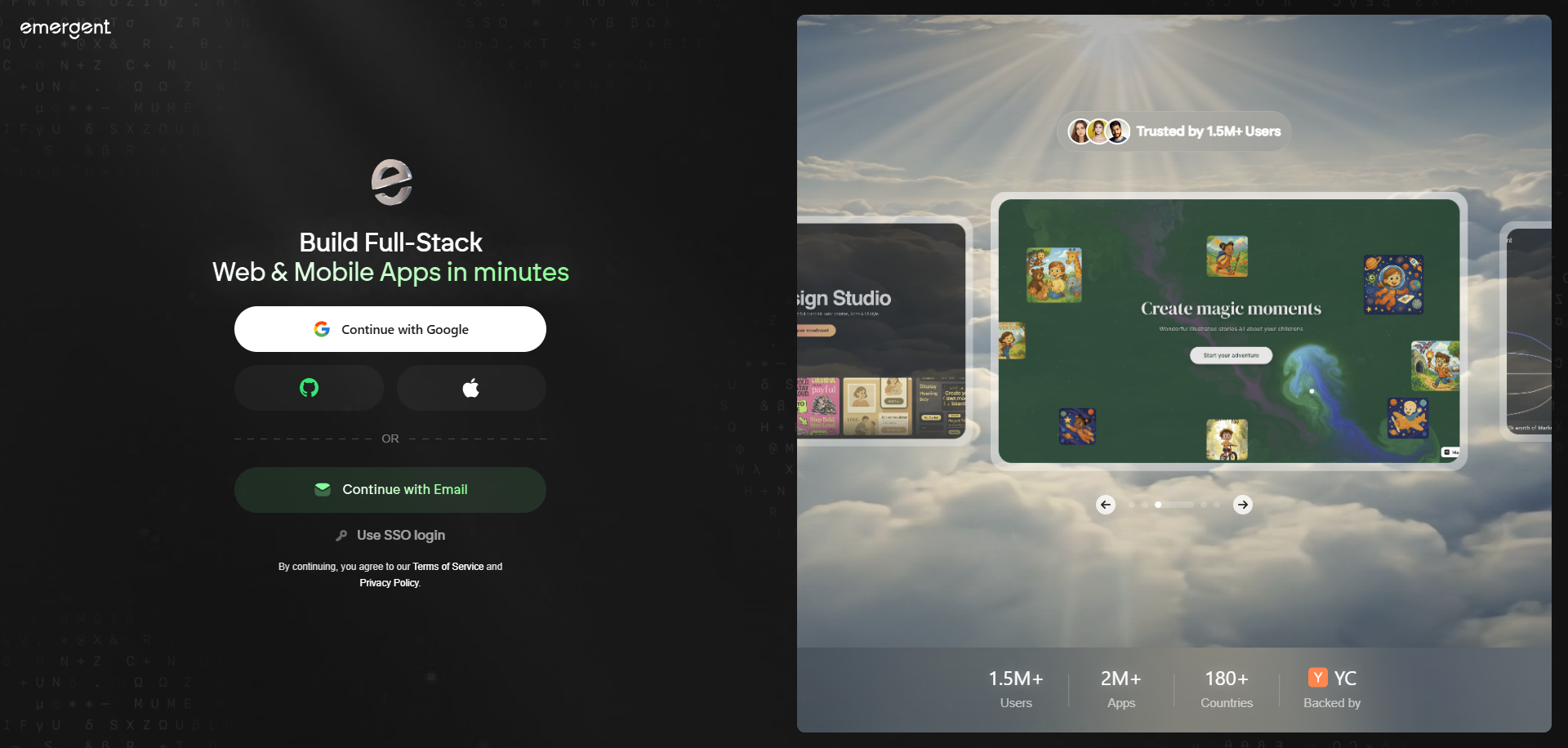
Emergent takes the vibe to its logical extreme: you do not iterate with the AI, you delegate to it. Its agents decompose the idea, write the full web stack, test their own output, fix what fails, and deploy, a loop that raised a $70M Series B and a devoted following among founders who want software the way they want takeout.
Product Overview
Where other tools generate and wait, Emergent's agents plan and persist. On a clean run the experience is uncanny, describe a product at lunch, click a deployed link before dinner. On a messy run, unwinding an autonomous agent's decisions is developer work, which is the honest cost of the autonomy.
Pricing
Free plan with 10 monthly credits, enough to watch the loop once. Standard is $20 per month ($17 billed annually) for 100 credits, Pro is $200 ($167 annually) for 750, and deployments consume roughly 50 credits per month per live app, a recurring cost worth modeling before launch day.
Integrations
The agents wire databases, auth, payments, and APIs directly in code as the build calls for them; GitHub integration arrives on paid plans, and there is no connector catalog to browse.
Setup
One of the quickest routes from prompt to deployed app anywhere, provided the agents agree with you. Budget prompting discipline: vague requests multiply retries, and retries are credits.
Tradeoffs
Web output only, credit costs that track how often the agents stumble, a young platform without consumer-scale references, and no humans behind the autonomy. Against Choicely it loses everywhere native, engagement, and reliability proof matter. It wins for technically-fearless founders who value maximum automation and accept the variance.
8. Rork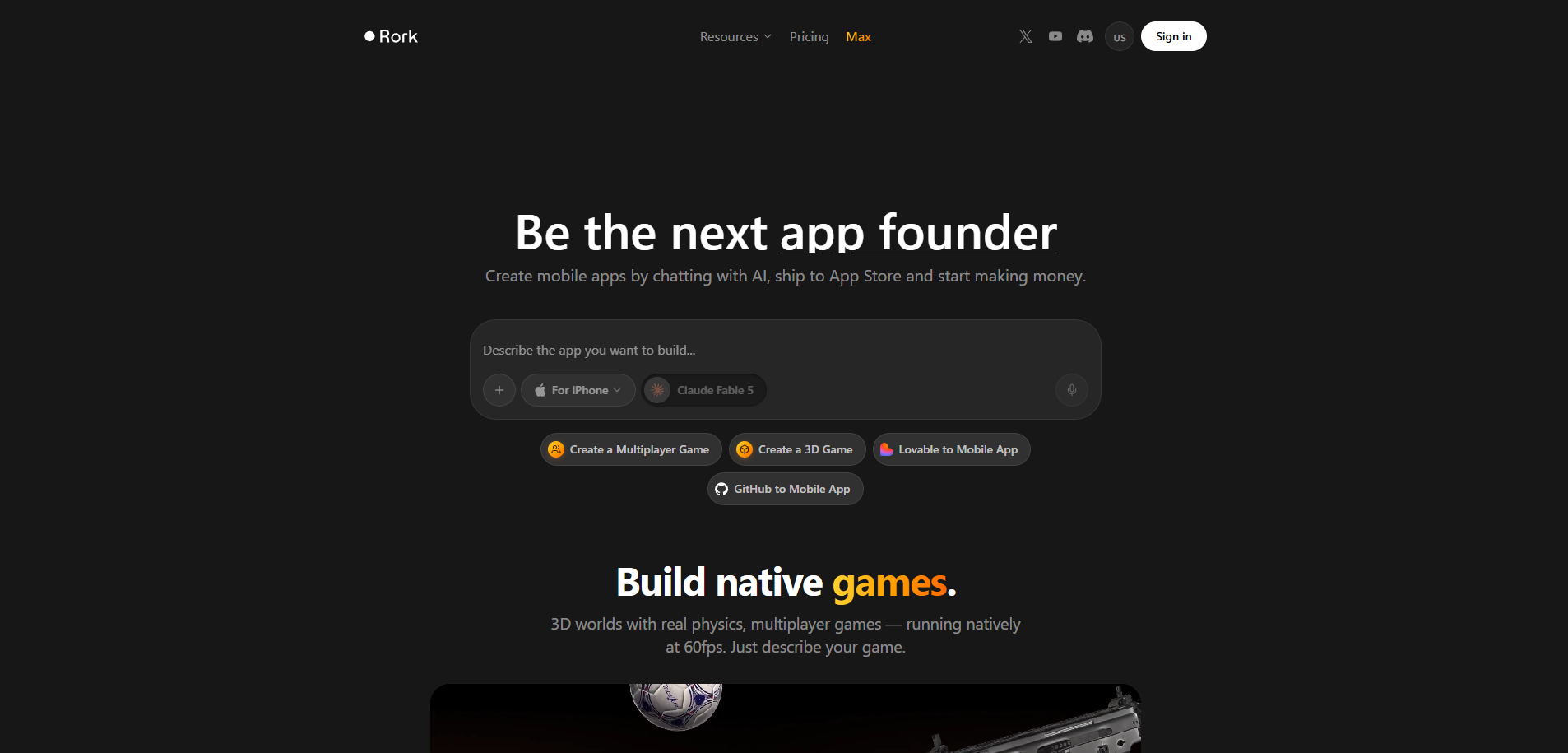
Rork is the vibe-coding camp's mobile specialist: prompt in, cross-platform mobile app out, on React Native and Expo, with cloud builds landing in both app stores, no Mac, no Xcode, and no certificates wrangled by hand. An a16z-backed upstart, it exists because everyone else in the camp forgot phones.
Product Overview
The workflow is chat and nothing but: describe, preview on your device, prompt again. GitHub export offers an exit for developers, and the separate Rork Max product generates native SwiftUI across the Apple ecosystem, iPhone through Vision Pro.
Pricing
Free tier of 35 monthly credits capped at 5 per day. Pro is $20 per month for 100 credits with larger allowances above, and Rork Max is $200 per month. Every fix-it prompt is a credit, and reviewers consistently name credit burn as the real cost of ambitious apps.
Integrations
Subscriptions run through RevenueCat, store binaries come out of Expo's cloud build service, GitHub handles export, and anything further is whatever the AI can be persuaded to wire.
Setup
Minutes to an on-device preview, genuinely thrilling the first time. Apple and Google developer accounts remain yours to set up, and complex logic is still where non-coders stall.
Tradeoffs
Rork is the nearest thing Choicely has to a camp-mate, so the differences carry weight: standard output is cross-platform React Native rather than compiled Swift and Java (native Swift costs $200 monthly and covers Apple only), the chat-only workflow bottlenecks the whole team through one prompt box, and there are no engagement features, no live no-review updates, no services team, and no broadcast-scale proof. It wins for a solo builder shipping a mobile MVP on pocket money.
9. Cursor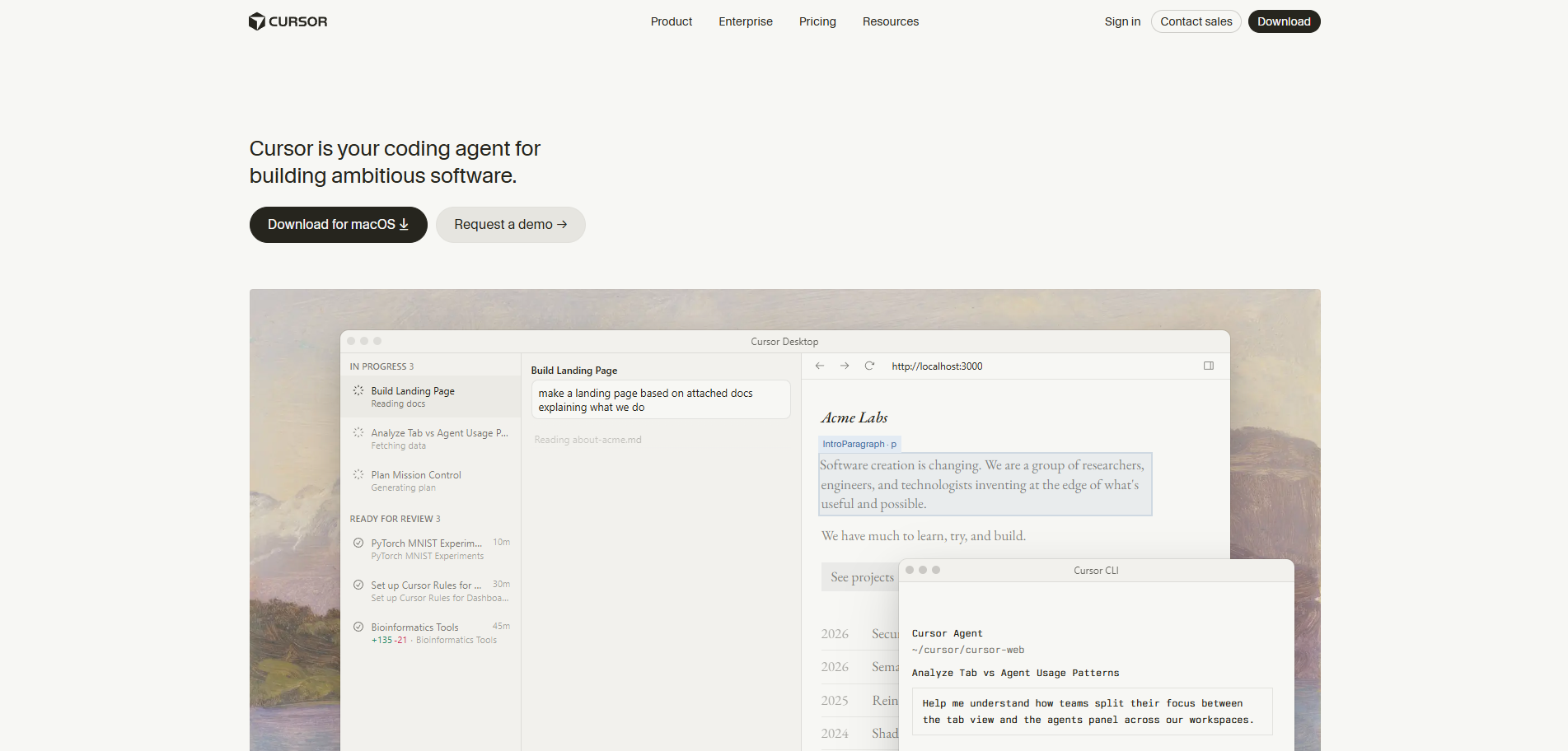
Now the other camp. Cursor is the most popular AI code editor on earth, the VS Code fork that made agentic coding a daily habit for working developers. If you write code for a living, Cursor is probably already open on your machine; if you do not, nothing past this sentence will change that.
Product Overview
Tab completions, chat, and an agent mode that plans and executes multi-file changes across large codebases, with your pick of frontier models from OpenAI, Anthropic, and Google routed through a credit pool. Its Composer models now deliver near-frontier performance at a fraction of the cost, part of why it dominates the professional segment.
Pricing
A free Hobby tier. Pro is $20 per month ($16 billed annually) with a $20 monthly credit pool, Pro+ is $60, Ultra is $200 for twenty times the usage, and Teams runs $40 per user per month ($32 annual) with a Premium seat at $120 for the heaviest agent users. Manual frontier-model selection and Max mode drain credits fast; the Auto router is effectively unlimited.
Integrations
GitHub, Slack, the terminal, MCP servers, and the entire extension universe it inherited from VS Code. It lives where developers already live.
Setup
Install, sign in, and it is your editor with superpowers. There is no app-generation path here: the output is source code, and the architecture, deployment, and shipping are entirely on you.
Tradeoffs
Cursor assumes a developer at the keyboard, full stop, which places it in a different market than Choicely rather than behind it. No app output, no store pipeline, no visual path for non-engineers, and workflow lock-in to its editor. For the founder-PM-marketer team this article's readers lead, it is the wrong camp; for their engineering team, it may be the best $20 they spend.
10. Windsurf
Windsurf is Cursor's persistent rival, an AI-native editor whose Cascade agent maintains deep awareness of your codebase while it works. After a turbulent 2025 acquisition saga it landed under Cognition, the Devin team, and its 2026 identity is clear: agentic coding with a gentler learning curve and friendlier economics.
Product Overview
Cascade tracks context across files and actions, executing multi-step tasks with less hand-holding than a chat sidebar, and the editor's flow-focused design consistently wins praise from developers who find Cursor's option surface overwhelming. Model access spans the majors.
Pricing
Free tier with monthly credits, the most usable free plan in the editor camp. Pro is $20 per month following the March 2026 restructure, Teams is $40 per user per month, and the Max tier is $200 for heavy agentic loads.
Integrations
GitHub, MCP support, terminal integration, and standard editor ecosystem plumbing, plus Cognition's Devin lineage increasingly showing up in its autonomous features.
Setup
Install and code; same as its rival. Same caveat too: the output is source, and everything after the source is your job.
Tradeoffs
Everything said of Cursor applies: developer-only, code-out, no app pipeline, no team path for non-engineers, no services fallback. It loses to Cursor on raw market momentum and wins on generous free access and approachability. Against Choicely, wrong camp by design.
11. Claude Code
Claude Code is where the term vibe coding stops being a metaphor: Anthropic's agentic coding tool takes plain-language instructions in the terminal, or in VS Code and JetBrains, and works the way a senior engineer does, reading the codebase, planning, editing across files, running tests, and committing. For many developers in 2026 it is not an editor feature; it is a colleague.
Product Overview
Built directly on Anthropic's frontier Claude models, it handles long, multi-step engineering tasks with unusual autonomy: refactors, feature builds, debugging sessions, and pull requests, driven by conversation. It pairs naturally with any editor since the terminal is the interface.
Pricing
Included with a Claude Pro subscription at $20 per month, with Max plans at $100 and $200 per month for five and twenty times the usage, plus API-metered access for teams building it into pipelines. For heavy agentic work, the Max tiers are the realistic budget line.
Integrations
Git and GitHub natively, MCP for connecting external tools and data, and IDE plugins for VS Code and JetBrains, alongside anything reachable from a shell, which is to say, everything.
Setup
An npm install and a login, then it is working in your repo. As with the whole editor camp, what it produces is code, and shipping that code is a separate discipline.
Tradeoffs
The terminal is the tell: Claude Code is built for people comfortable in one, and offers no app output, no visual editor, no store pipeline, and no path for the rest of the team. It loses to Choicely for every non-engineering buyer in this article's audience, and for pure agentic coding power on hard engineering tasks, many developers now rank it first in the field.
How To Choose the Best Vibe Coding Tool
Eight steps, in decision order. Most buyers eliminate two-thirds of the list by step three.
Step 1: Decide Your Camp, AI Code Editor vs Prompt-to-App
The first fork eliminates half the market. Cursor, Windsurf, and Claude Code make developers faster inside code; Lovable, v0, Replit, Bolt, Base44, Emergent, Rork, and Choicely generate the app from a description. If nobody on the build writes code, the editor camp is simply not for you, whatever the reviews say.
Step 2: Match the Tool to Your Skill Level, Do You Want to See Code or Not?
Be honest about who is actually building. Cursor and Windsurf assume you can read and ship code, Replit and Bolt expect you to cope when the code surfaces, and a visual editor plus AI keeps non-engineers productive indefinitely. Pick for the real builder, not the aspirational one.
Step 3: Define the Output, Web App, Raw Code You Deploy, or a Real Native App
Lovable, v0, Base44, and Emergent produce web apps, the editor camp produces code you still have to architect and deploy, Replit hosts web projects, and Rork ships cross-platform React Native. If the deliverable is a true native iOS and Android app in the stores, Choicely is the tool on this list built to output exactly that.
Step 4: Stress-Test AI Generation Depth, Autocomplete vs Full-App Agent
Some tools shine at inline completions and refactors, others generate entire features or applications from a paragraph. Run your hardest real requirement through each finalist, the gnarly integration, not the to-do list demo, and measure how far the AI gets before handing the problem back to you.
Step 5: Check Whether Non-Engineers on Your Team Can Use It
If a PM, designer, marketer, or content lead needs to touch the build, a pure code editor excludes them on day one, and a chat-only tool bottlenecks them through whoever owns the prompt. Confirm a genuine no-code or visual path exists, because team accessibility is a feature you cannot prompt into existence later.
Step 6: Map Free Tiers, AI Credits, and Model Costs
The best free vibe coding tools are genuinely useful for evaluation, Windsurf and Cursor's free tiers, Lovable and Bolt's daily allowances, Choicely's free build tier, but production usage is where pricing models diverge. Model realistic iteration: credit tools charge most when you struggle, and editor tools charge for the frontier models you will actually want.
Step 7: Confirm How You Ship and Where Your Code and App Live
Ownership and lock-in vary wildly: Lovable hands you a GitHub repo, v0 pulls toward Vercel, Base44 keeps the source, Cursor and Windsurf tie your workflow to their editor, and Choicely outputs a native app you own with your data staying yours. Decide which exits matter to you before you need one.
Step 8: Evaluate the Production Path, What Happens After the Vibe-Coded Prototype?
The prototype is the easy 80%. Ask each vendor who finishes the hard 20%: on ten of these eleven tools the answer is you, a forum, or a freelancer, and on Choicely it is an in-house Pro Services team with a start date. If the app has a launch date attached, weight this step accordingly.
Pricing Models and Costs of the Best Vibe Coding Platforms in 2026
Four pricing philosophies compete here, and they punish different behaviors.
- Credit and token metering (Lovable at $25/mo, Bolt at $25, v0 at $20, Base44 from $16 annual, Emergent from $17 annual, Rork at $20) charges per AI effort, which means debugging weeks cost more than shipping weeks. Base44 and Emergent also meter live apps, roughly 50 credits per month per deployment on Emergent, so launch is not the end of the bill.
- Editor subscriptions with usage pools (Cursor Pro at $20 with a $20 credit pool, Windsurf Pro at $20, Claude Code via Claude Pro at $20 with Max at $100 and $200) look flat but flex with model choice: frontier models and max-context modes drain pools quickly, while router modes stay effectively unlimited.
- Platform subscriptions plus usage (Replit Core at $20, or $18 annual, plus metered Agent effort and deployment compute) blend a predictable base with variable agentic costs.
- Credit allotments plus optional services (Choicely, free, then $25 per month or $21 annual, and $50, with Pro Services from $15k to $20k) keeps the monthly base fixed — allotments roll over and top-ups are optional — and the cost of finishing is quoted up front. For teams pricing a launch rather than a hobby, that predictability is itself a feature.
Across all four models the same rule holds: free tiers evaluate tools, they do not ship products. Price the month you debug, not the day you demo.
Questions To Ask When Choosing a Vibe Coding Tool
Seven questions that separate the shortlist from the brochure.
Is it a code editor or a prompt-to-app tool?
The camps solve different problems for different people. Ask which one this is before comparing anything else, because a brilliant answer to the wrong question is still the wrong tool.
What exactly does it output: a web app, raw code, or a native app?
Get the deliverable in writing. A hosted web URL, a repo you must deploy, and a signed native binary in the stores are three different products with three different futures.
How deep does the AI generation go?
A snippet, a feature, or a whole application are different orders of capability. Test with your hardest requirement and note where the AI hands the problem back.
Which models can you use, and what do they cost?
Model choice increasingly is the product in the editor camp, and credit burn rates vary by model everywhere. Ask what is included, what is metered, and what the realistic monthly figure looks like at your usage.
What do credits really cost at production usage?
Ask for the number at heavy iteration, and whether live apps keep consuming after launch. A vendor who cannot estimate this is telling you something.
Who owns the code, the app, and the data?
Confirm the exits: GitHub export, source access, data portability. Lock-in is cheapest to negotiate before you are locked in.
Is there a path to production when the AI stalls?
The last 20% is where vibe-coded projects die. Ask, specifically, who takes over: on this list only Choicely answers with an in-house team.
Vibe Coding Tool Integrations: What to Verify Before Buying
Integrations decide whether a vibe coding tool joins your workflow or demands a new one. The generated app or code has to plug into your repo, your models, your deploy target, and your data, and every missing connector becomes manual work at the worst possible time.
Verify five handoffs: code-to-repo (GitHub, native in Lovable, Replit, Bolt, v0, Cursor, Windsurf, and Claude Code), design-to-build (Figma import in v0 and Bolt), model providers (OpenAI, Anthropic, and Google access and pricing in the editor camp), deployment (Vercel for v0, Netlify for Bolt, replit.app for Replit, Expo for Rork, and the App Store and Google Play, which only Choicely handles end to end), and data plus auth (Supabase in the web camp, your CRM and backend elsewhere, and Choicely's connector list for CRMs, Stripe, streaming, and CMSs).
Say your actual stack out loud in the sales call: GitHub, Figma, Vercel, Supabase, Stripe, and your model provider of choice. Any hesitation is your integration budget talking.
Key Features to Look for in the Best AI Tools for Vibe Coding
Whatever camp you land in, these seven capabilities decide whether the tool ships something real.
AI Model Quality and Code Generation Depth
The underlying models, and how far the tool can take a prompt, a snippet, a feature, or a whole app, largely determine the experience. Check which models are available, what they cost to run, and where generation reliably stops.
Prompt-to-App vs In-Editor Assistance
Decide whether you want to describe an app and receive it, or write code faster with an AI beside you. This single split defines the list, and choosing against your actual skill profile guarantees regret.
Output Type: Web, Raw Code, or a Real App
Confirm what you hold at the end: a hosted web app, a codebase awaiting deployment, or a native app in the stores. Everything about your launch flows downstream from this.
Accessibility for Non-Engineers
Whether a non-developer can contribute at all is binary, and it is set by the tool's design. A visual, no-code layer keeps the whole team in the build; a pure editor keeps them out.
Deployment and Hosting, and Who Owns the Output
How you ship, where it lives, and whether you can leave. Watch for gravity wells: editor lock-in, platform hosting, and missing source export all feel fine until they do not.
Integrations With Your Repo, Design Tools, and Models
GitHub, Figma, and model-provider access determine whether the tool fits the workflow you already run or quietly replaces it.
The Path From Prototype to Production
The feature nobody lists and everybody needs: what happens after the demo. A done-for-you or pro-services option converts a stalled prototype into a shipped product, and only one tool here offers it first-party.
Which Vibe Coding Tool Is Right for You?
Find your row.
- Developer who wants an AI copilot in the editor: Cursor for market-leading agent depth, Windsurf for friendlier economics, Claude Code for terminal-first agentic power on frontier models.
- Non-engineer who wants to prompt a web app into existence: Lovable for speed with code ownership, Base44 for the backend generated too, Emergent for maximum hands-off automation.
- Technical founder who wants the code in view: Bolt.new in the browser, or Replit for the full cloud IDE around the agent.
- Design-led team on React and Vercel: v0, for interface quality nothing else here matches.
- Solo builder prompting a mobile MVP: Rork, accepting chat-only workflow and React Native output.
- Team that needs to vibe-code a real native iOS and Android app, with engagement, live updates, and scale: Choicely, the only tool on this list whose output is that app, and the only one with humans behind the prompt.
- Media, sports, events, or entertainment brand: Choicely, where voting, polling, and paid engagement are prebuilt and the scale proof is Eurovision-grade.
Is Choicely Worth Its Cost?
Depends what you are vibing toward. For a fast web prototype, take Lovable or v0; for an AI copilot in your editor, take Cursor or Windsurf, and none of them will judge you. Choicely's self-serve tiers sit right in the category's price band, $25 per month or $21 on annual billing, so the genuine decision is the Pro Services builds run $15k to $20k.
Price it against the alternatives it replaces: a custom native agency build at several times the cost and timeline, or a vibe-coded prototype that never survives contact with production. For a team whose deliverable is a real native app that has to scale, update live, and engage an audience from day one, Choicely is the only tool in this article where the vibe ends in the App Store, and that is precisely what the money buys.
FAQs
What is vibe coding and how does it work?
Vibe coding means building software by describing what you want in natural language and letting AI generate it, iterating through conversation rather than syntax. It spans AI code editors that accelerate developers and prompt-to-app tools that need no code at all, and in 2026 it spans quality levels just as widely.
What is the best free vibe coding tool?
For evaluation: Windsurf has the most usable free editor tier, Lovable and Bolt offer daily credit allowances, and Cursor's Hobby plan is free forever. Choicely's free tier is the standout for mobile, since it lets you build and preview a real native app before paying anything.
What's the difference between an AI code editor and a prompt-to-app vibe coding tool?
An AI code editor (Cursor, Windsurf, Claude Code) makes someone who writes code dramatically faster, and outputs code. A prompt-to-app tool (Choicely, Lovable, Bolt, Base44) generates the application itself from a description. The first camp assumes a developer; the second replaces the need for one, to a point.
What is the best vibe coding tool for non-engineers?
Choicely for a native mobile app: conversational AI, a drag-and-drop visual editor, and an in-house team behind both, with no code at any step. Base44 for a complete web app with the backend generated. Lovable is close behind for web, provided someone nearby can read React when needed.
What is the best vibe coding AI for building a real app?
Define real. For a production web app, Replit and Lovable have the most complete paths. For a real native iOS and Android app in the stores, Choicely is the only tool on this list whose output is exactly that, with store submission handled and a services team for the hard parts.
Can vibe coding tools produce a native iOS and Android app?
Mostly no. Lovable, v0, Bolt, Base44, and Emergent produce web apps, the editor camp produces raw code, and Rork ships cross-platform React Native. Choicely is the exception: it compiles true native iOS (Swift) and Android (Java) apps and handles App Store and Google Play submission.
What are the best vibe coding platforms for teams?
For engineering teams, Cursor Teams at $40 per user and Replit's $100 Pro plan for up to 15 builders lead. For mixed teams where PMs, designers, and content leads must contribute, Choicely stands alone: AI chat, a visual editor, and Pro Services keep every role in the build.
How much do vibe coding tools cost?
Entry paid tiers cluster tightly: $20 per month for v0, Base44, Emergent, Rork, Cursor, Windsurf, and Claude Code via Claude Pro, $25 for Lovable, Bolt and Choicely ($21 on annual billing), and $20 for Replit. Real cost is usage: credits, tokens, and model choice. Choicely's done-for-you builds run $15k to $20k.
Is vibe coding good for production apps?
It gets you 80% of the way remarkably fast, and the last 20% remains real engineering: security, edge cases, performance, and store requirements. Tools with a production path, exportable code, real environments, or Choicely's Pro Services team, close that gap; prompt-only tools mostly leave it to you.
Do vibe coding tools let you own your code?
Unevenly. Lovable gives you a GitHub repo from generation one, the editor camp works in code you own by definition, Replit and Bolt export freely, and Choicely outputs a native app you own with your data staying yours. Base44 keeps source in-platform, and v0 pulls toward Vercel hosting.
What is the best vibe coding app for beginners?
Lovable, for the gentlest prompt-to-working-app curve on the web, with Base44 close behind for zero-config completeness. A beginner whose goal is a real mobile app should start on Choicely instead, because porting a web prototype to native later costs far more than beginning native in the first place.
The Bottom Line
The best vibe coding tools in 2026 are genuinely remarkable, and almost all of them end at a URL or a repo. If your vibe is meant to end in the App Store, with an app the whole team built, that updates live and holds up when the audience arrives, start with the one tool on this list built for exactly that finish line. Build free at studio.choicely.com/build-apps, or book a Choicely demo and describe the app out loud. That is, after all, the whole idea.
Sources & disclosure: every price and capability above was verified on the vendor's own pricing page or documentation on October 7, 2026. Choicely publishes this article and appears in its own ranking, so we have a commercial interest in one of the tools compared — which is why we name, per entry, the cases where a rival is the better pick. We don't reprint vendors' self-reported ratings. Prices move in this category; we re-verify monthly, and corrections are welcome from any vendor listed.
Build your own app by chatting with AI

Create mobile apps for App Store & Google Play by chatting with Choicely AI
Keep reading, here are some similar posts
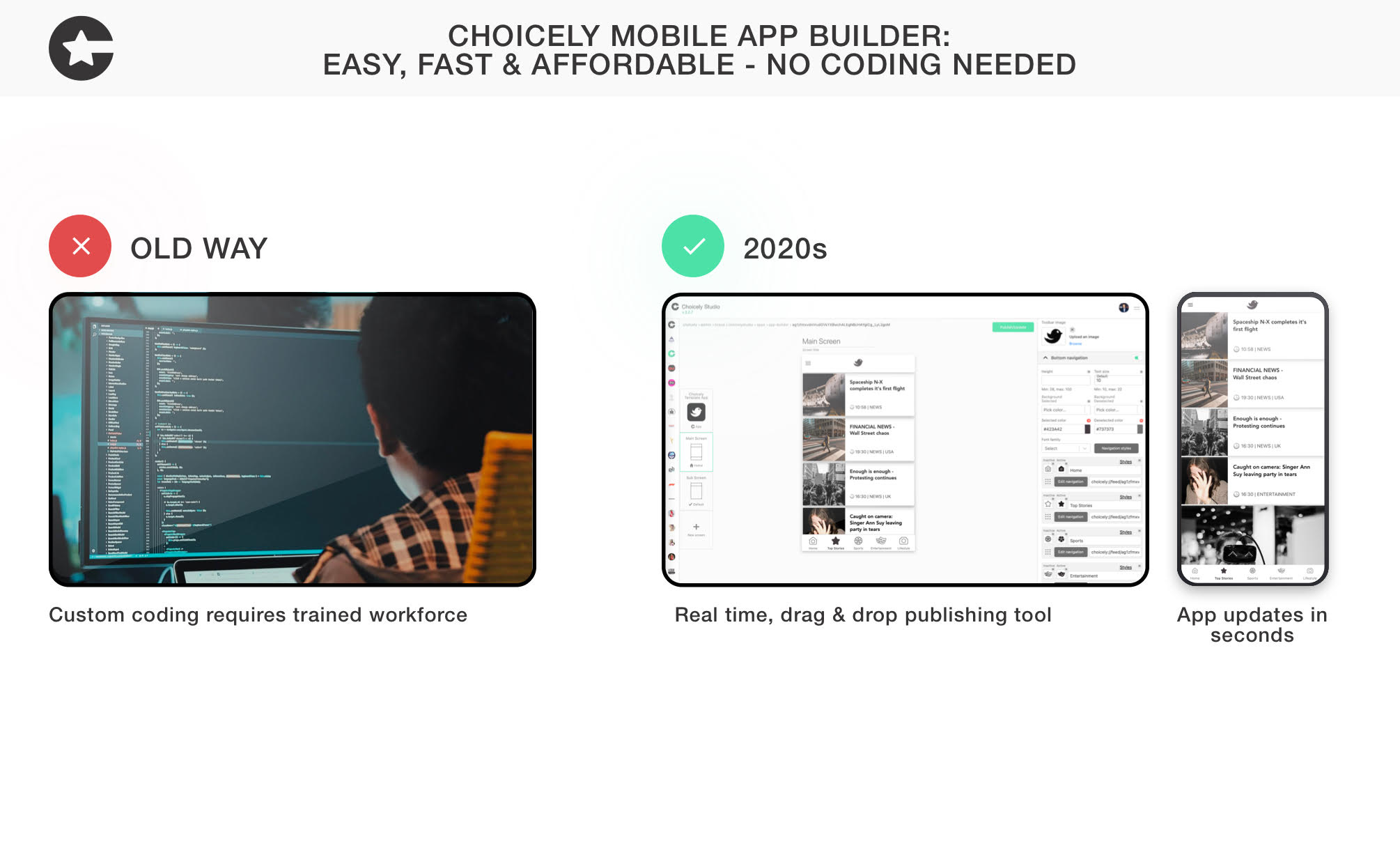
What is a no code app development studio? No-code development is a software programming method that allows...
Today a sports organization, big or small, can have a high quality mobile app like Manchester United or New...

Last updated: October 7, 2026. Prices verified on each vendor's pricing page on that date; we re-check this...