-
Solutions
-
Website to App Converter
Get an app prototype in minutes
-
Contest Voting App
Boost your voting contest with an app
-
Pageant Voting System
Create a flashy app for your pageant
-
Fan engagement app
Grow your fan engagement with an app
-
News app
Grow engagement with your readers
-
Event app
Engage your attendees
-
TV Show app
Grow interactions with your viewers
-
Employee Communication App
Keep your employees connected
-
- Enterprise
- Pricing
- References
- AI App Builder
- Resources

Book a Demo

AI App Builder
Design, build and launch native mobile apps with AI. Start for free.
Voice is transcribed by your browser and may be sent to Google.
Please enter a prompt
Powered by Choicely






What makes Choicely AI App Builder different

Your content, in your app

AI that gets things done

Truly native

Your data, your rules

No ceiling

Extremely scalable and reliable
Start building your app from a template
Pre-built templates with the right features included. Make the app yours in minutes.
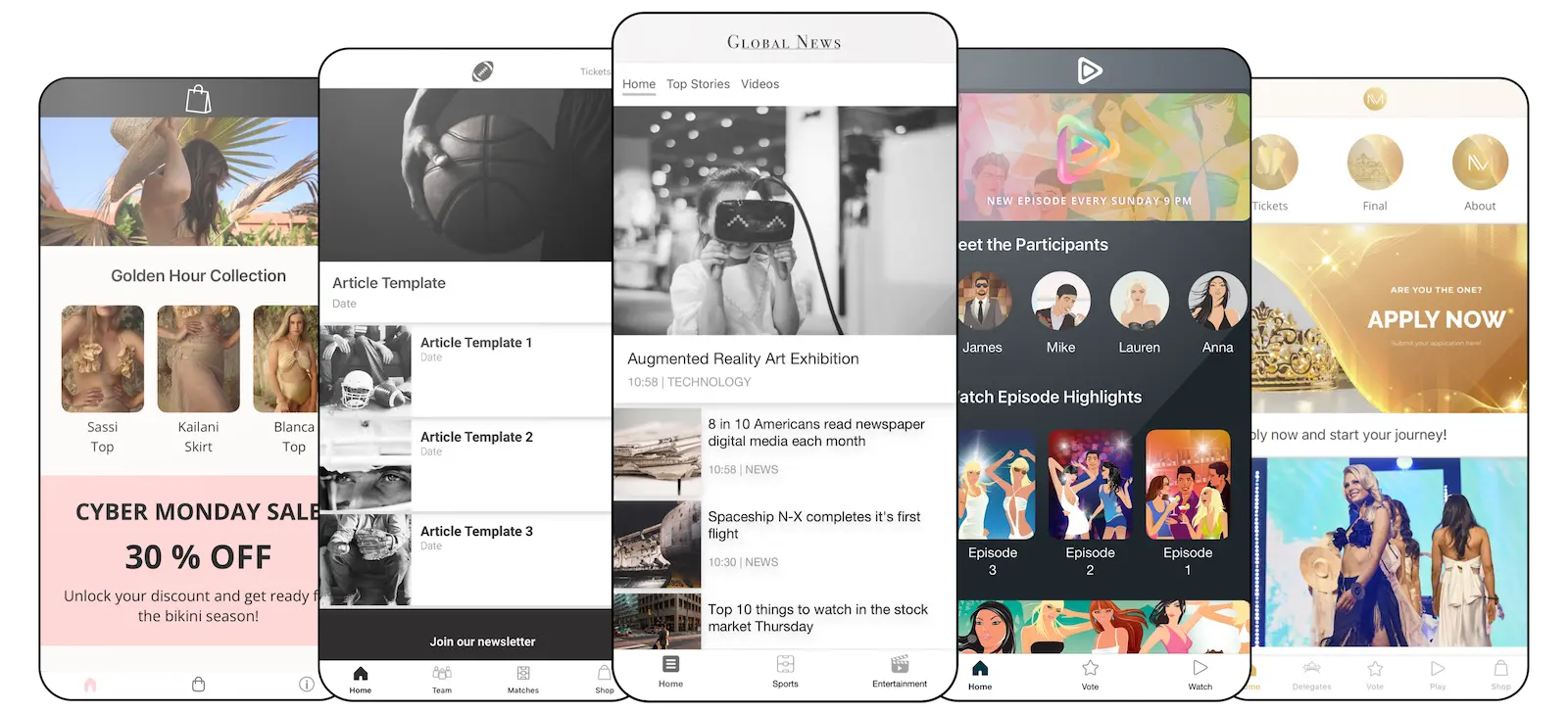
Monetize your app
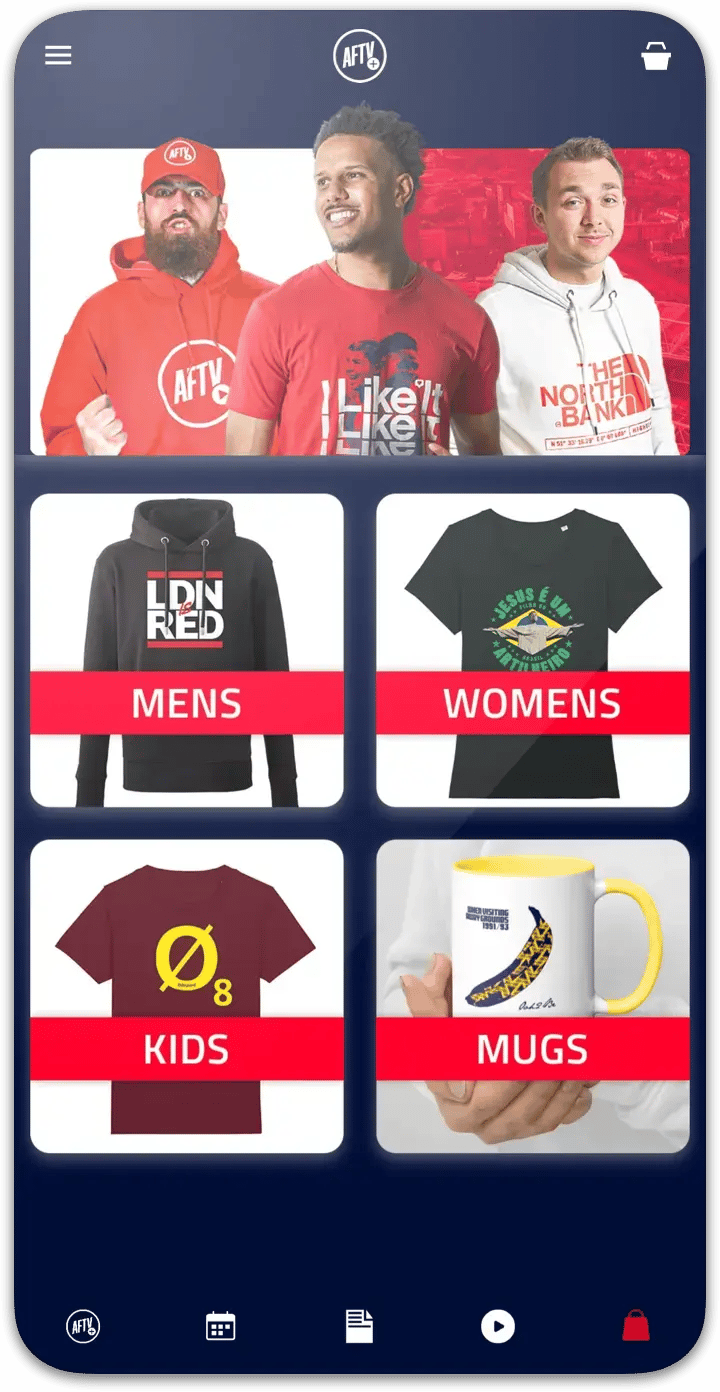
Merchandise shop
Merchandise shop
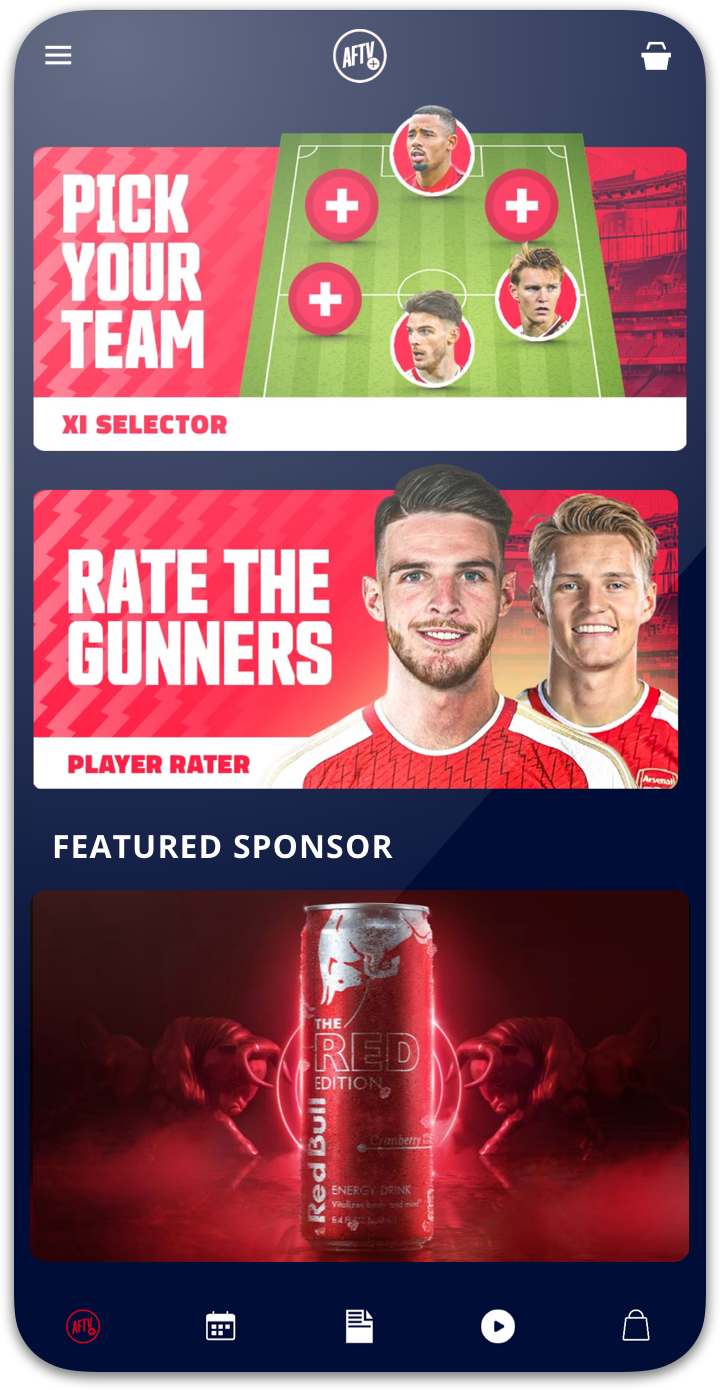
Sponsor visibility
Sponsor visibility
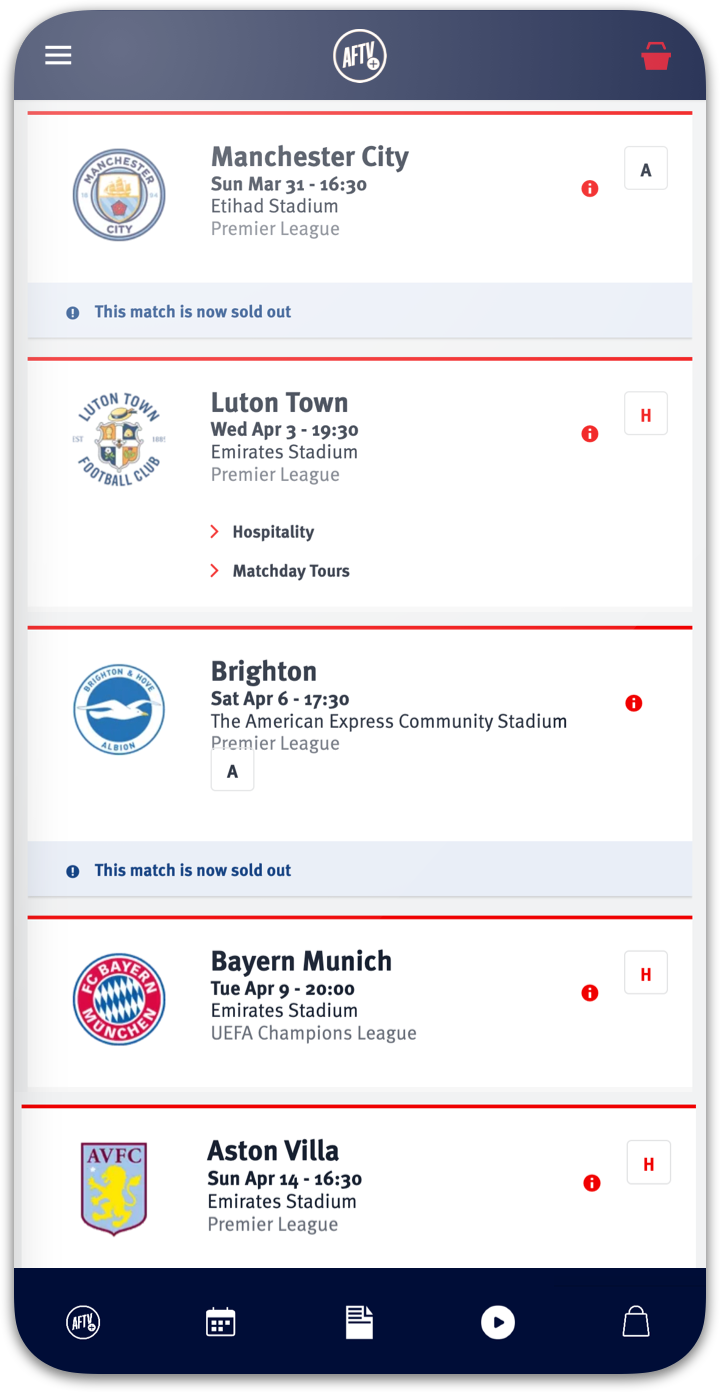
Ticket shop
Ticket shop
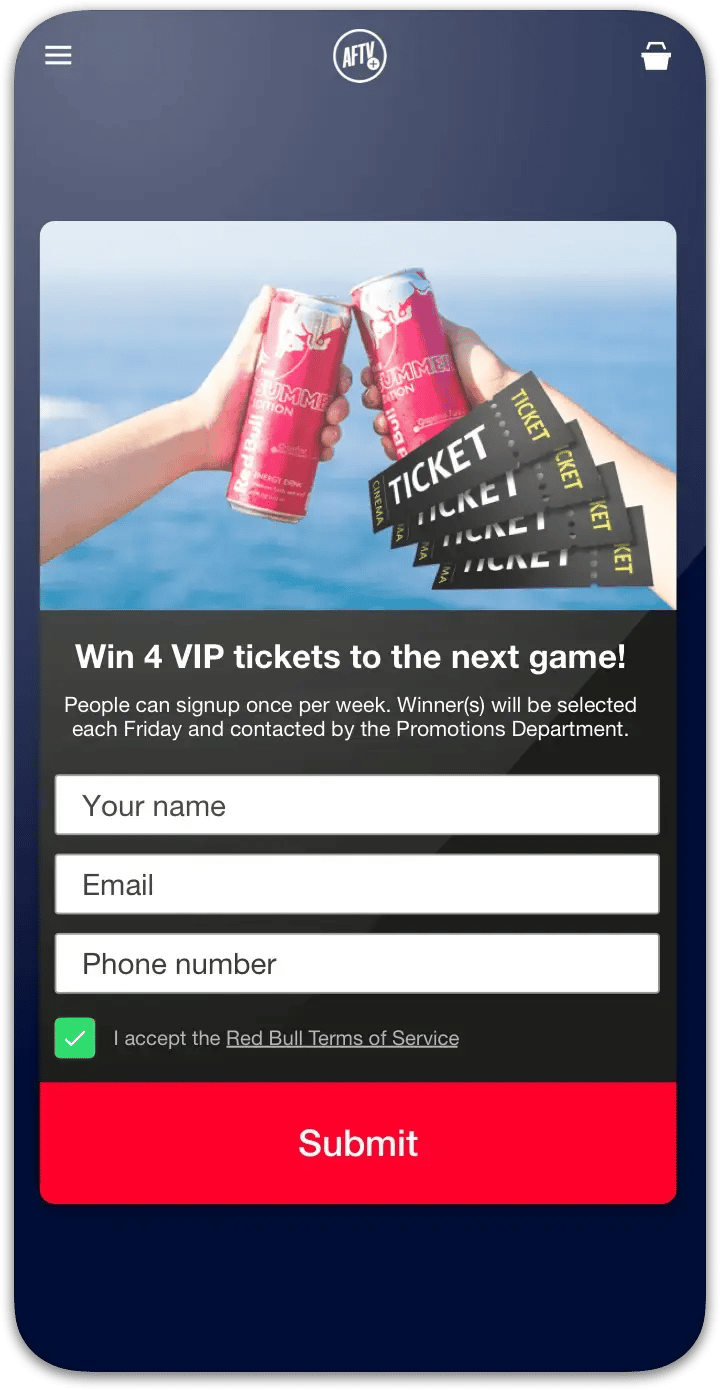
Lead capture
Lead capture
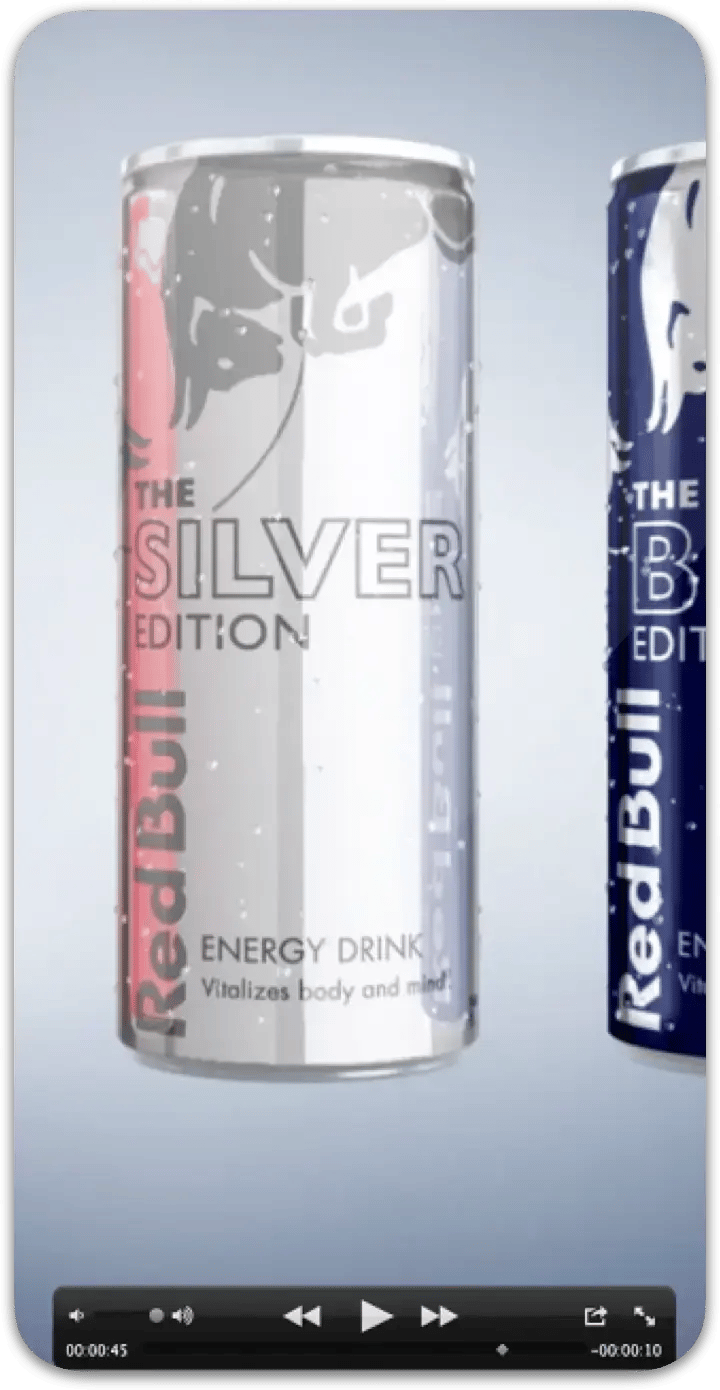
Video ads
Video ads

Sponsored content
Sponsored content
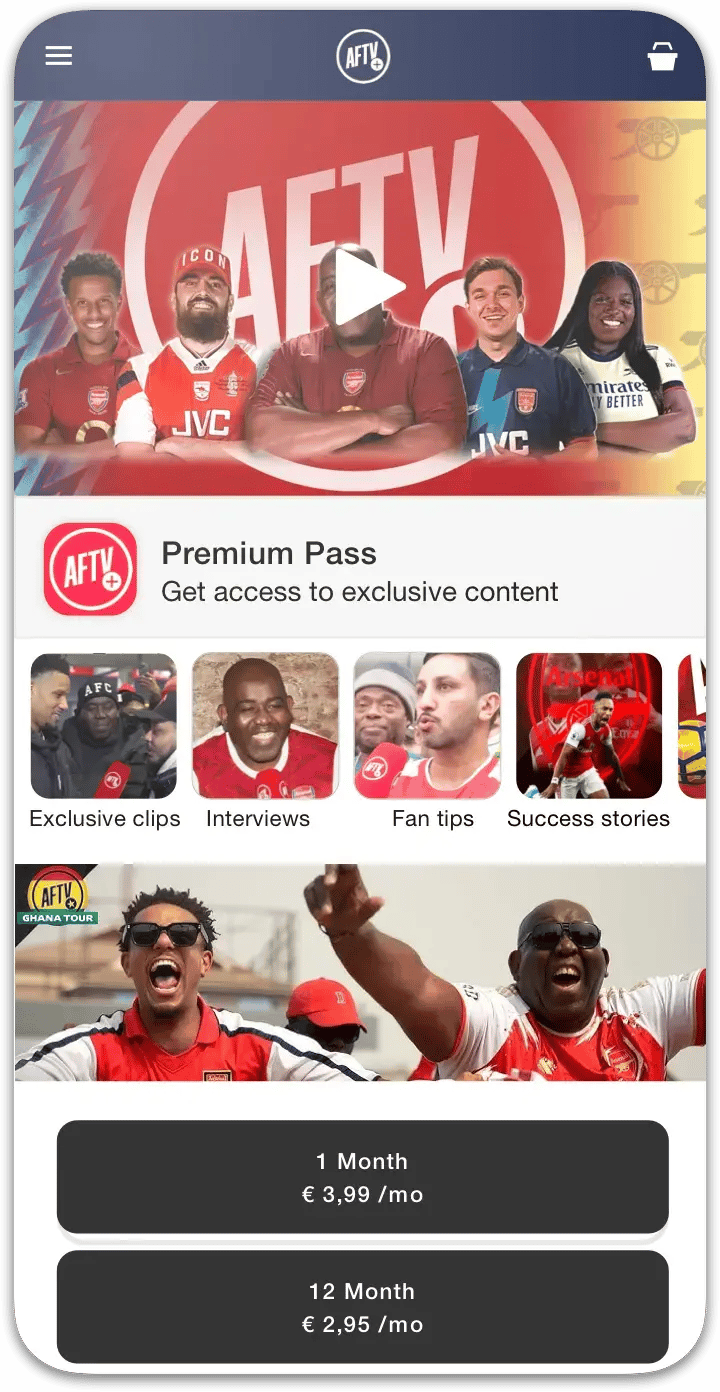
Premium subscriptions
Premium subscriptions
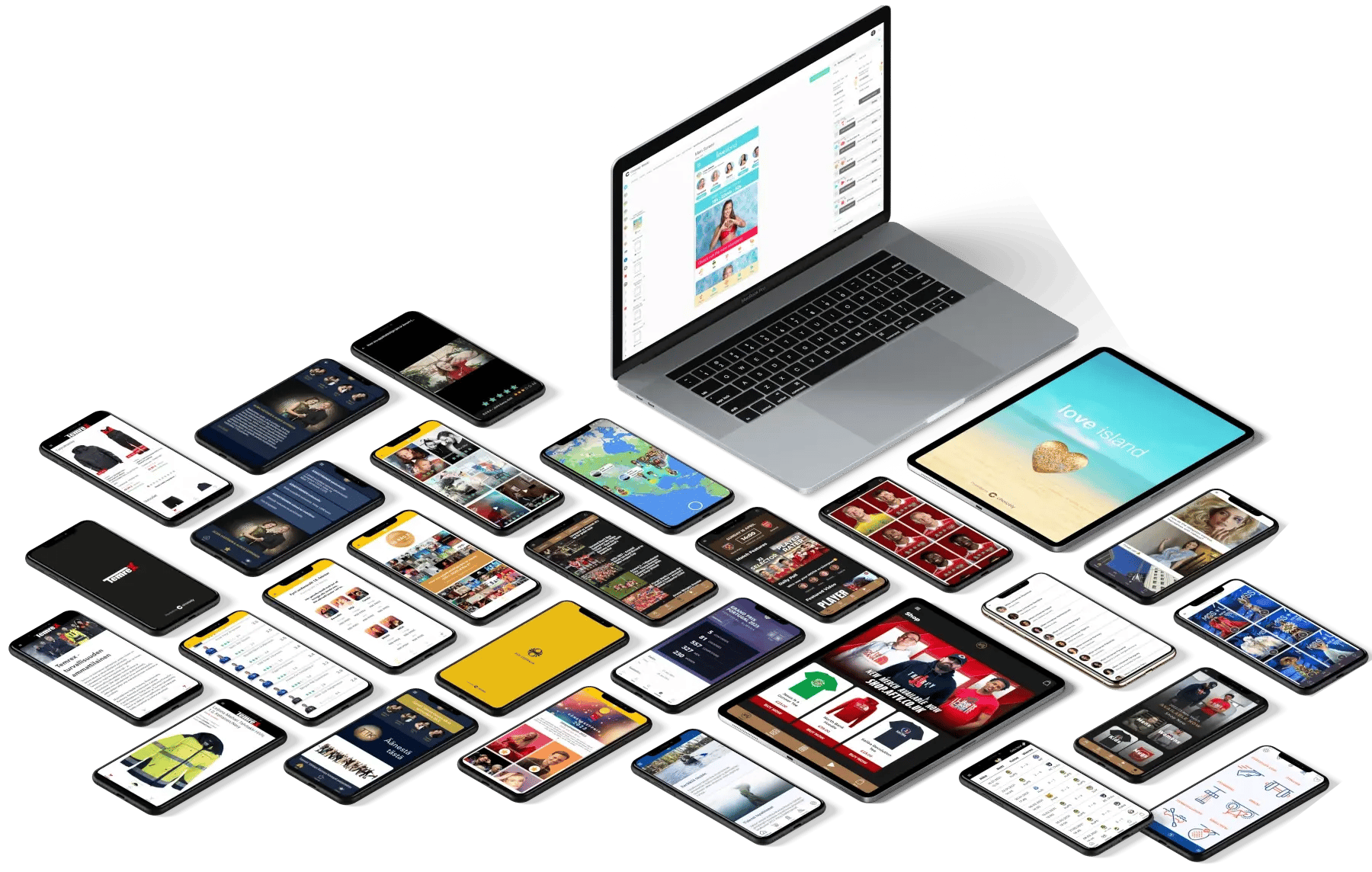
Expand your app with customization & 3rd party features
Choicely supports customization and various technologies such as React, Java, Flutter, and web-based languages. You can enrich your app with 3rd party features and custom-code.
Engage your audience
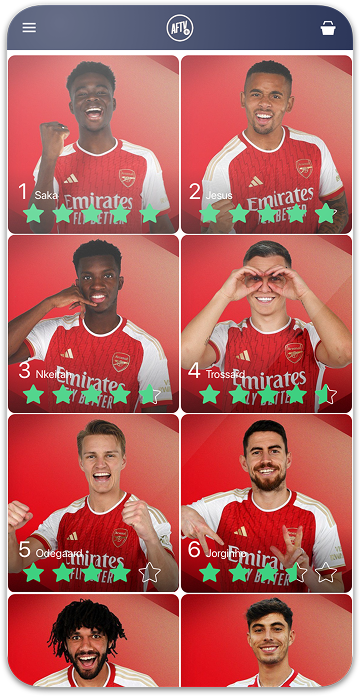
Rating
Rating
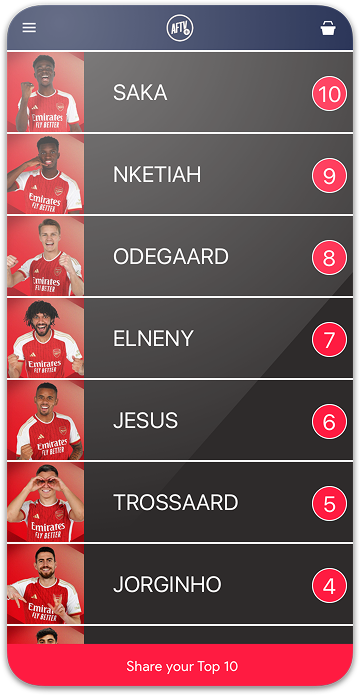
Ranking
Ranking
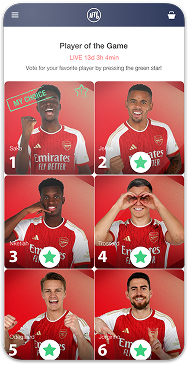
Vote
Vote
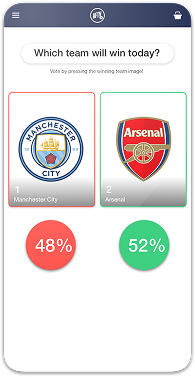
Battle
Battle
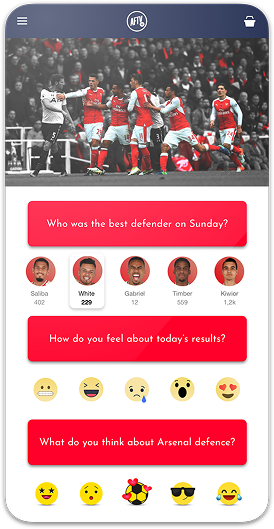
Reactions
Reactions
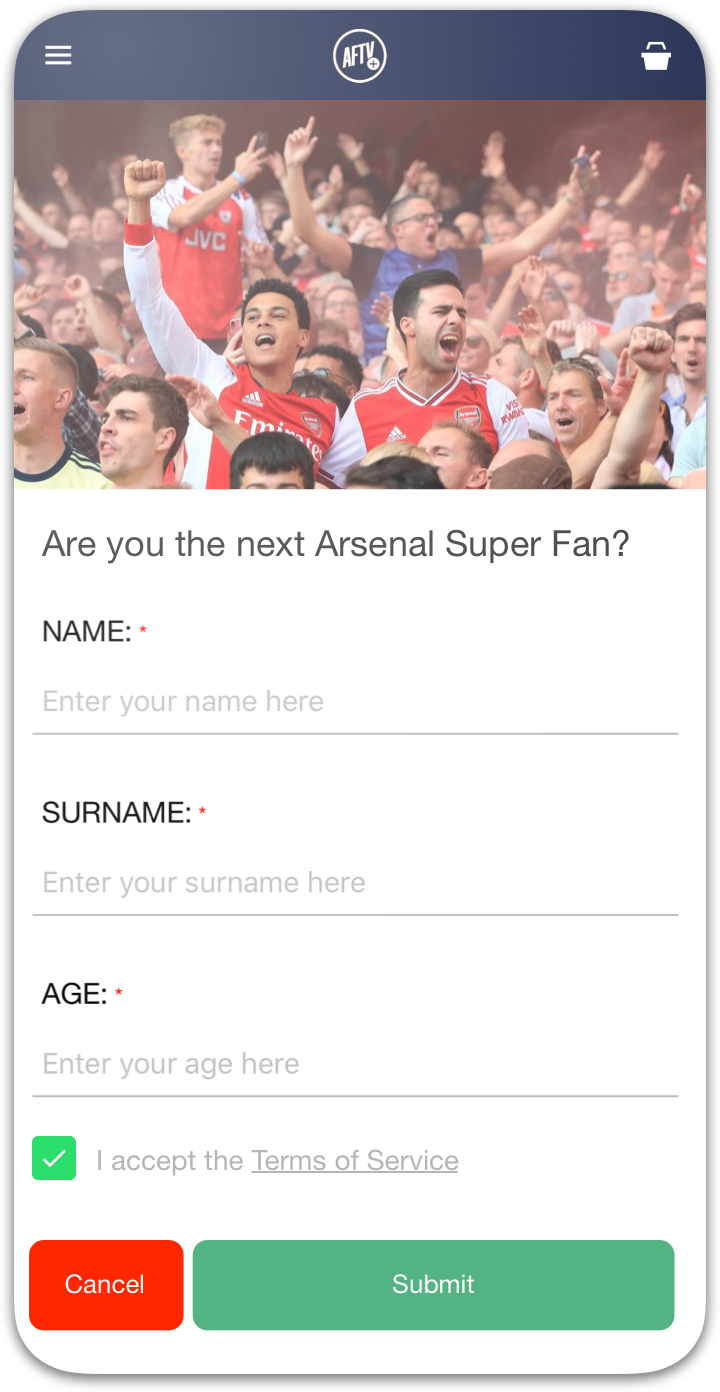
Merch
Advanced fan engagement
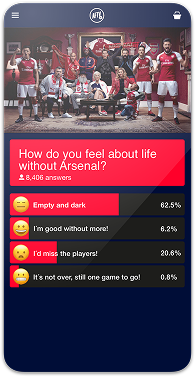
Poll
Poll
Customer quotes
"Despite Choicely being a no code platform, we got a fully tailormade app that matches our needs and our brand. Making improvements is quick and easy. We can focus on engaging our fans!"

Dave Goodman
ESC Digital and Communications Manager, Eurovision Song Contest
"This product is clever and intuitive and can fulfil our needs for a responsive app built on native platforms. For the price, it is remarkable technology."

Brett Best
CEO, Arsenal Fan TV / Global Fan Network
"With the help of Choicely, the app allows the Dancing With The Stars universe to expand and lets the audience really dive into an exclusive world of content and engaging features."

Rasmus Liestøl
Digital Producer, Nordisk Banijay
"The Choicely app is like a Swiss army knife for us, a multipurpose instrument.
Not only will it dramatically change the way voting is concluded on our entertainment programmes, and make sports broadcasts more fun and engaging, but will also become one of our most important channels for listening to what our users have to say."

Einar Logi Vignisson
CEO of RÚV Sales
Why Choose the Choicely AI App Builder
Most AI builders produce prototypes. Choicely produces apps people actually use.
Choicely is a best-fit for businesses that need content-intensive apps and want to interact with and monetize their audience.
Build an app yourself using AI, or have our expert team build it for you. It's your choice.


Choicely in Numbers
0
/
0
Satisfaction among the Choicely customers
0
+
Countries with users using a Choicely App
0
/
0
Reviewed on G2.com
0
+
Countries with customers using the Choicely App Builder